

Unable to View Form Fields in the Configurator
Issues
This article guides you if you have the below issues with some of the form specs.
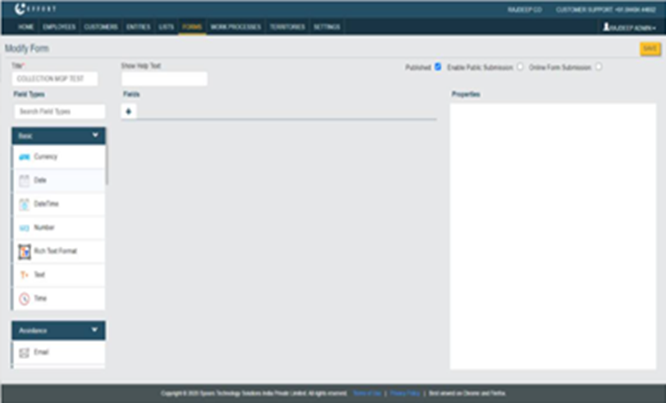
- Unable to view the form fields in the Configurator.
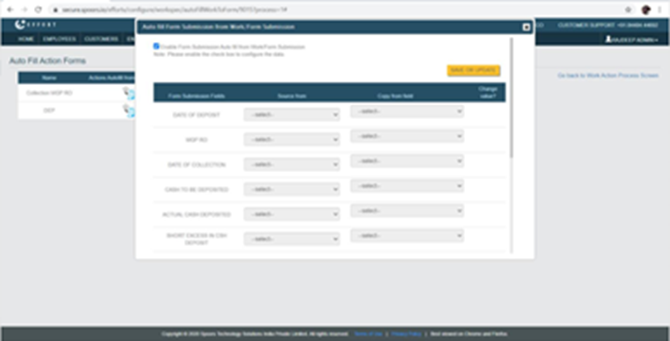
- Unable to use the Autofill option.
Cause
This issue occurs to the form specs that are having fields with computed Currency and Number data types. If you used the Enter key for going to the next line when you are setting the formula for computed fields, then this issue will arise.
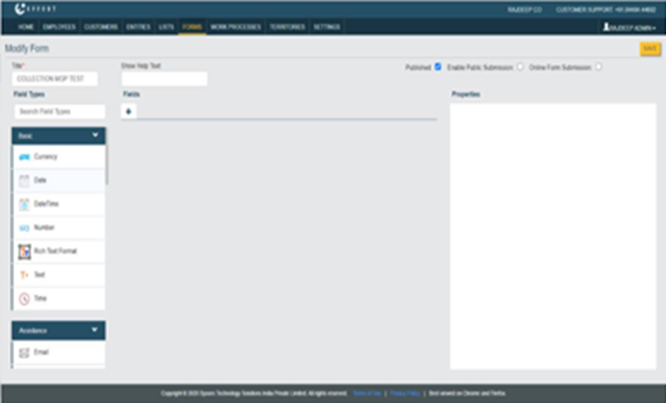
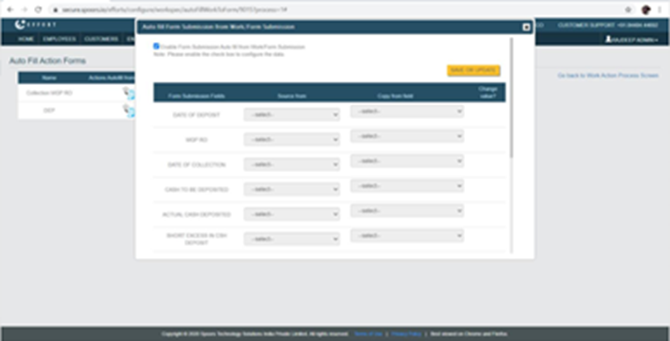
Refer to the below screenshots.
Resolution
Follow the below instructions when you come across this issue.
- Contact our Spoors support team.
- Do not use the Enter key when setting the formula for the computed fields.
Once our Spoors team resolves the issue, then you can view the form fields and use the autofill feature also.