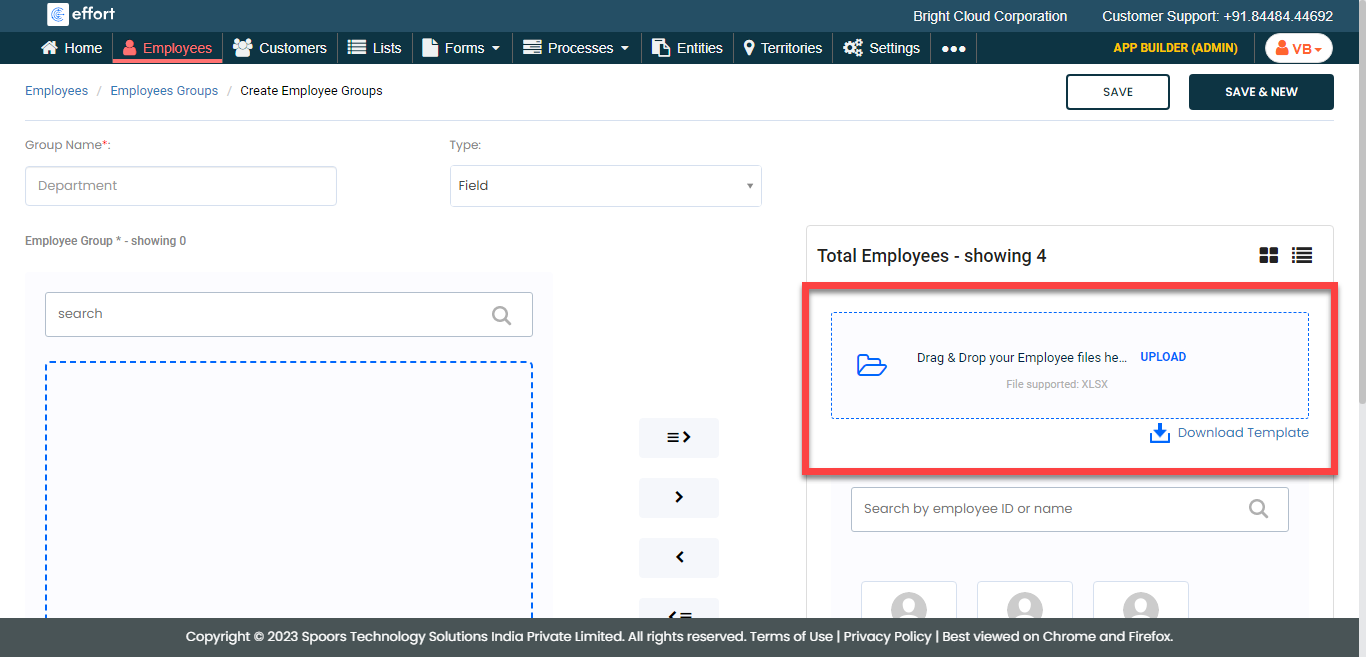
Import Employee Groups
To import employee groups, follow the steps below.
-
Go to .
The Employees page appears.
-
Under the Groups section, click the Employees
Groups card.
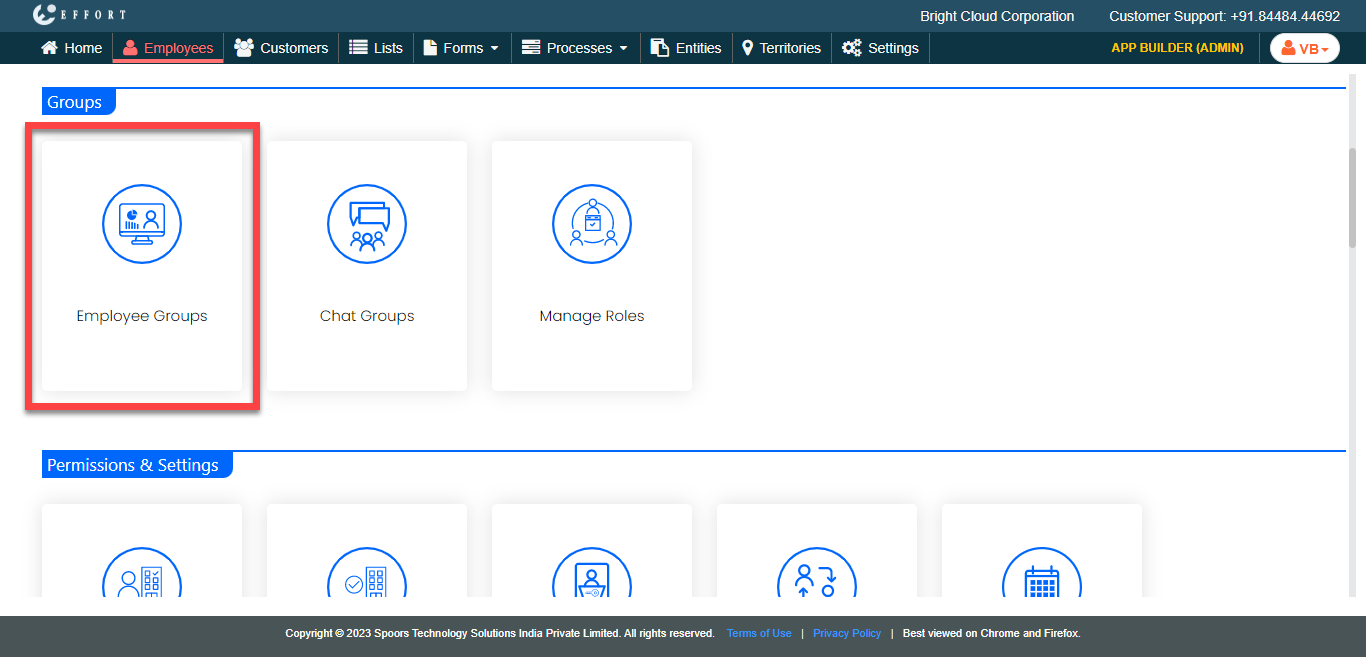
The Employee Groups page appears.
-
Click the Add Employee Group button.
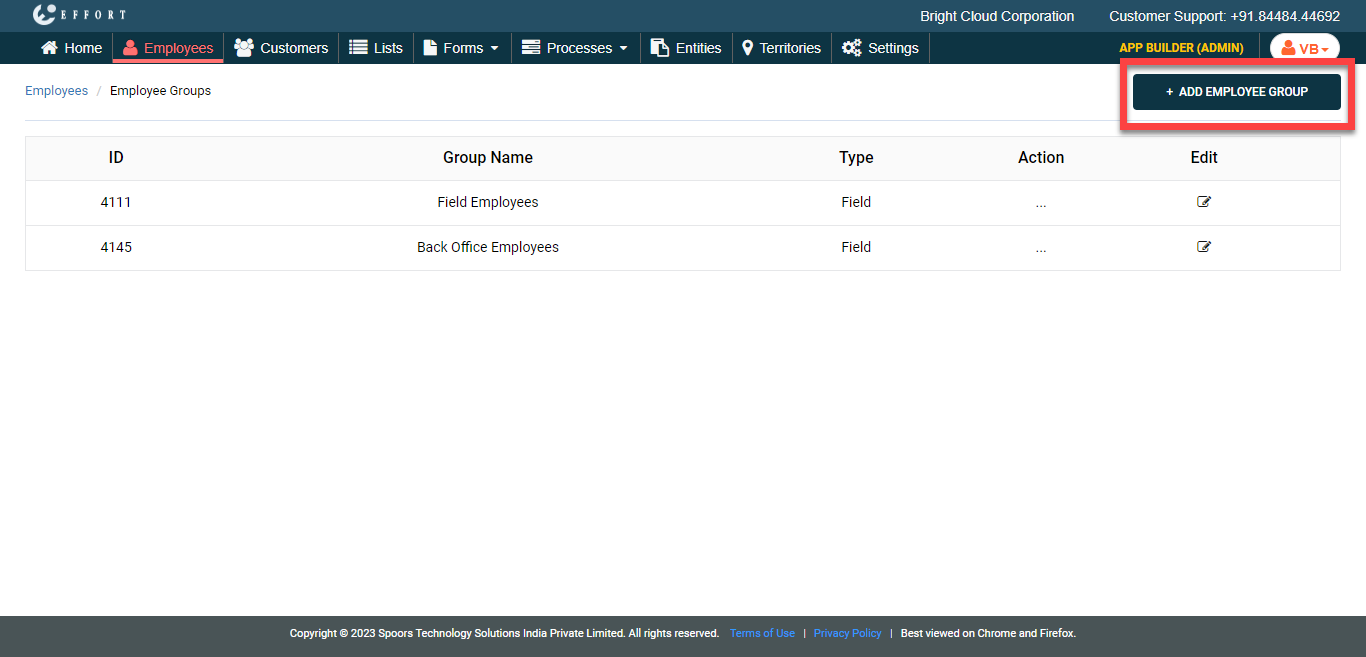
The Create Employee Group page appears.
-
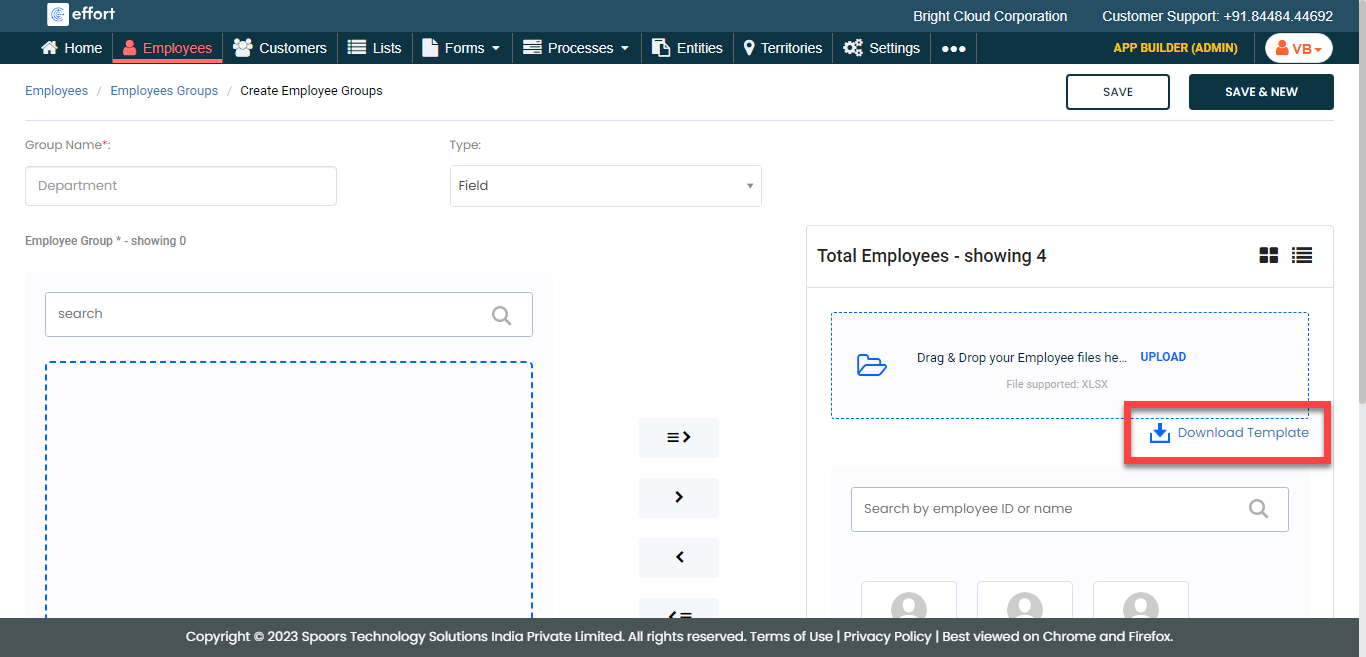
Under the Total Employees section, click
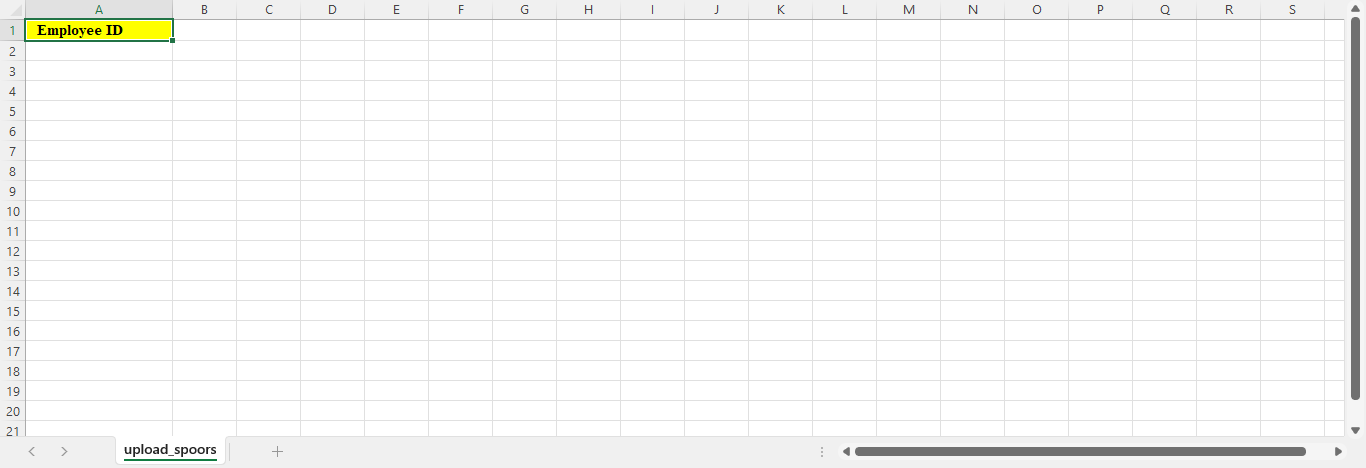
Download Template.
-
Fill in the downloaded Excel sheet.
-
On the Create Employee page, drag and drop the filled
Excel file or click Upload and select the filled Excel
file.