

Sign-Up for an Effort Account
- Go to https://secure.spoors.io/effortx/signup.
-
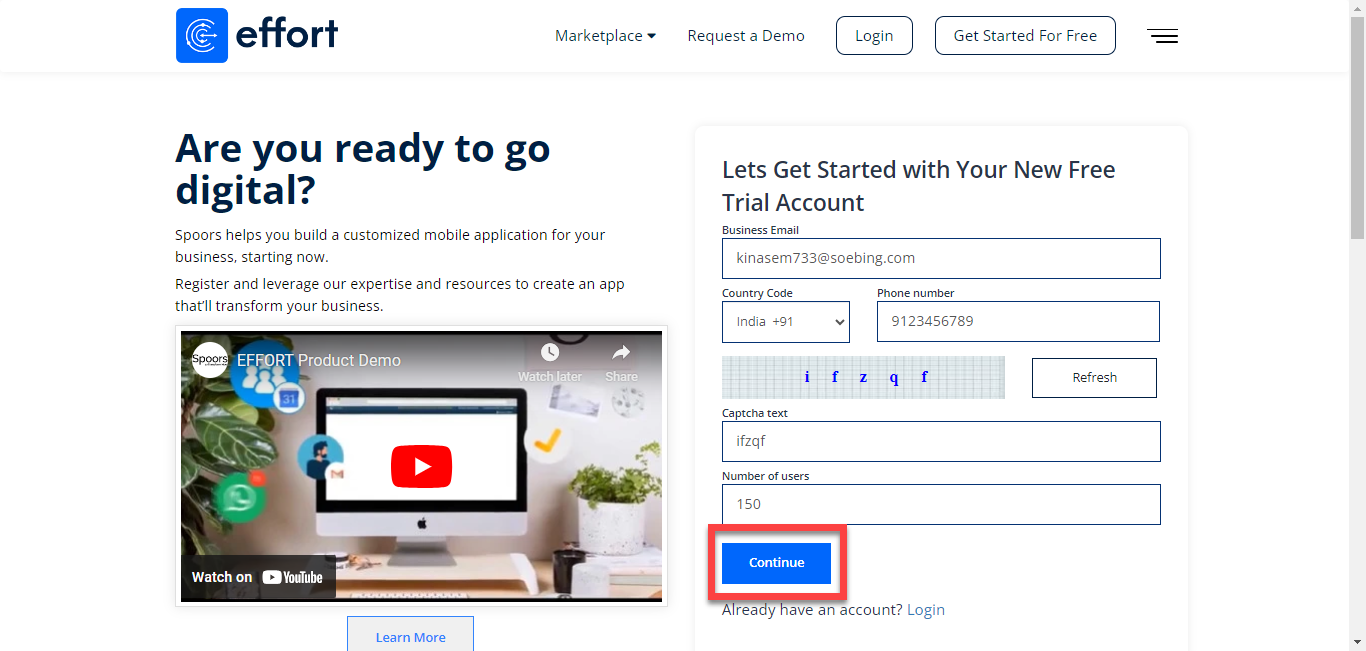
Enter your work email, phone number, the characters you see in the picture,
specify the number of users, and click Continue.
-
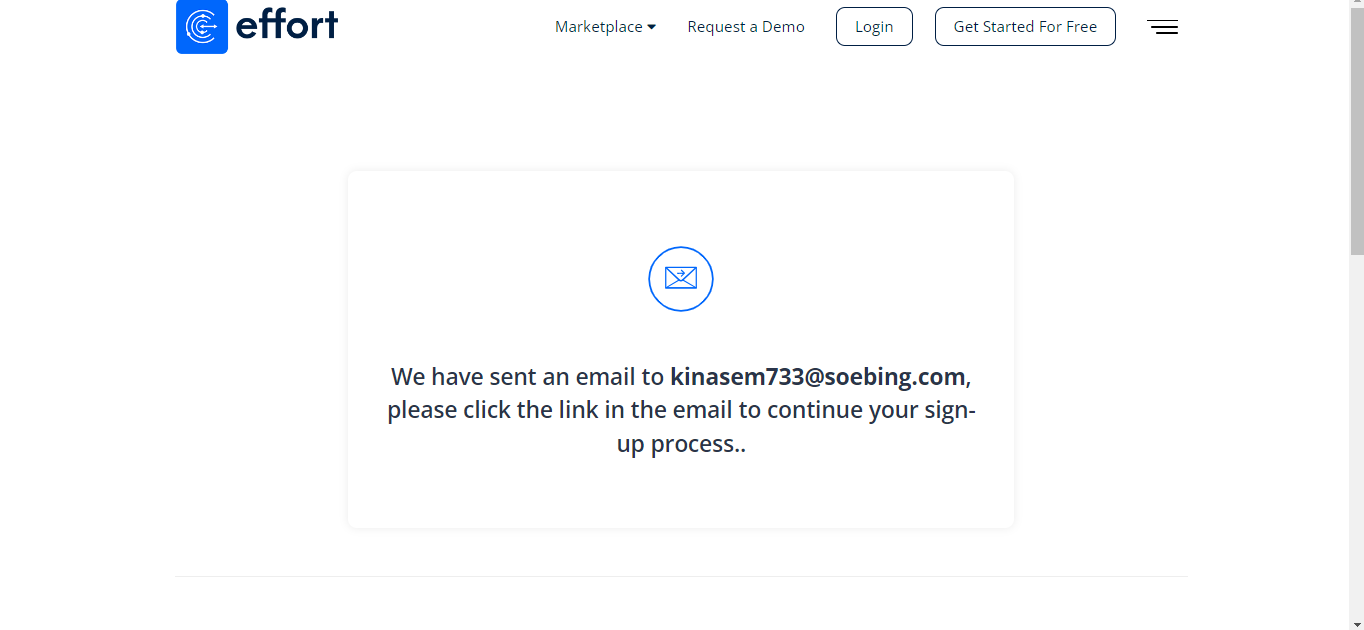
After you sign up, you will receive an email to confirm your registration.
Please look for it in your email inbox.
-
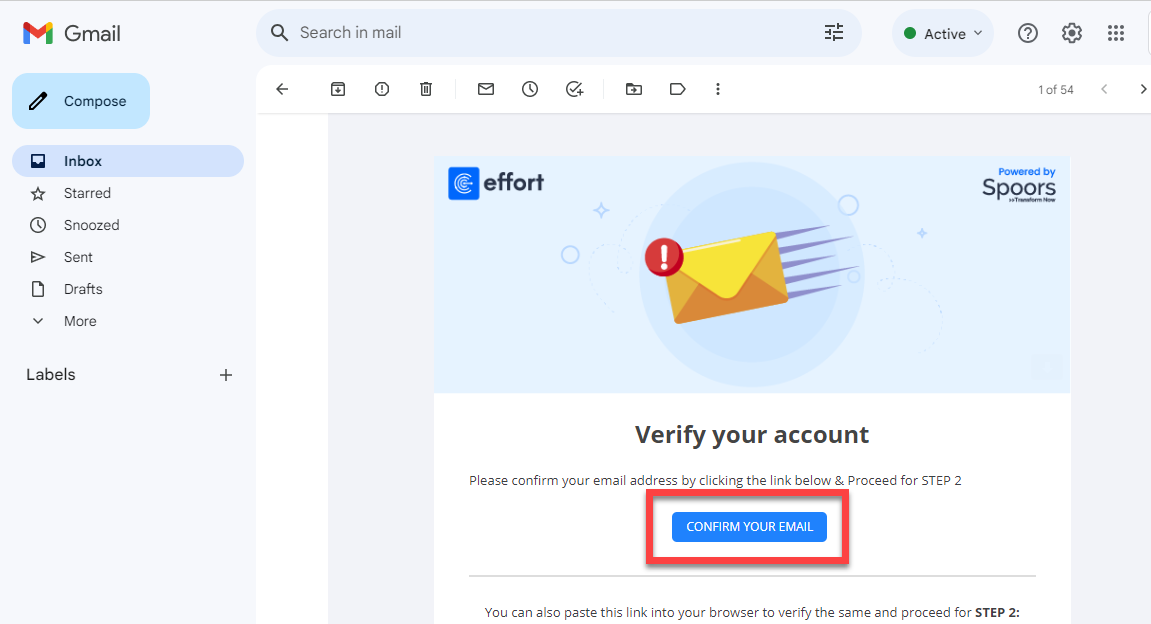
Open the verification email and click Confirm Your
Email.
-
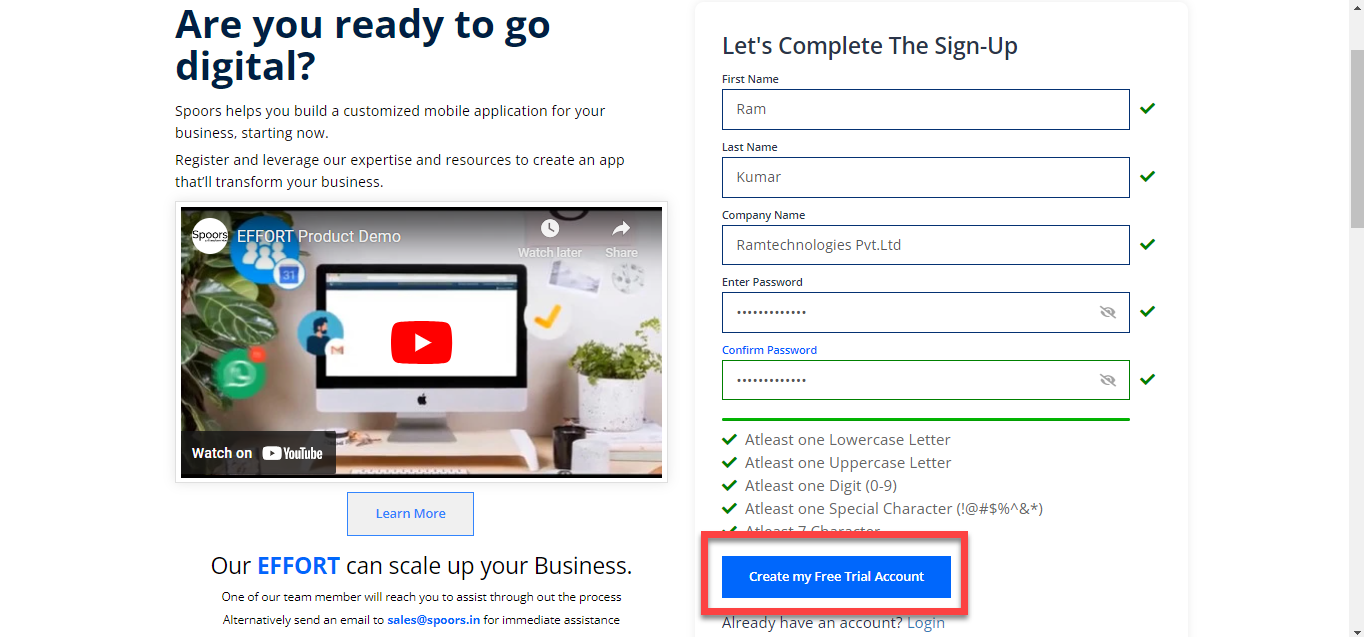
After confirming your email, your will be redirected to the Sign-Up page. Enter
all the required details and click Create my Free Trial
Account.
You'll see a Thank You screen. It confirms that you have successfully onboarded to the Effort platform.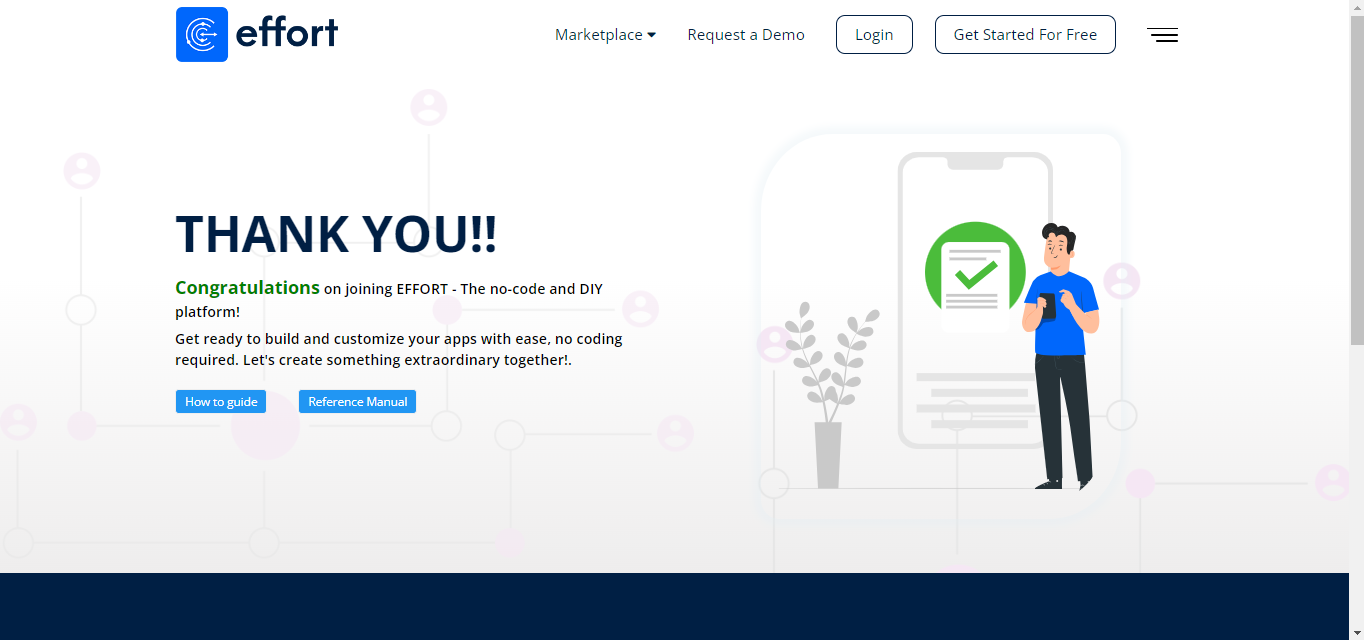
-
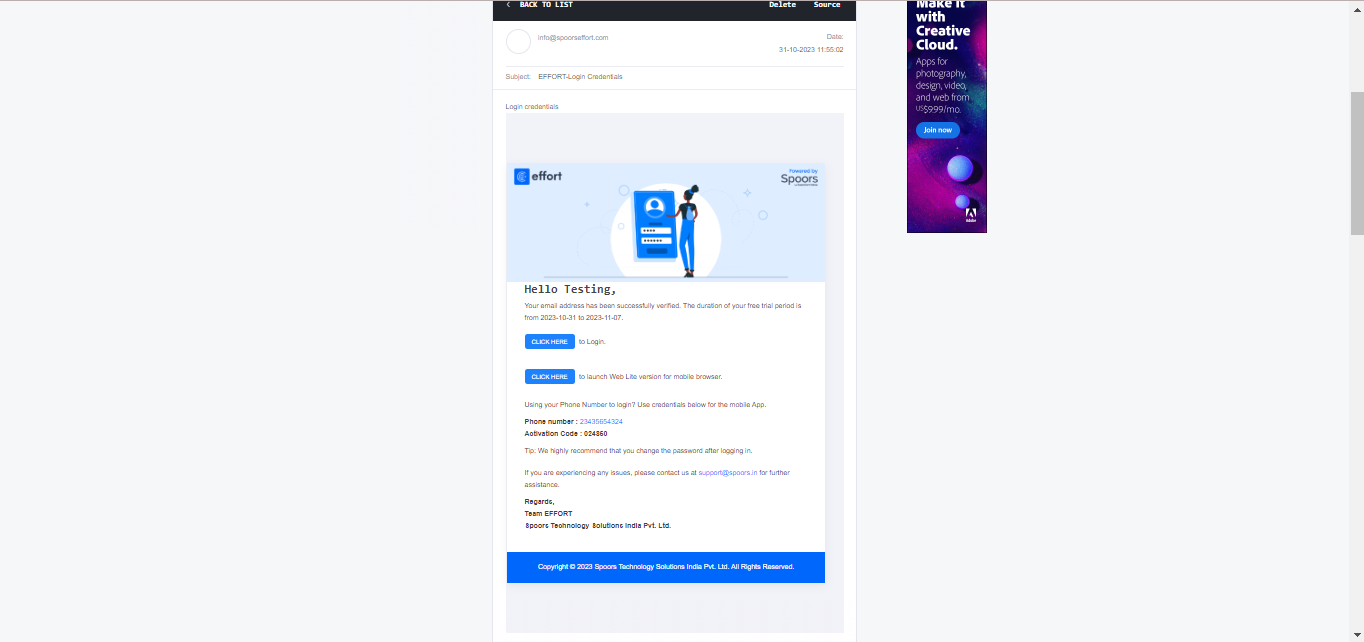
You'll receive a couple of emails to confirm that your sign up is successful.
You'll also receive login credentails to login to the Effort mobile app.
After you create your account, you can login to effort. To login, refer to the Sign-in To Effort topic.