

View List Items
-
Go to
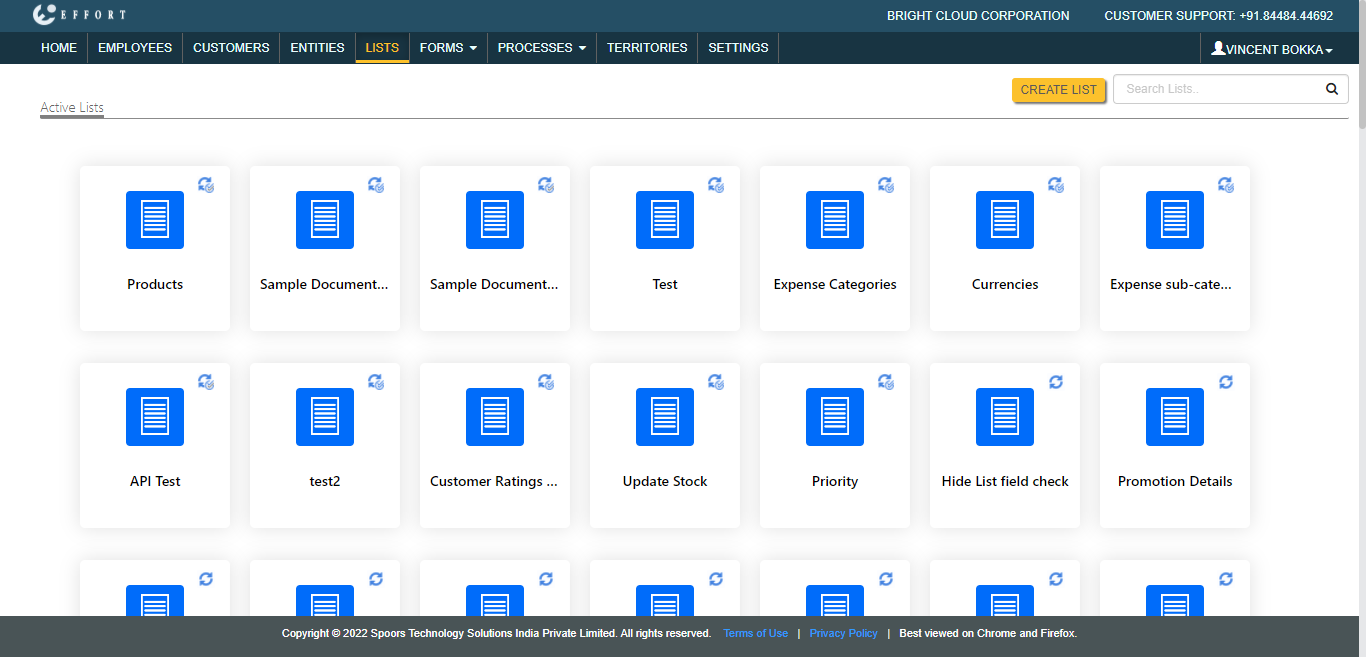
The Lists page appears.
-
Click on a List card corresponding to the list that you
want to view.
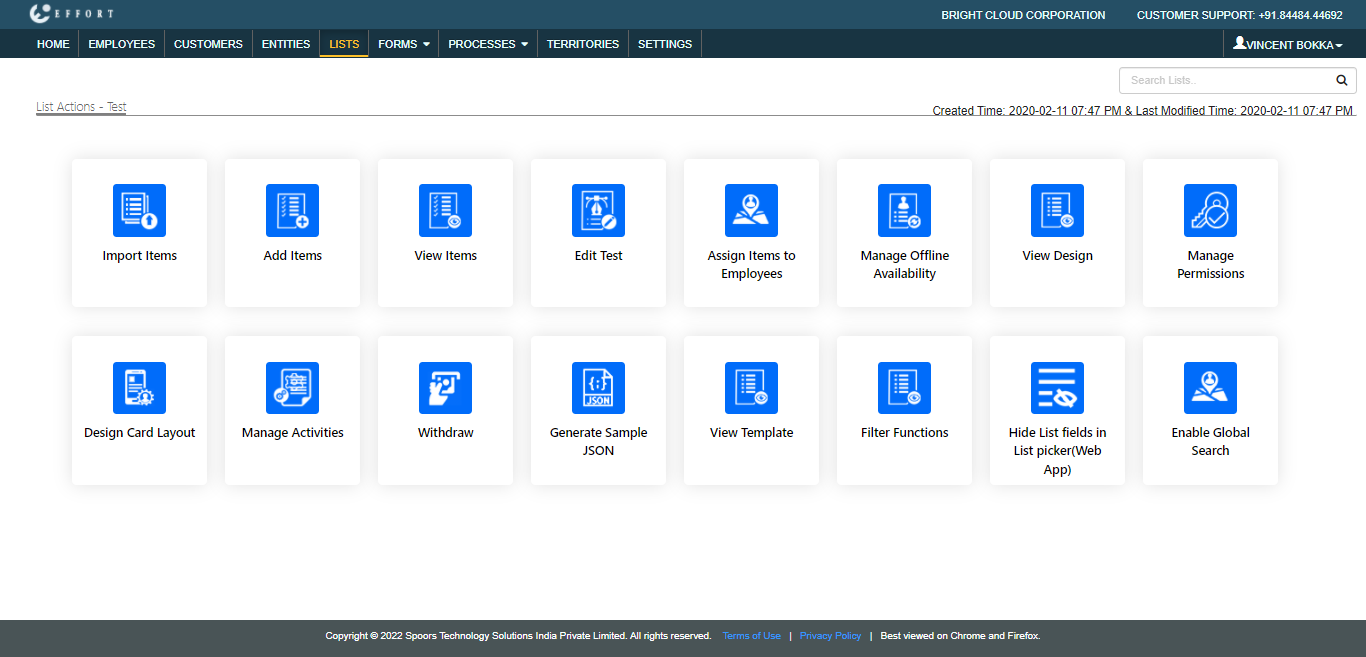
The List Actions page appears.
-
Click View Items card.
The <list name> Items page appears.