Log in to Mobile App Using Phone
Ensure that your phone number is registered with the company.
- Open the EFFORT NXT app on your mobile device.
-
Allow all required app permissions when prompted.
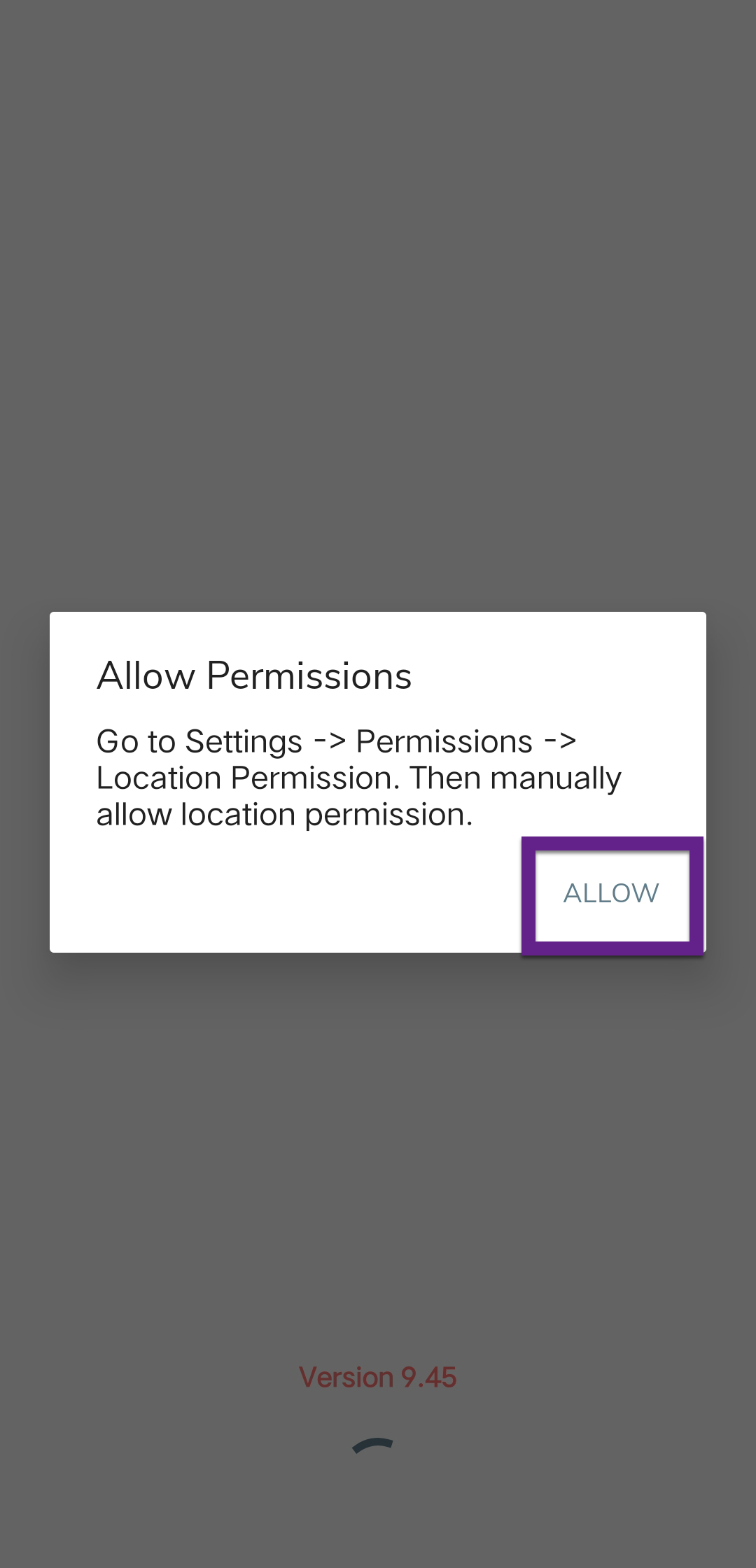
Note: You will be taken to your mobile settings page. Tap on each permission and allow access. -
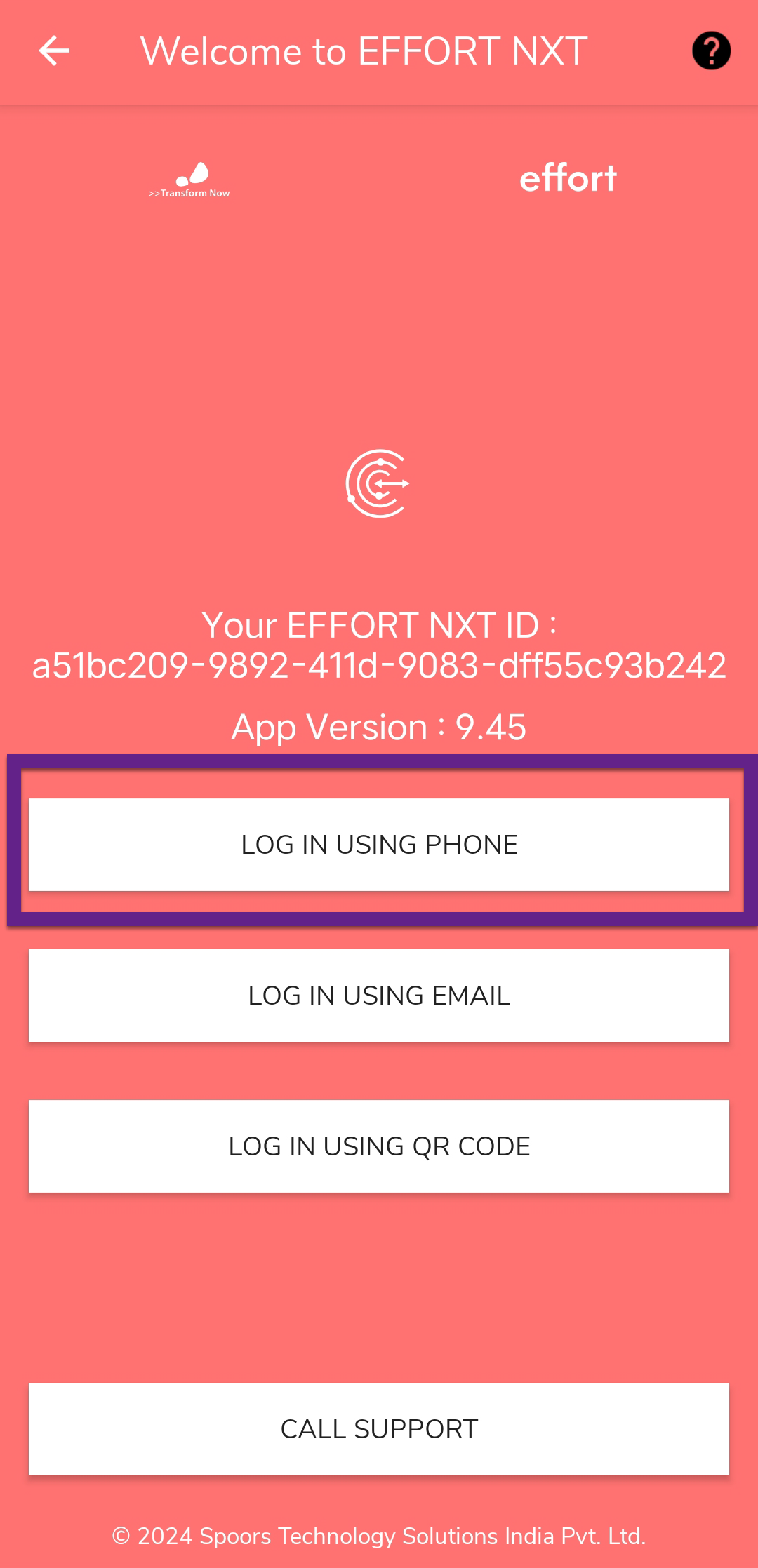
Tap Log In Using Phone.
-
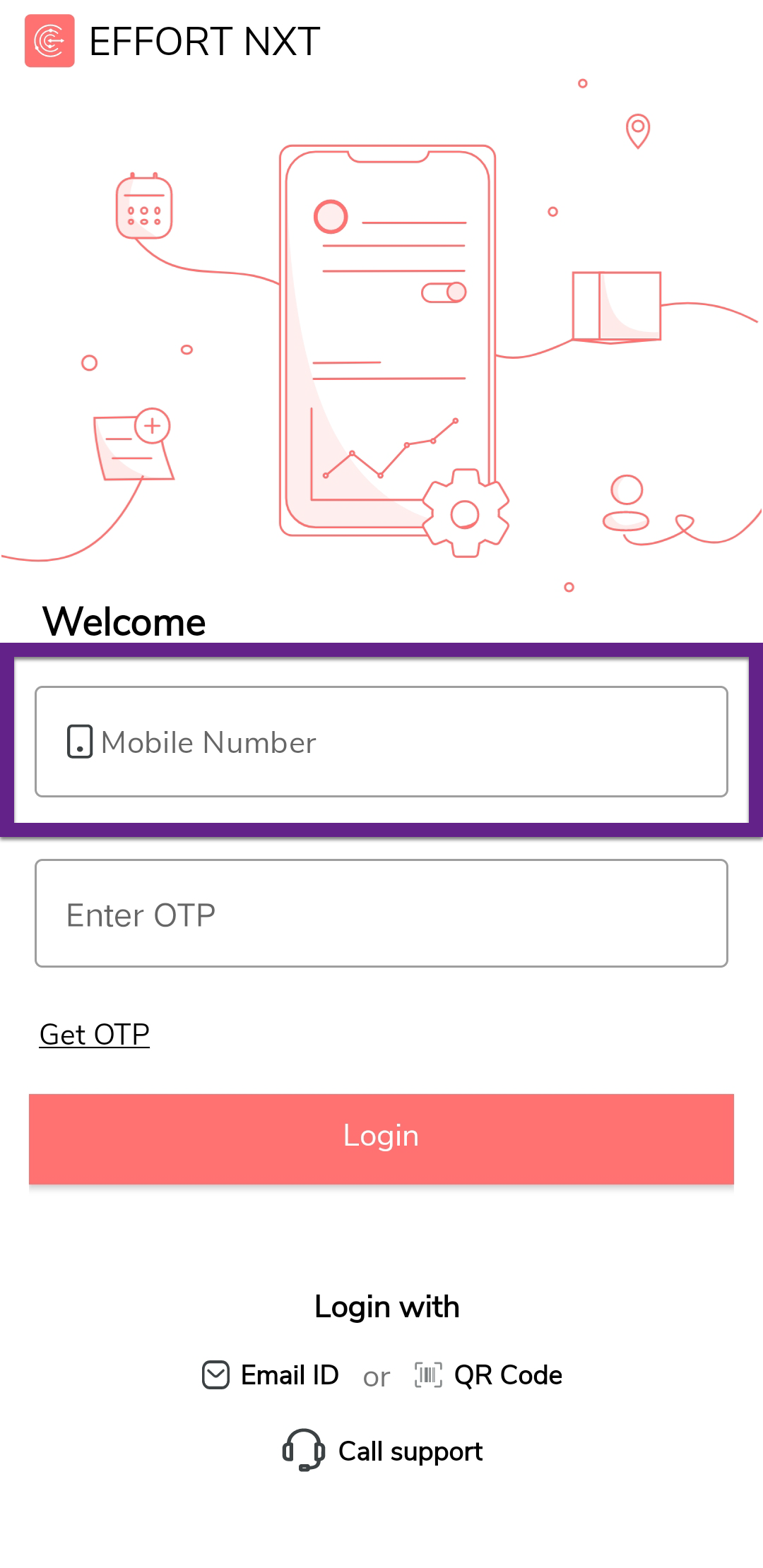
Enter your registered phone number in the Mobile Number
field.
-
Tap Get OTP.
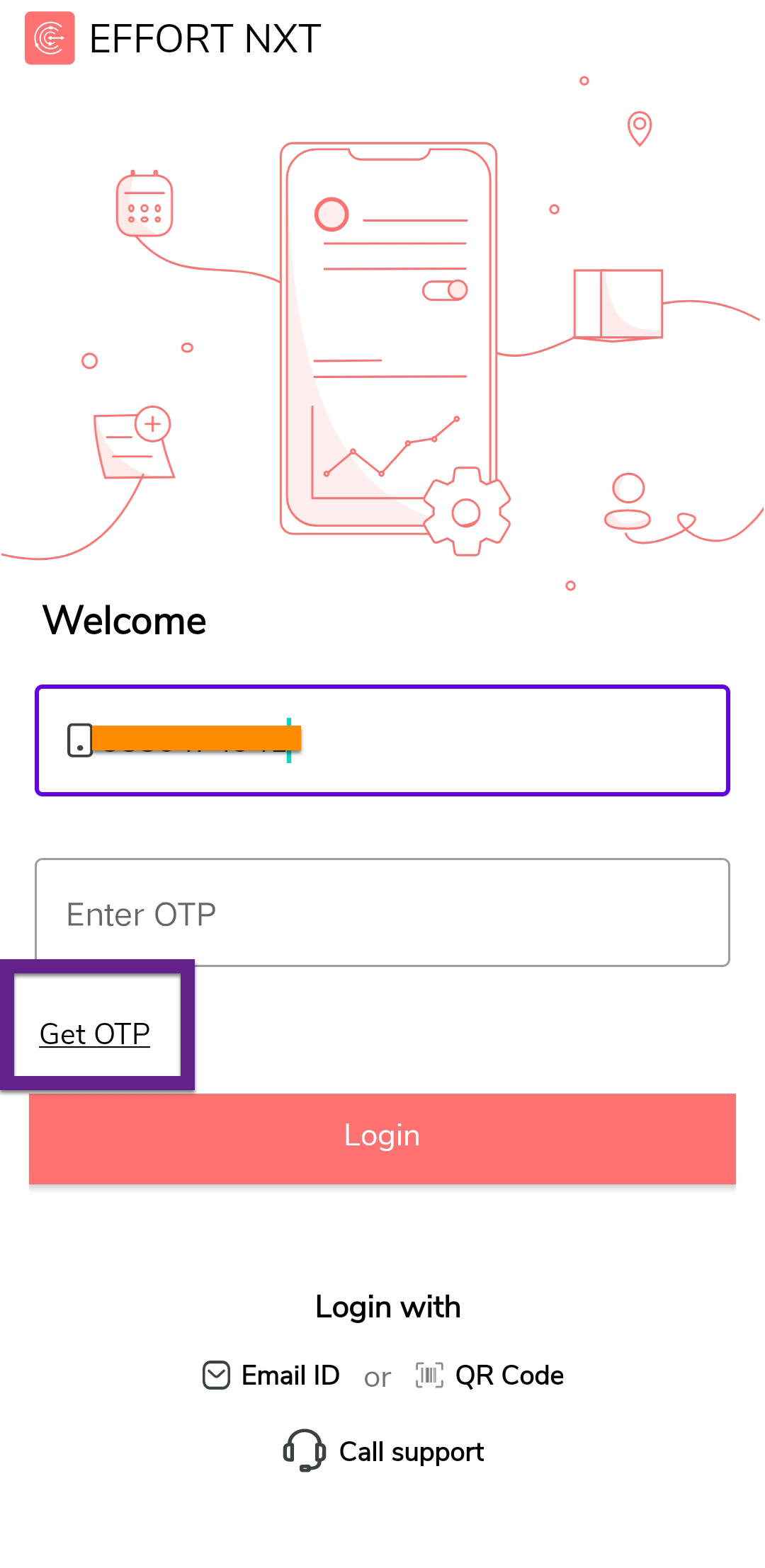
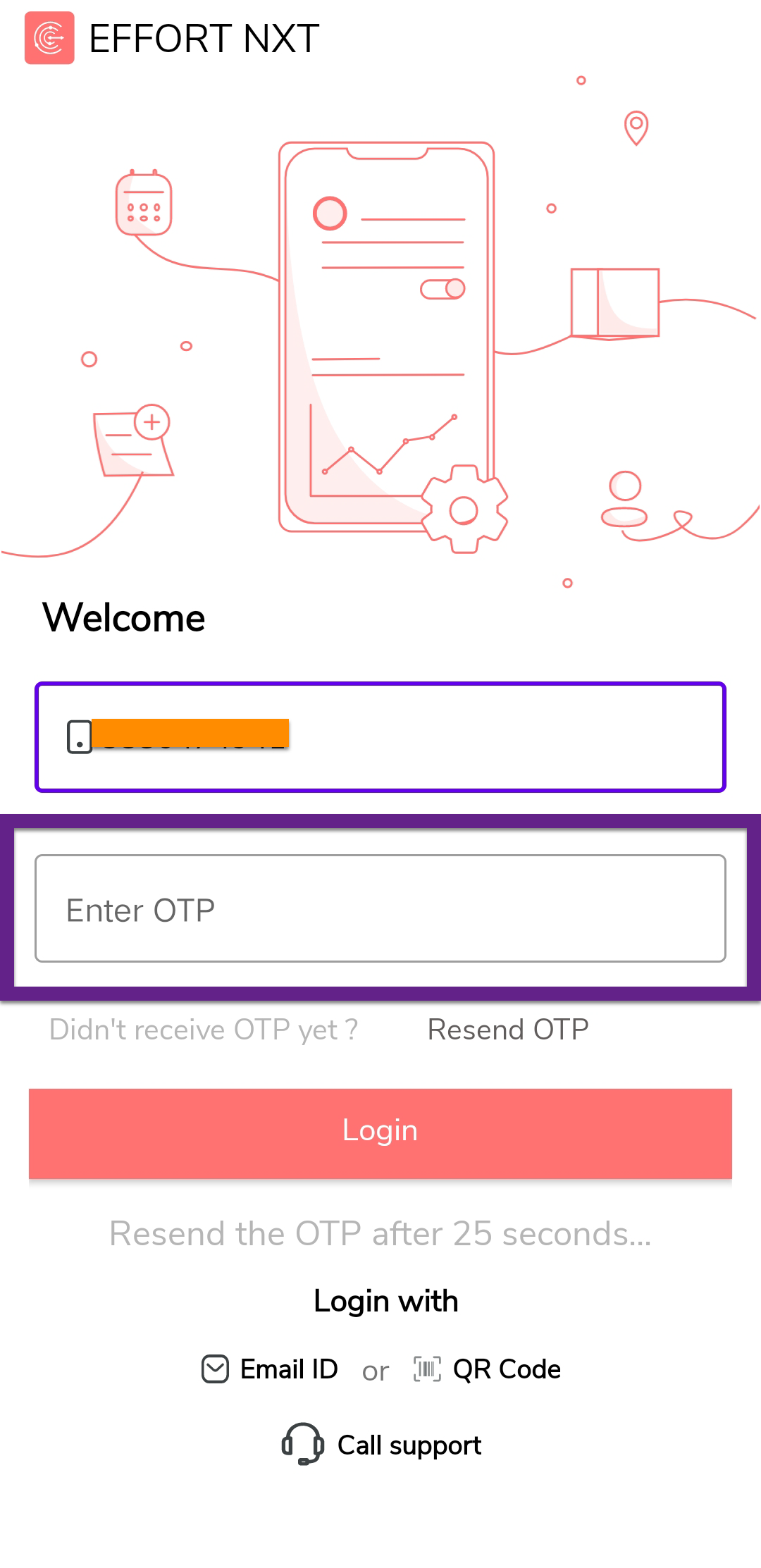
- Check your registered mobile number for the One-Time Password (OTP).
-
Enter the OTP in the Enter OTP field.
-
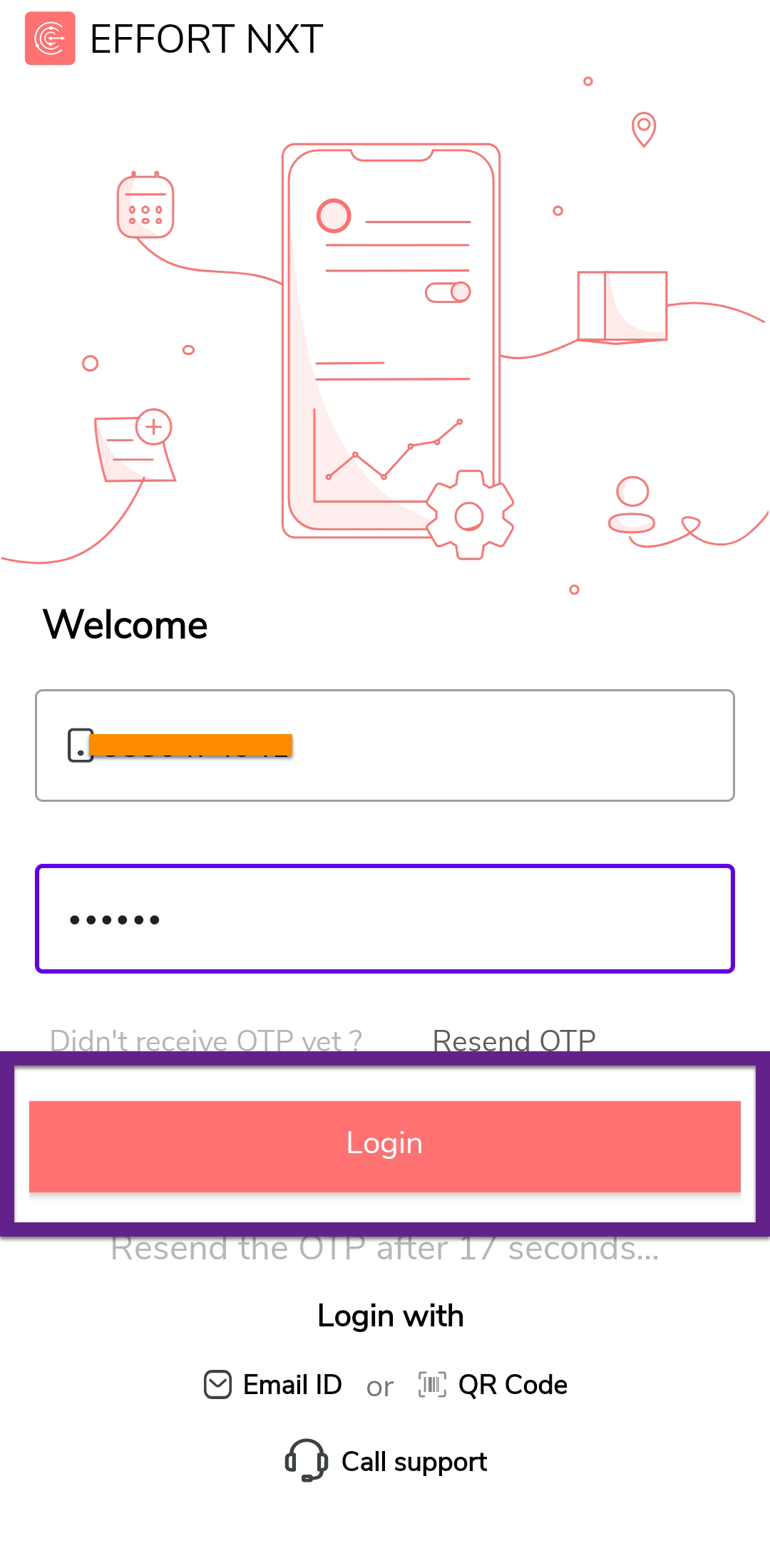
Tap Login.
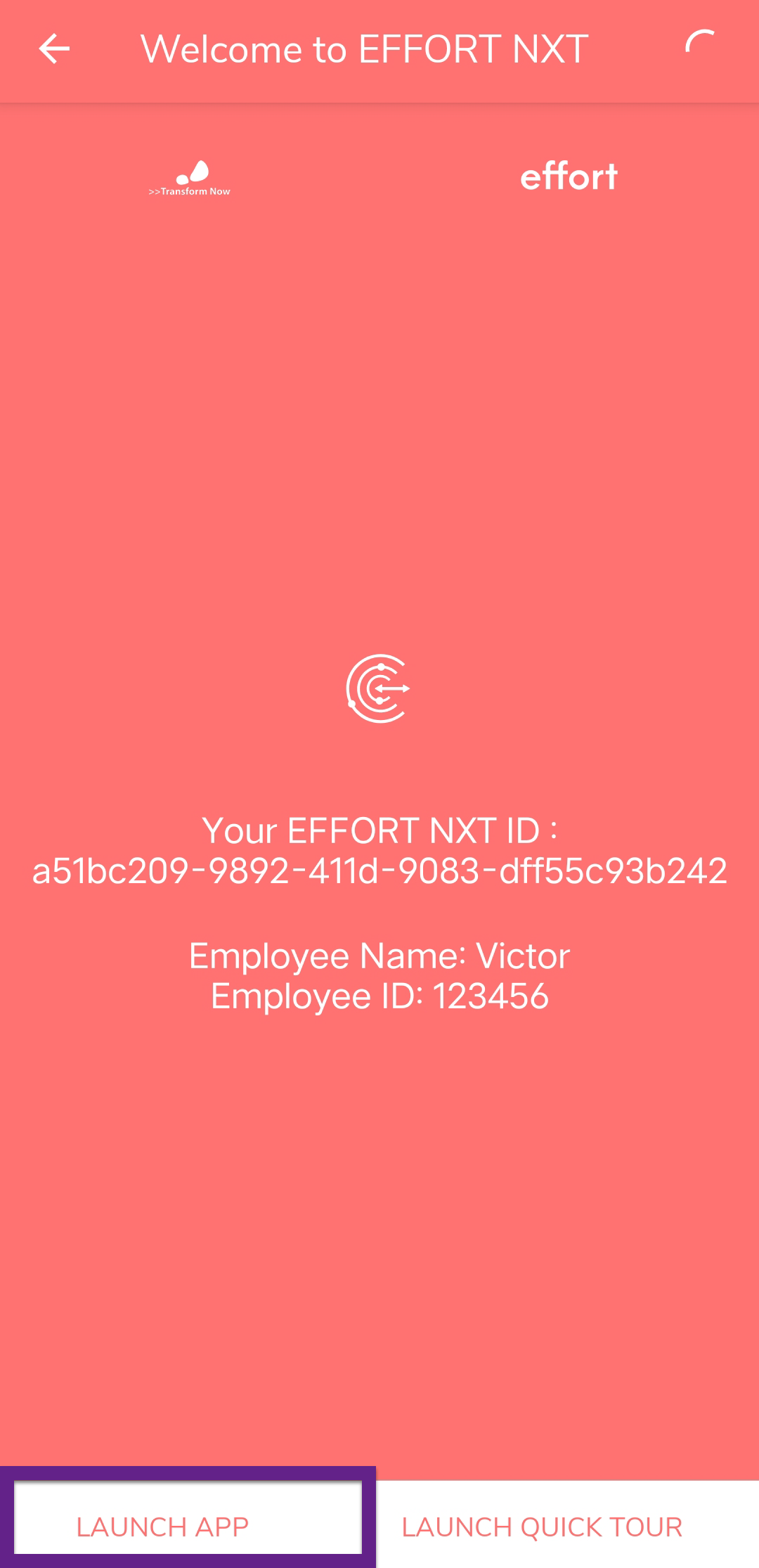
Note: View your Welcome to EFFORT NXT screen displaying your EFFORT ID, employee name, and employee ID. -
Tap Launch App to access the home screen.