

Assign Room for Cleaning
To assign a room for cleaning, follow the steps below:
- Log in to the Effort platform using your credentials.
- Navigate to the Web App to view Rooms module.
-
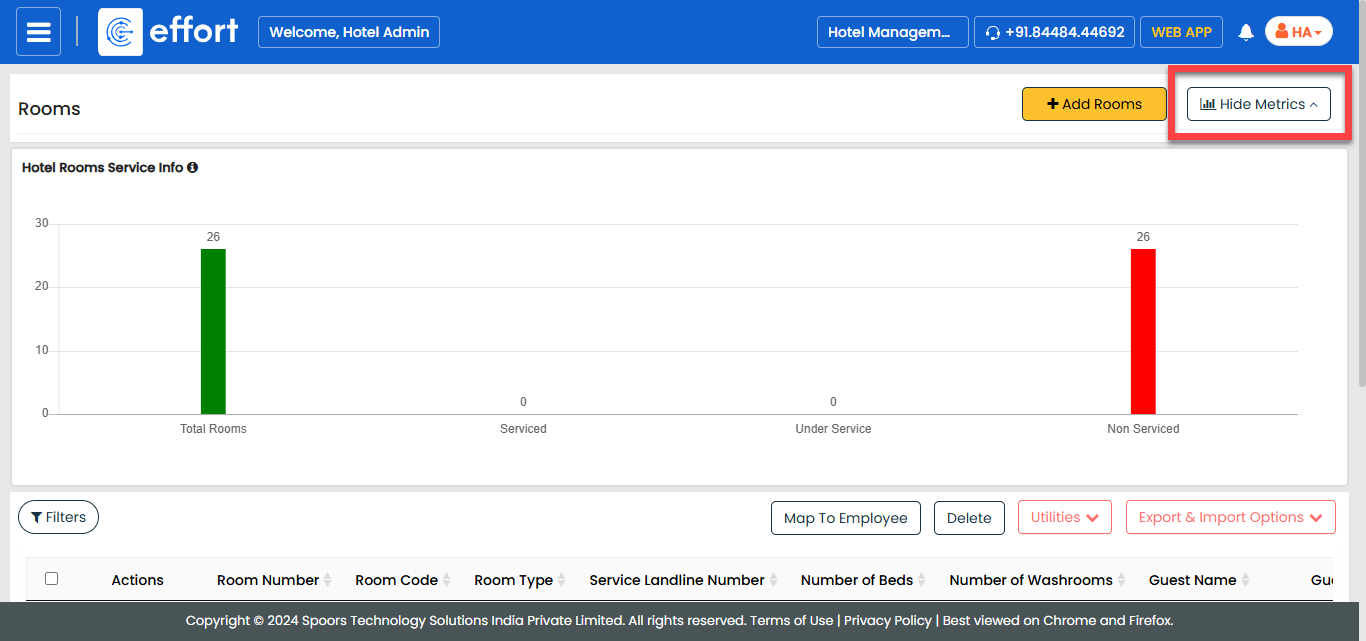
Scroll down to the available rooms section, or click Hide
Metrics option to focus on the list of rooms.
-
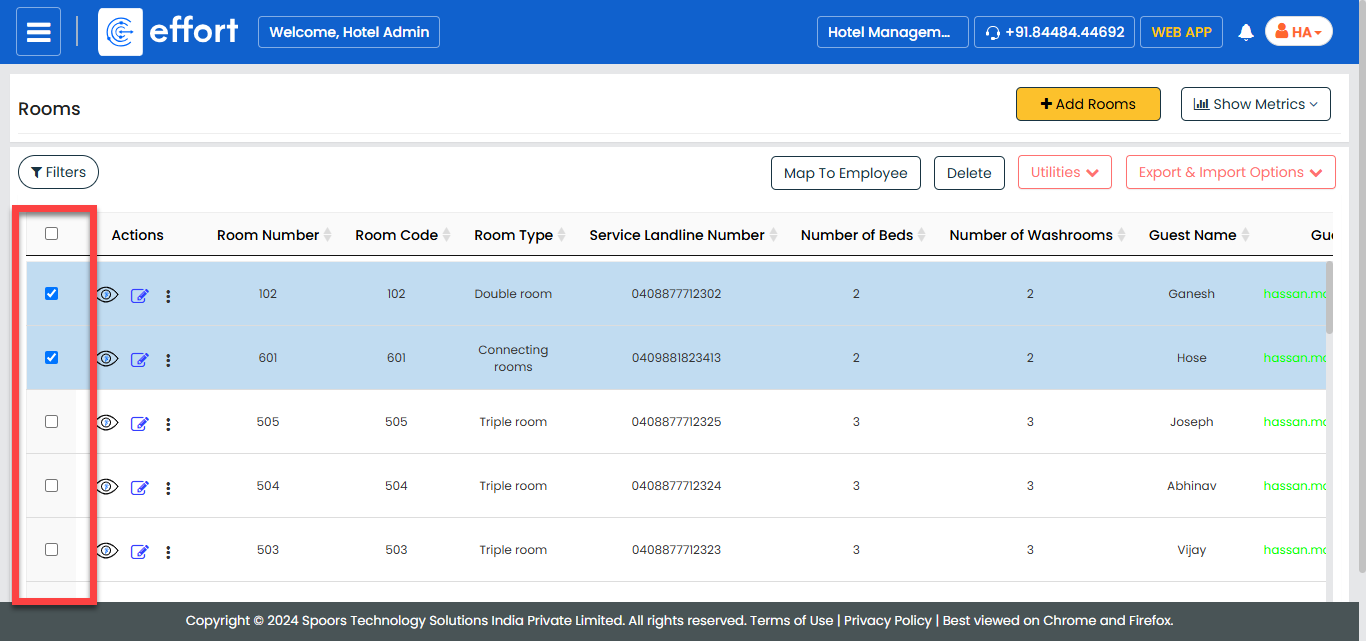
Select the rooms you want to assign for cleaning by checking the corresponding
boxes.
-
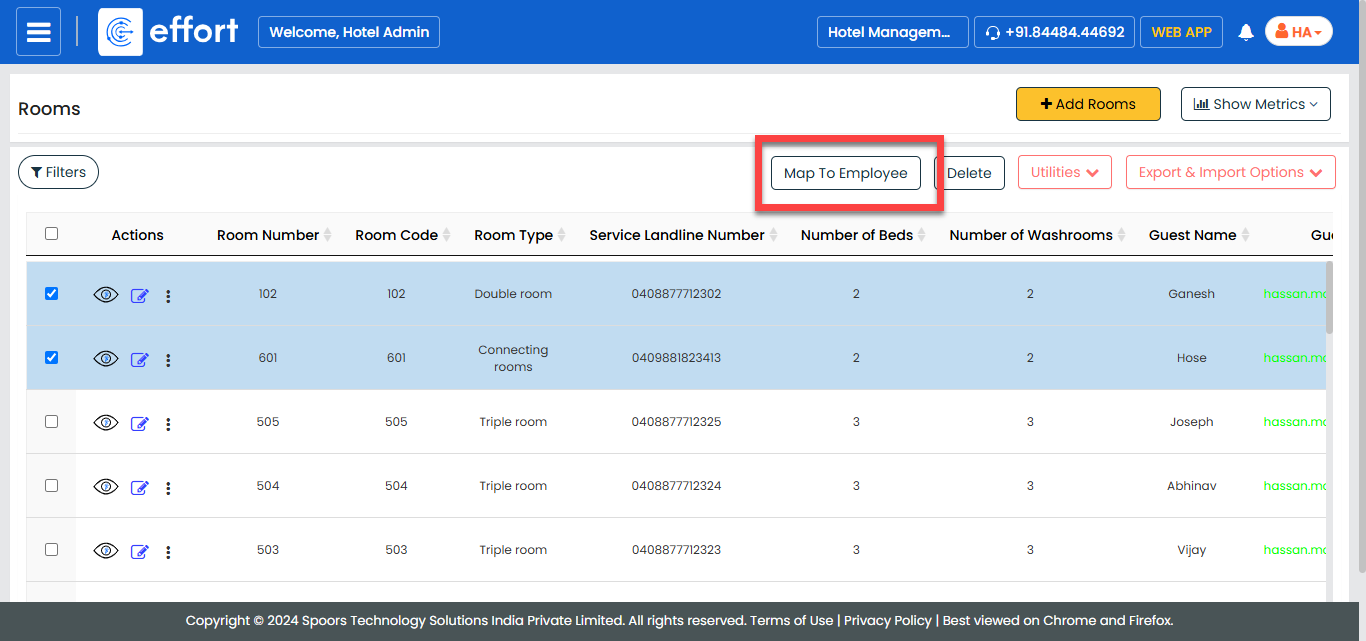
After selecting the rooms, click Map To Employee.
-
From the Employee Name dropdown, select the employee to
whom you want to assign the selected rooms for cleaning.
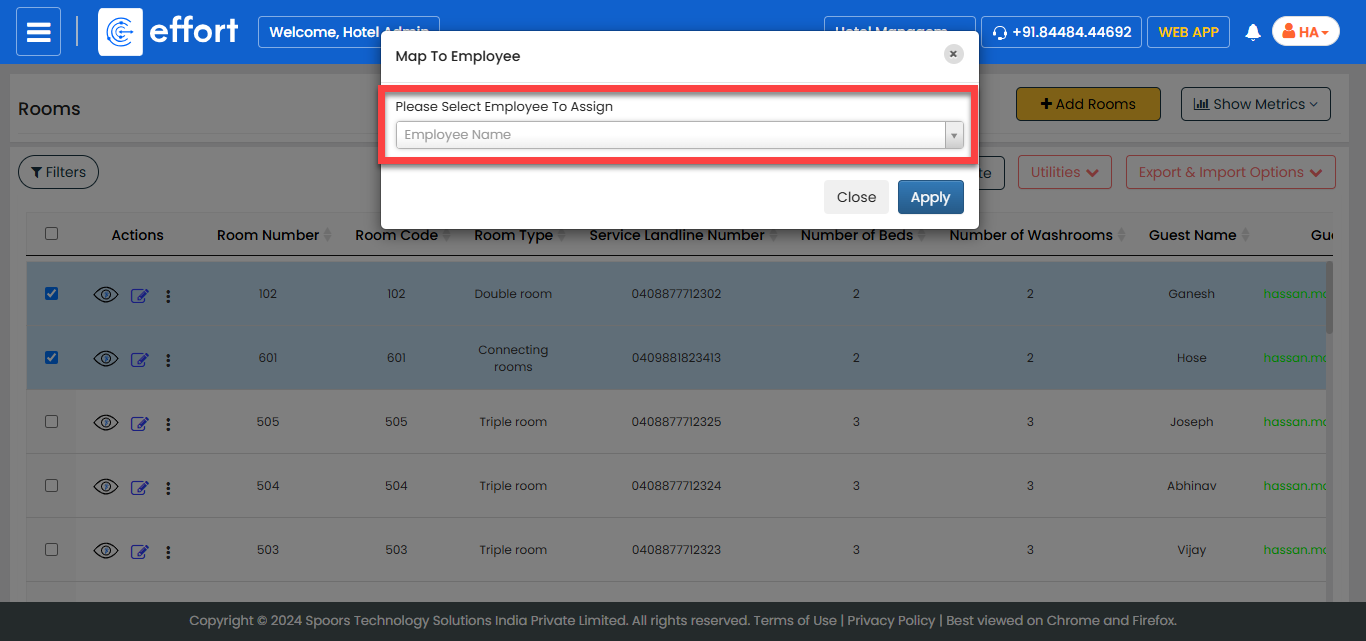
- Click Apply to assign the rooms to the chosen employee.