

Maps are Not Loading on the Dashboard
This article helps if you have an issue with the maps on the dashboard, such as the map object is not getting loaded. In such a case, follow the below steps.
- Log in to the respective EFFORT account.
- Navigate to .
-
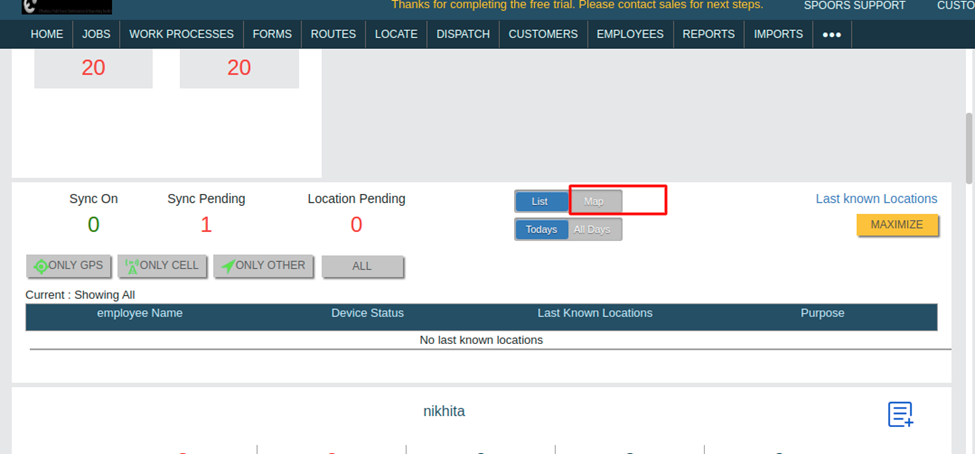
Scroll down a bit, and click on the Maps as shown in the
screenshot.
-
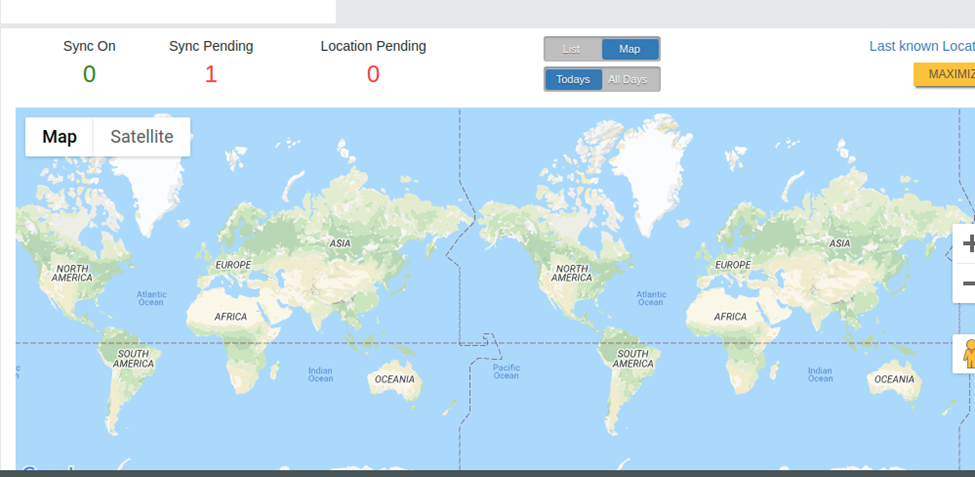
Once you click on the Maps, then it should show the map as shown
below.
- If you didn't find the map object shown above and showing as Loading, contact our Spoors support team.
- They will get it resolved with the help of our Web team.