

Unable to Export Filtered Records
This article helps you if the Export Filtered option is not working in modules like Employees, Customers, and Work Processes. In such cases, follow the below steps.
- Log in to the respective EFFORT account.
- Navigate to .
-
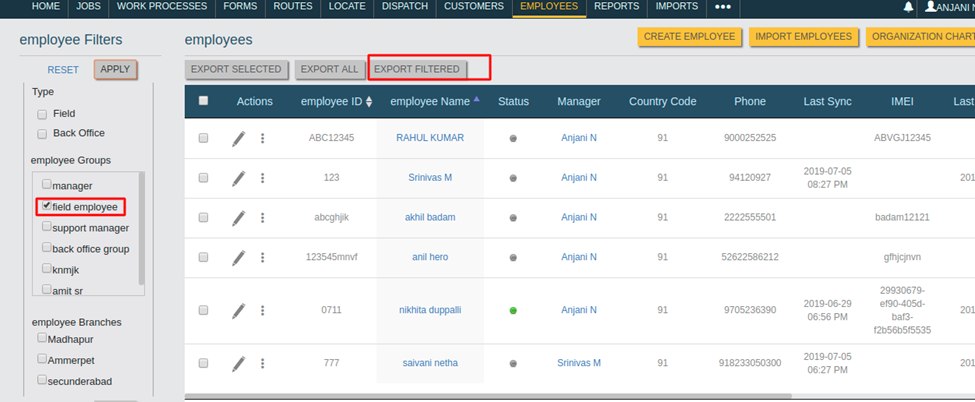
Apply any filter under the Employee Filters.
-
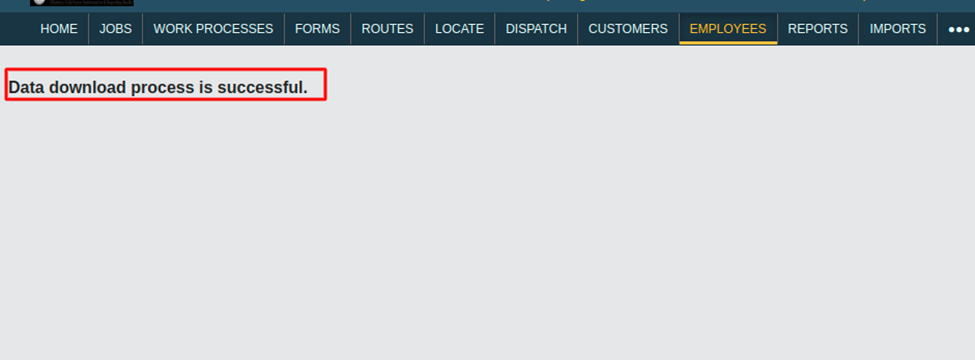
Now, click on the Export Filtered option. The filtered records get
downloaded in a new tab. Once the download gets completed, then you will see the
below screenshot.
- If you are unable to download filtered records, then contact our Spoors support team. They will get it resolved with the help of our Web team.