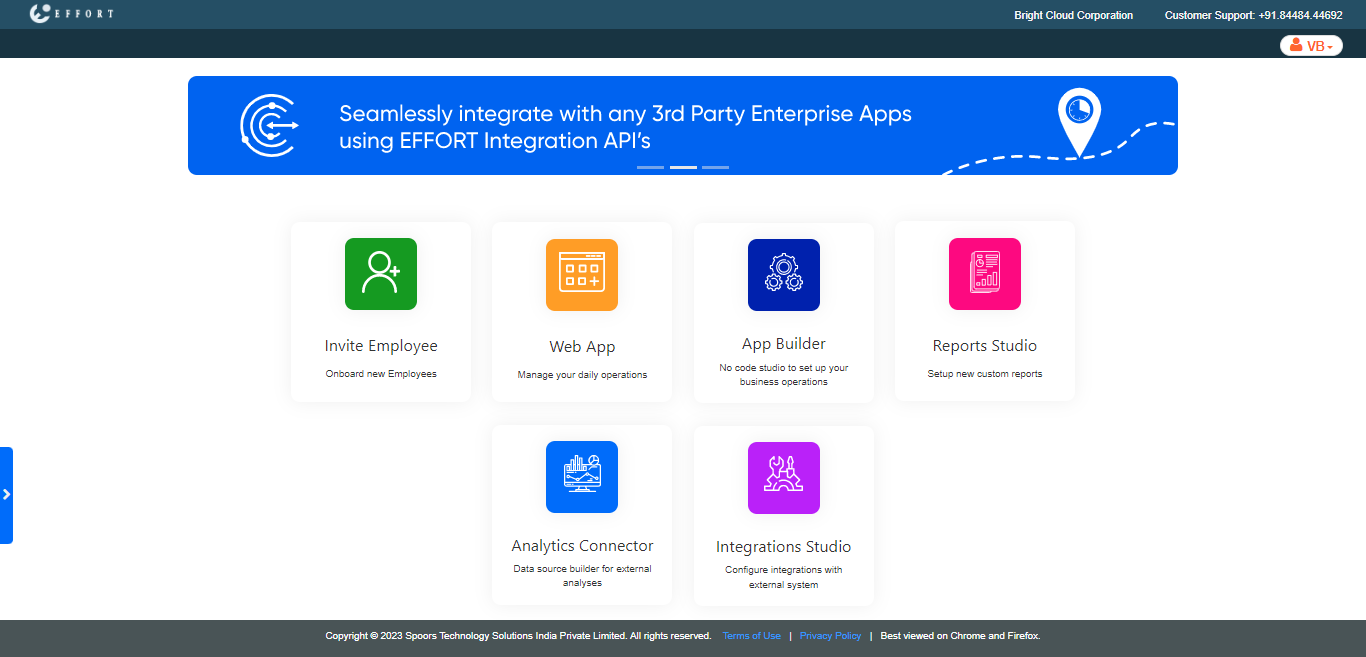
Enable External Analytics Connector
-
Go to .
The Security Settings page appears.
-
Enable the Enable External Analytics Connector
checkbox.
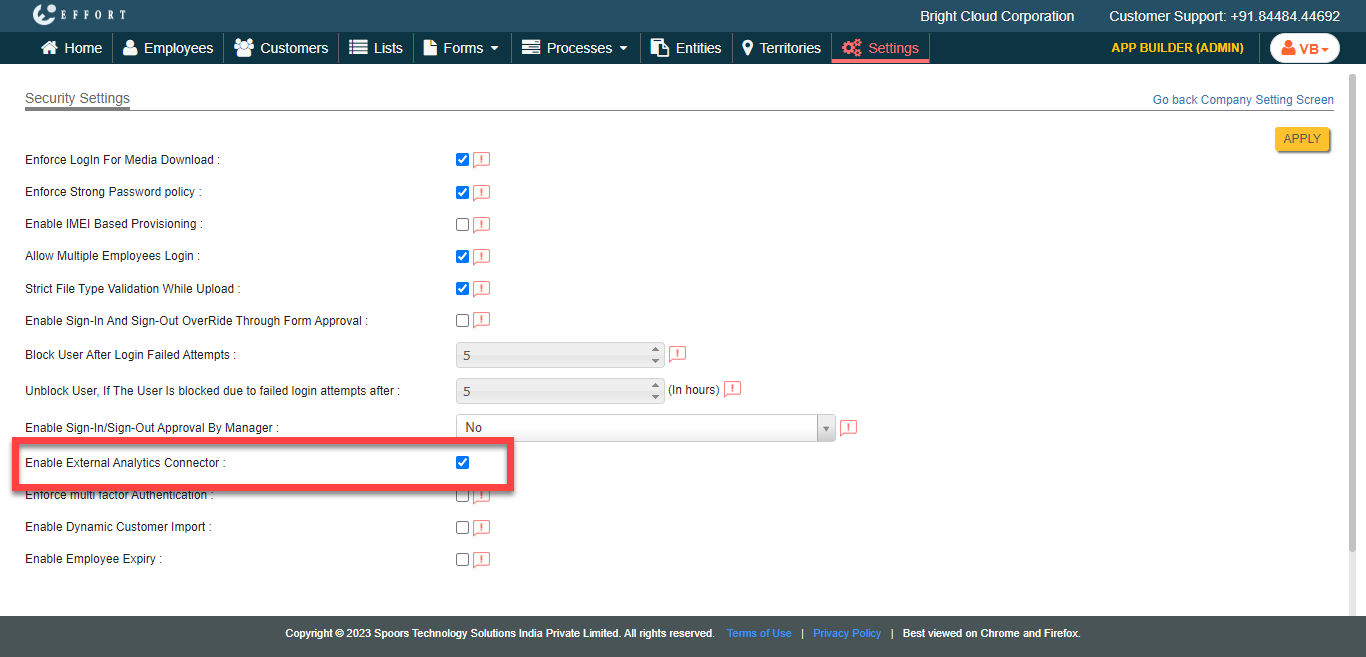
- Click Apply.
-
Click Yes in the confirmation pop-up.
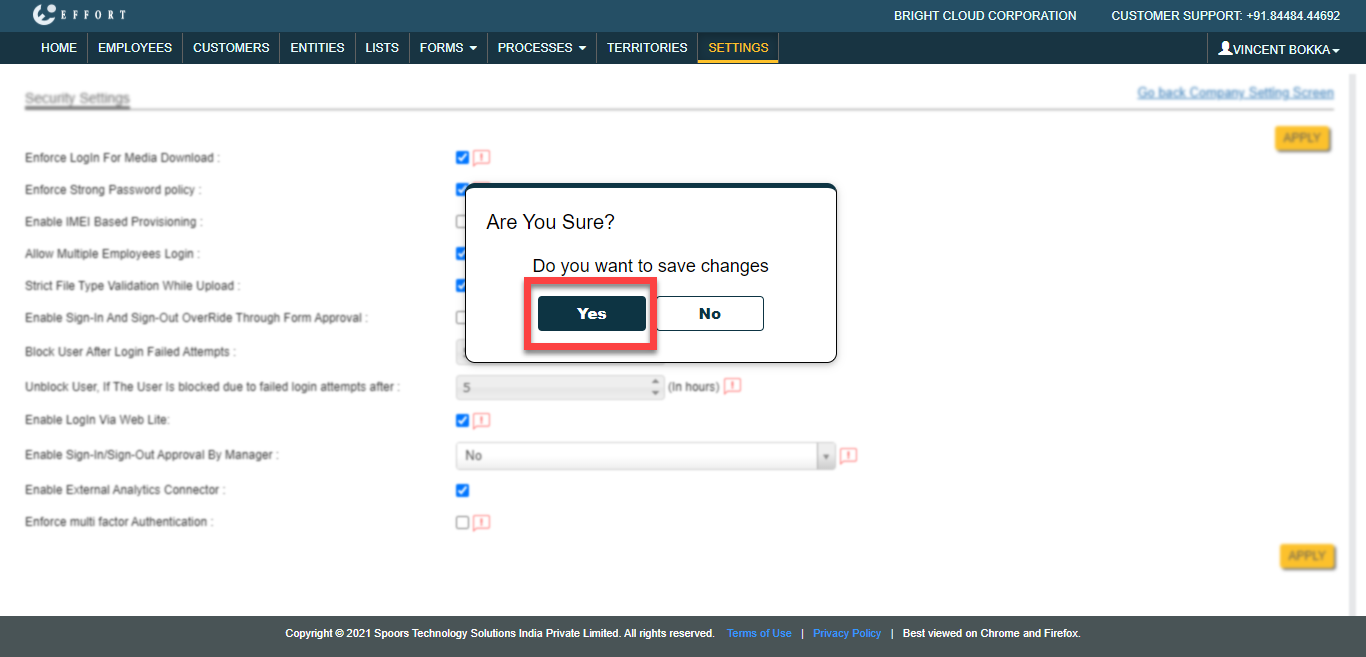
-
Click Logout and Login again to see the External Analytics
Connector card on the welcome page.