

Creation/Modification API Payload Format
Effort allows you to create/modify customer data from the external systems through API
calls. To get the customer Creation/Modification API Payload Format, go to . This page provides the following necessary details you need for these operations.
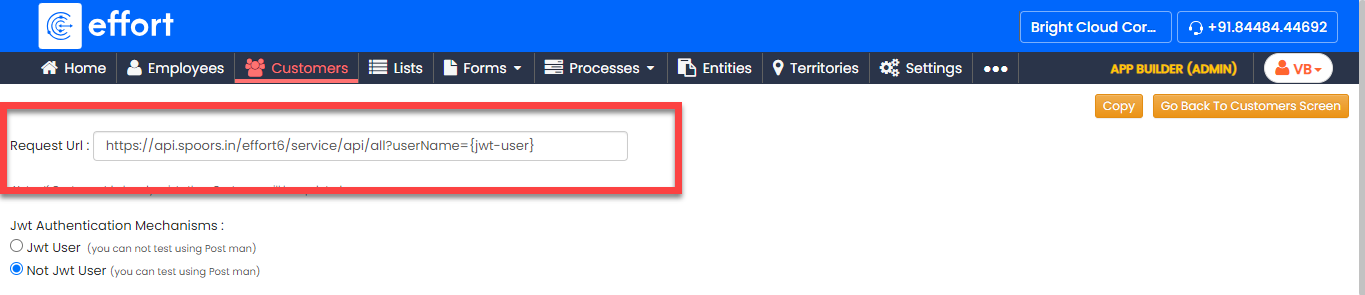
- Request URL: This section provides the URL used for
sending API calls to create or update customer information.
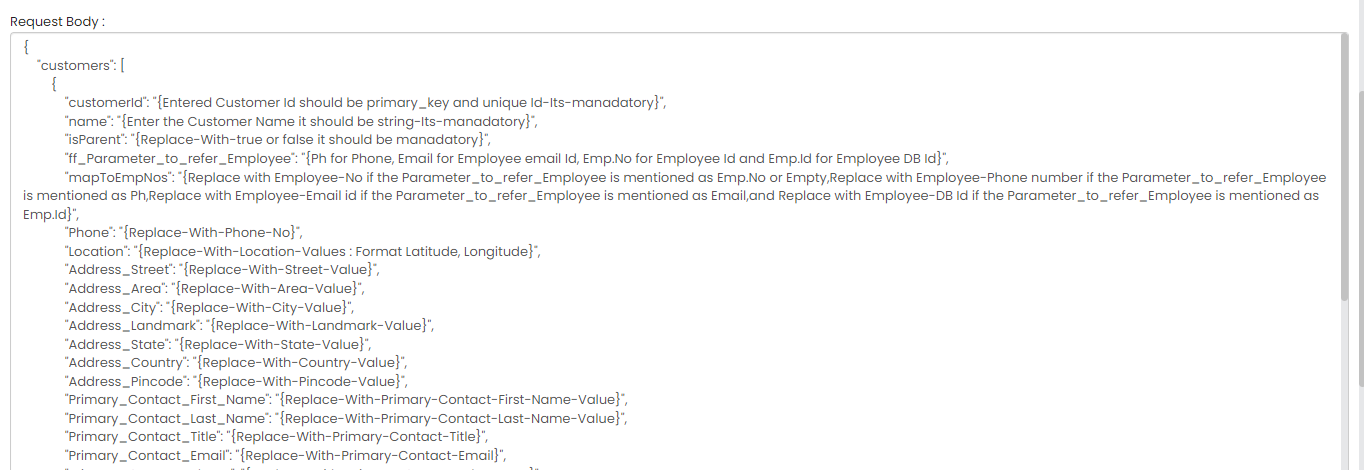
- Request Body: Here, you will find a sample request body
that shows how to format your data for customer creation or modification.
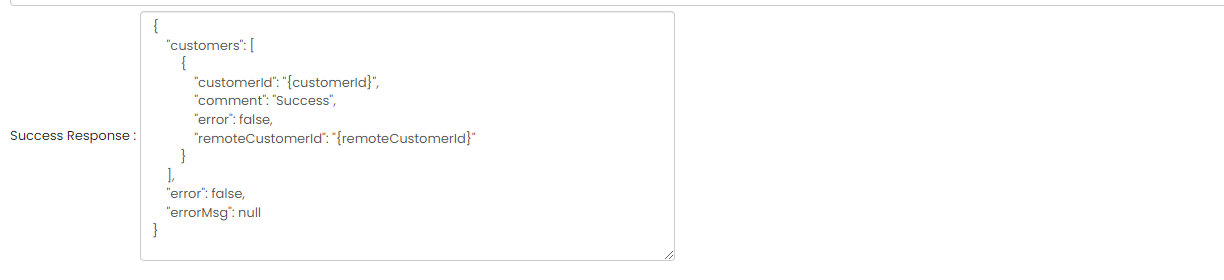
- Success Response: This section includes an example of a
successful response from the API.
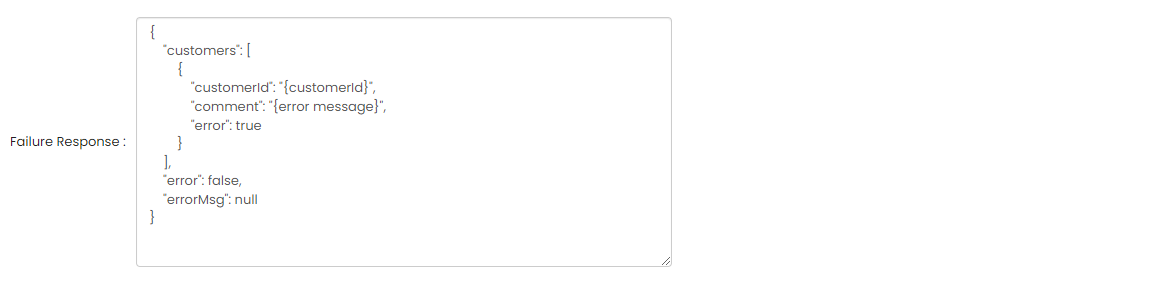
- Failure Response: This section provides a sample of the
response you might receive if the API call fails.
This information will help you correctly format your requests and ensure successful API interactions. Refere to the Effort Web Services APIs portal to know more about the parameters.