

Send Work Invitations to Gig Users
Pre-Requisites
Before sending work invitations, ensure the following:
- You have already created gig users.
- For detailed information on gig users and how to enable or create them,
refer to these topics:
- Gig User
- Enable Gig User Creation
- Create Employee (Change the Onboarding Employee to Gig User)
To send work invitations to gig users in your organization, follow the steps below:
- Navigate to .
-
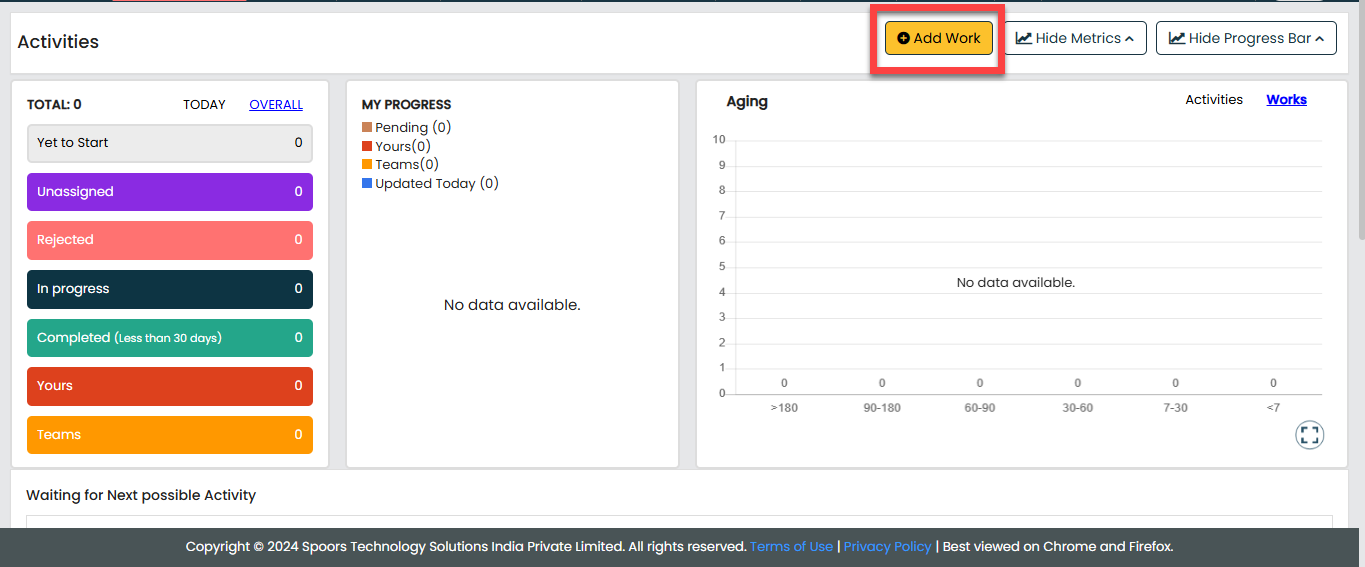
In the process page, click Add Work.
-
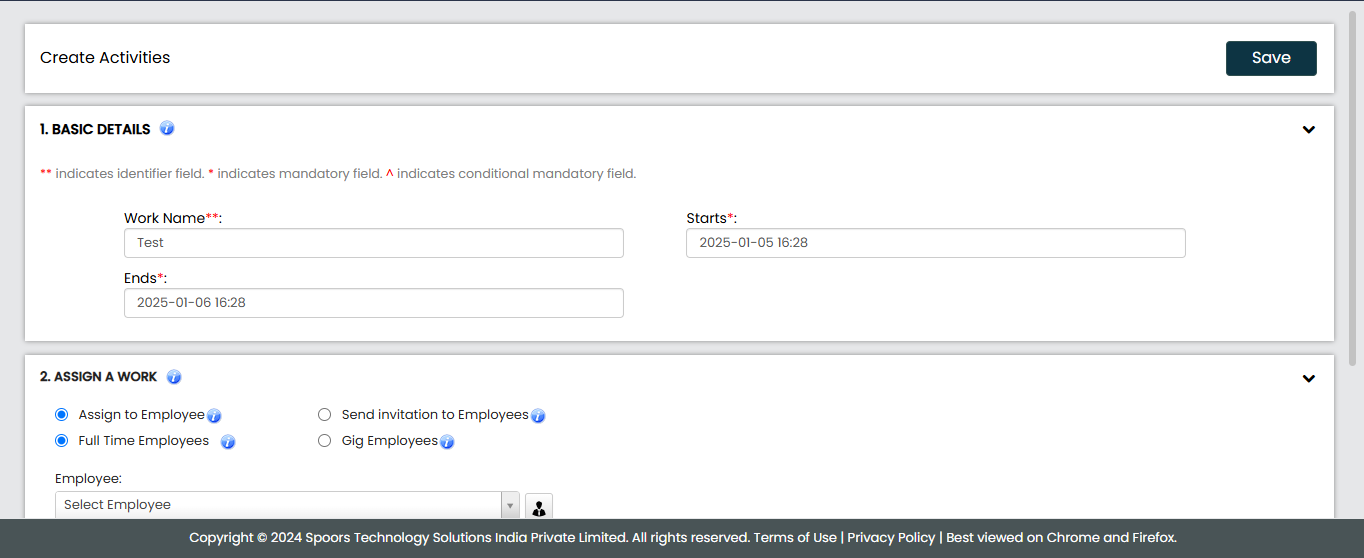
Fill in the required details in the available work fields.
-
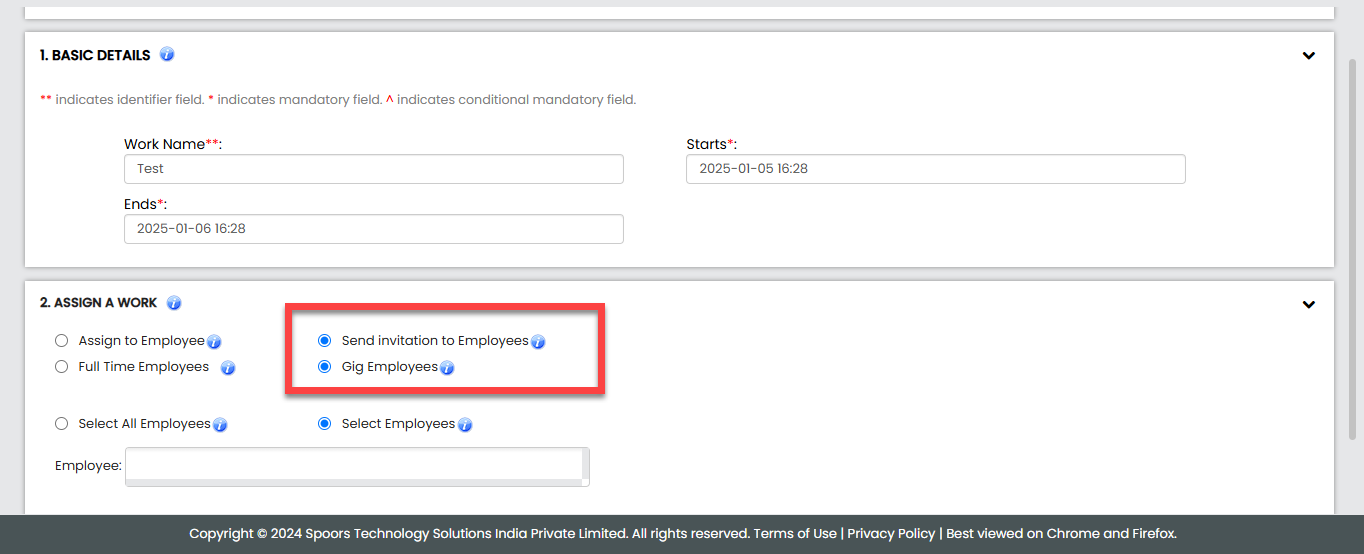
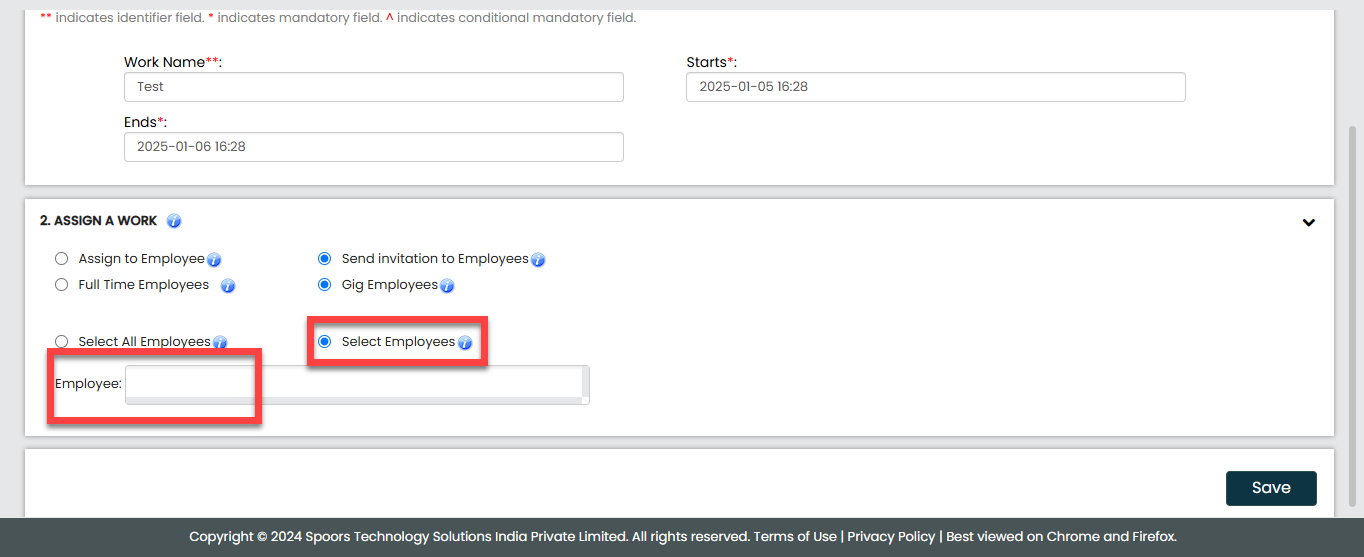
Scroll down to the Assign a Work section and select the
following options.
-
Select the employees according to your requirements.
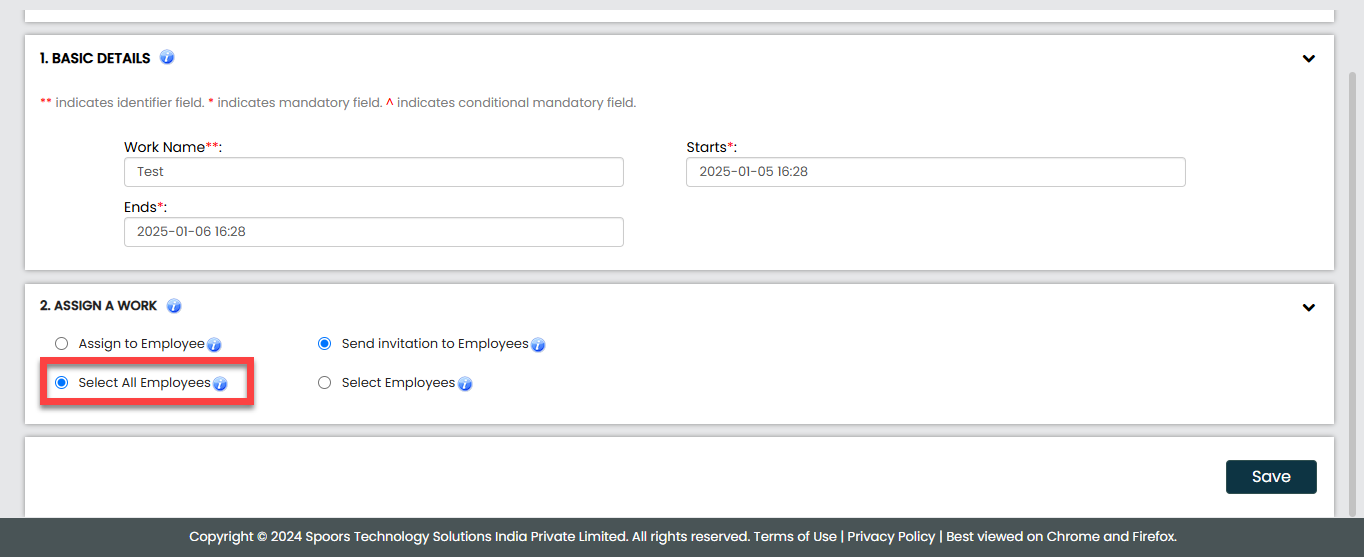
- Select All Employees: Select this option to send
work invitation to all emloyees.
- Select Employees: Select this option to send work
invitation to specific employees. If selected, choose employees from the
Employees field.
- Select All Employees: Select this option to send
work invitation to all emloyees.
- Once all details are entered and selections are made, click Save to send the invitations.