

Create Employee
To create an employee, follow the steps below.
-
Go to .
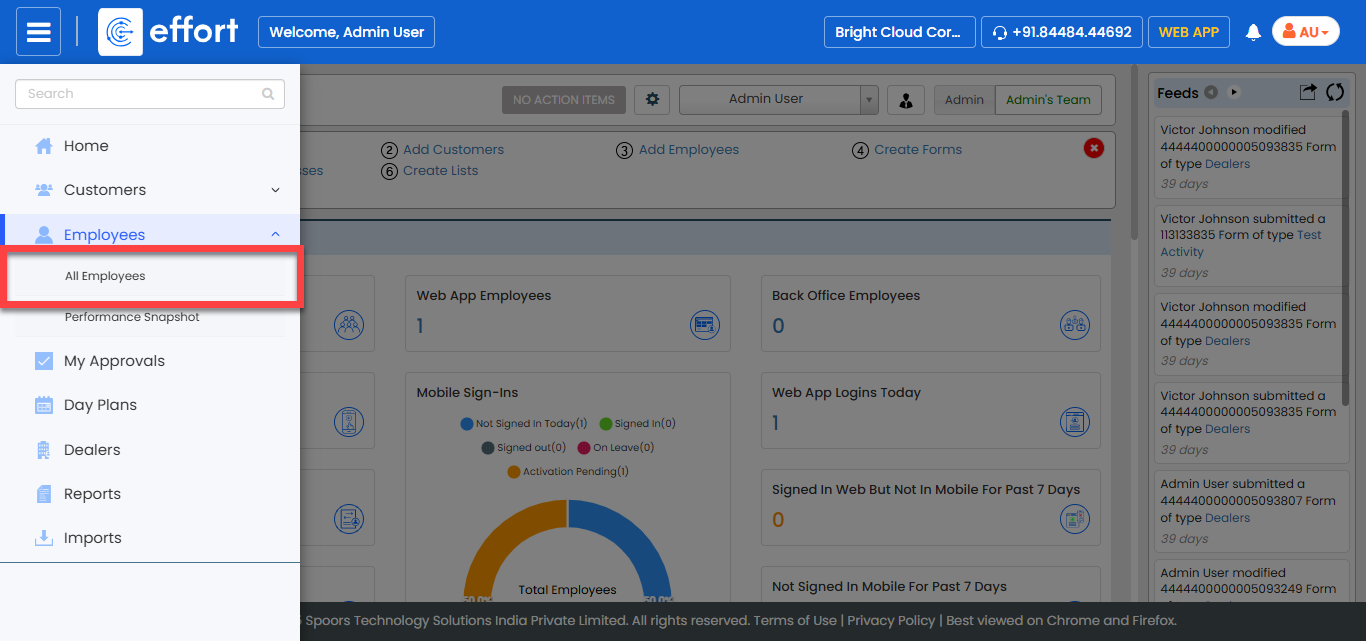
The All Employee page appears.
-
Click the Add Employee button.
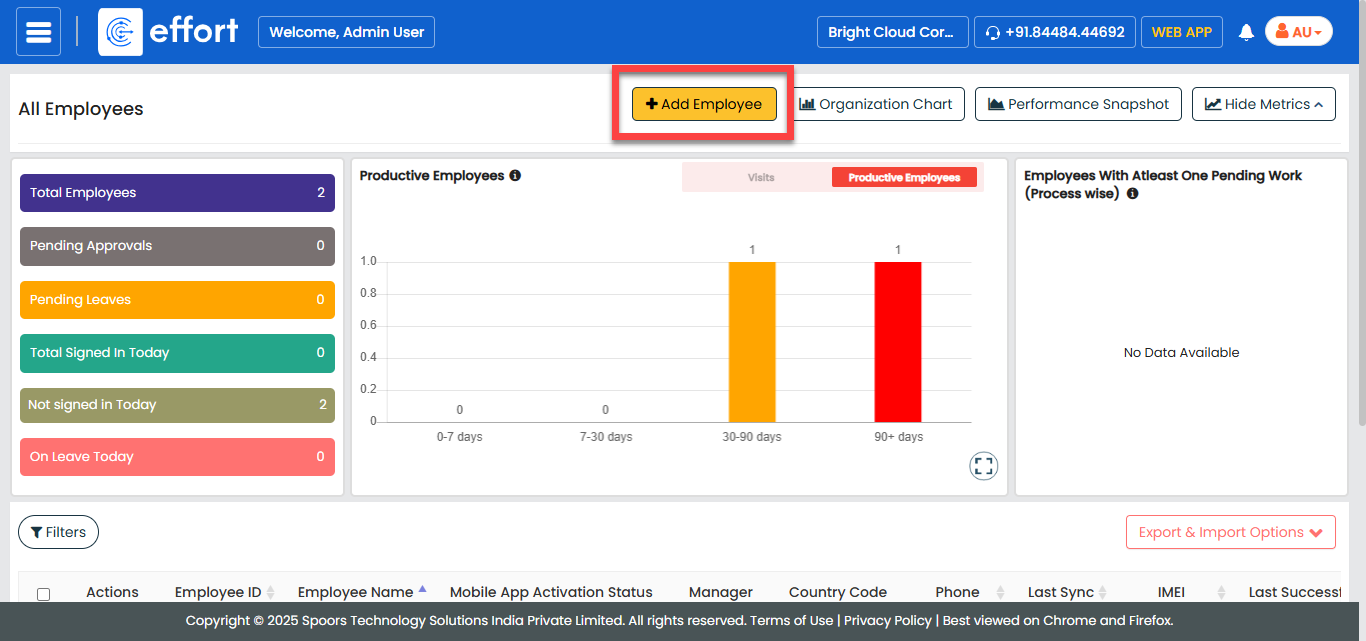
The Create Employee page appears.
-
Expand all the required sections and enter the employee details.
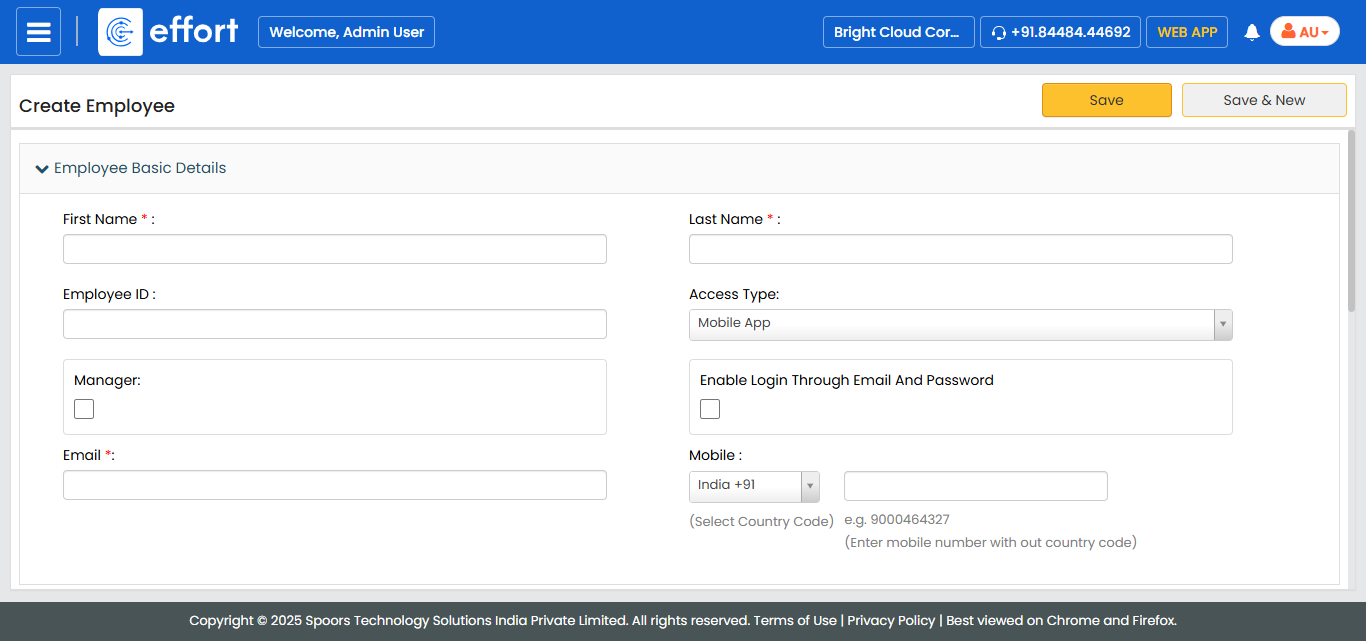
Refer to the Related information provided below to know more about all the fields. -
Click Save.
A new employee is created and is displayed in the Employees workspace.
The green and grey indicator in the Status column confirms the EFFORT mobile app status in the employee’s device