

Create Entity
To create an entity using the mobile app, follow the steps below:
-
On the home screen, tap the Entity card.
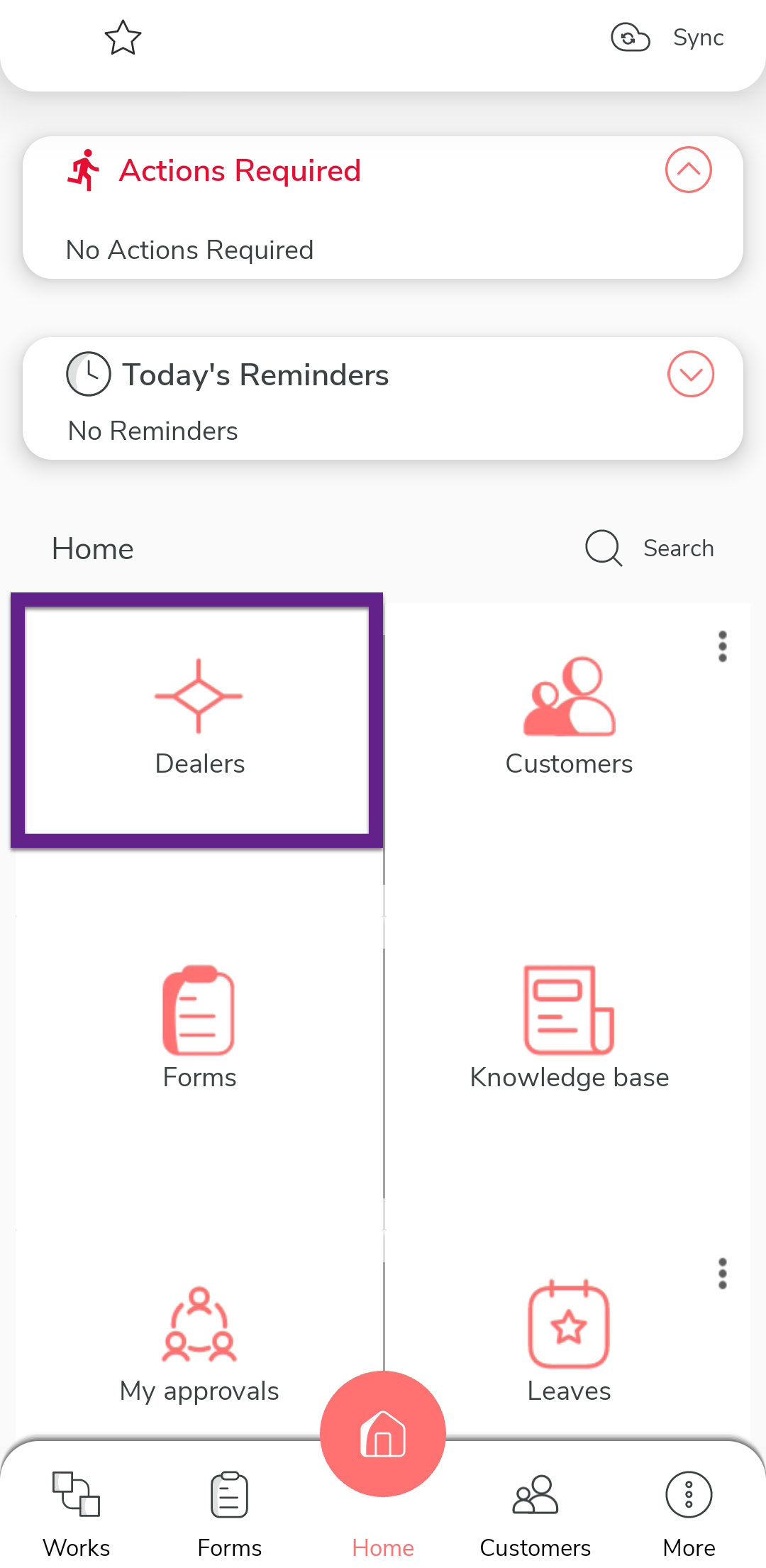
Note: In the provided screenshot, Dealers is an example of an entity. -
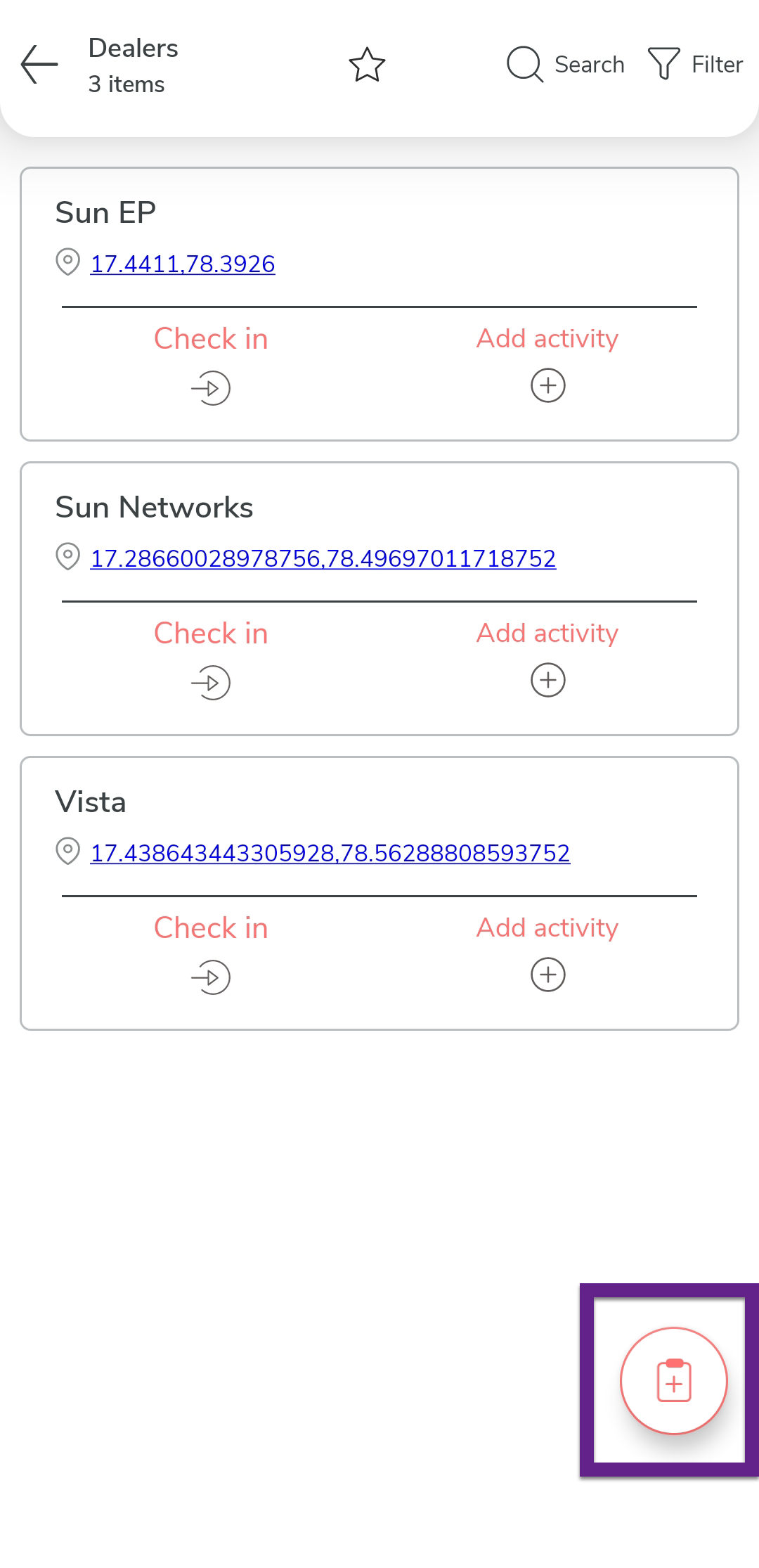
Tap the plus (+) icon located at the bottom-right corner of the screen.
-
Enter details in the fields such as Entity Name, Location, and so on.
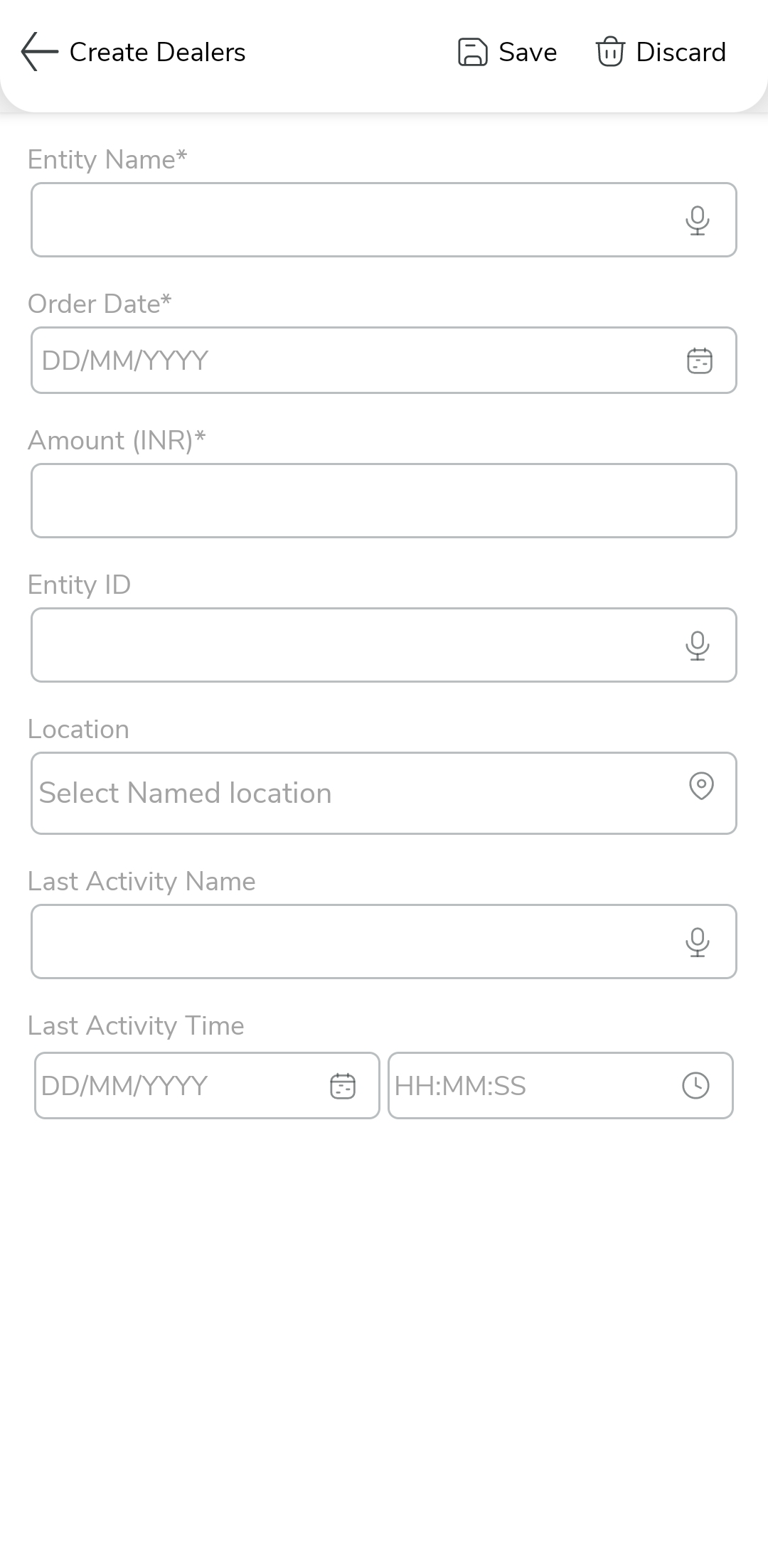
- Once all fields are completed, tap Save to create the entity.