

Edit Process Activity
To edit an process activity, follow the steps below:
-
Go to .
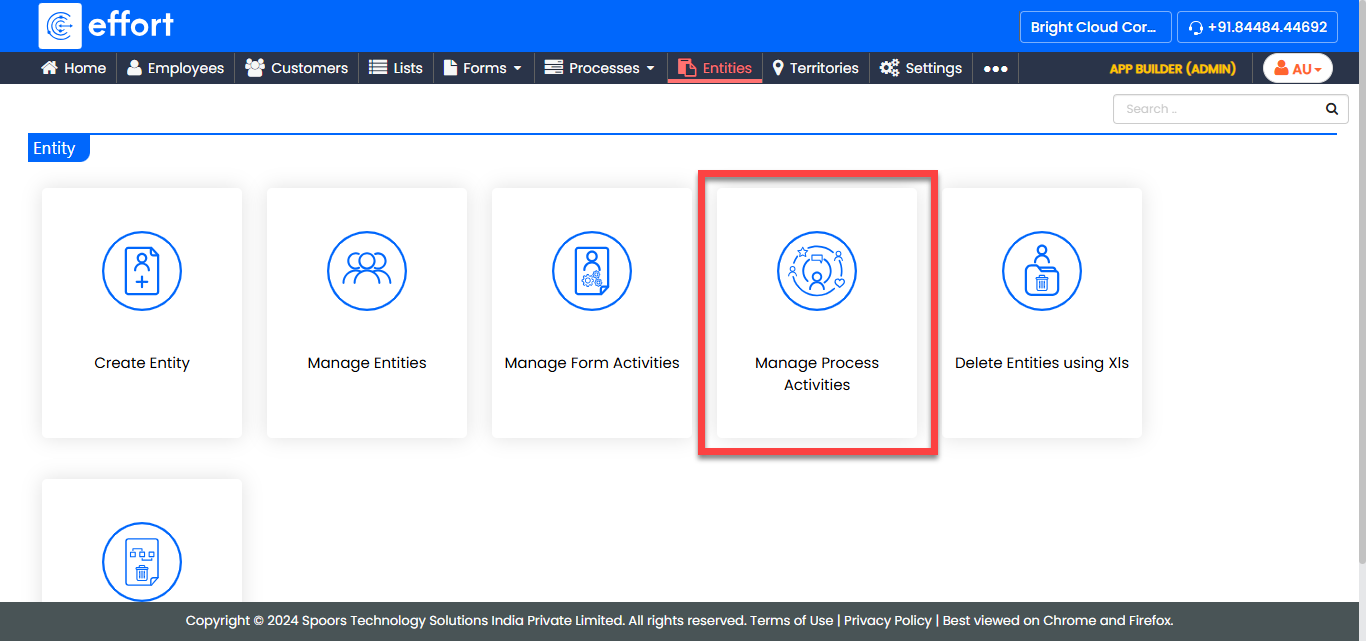
-
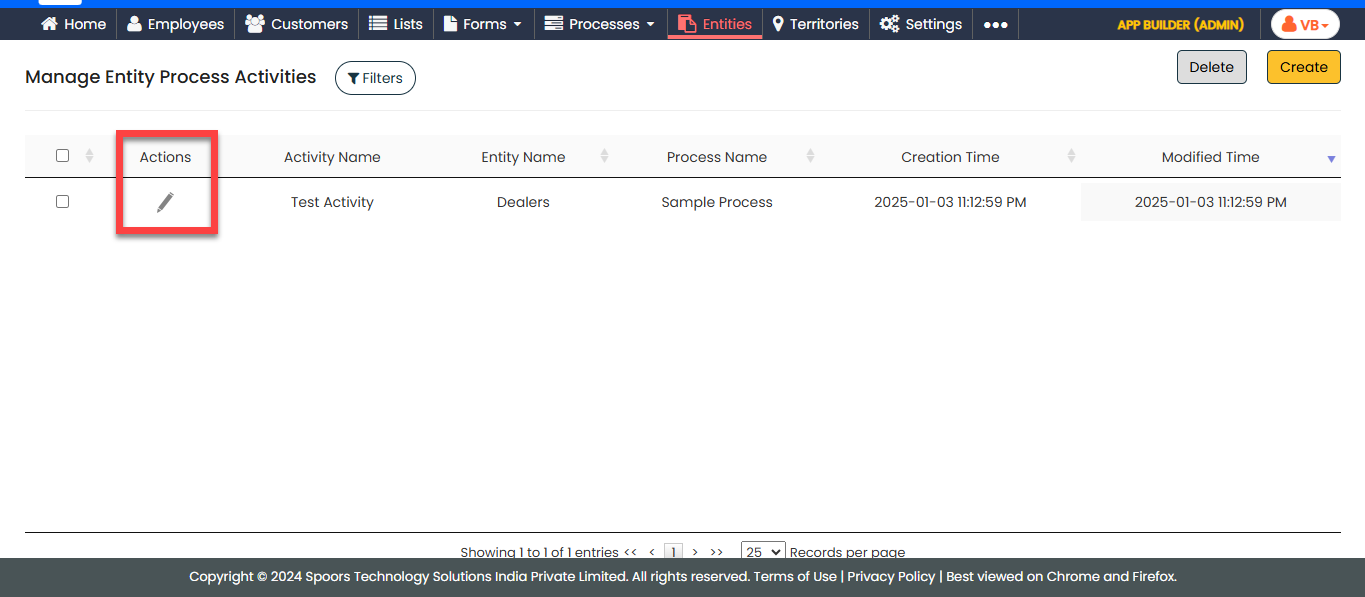
In the Manage Entity Activities page, locate the desired
entity activity and click the edit icon under the Actions
column.
-
In the Configure Entity Activity page, edit the configuration according
to your requirements.
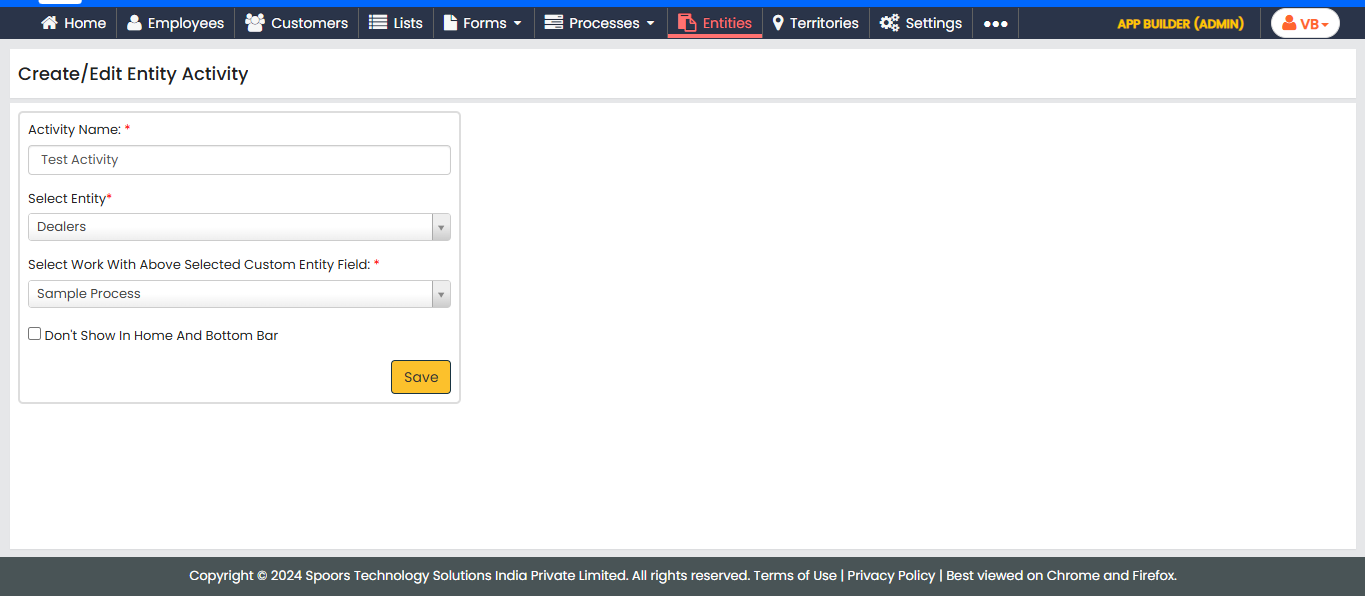
- Click Save.