View Completed Route Plans
View completed route plans and activities performed during the visits.
-
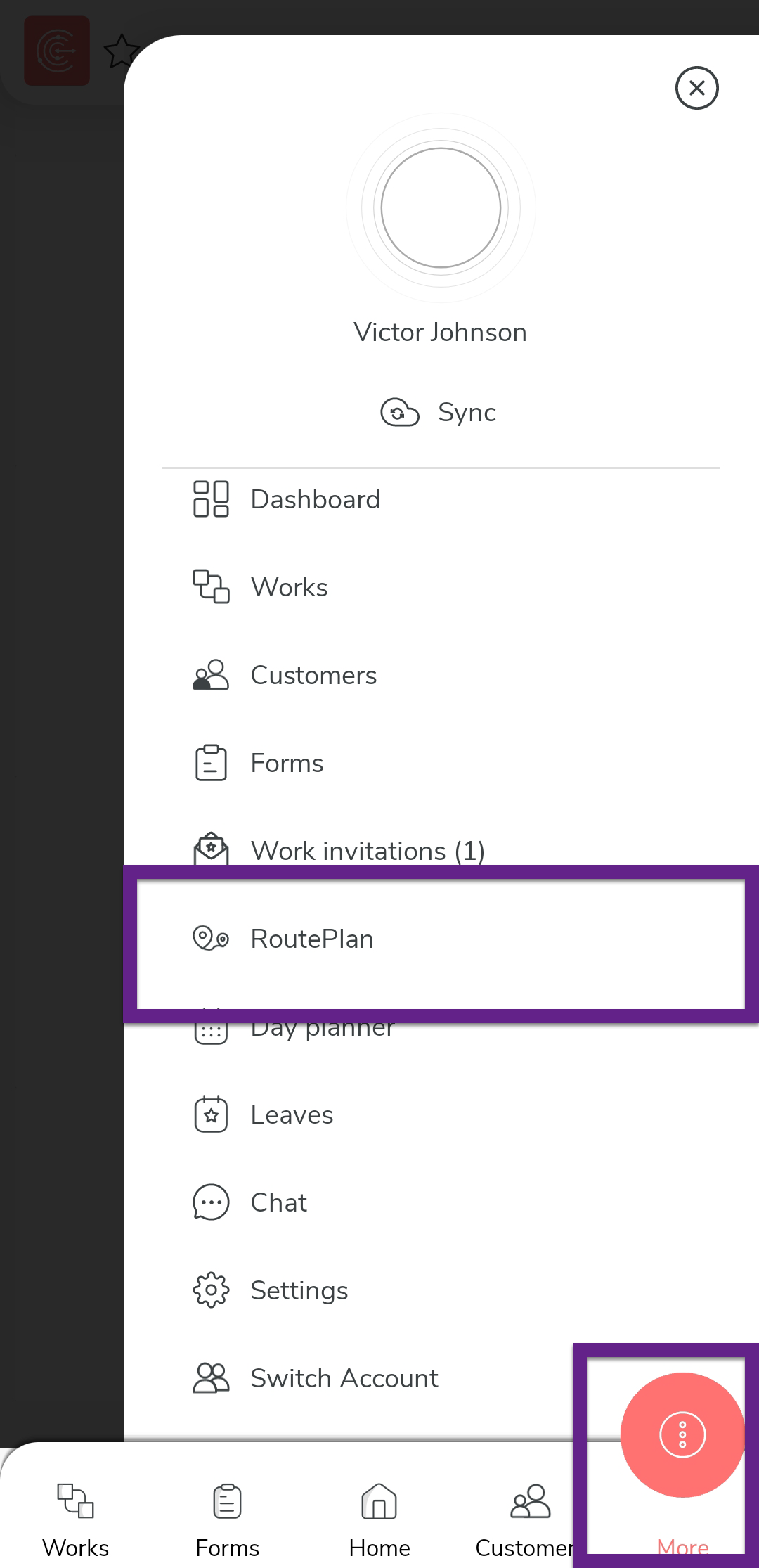
Tap the more icon and select the Route plans option in
the navigation drawer.
-
Tap a completed route plan.
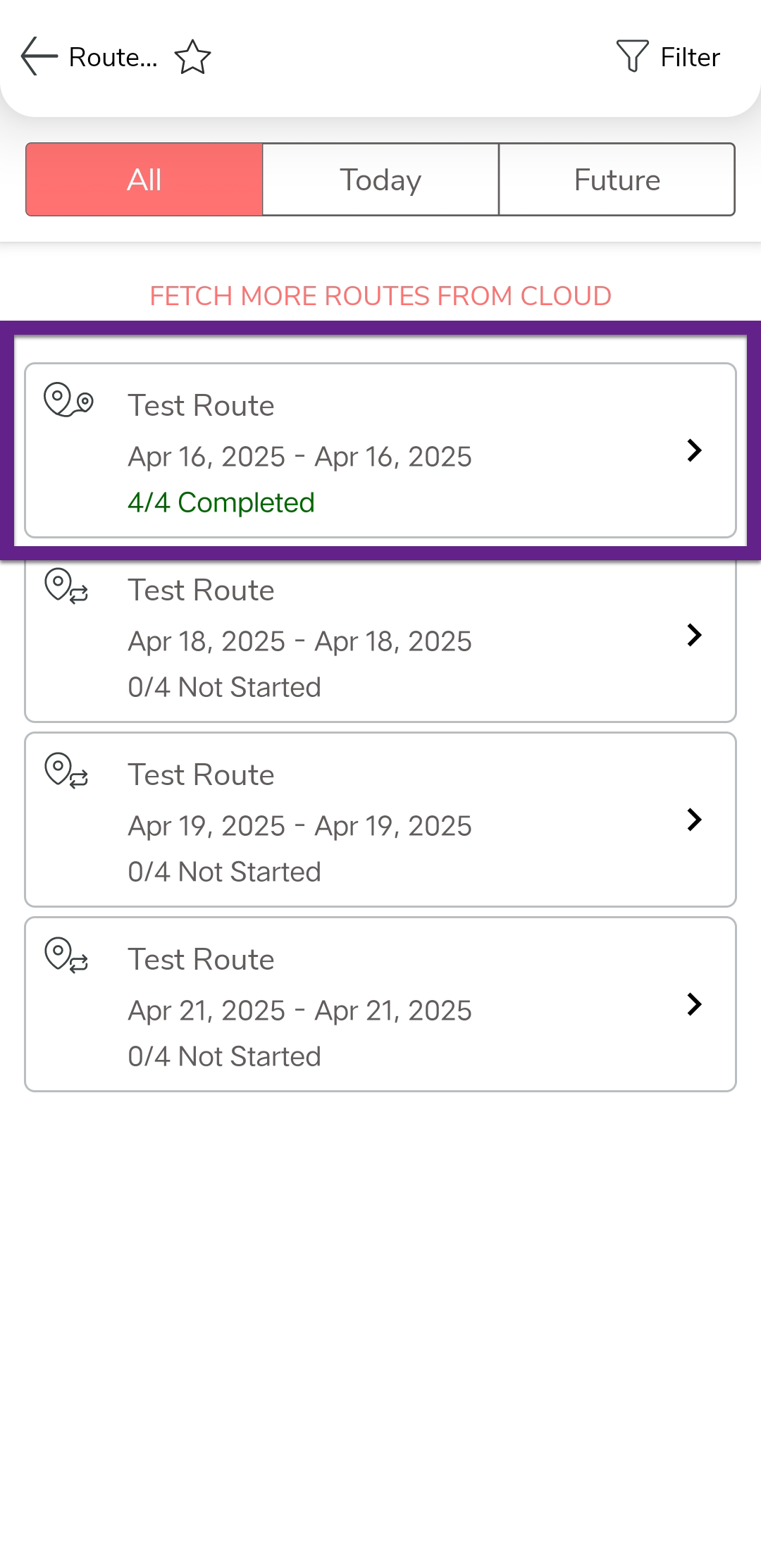
Switch to TODAY'S/FUTURE tab, or change sort order to locate the right route plan. -
Tap Add activity
 to view the activities recorded against the customer visit.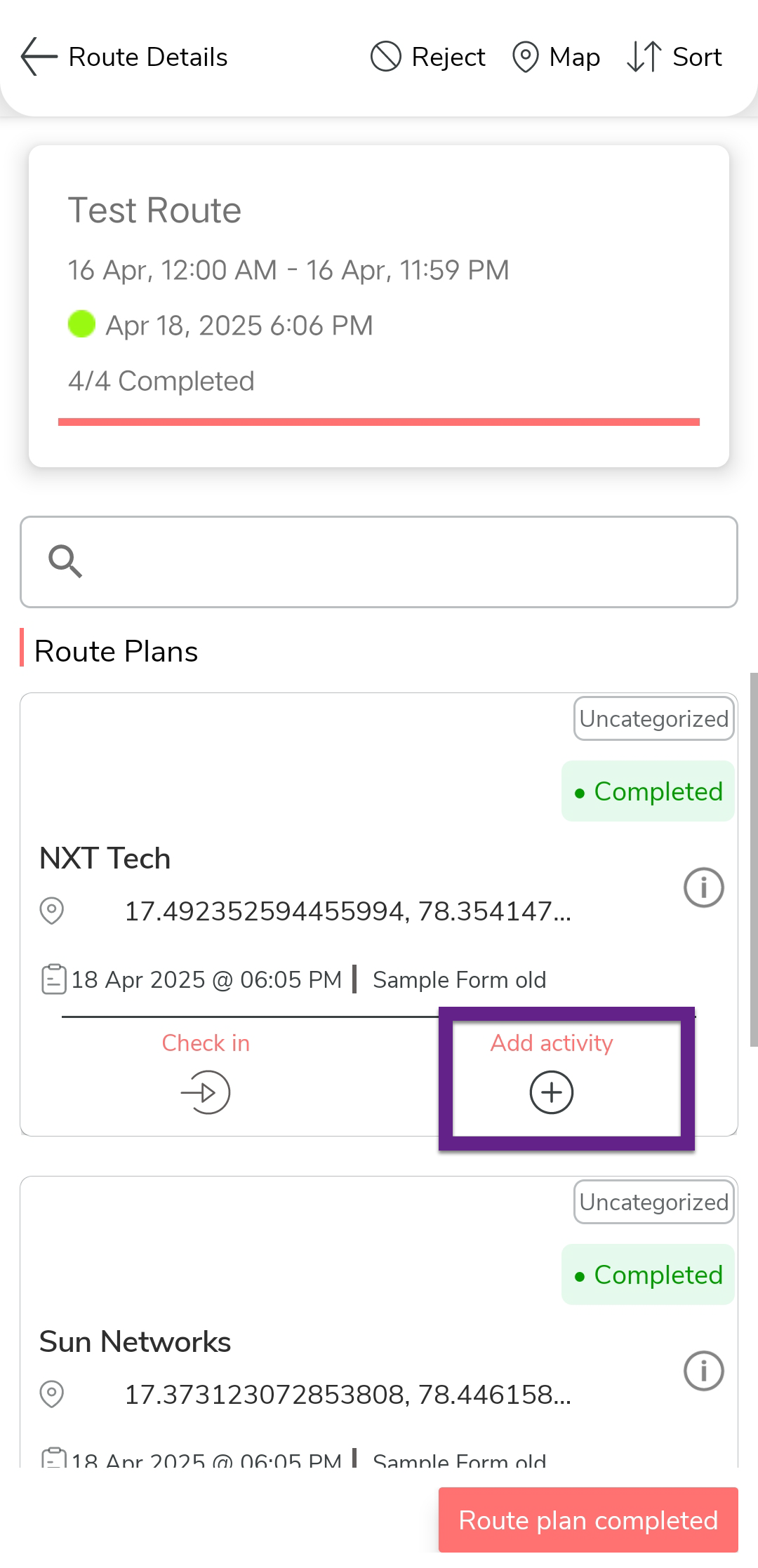
-
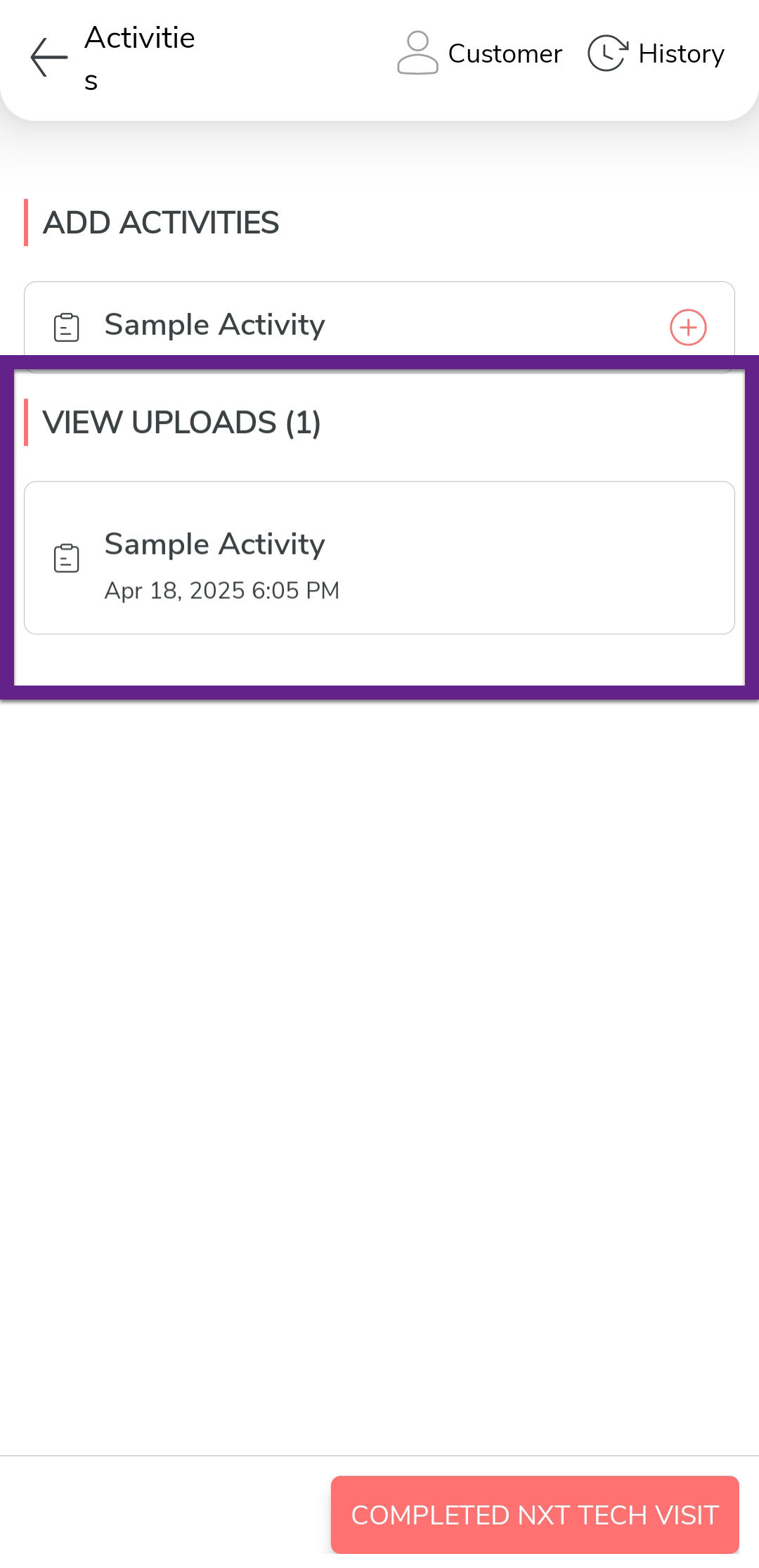
Tap the activity under the View Uploads to view the
activities recorded against the customer visit.