

Create a Route Plan
Creating a route plan allows you to choose the list of customers and specify the order in which they should be visited.
-
Go to .
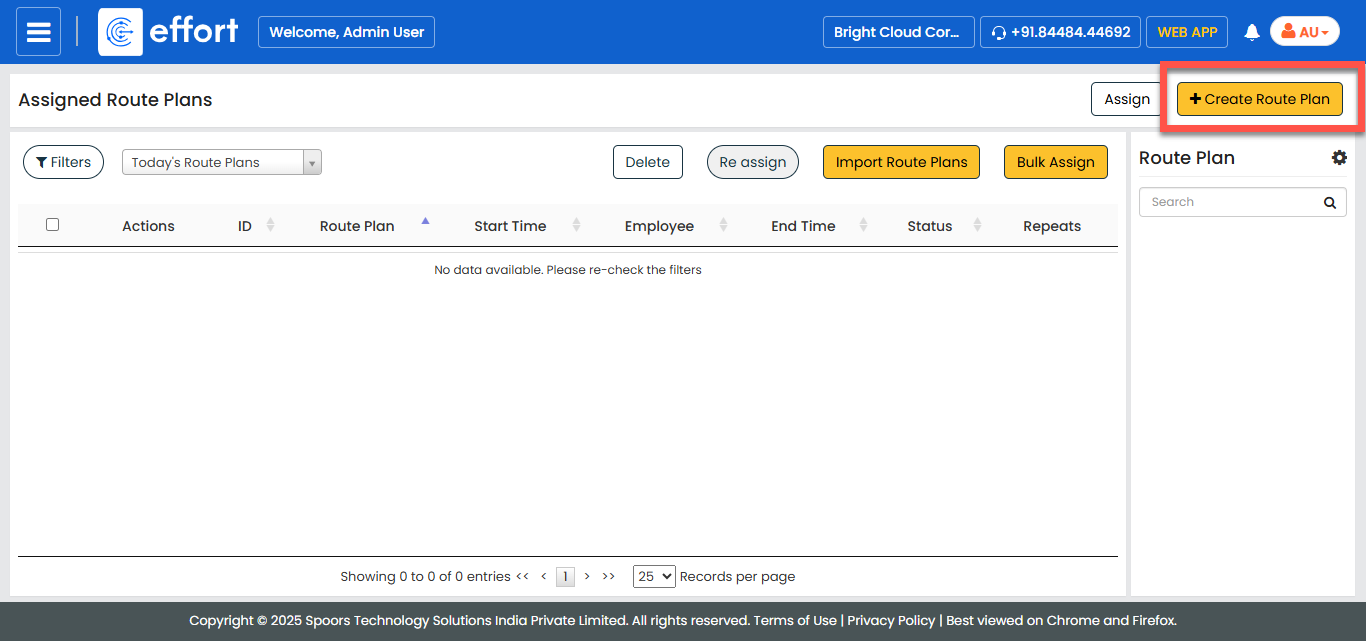
The Assigned Route Plan page appears.
-
Click the Create Route Plan button.
-
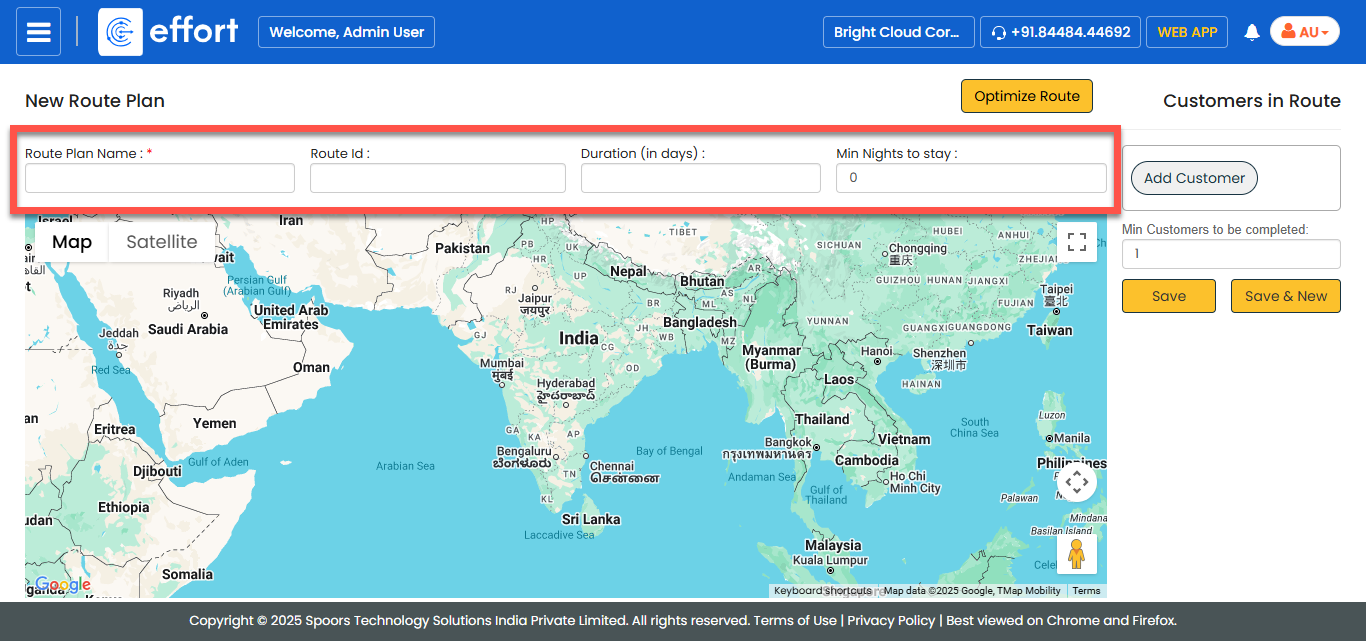
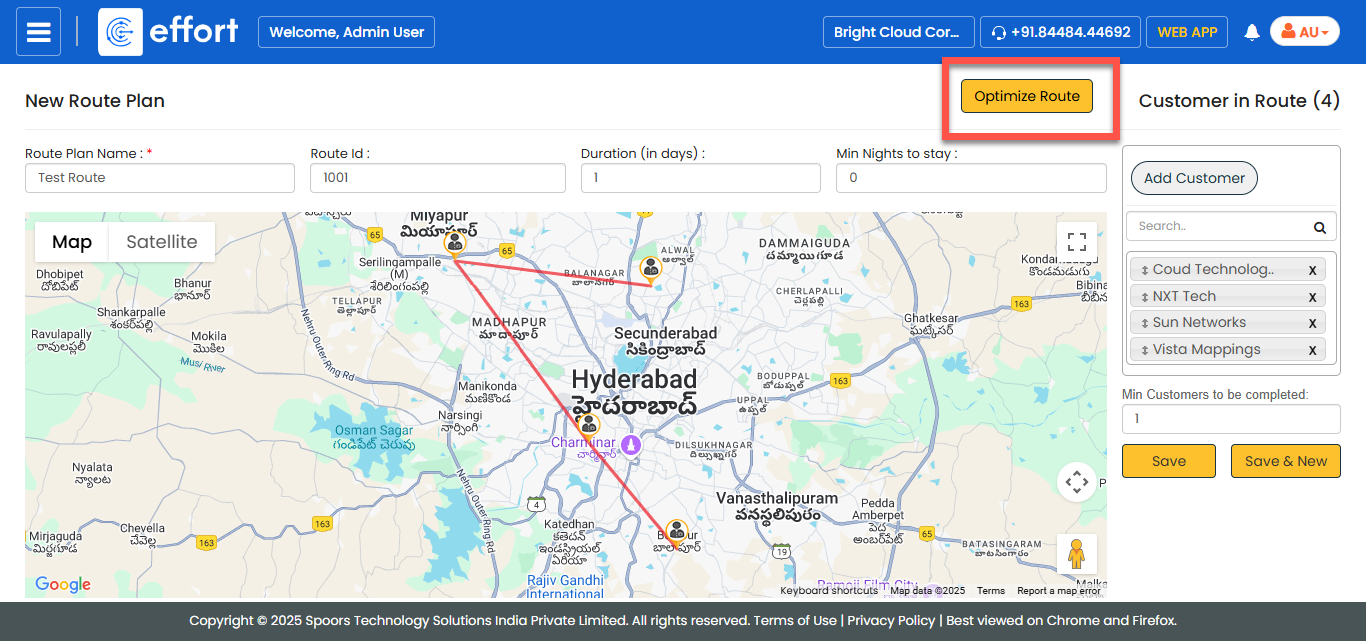
Enter a name for the route plan, a unique ID for referring to it in subsequent
operations, duration, and minimum number of customers to visited.
-
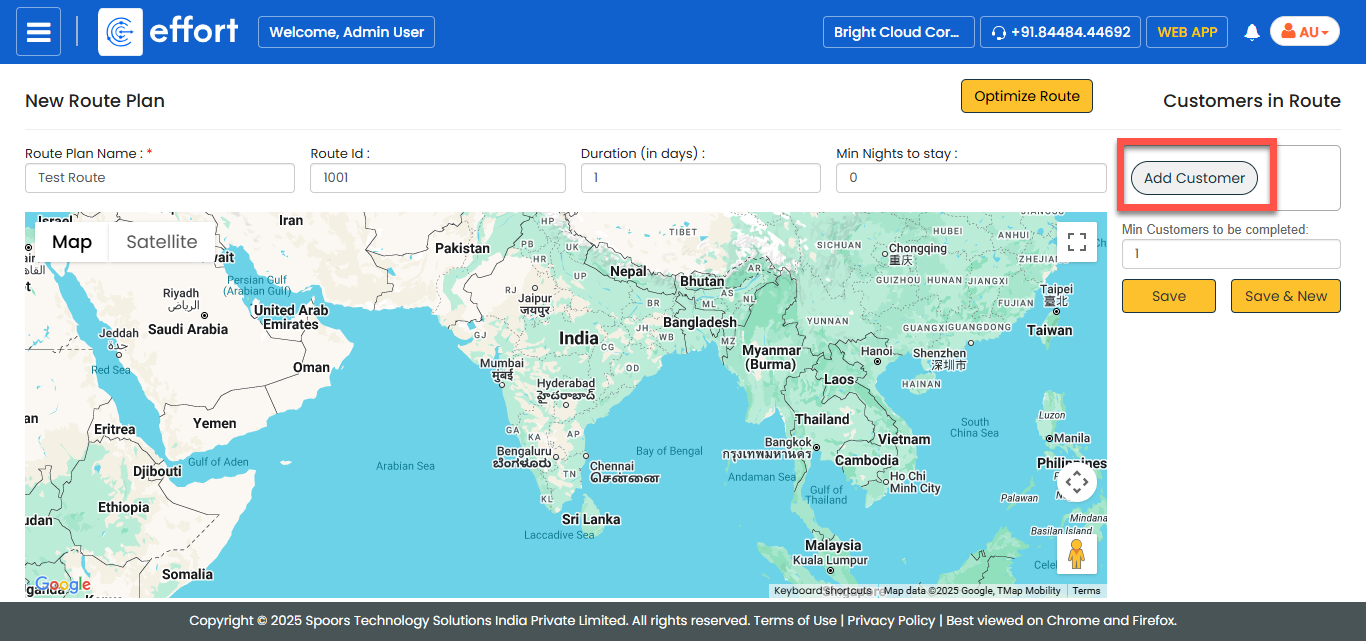
Click the Add Customer button.
-
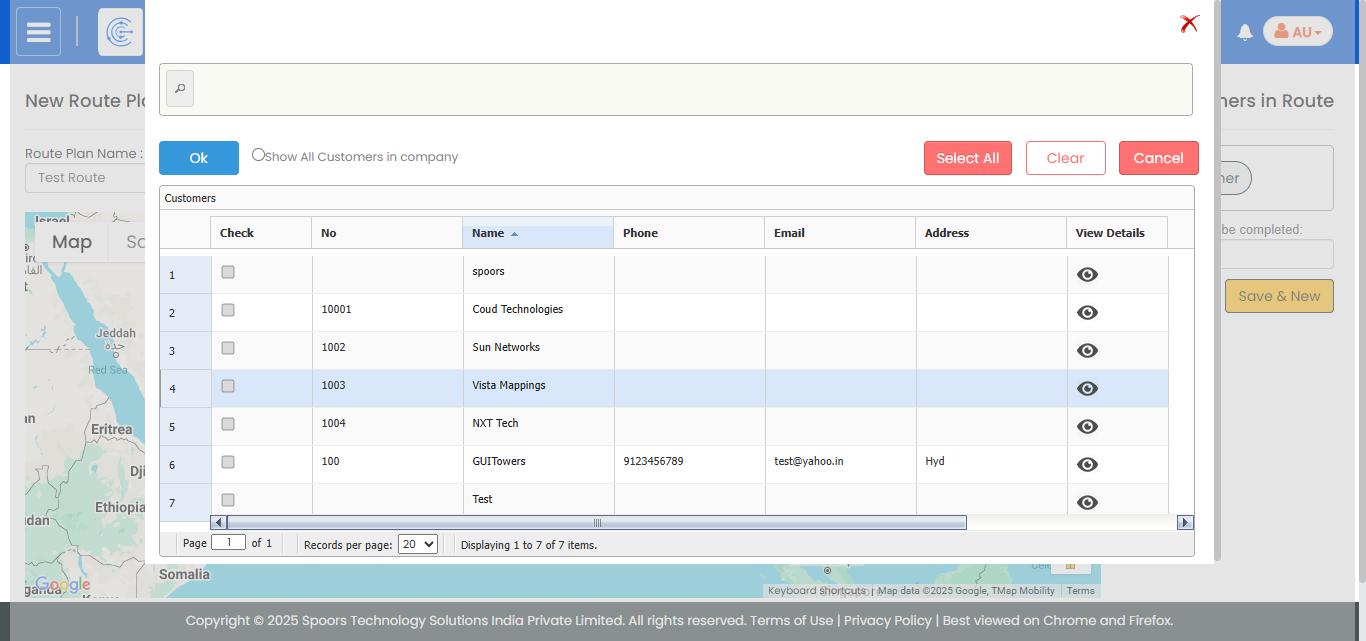
In the pop-up, select customers you want to add to the route and click
OK.
- Optional:
Optimize the route plan. See Optimize Route
Plan for details.
- Click SAVE.