

Edit a Form Submission
This topic helps you understand how to edit an existing form submission. You can
update form details if corrections are needed or if additional information must be
added before approval.
Note:
Editing may be restricted based on form status or user permissions. You can only edit forms that are in a Pending for Approval, Draft, or Rejected status unless your admin has enabled editing for submitted forms.
-
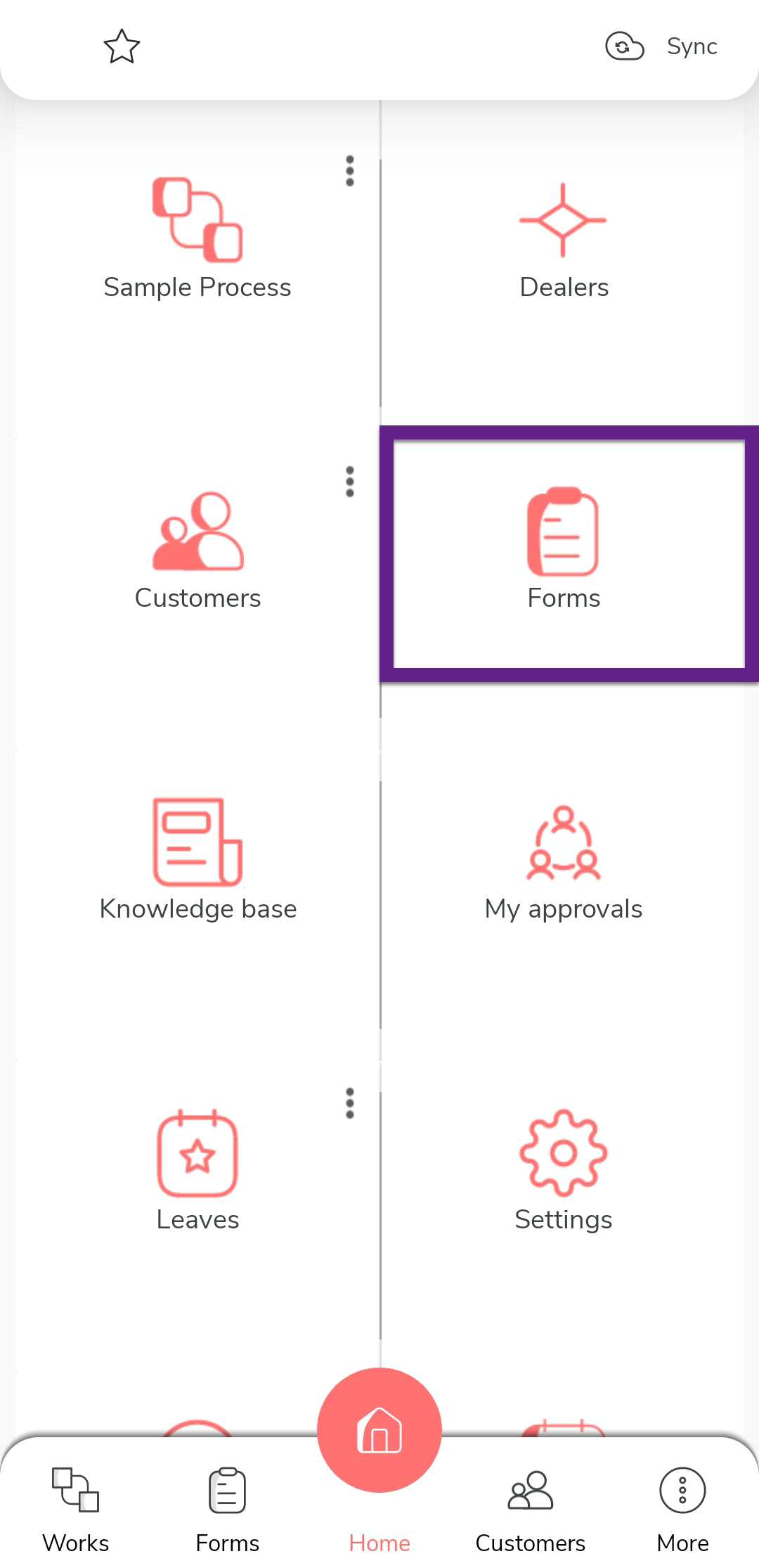
On the home screen or from the navigation drawer, tap
Forms.
-
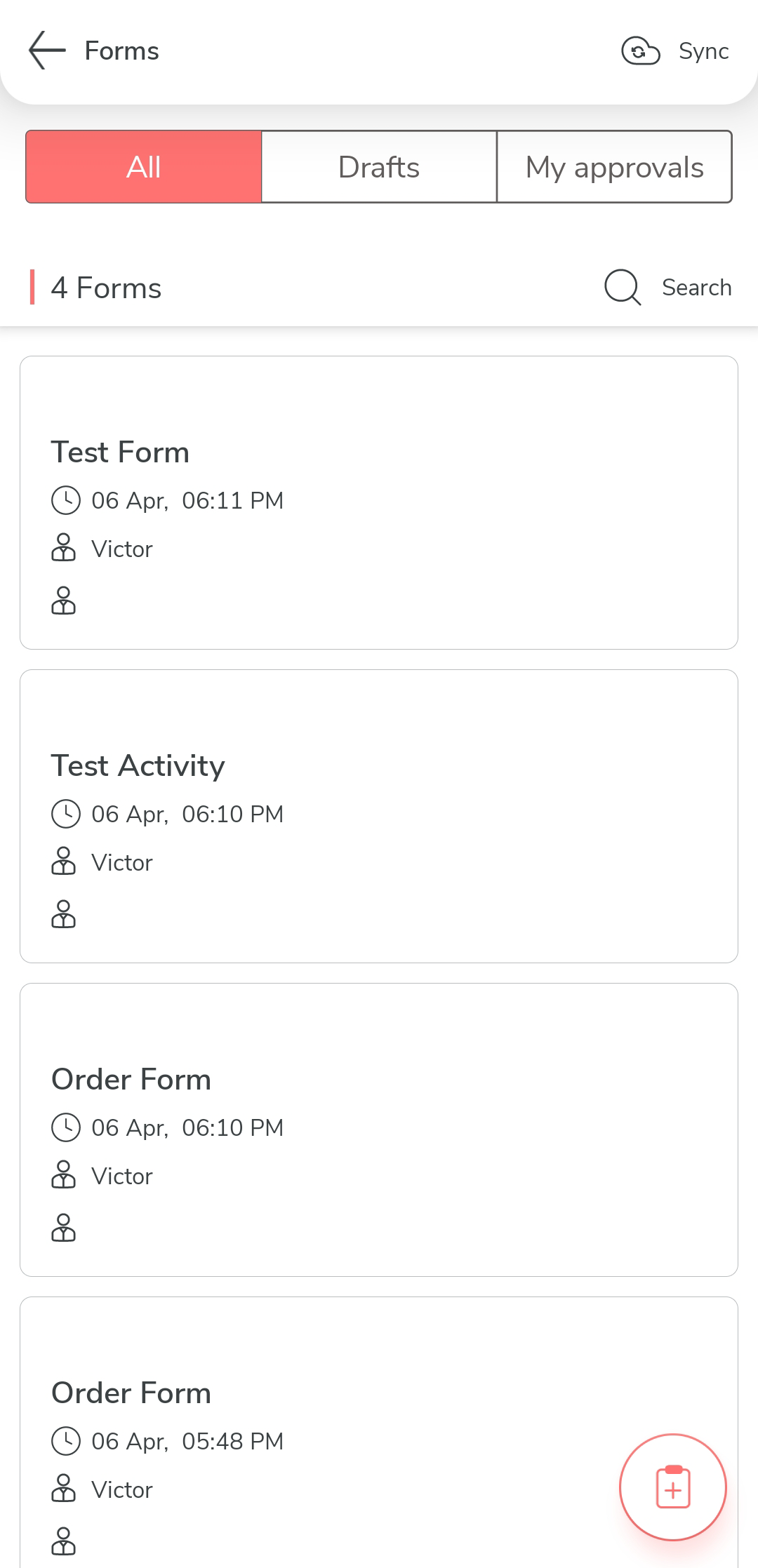
From the list of forms, locate the form submission you want to edit and tap on
it.
-
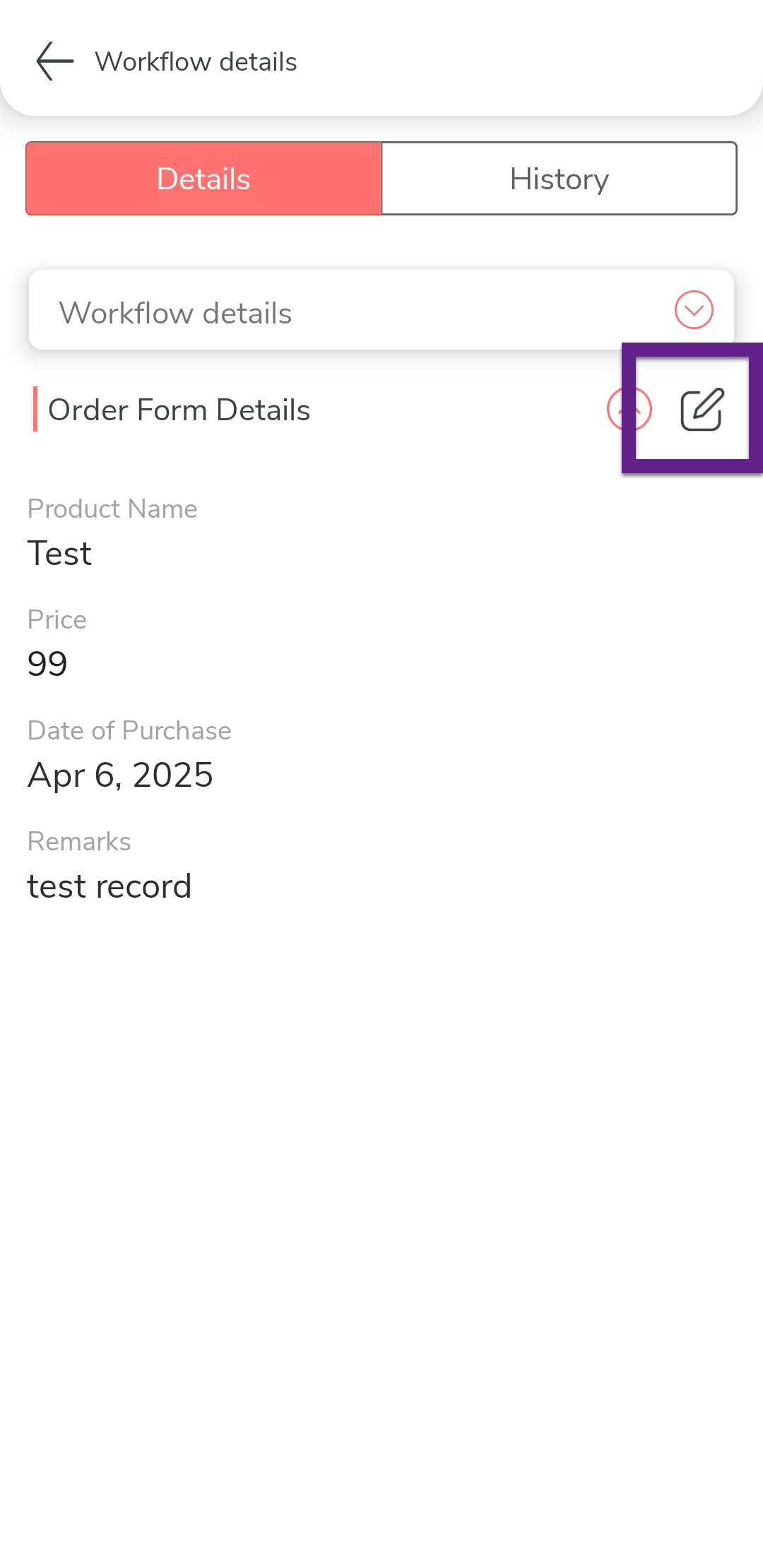
Tap the Edit icon.
-
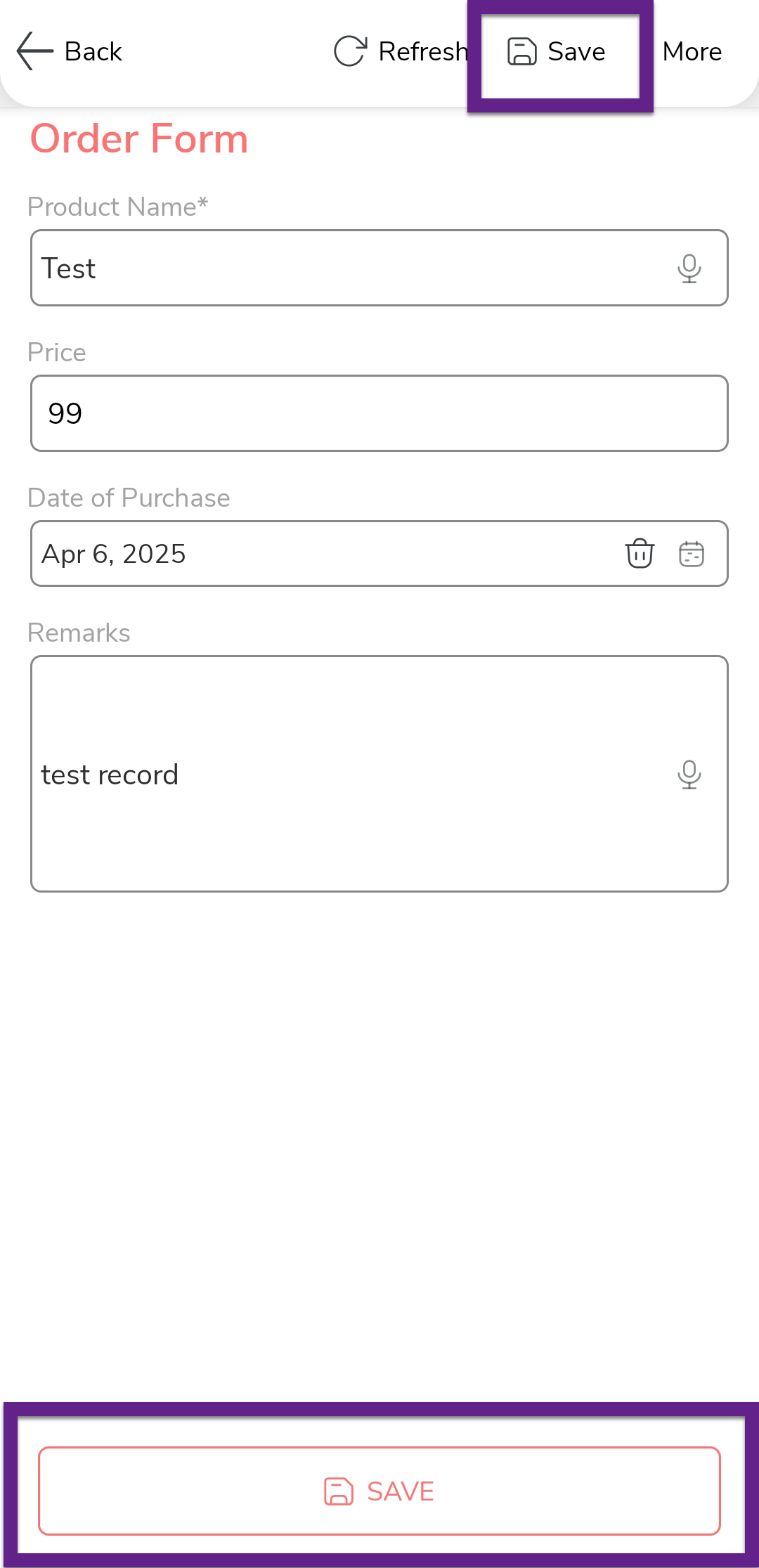
Update the necessary fields with the new information.
-
Tap the Save icon to save your changes.
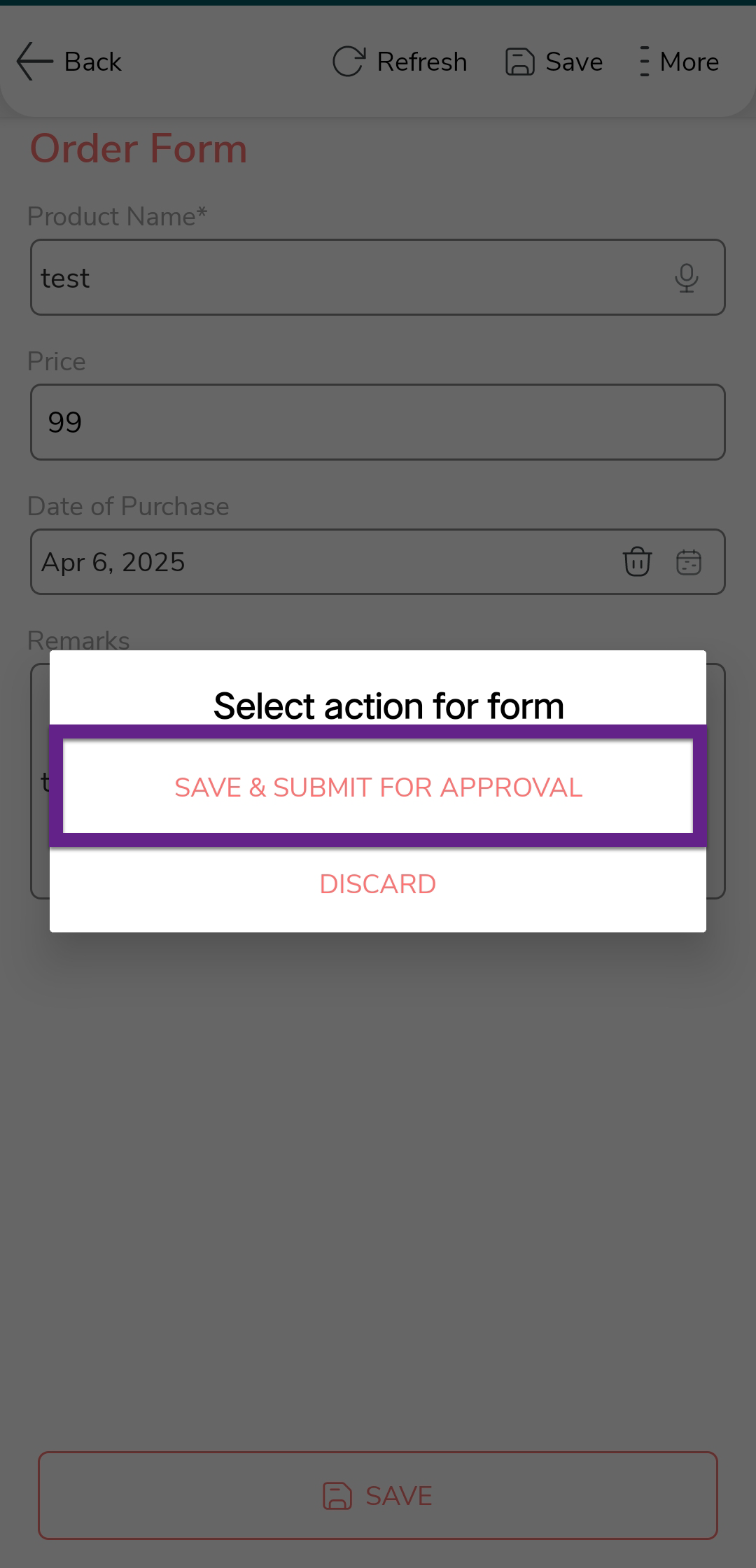
Note:If the form was already submitted for approval, editing it may reinitiate the approval process depending on the workflow configuration.