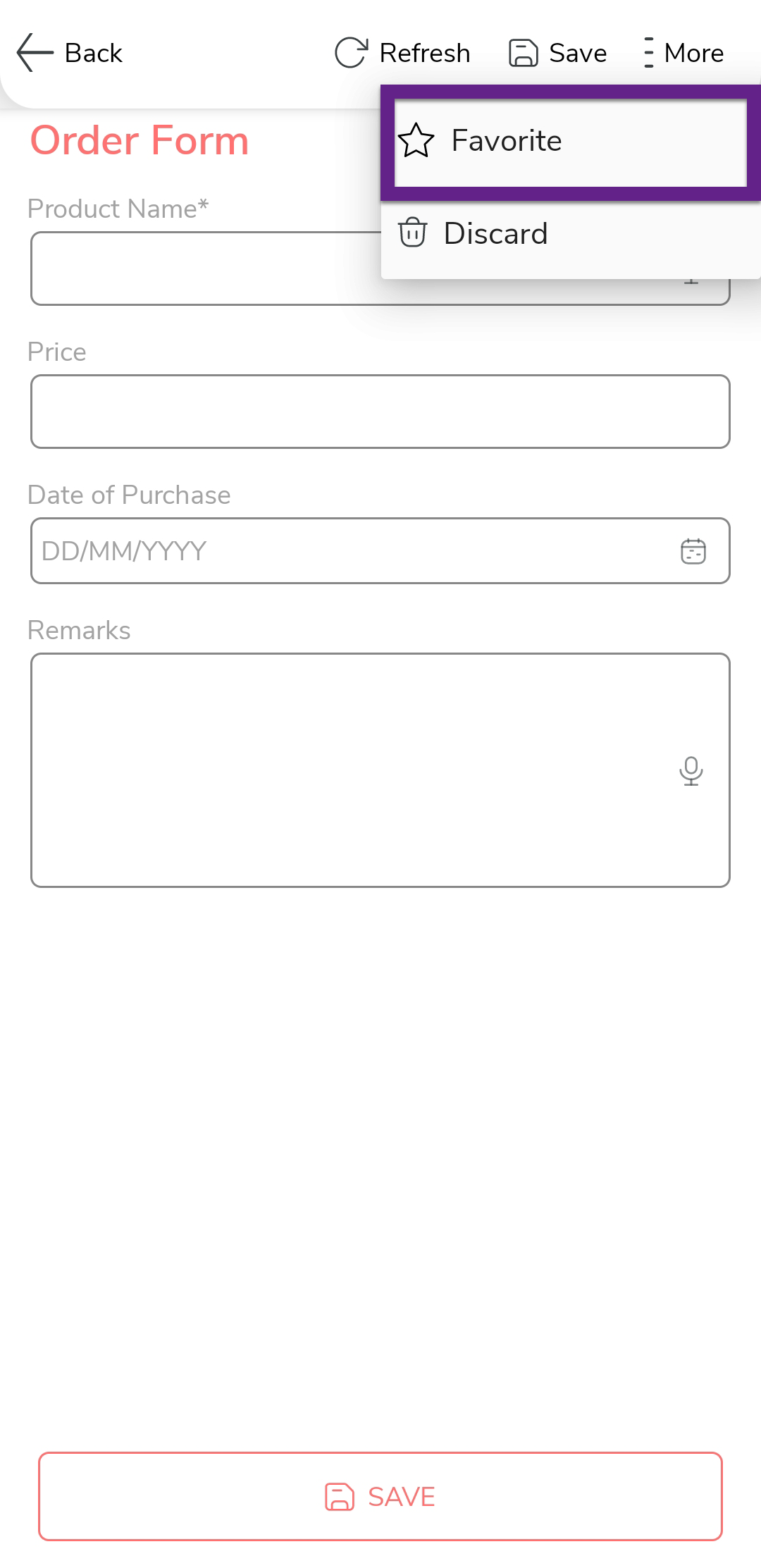
Set a Form as Favorite
This topic helps you understand how to mark a form as favorite in the mobile app. Setting frequently used forms as favorites allows you to access them quickly without searching through the full list.
-
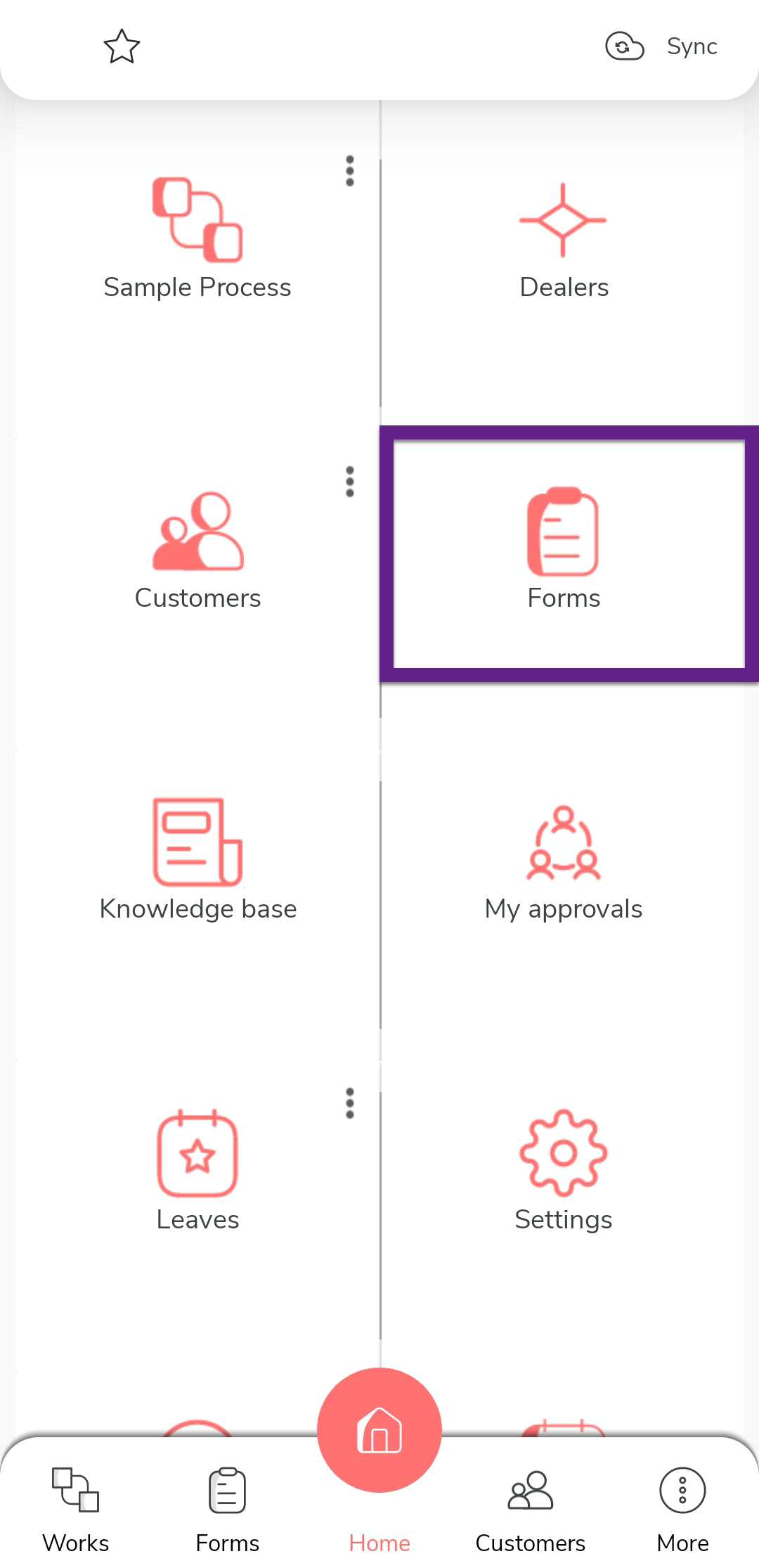
On the home screen or from the navigation drawer, tap
Forms.
-
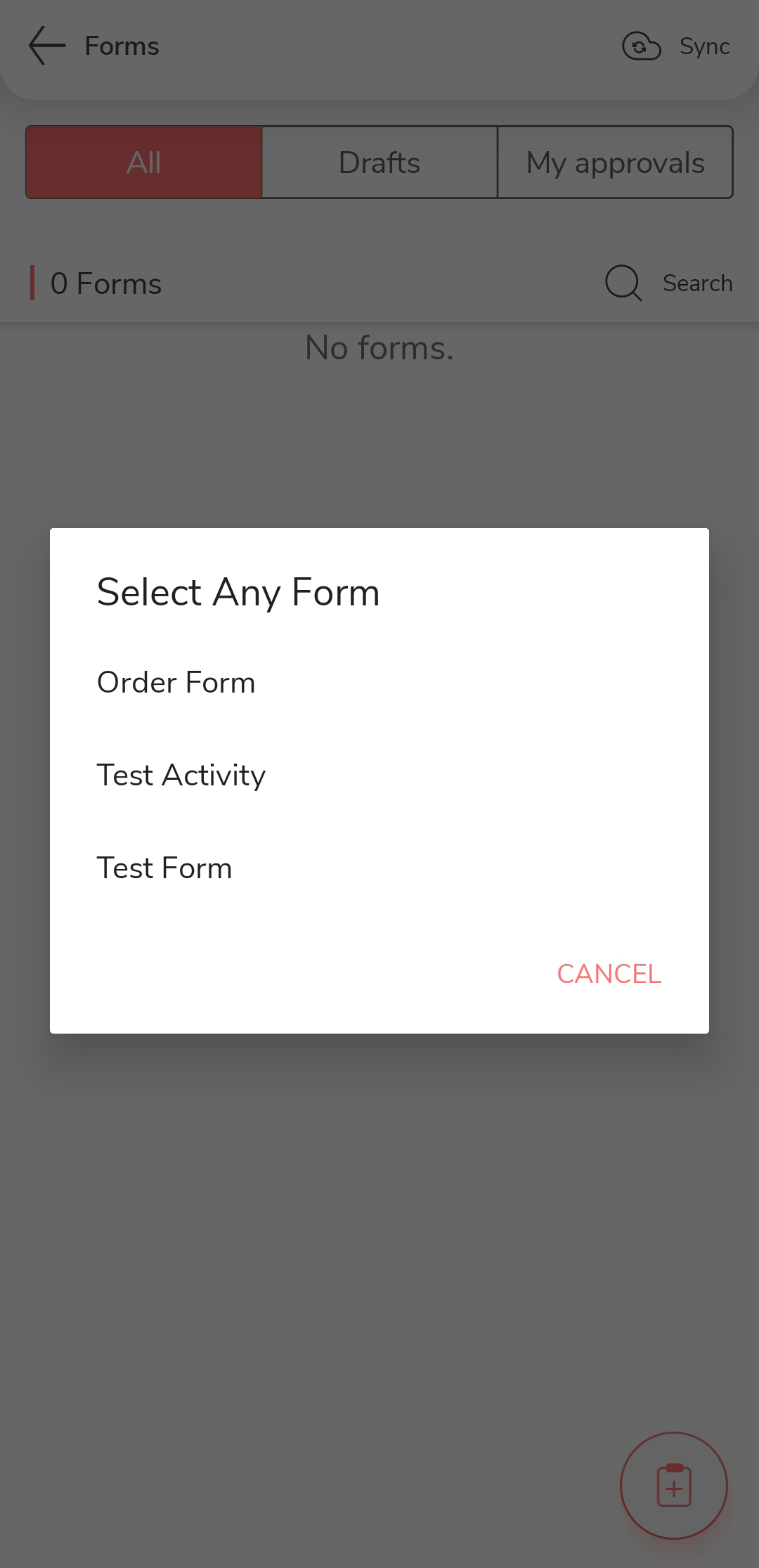
Tap the add
icon located at the bottom of the forms screen.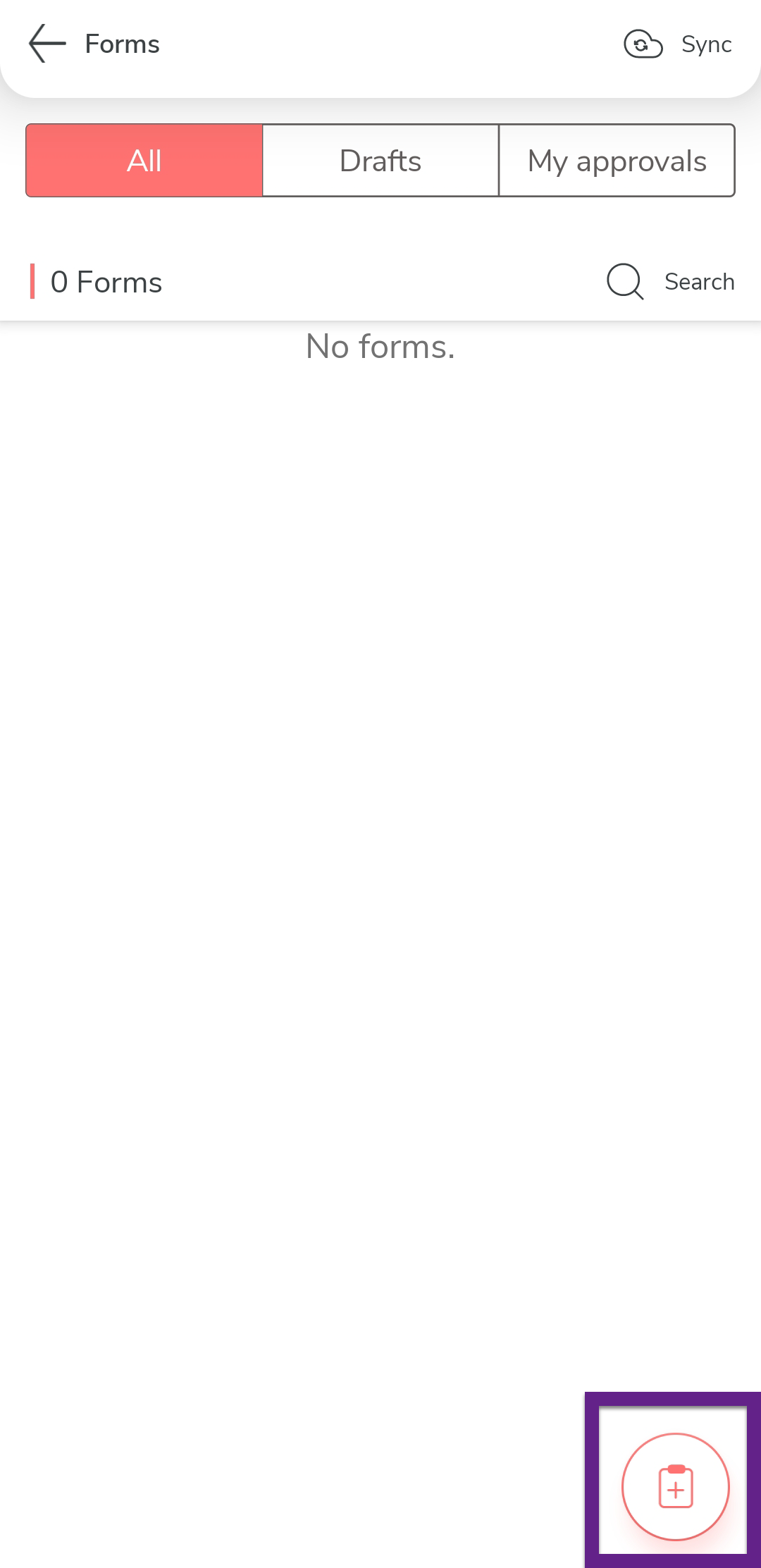
-
Tap the required form.
-
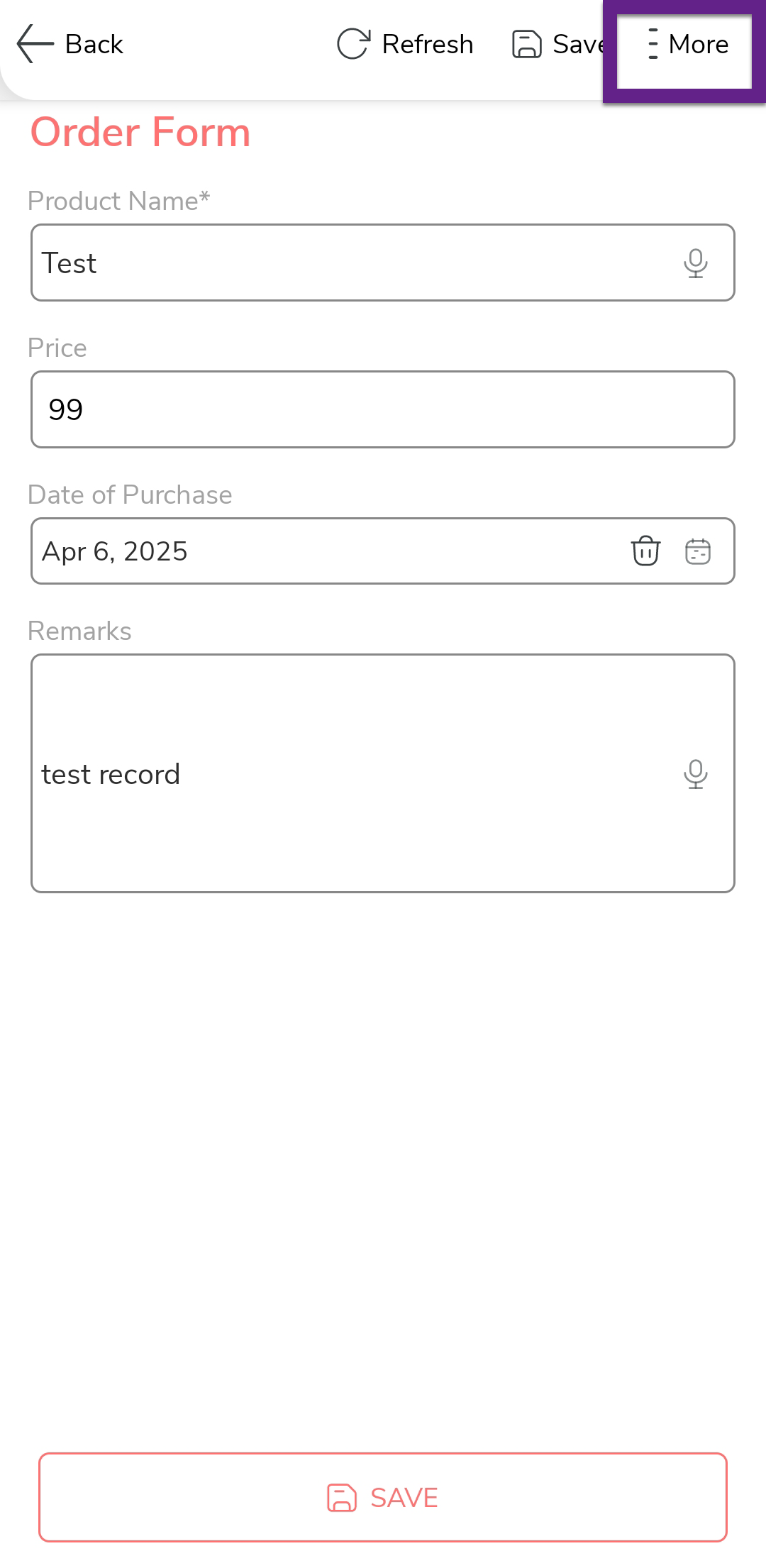
Tap the More option at the top of the page.
-
Tap the Favorite option to set the form as
favorite.