

Create a Form
To create a form, follow the steps below.
-
Go to .
The Forms page appears.
-
Click the Create Form button.
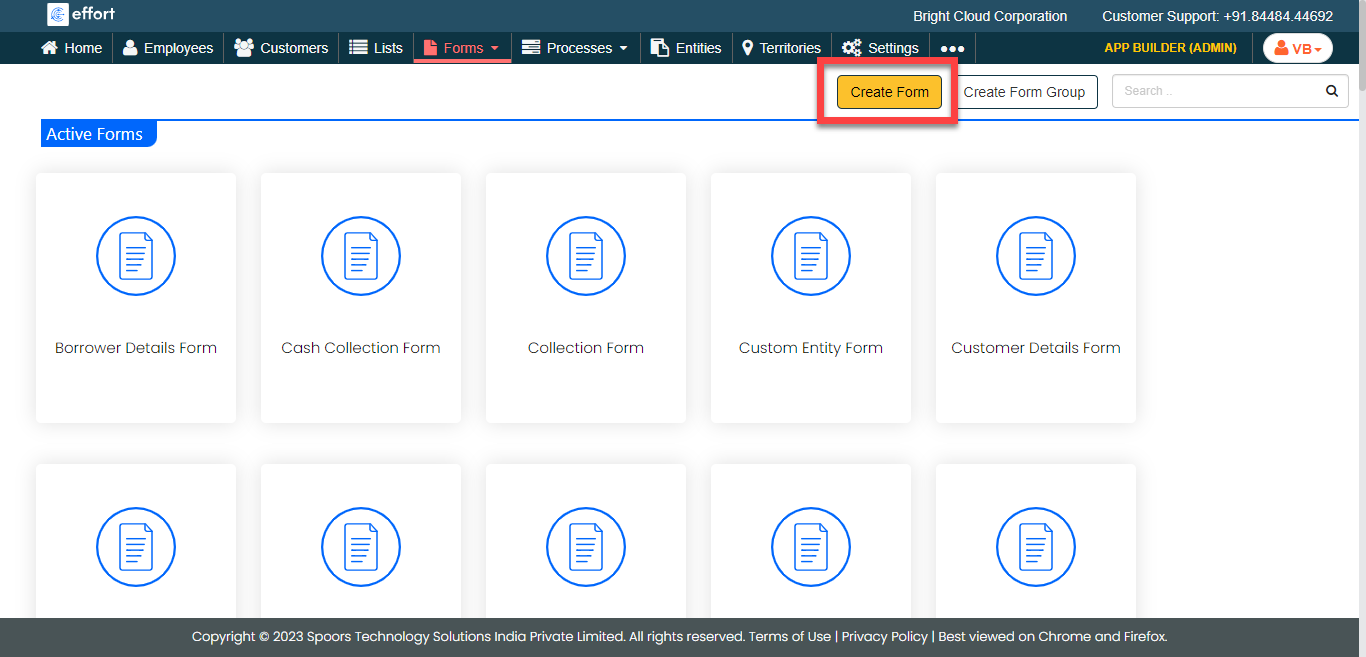
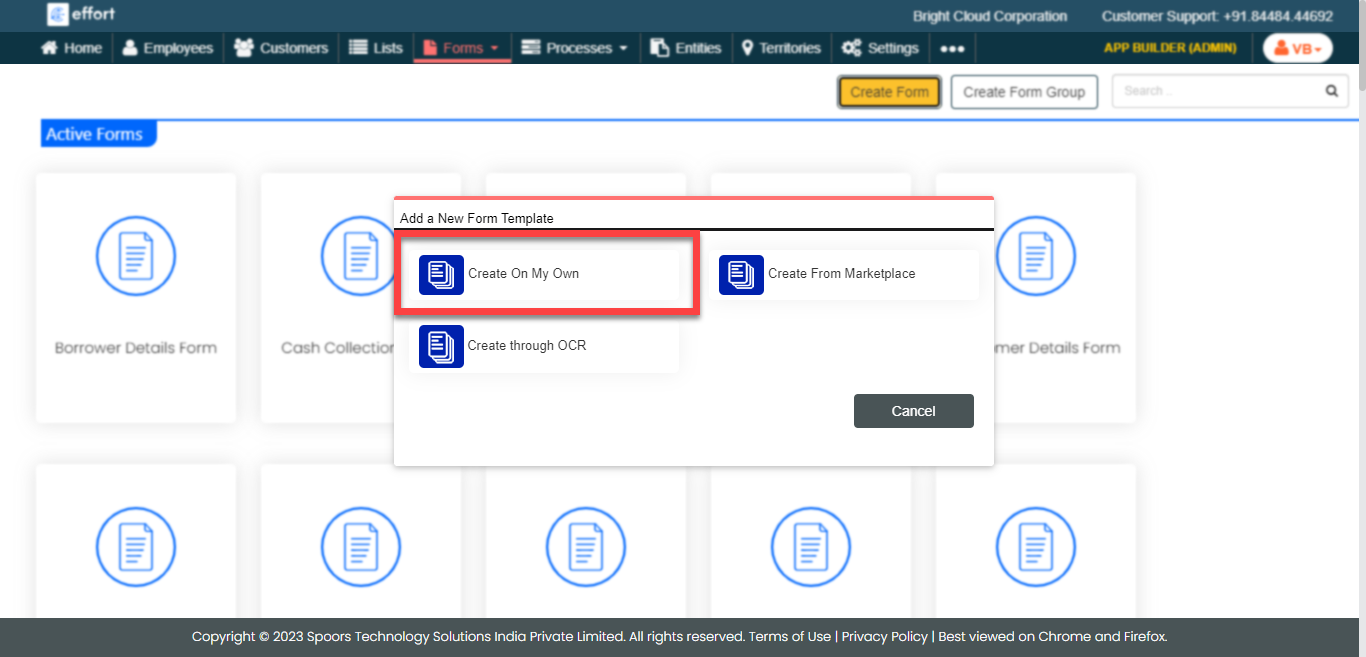
The Add a New Form Template pop-up appears.
-
Click Create On My Own.
-
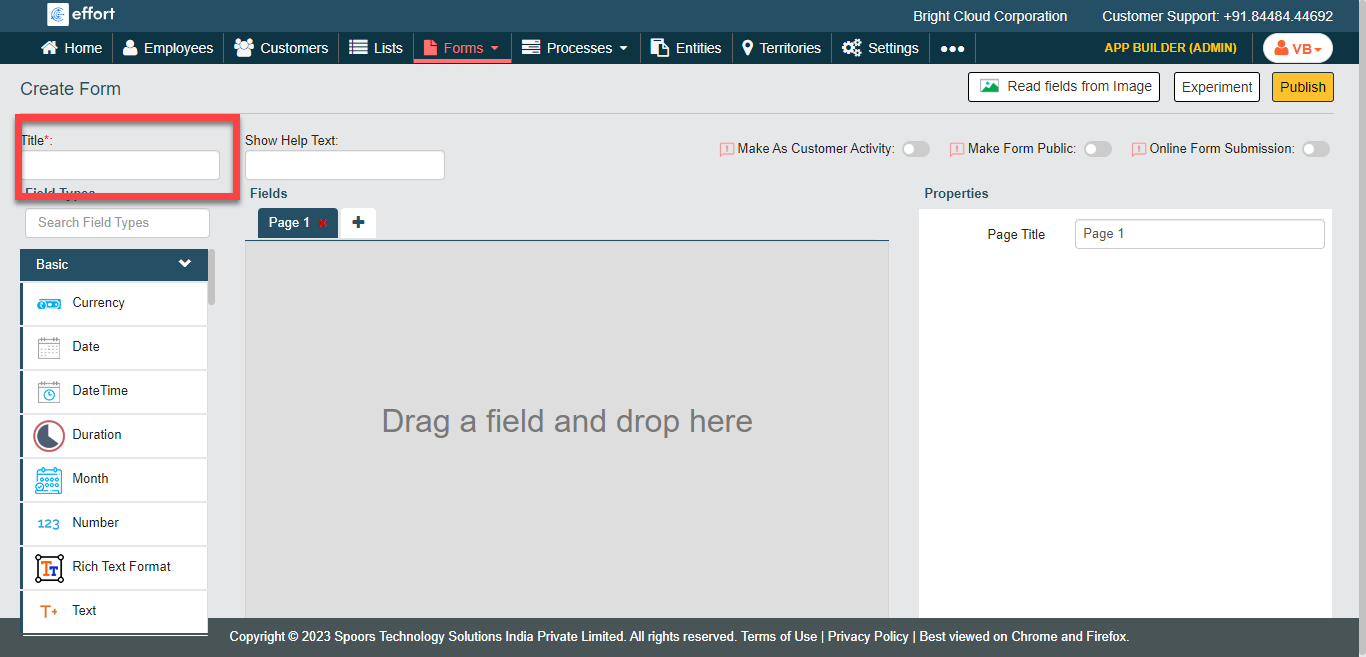
Enter a name for the form in the Title textbox.
-
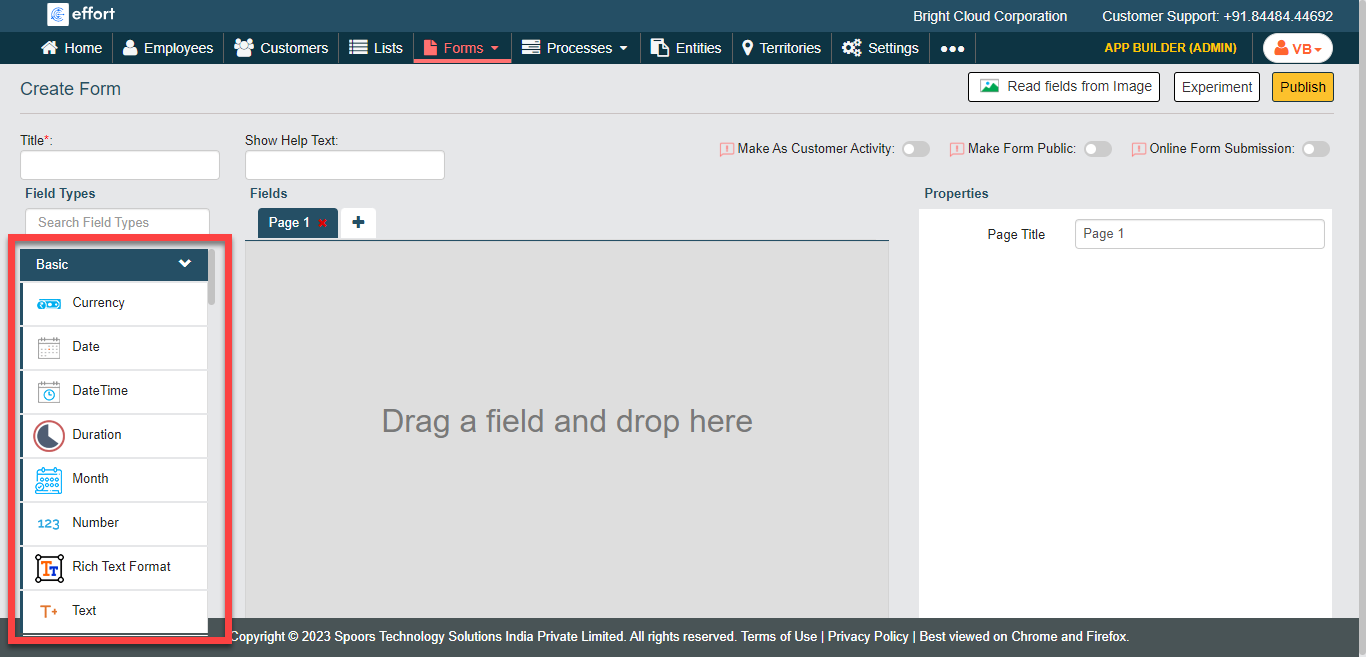
Drag and drop one or more fields on to the page canvas.
-
Configure properties of each field as per your requirement.
Refer to the Related information provided below to know more about Data Types, Properties, and Advanced Settings.
-
Enable publishing option as per your requirement to start accepting form
submissions from the users.
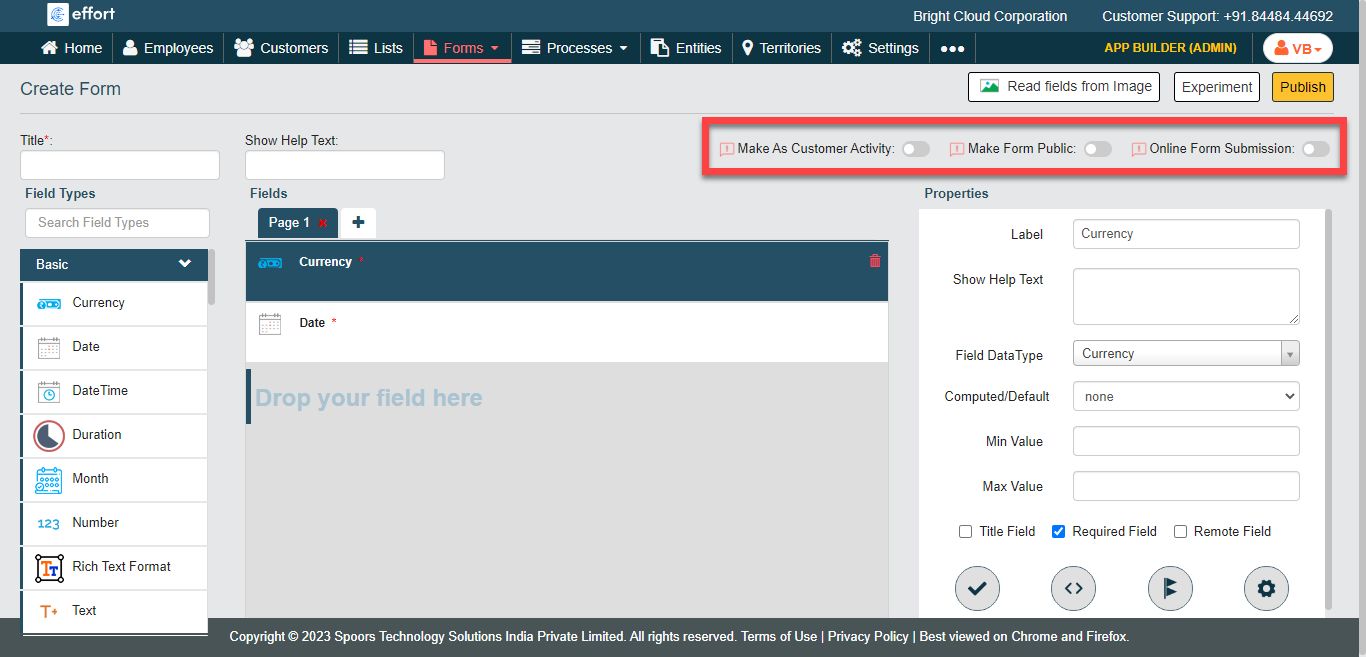
Check out the Publishing Options page to know more about all the publishing options. - Click Publish.