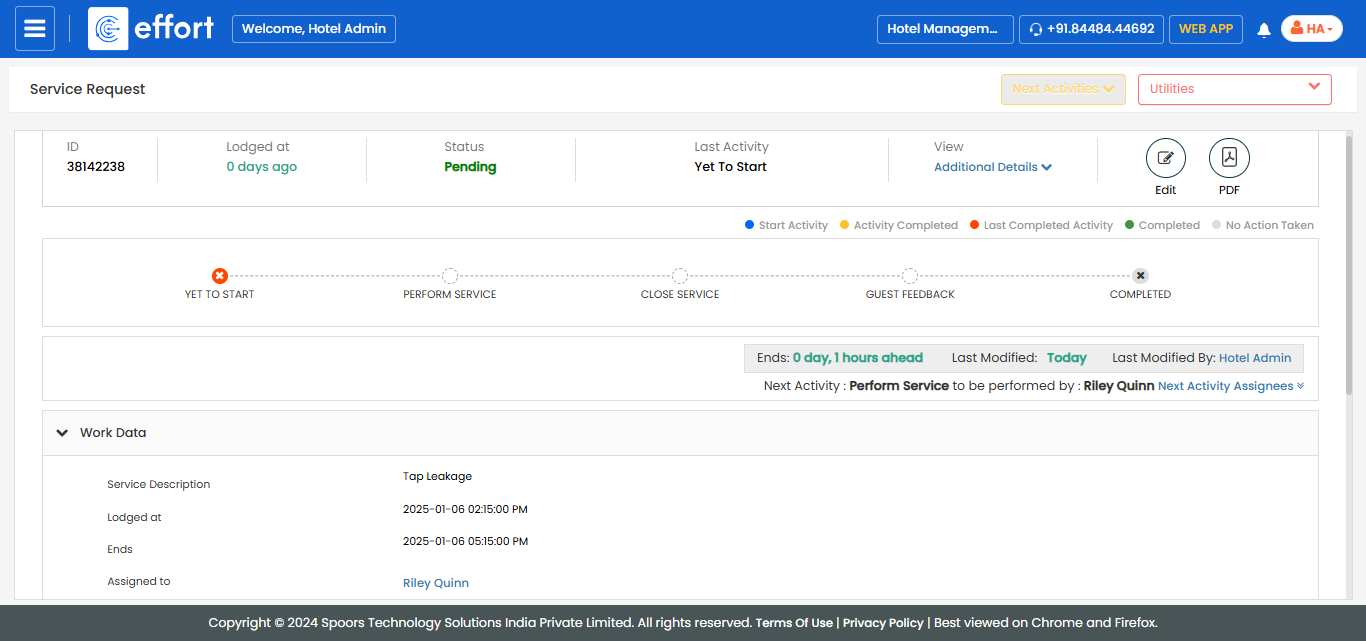
View Service Request Assignment Submitted Using QR Code
When a guest submits a service request using the QR code in their room, the request is
automatically assigned to service staff who are currently signed in. To view these
assignments, follow the steps below:
- Log in to the Effort platform using your credentials.
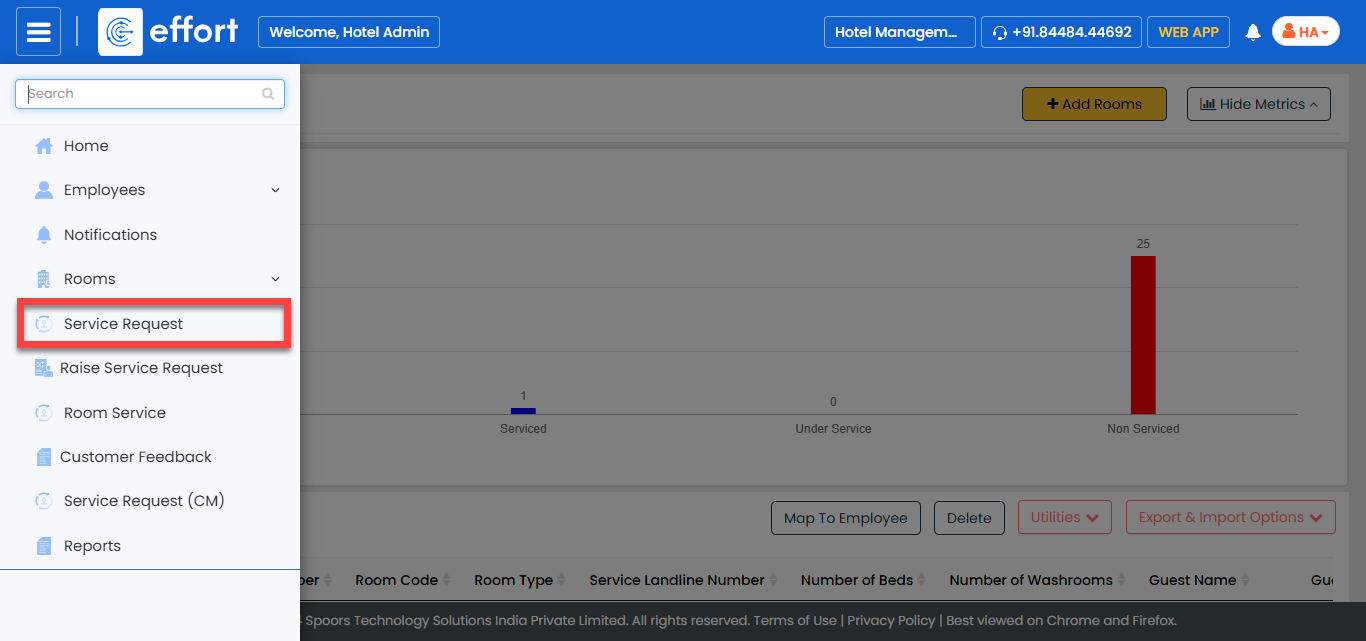
- Open the .
- From the Navigation Menu, select Service
Requests.
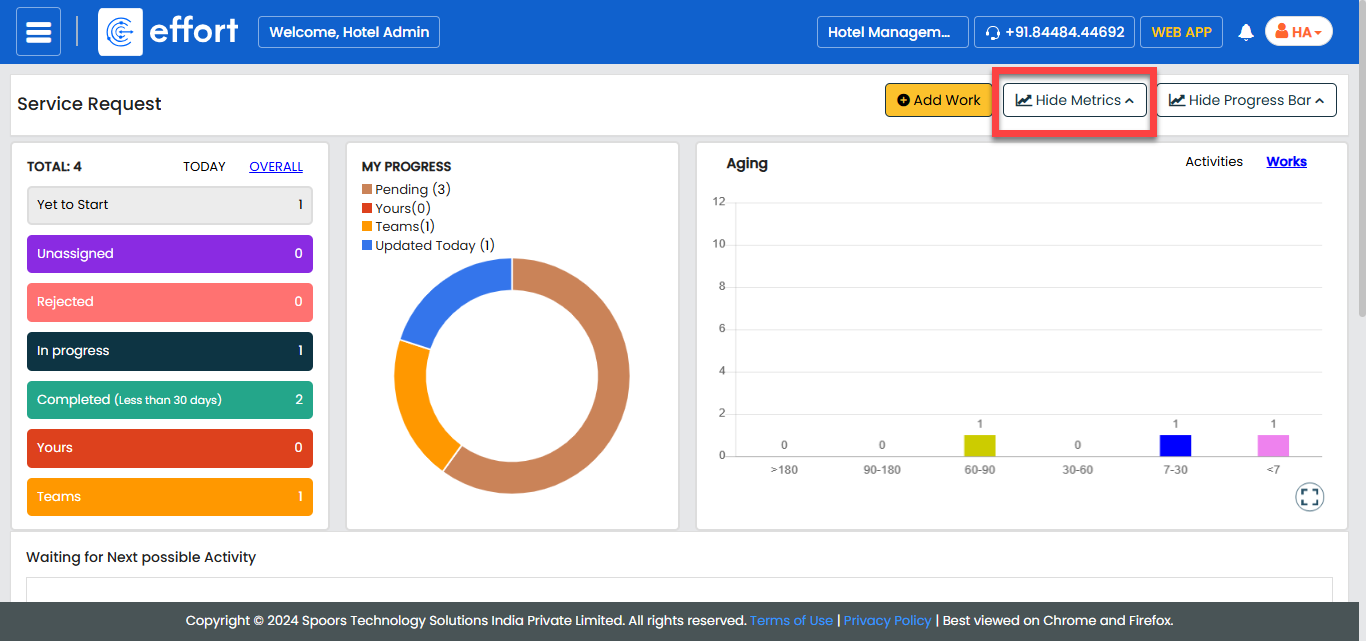
- Scroll down to the available rooms section, or click the Hide
Metrics option to focus on the list of rooms.
- Under the Assigned To column, locate the service staff
assigned to the request.
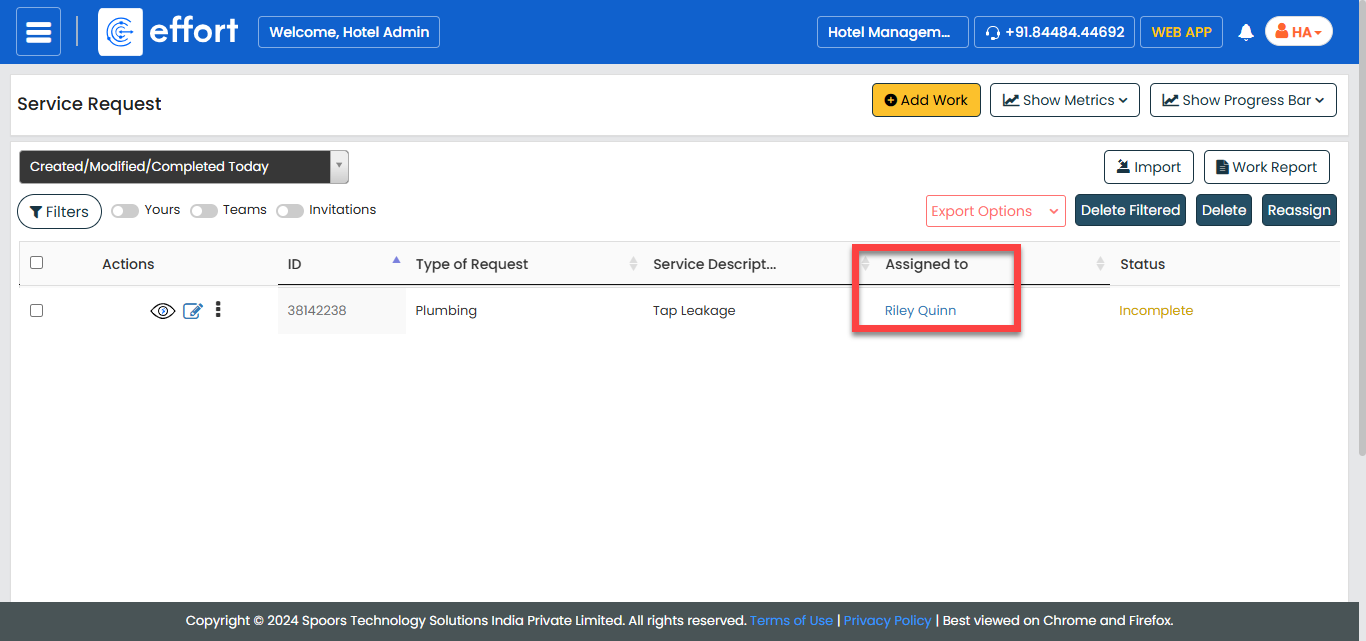
- To view more details about a specific service request, click the eye icon of it.
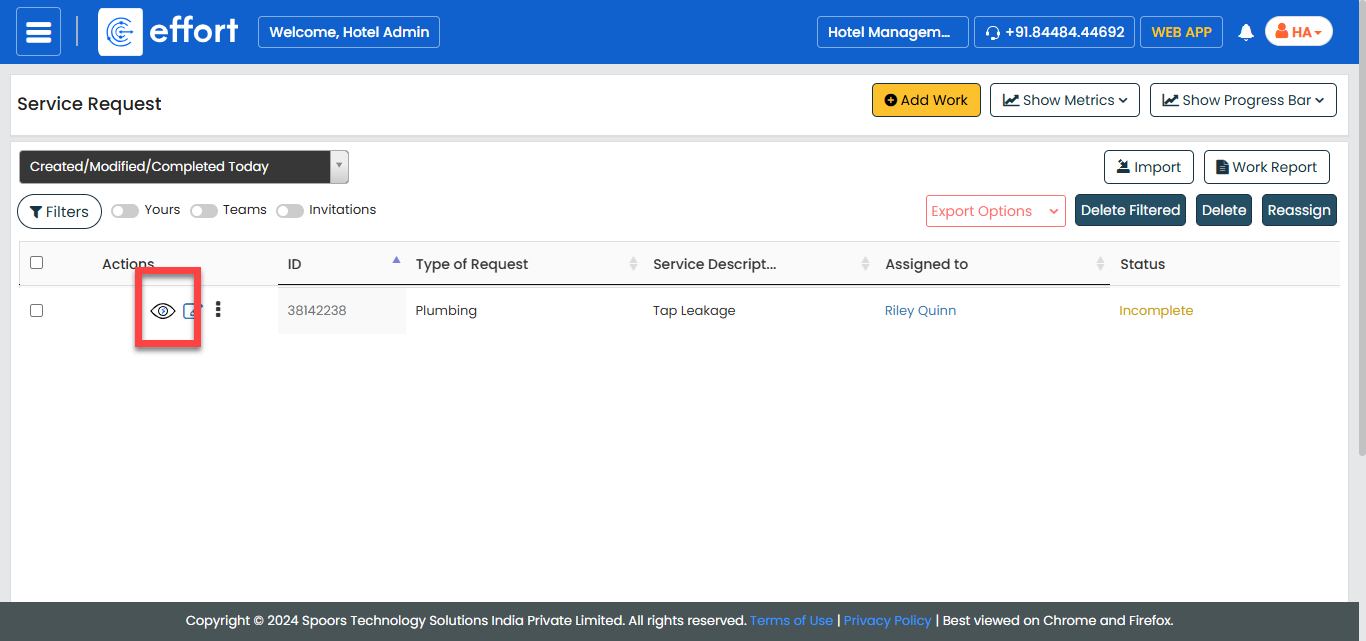
- The request details, such as room number, request type, and preferred visit
time, will be displayed on the details page.