Creating List
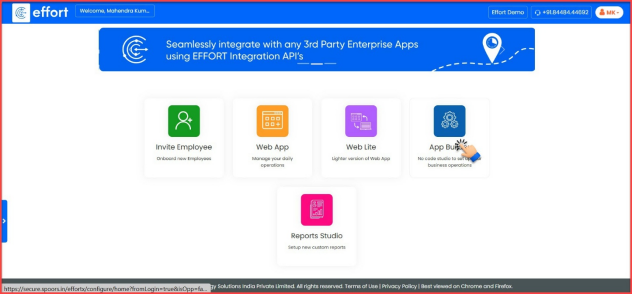
Once you login with your credentials you will be brought to the welcome screen as shown below. Now follow the steps below to create a List:
Path: App Builder -> Create List
- On the home page, click “App Builder” to access its features.
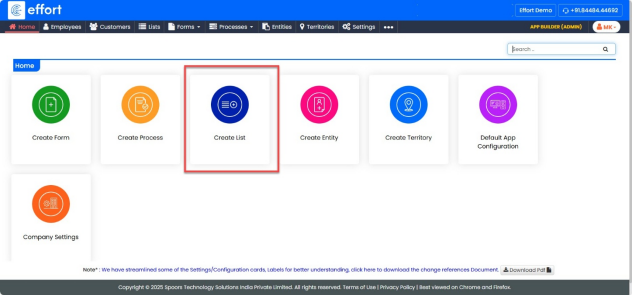
- Click on “Create List”.
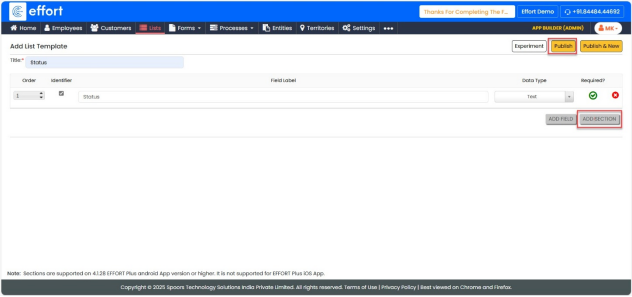
- Enter “Title”.
- Click on “ADD FIELD”.
- Click on Identifier check box.
- Enter “Field Label”.
- Click on the Data Type drop down and select “Text”.
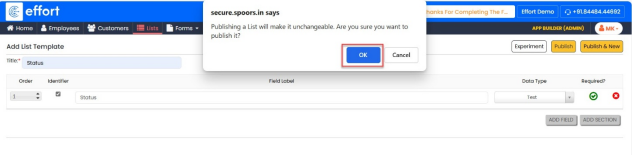
- Click on “Publish”.
- Click “Ok”.
- Select “Sync all”.
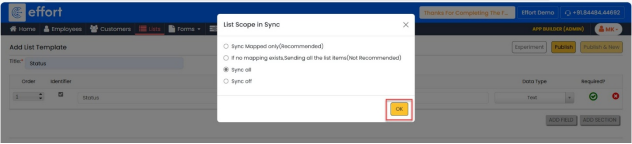
- Click “OK”.
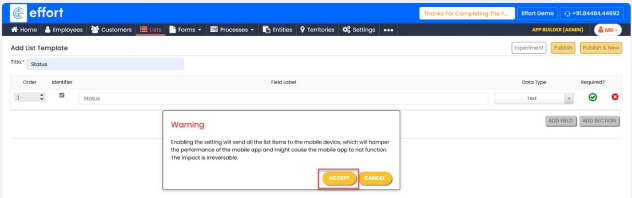
- Click “Accept”.