Create a Lead
To create a new lead, follow the steps below:
Path -> Web App
- On the home page, click on the “web App”.
- To create a lead , click the “
 ”Main Menu icon located at the top-left
corner of the screen, then select “Leads” dropdown and select "leads".
”Main Menu icon located at the top-left
corner of the screen, then select “Leads” dropdown and select "leads".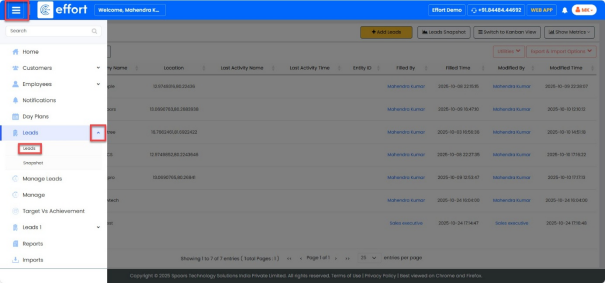
- Click on “
 ” button to add the lead details.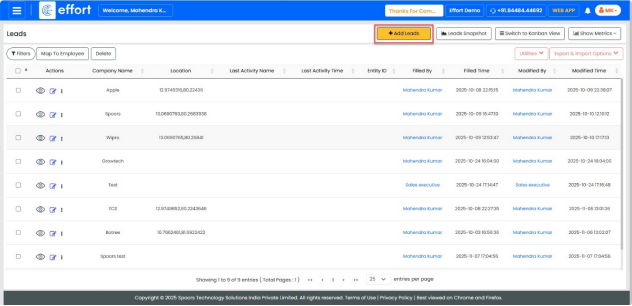
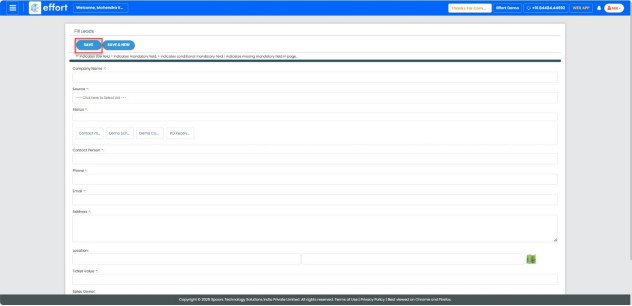
- Enter the details in the form and click “Save”.
- Click on “
 ”, icon to view the lead details.
 - Click on “
 ”, icon to edit the lead details.
 - Click the “Work” dropdown to view the work activity.
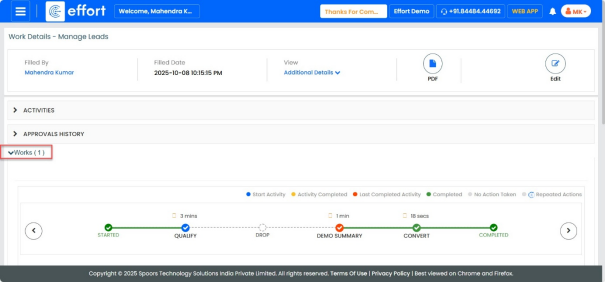
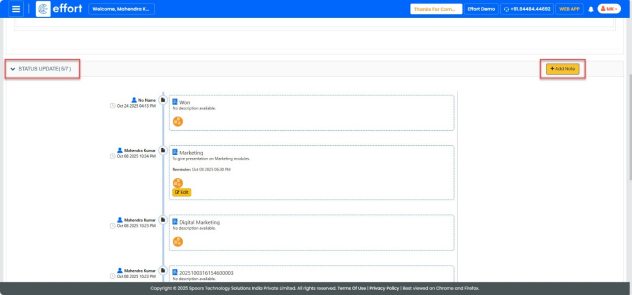
- Click the “STATUS UPDATE” dropdown to view the status.
- Click “+Add Note” to add a reminder.