

Clone a Marketplace Process Template
To clone a marketplace process template, follow the steps below.
-
Go to .
The Processes page appears.
-
Click either Activity Process or Checklist
Process card as per your requirement.
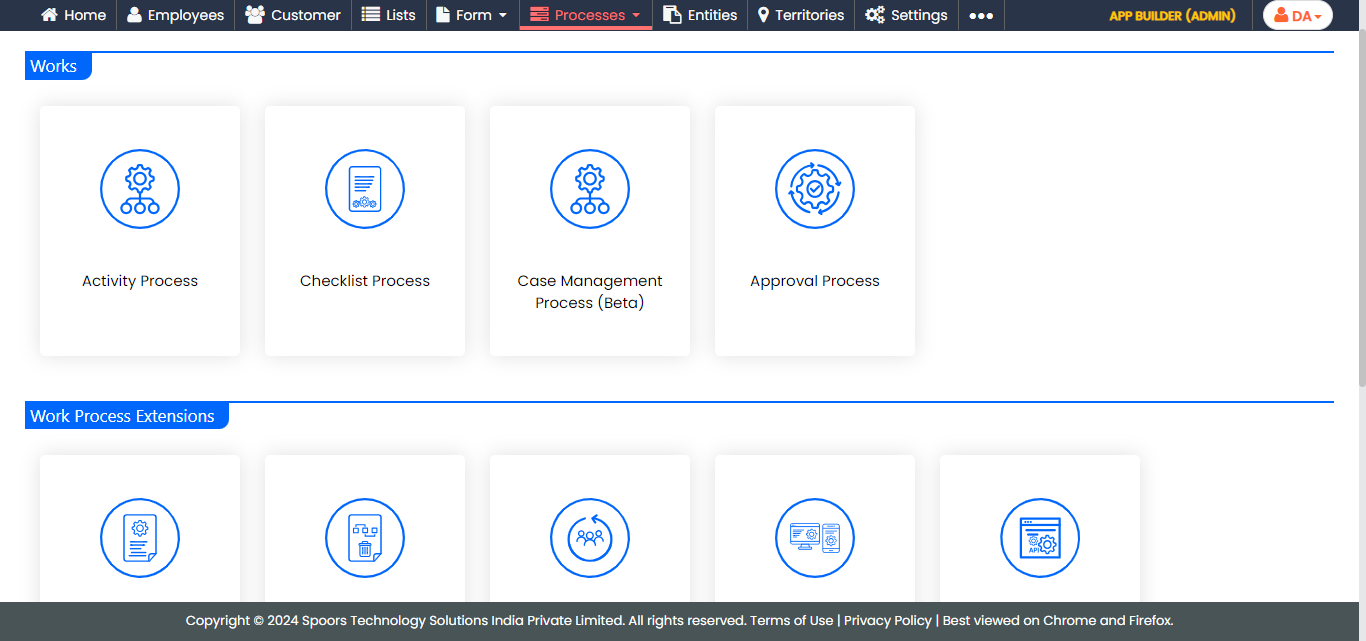
Check out the Work Processes page to know more about both processes. -
Click the Create Process button.
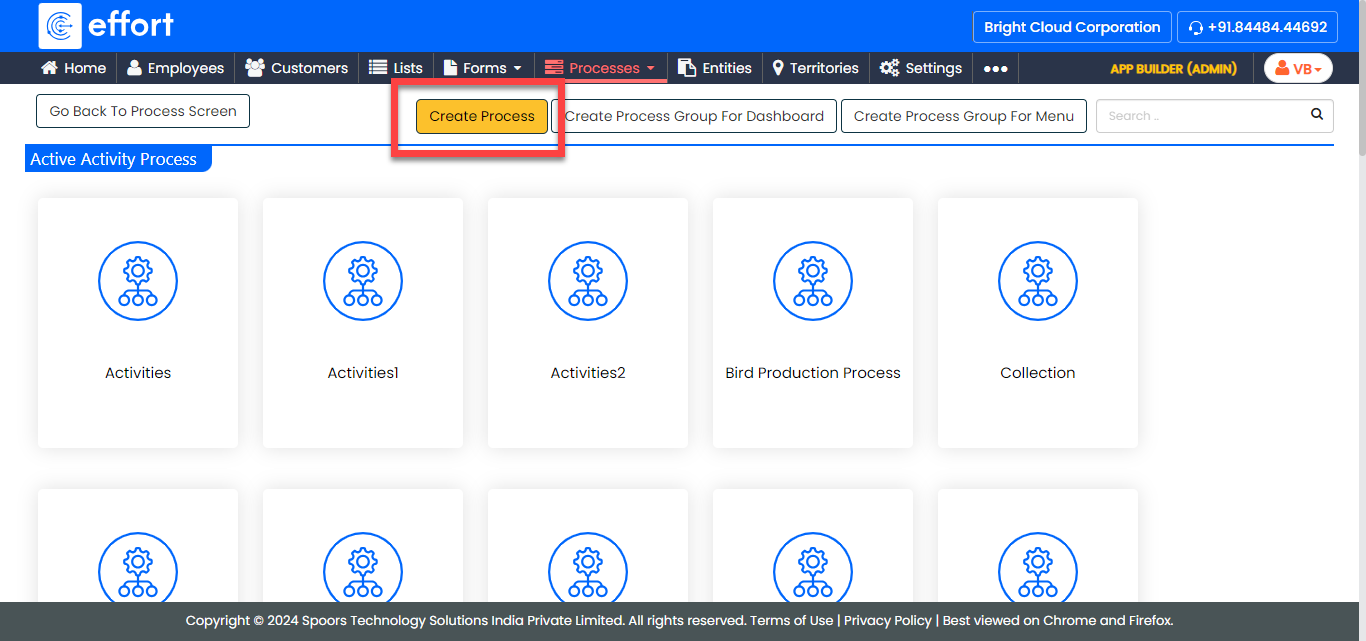
The Add a New Activity Process Template pop-up appears.
-
Click the Create From Marketplace link.
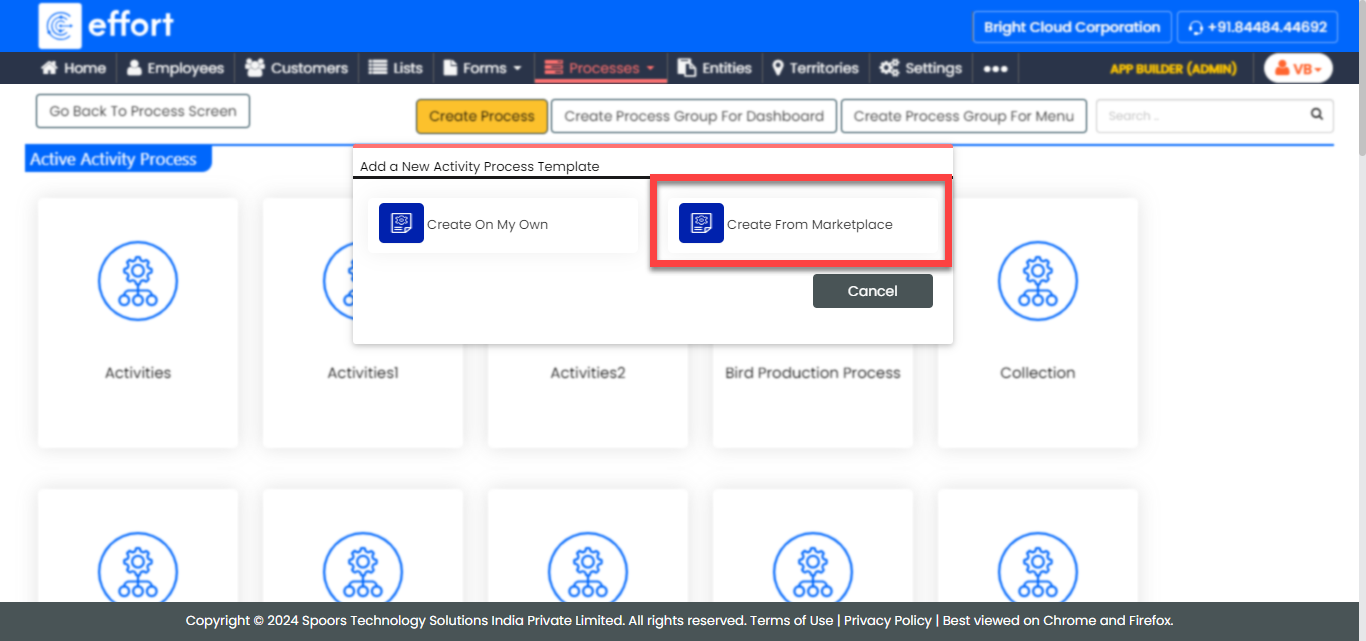
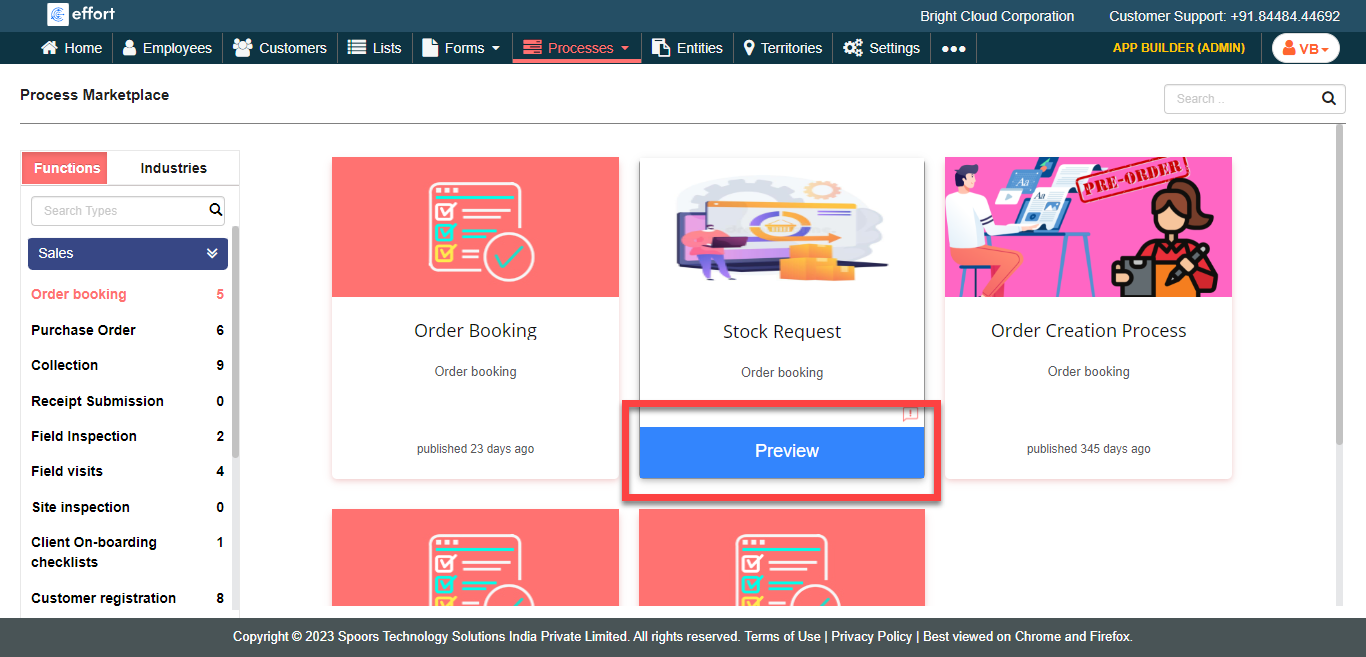
The Process Marketplace page appears with the Functions and Industries buttons on the left.
-
Click either Functions or
Industry as per your business needs.
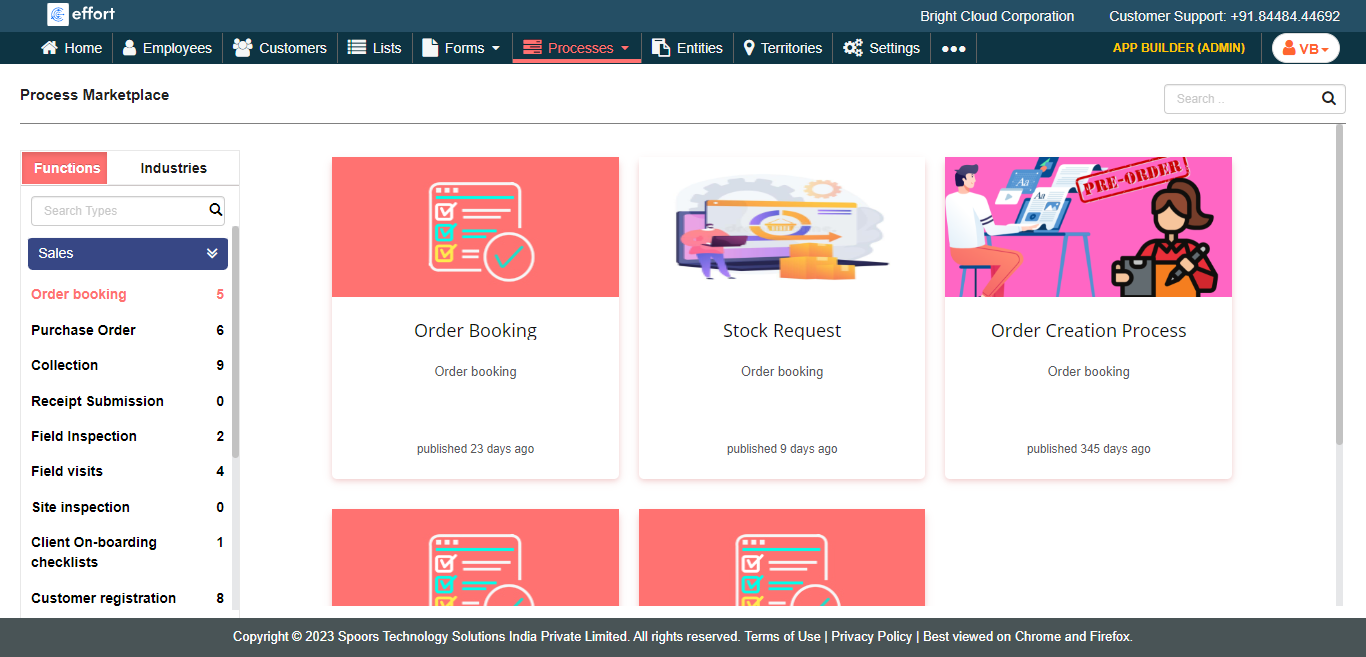
The predefined templates in the particular type or industry appear on the right side.
-
Hover the cursor towards the required process template and click the
Preview button.
-
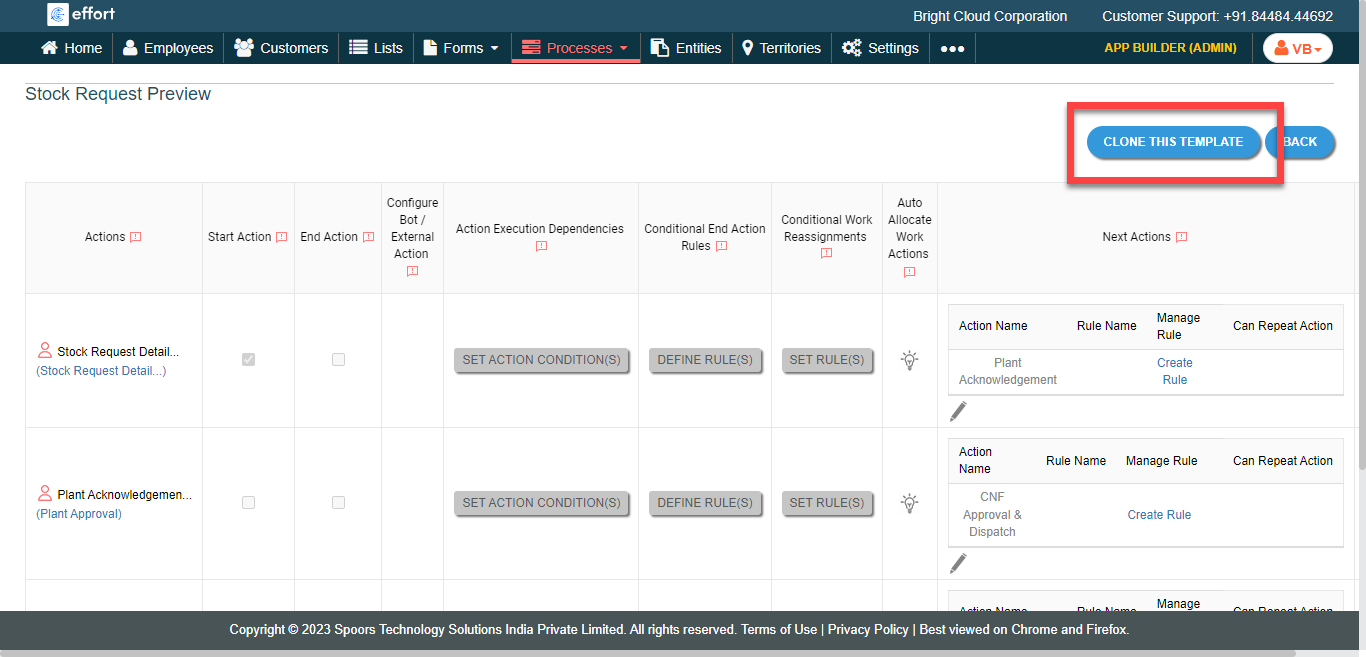
Click Clone This Template button.
-
Change Title if you want.
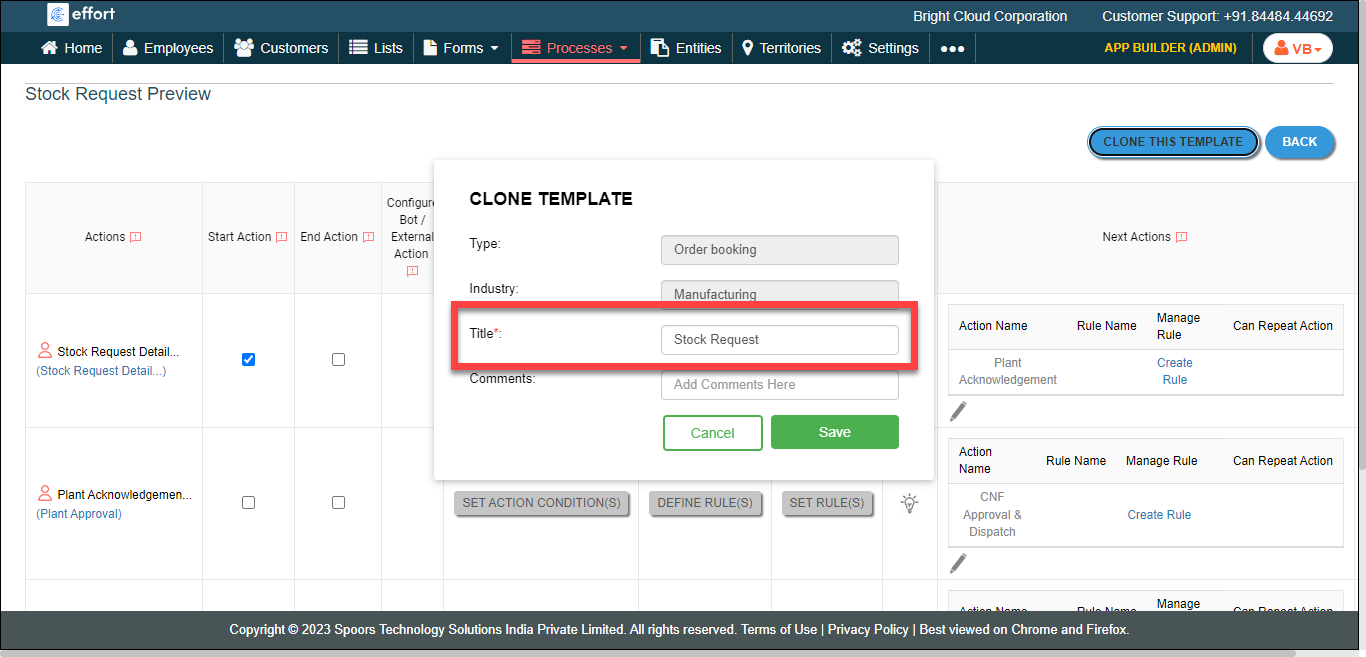
- Click Save.