Delete a Published Marketplace Process Template
To delete a published marketplace process template, follow the steps below.
-
Go to .
The Processes page appears.
-
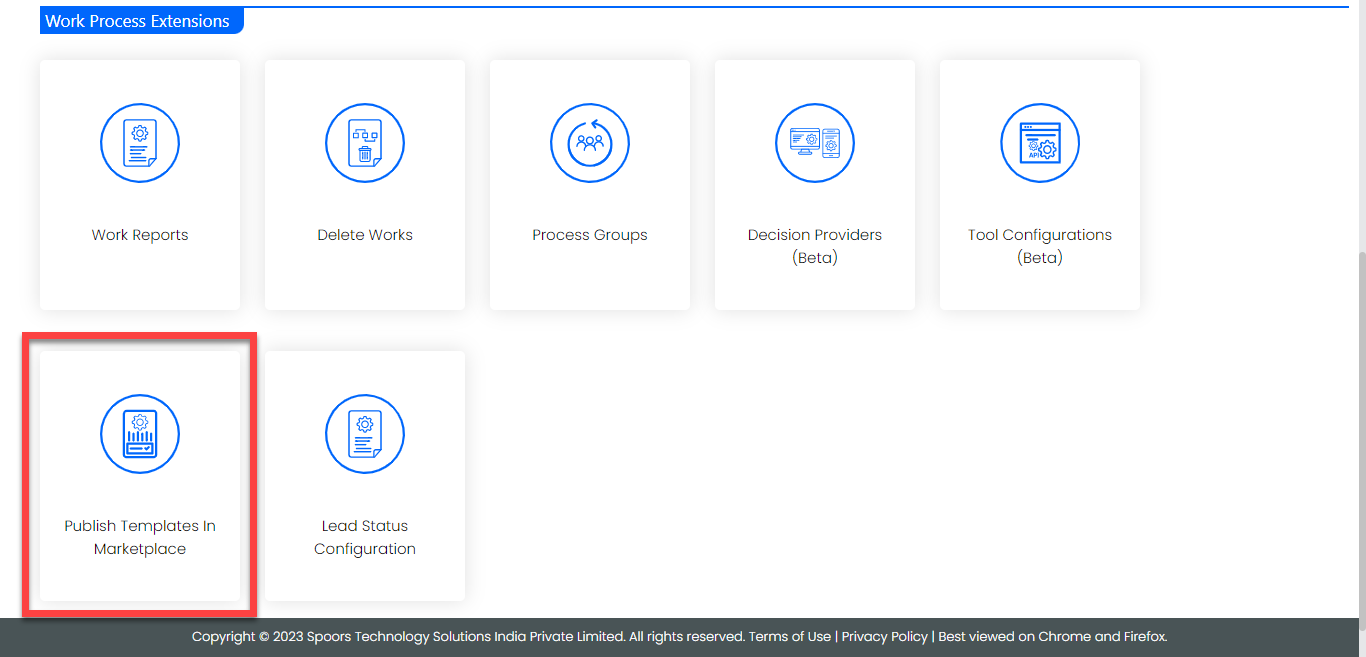
Click Publish Templates in Marketplace card under the
Work Process Extensions section.
-
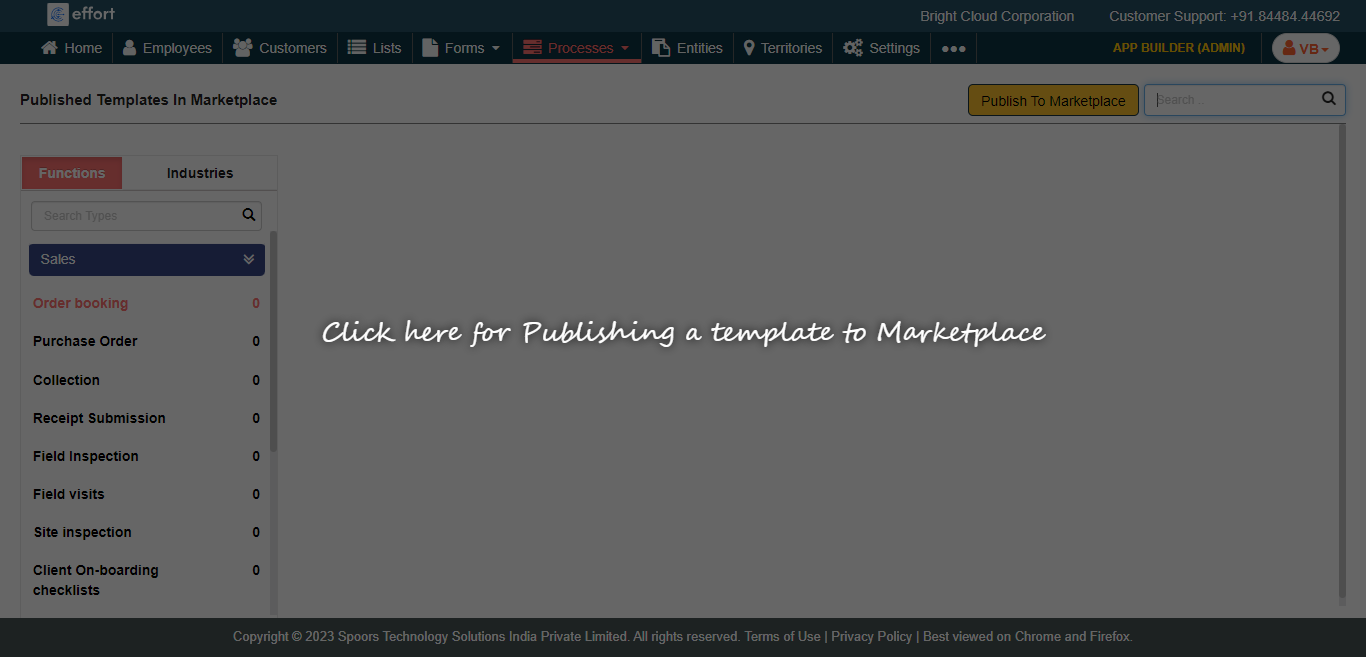
Click anywhere on the screen.
-
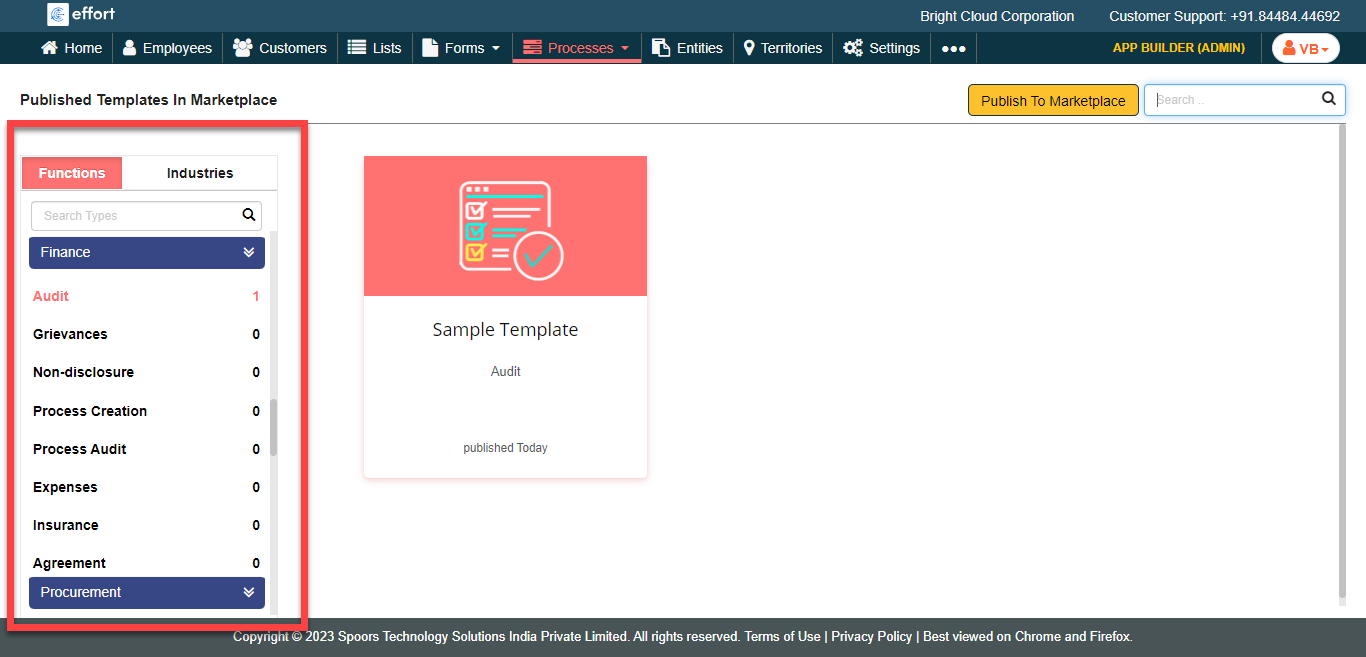
Click on a type where you published the process template.
-
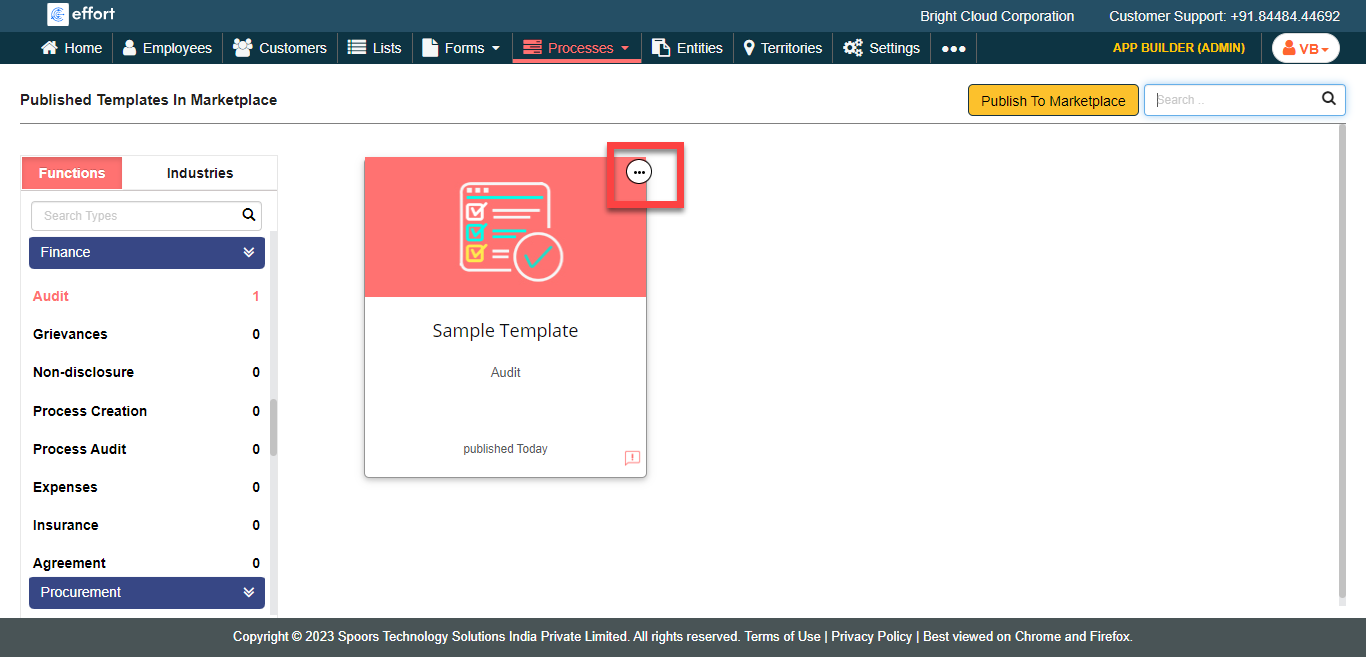
Hover the cursor towards a process template card that you want to delete and
click on the three dots icon.
-
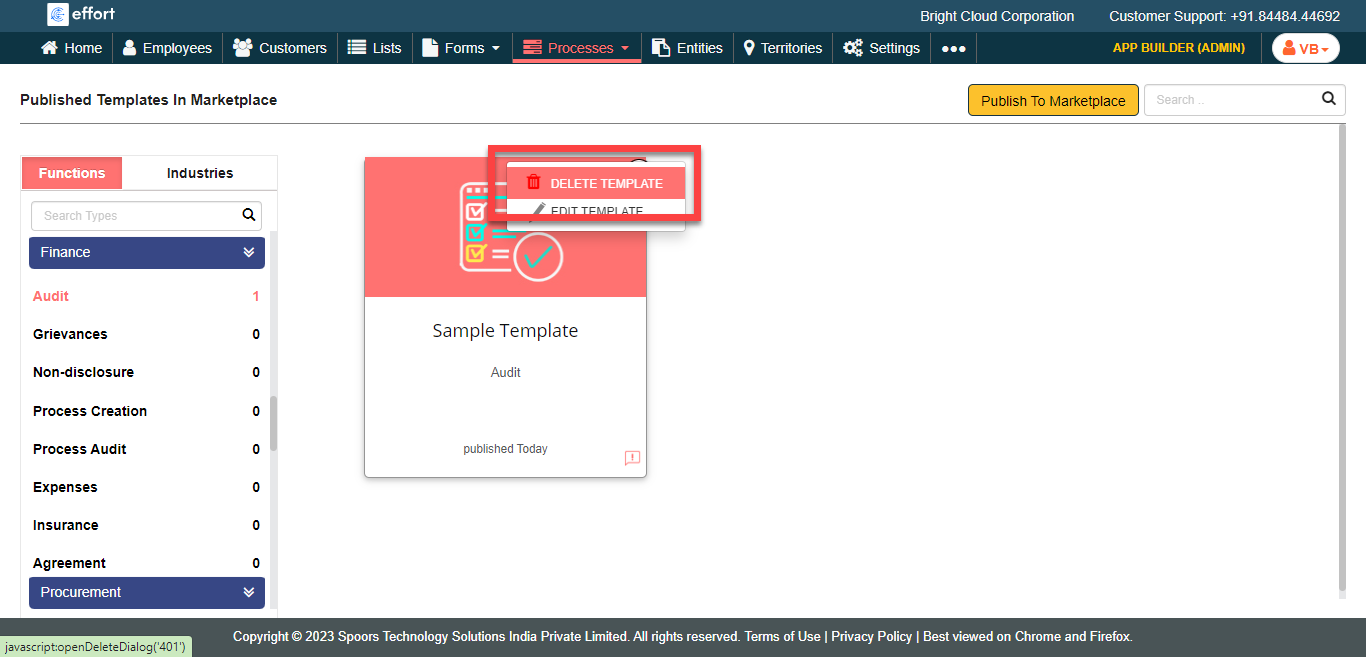
Click the Delete Template option.
-
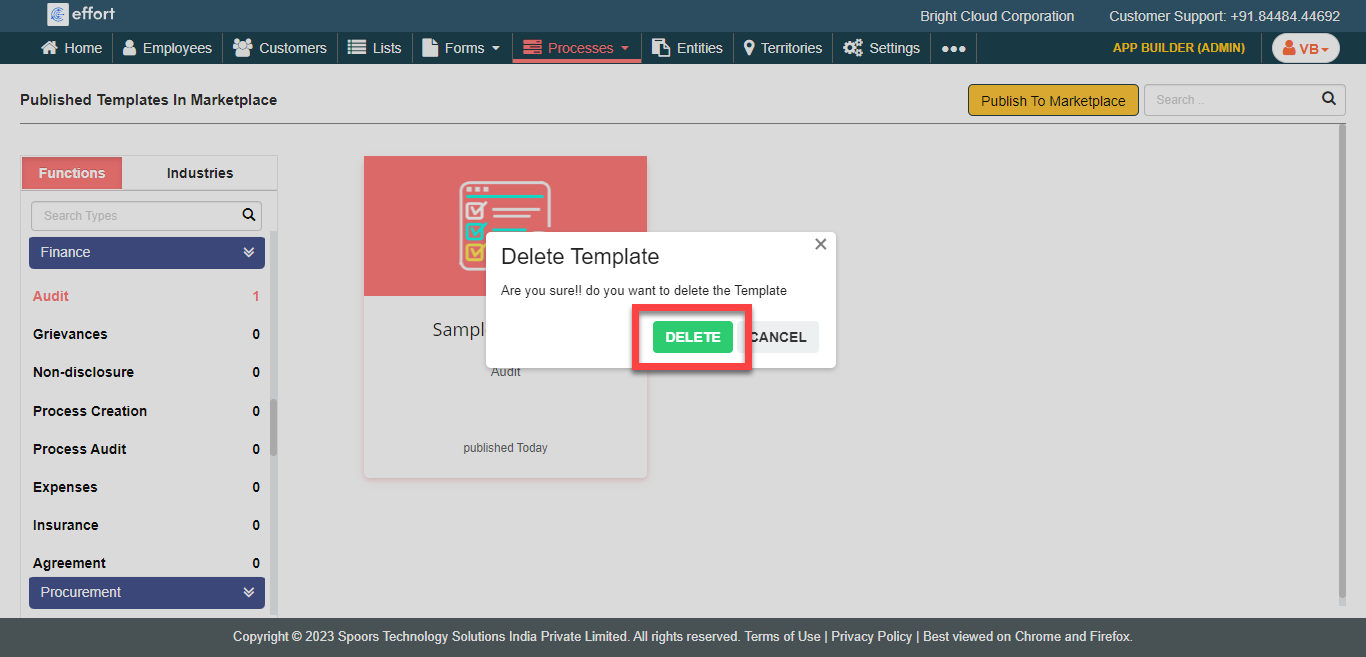
Click Delete on the confirmation pop-up.