

Disable Employees in Web App
This article helps you to disable the employees in your account. Follow the below steps
to disable an employee.
- Login into the respective EFFORT account.
- Go to .
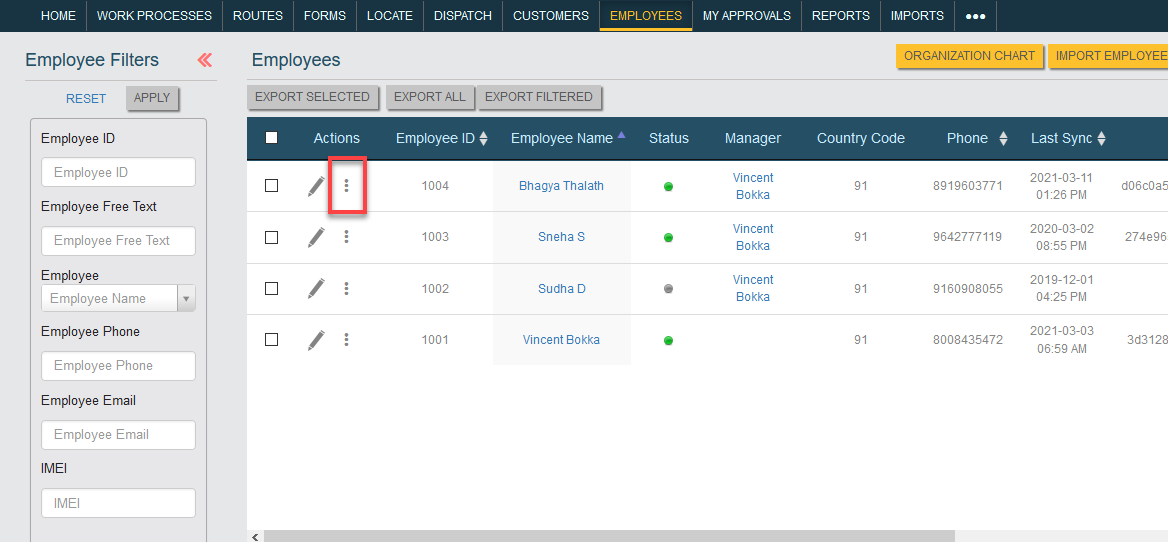
- Search for the required employee and click on the 3 dots.
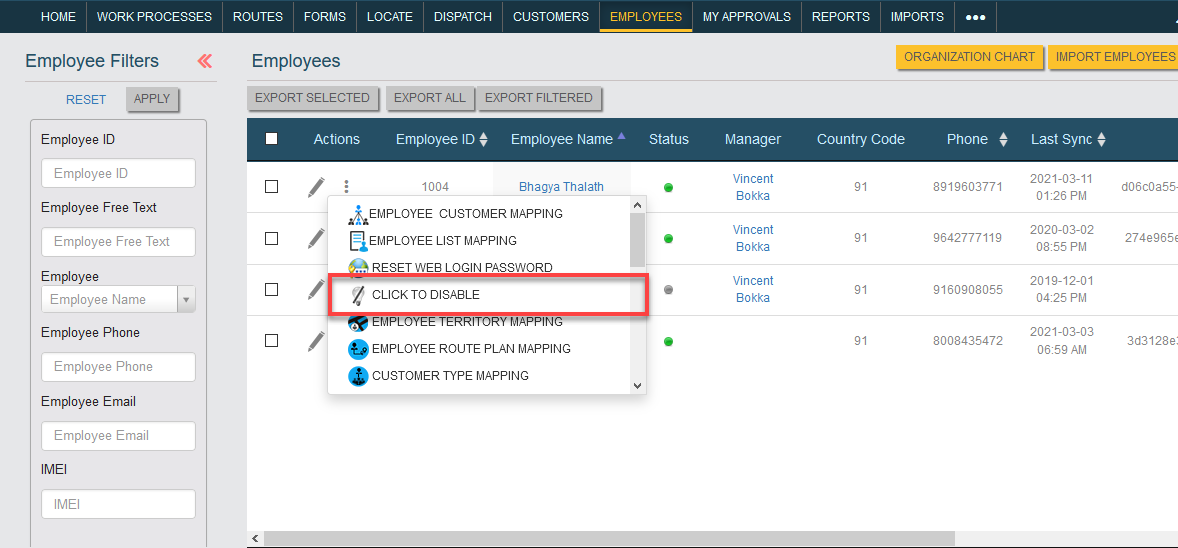
- Click on the Click To Disable option.
- Click OK in the confirmation pop-up. Then the employee will be disabled from the system records.