

Delete Entity Records
To delete entity records, follow the steps below:
-
Go to .
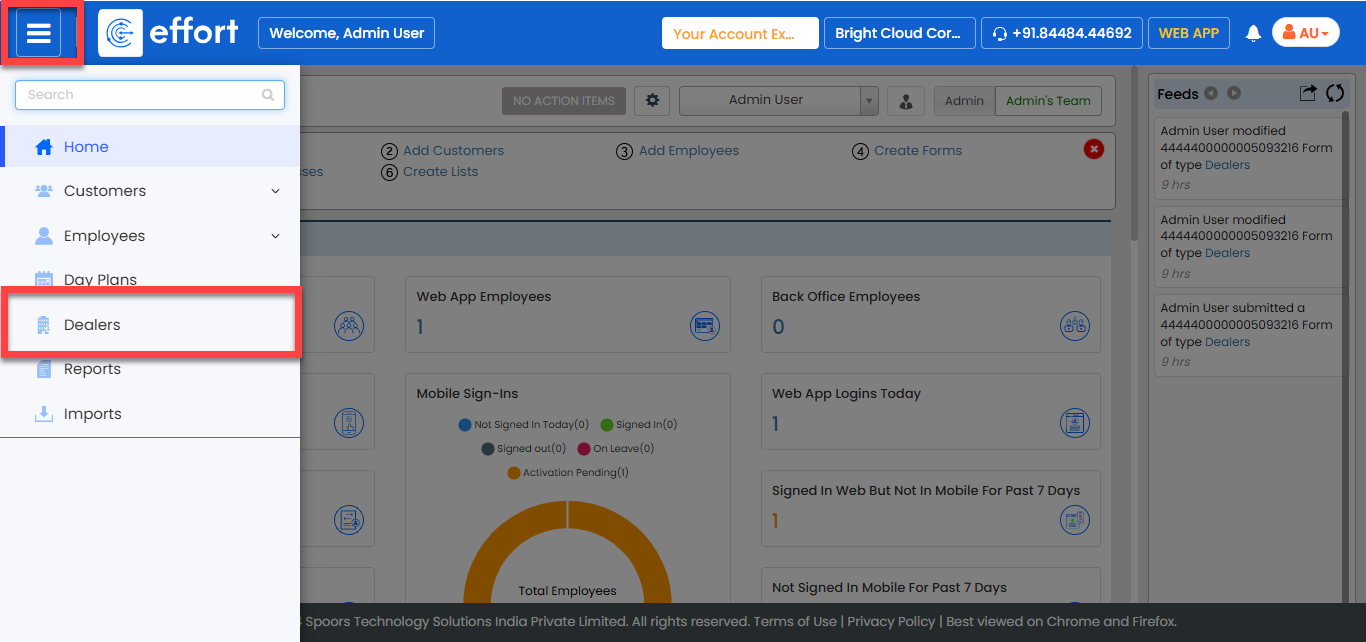
-
Scroll down to the bottom of the page or click Hide
Metrics to view the entity records.
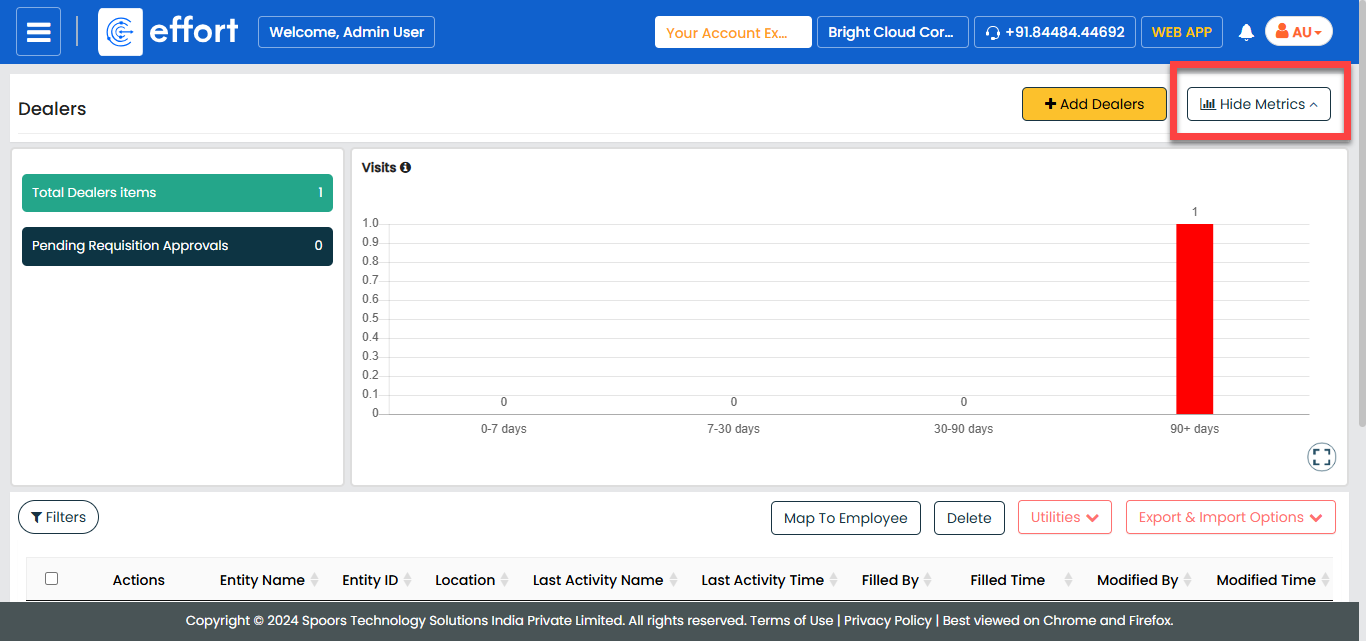
-
Select the entity record you want to delete.
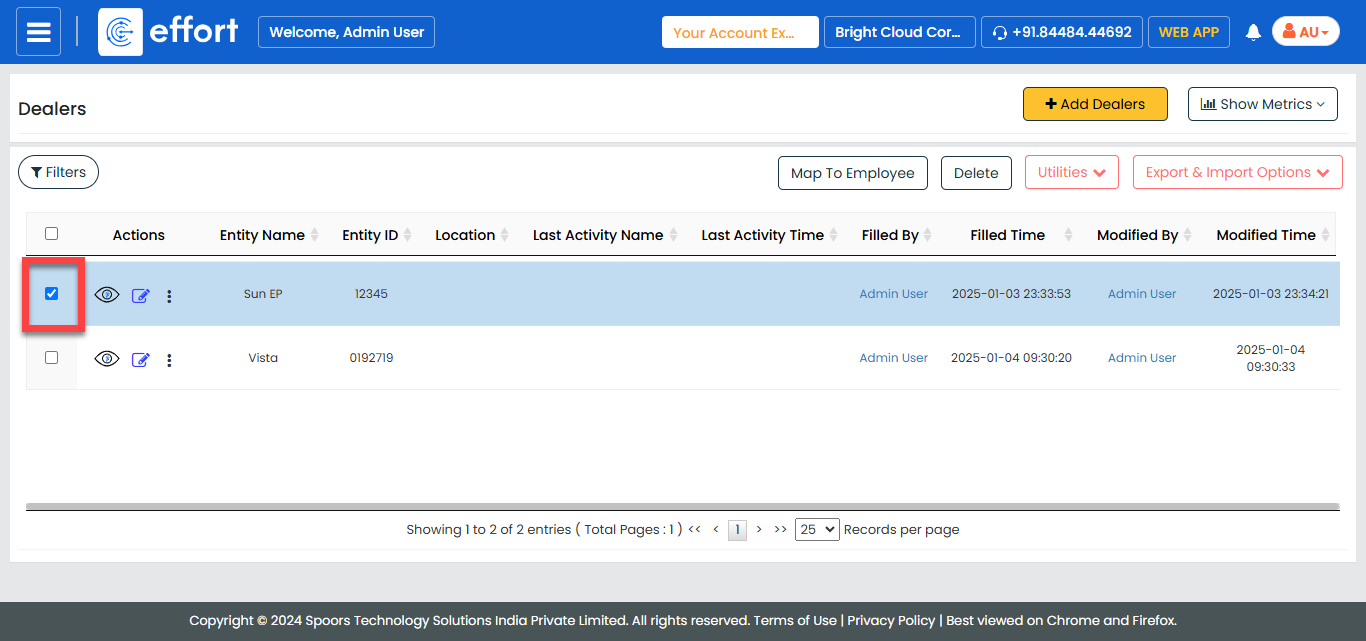
-
Click the Delete button.
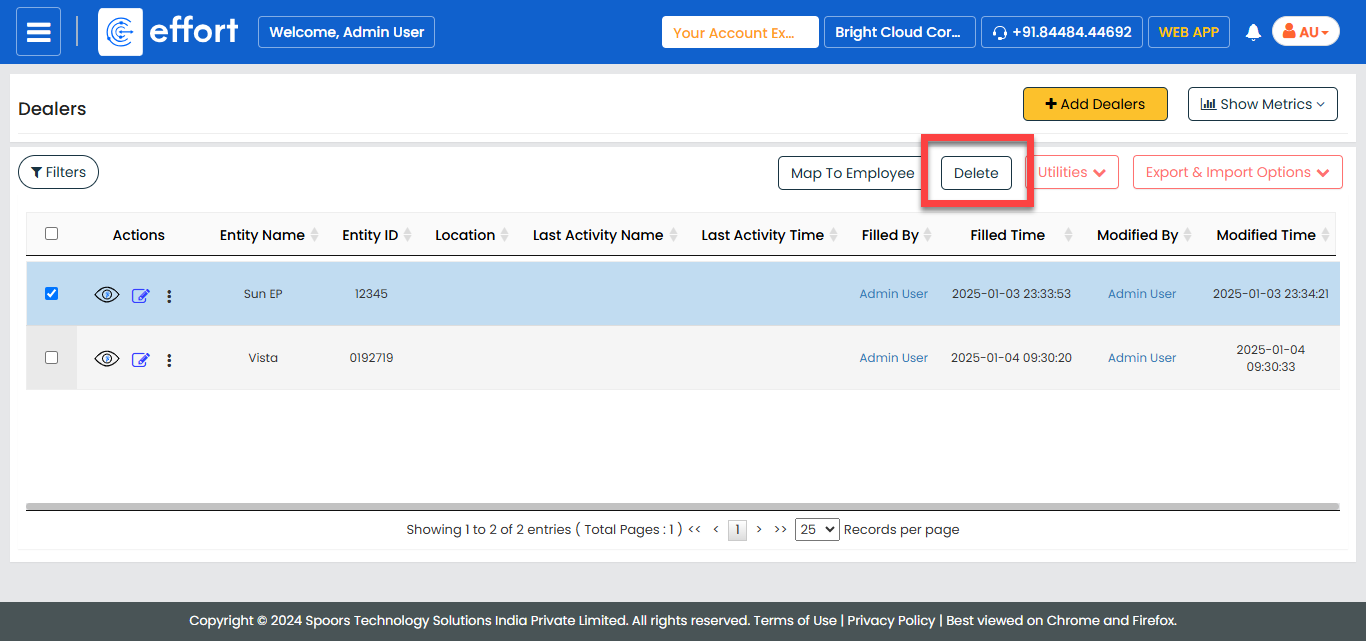
- In the confirmation pop-up, click OK to confirm the deletion.