

Create Pincode Based Area Groups
To create pincode based area groups, follow the steps below:
-
Go to .
The Territories page appears.
-
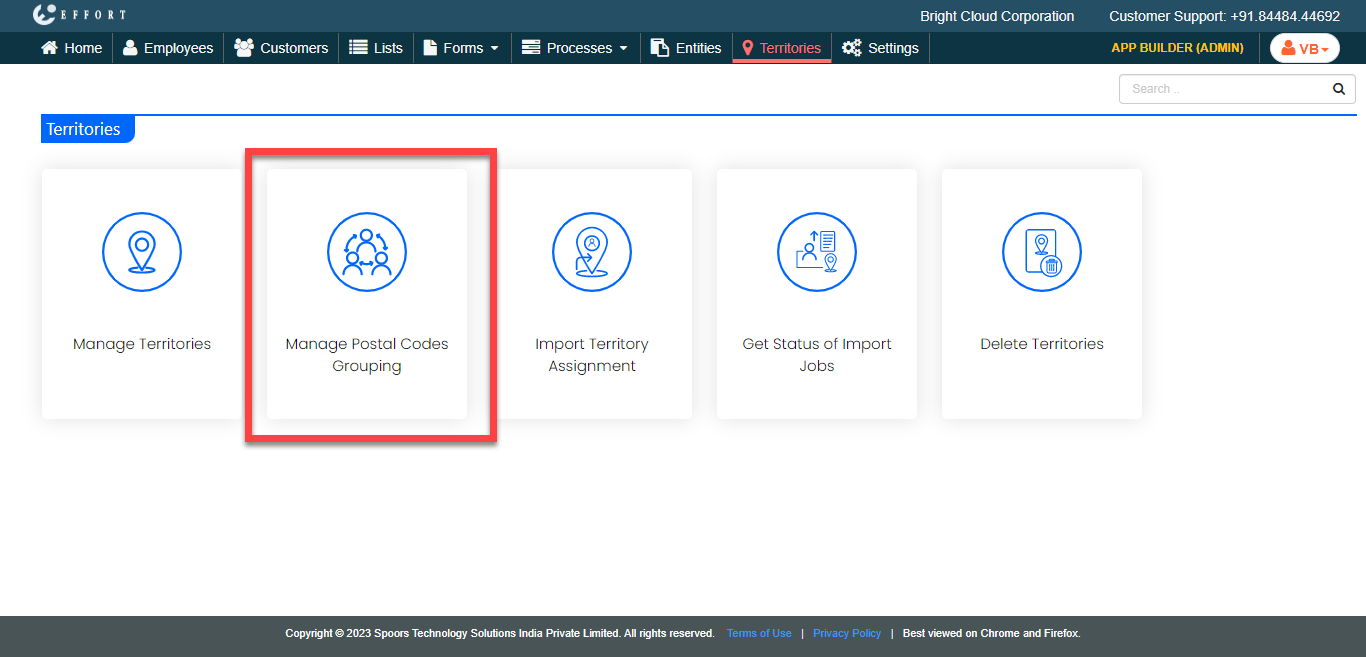
Click the Manage Postal Codes Grouping card.
-
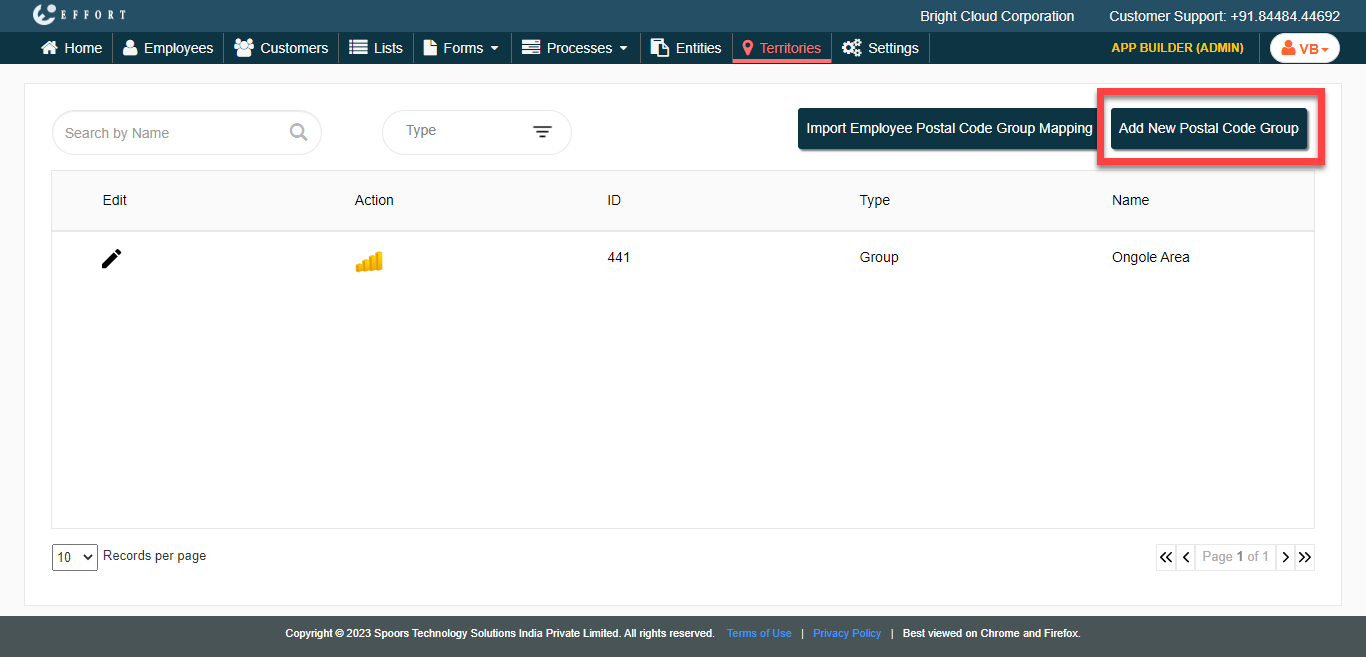
Click the Add New Postal Code Group button.
-
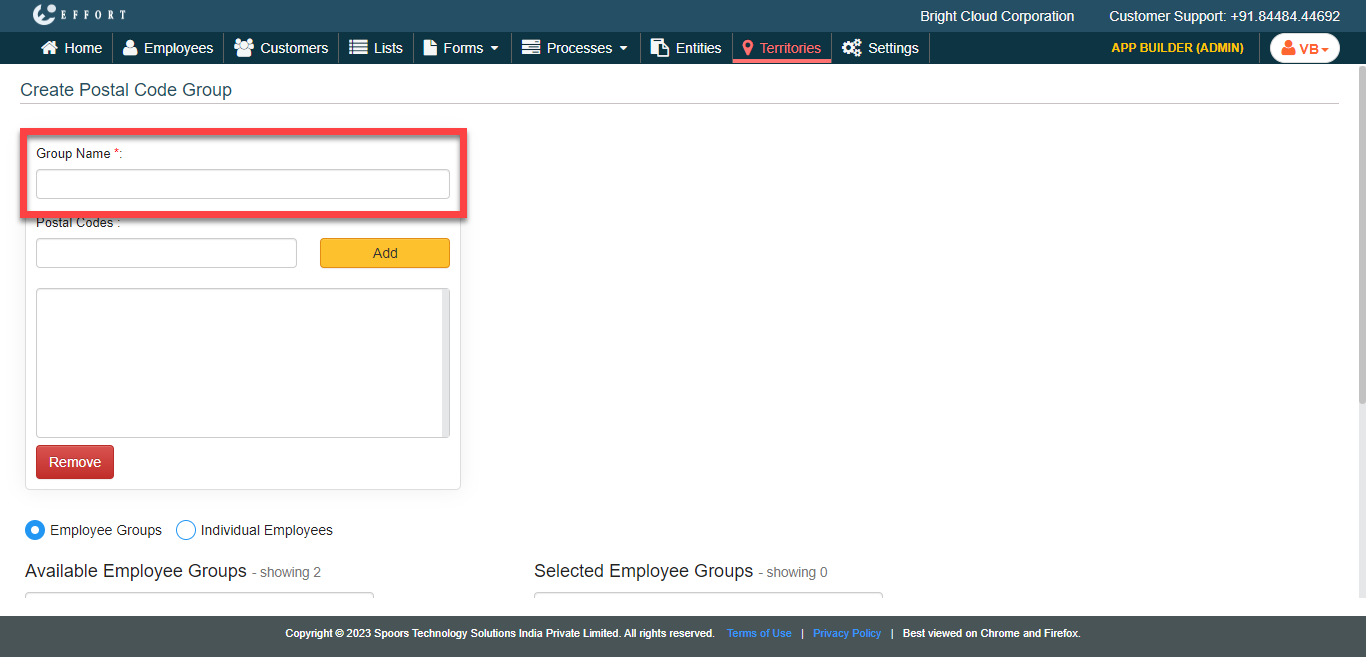
In the Group Name textbox, enter a name for the
group.
-
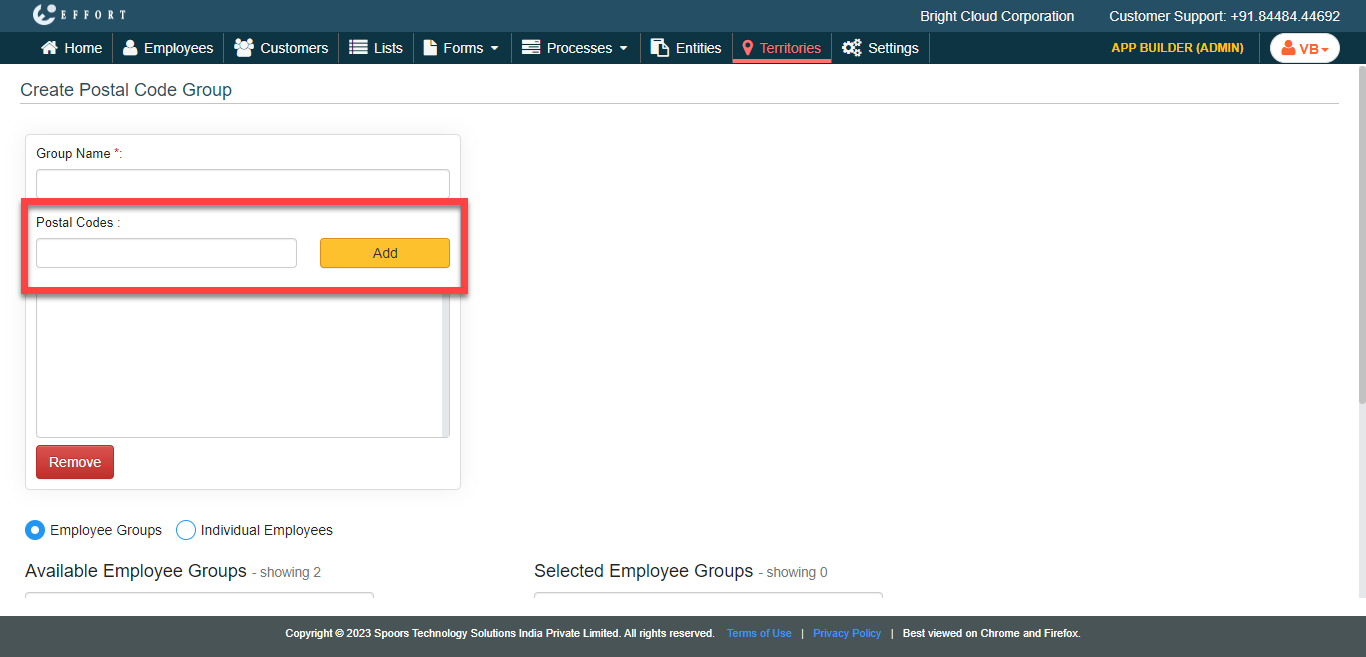
Enter a pincode in the text field provided under the Postal
Codes section and click Add button.
- Optional:
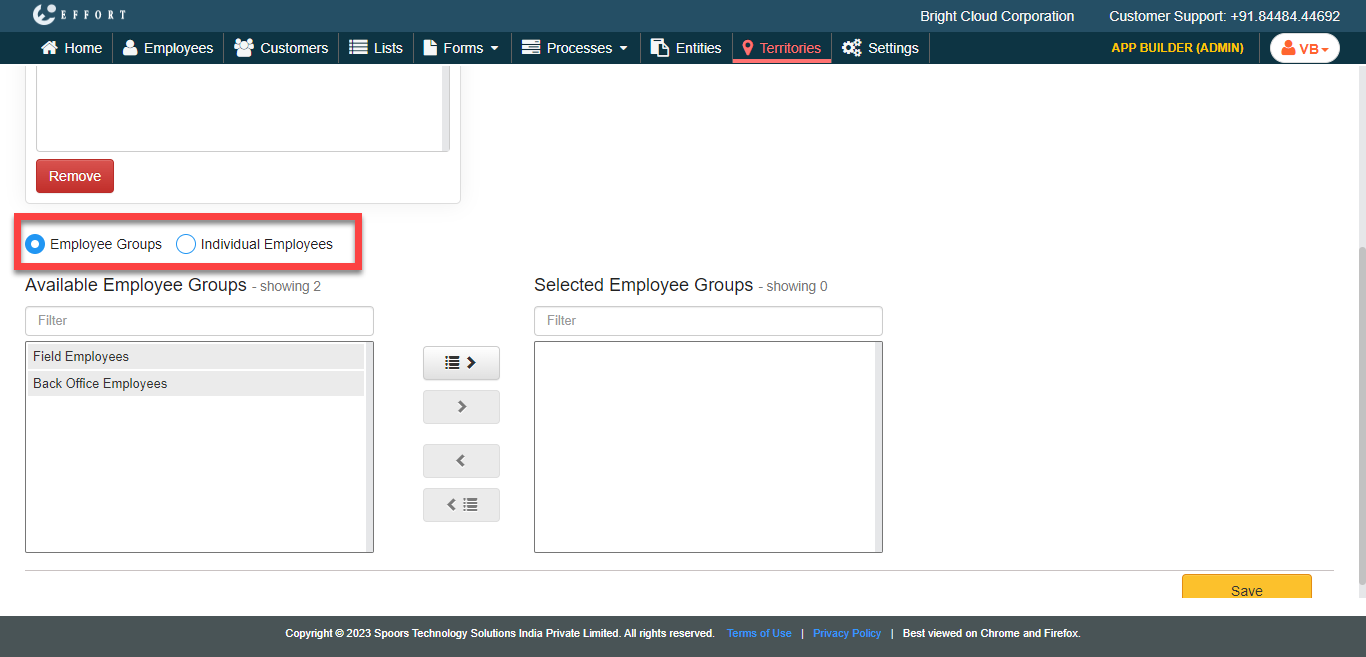
Click Individual Empoyees option to map individual
employees intead of employee groups.
-
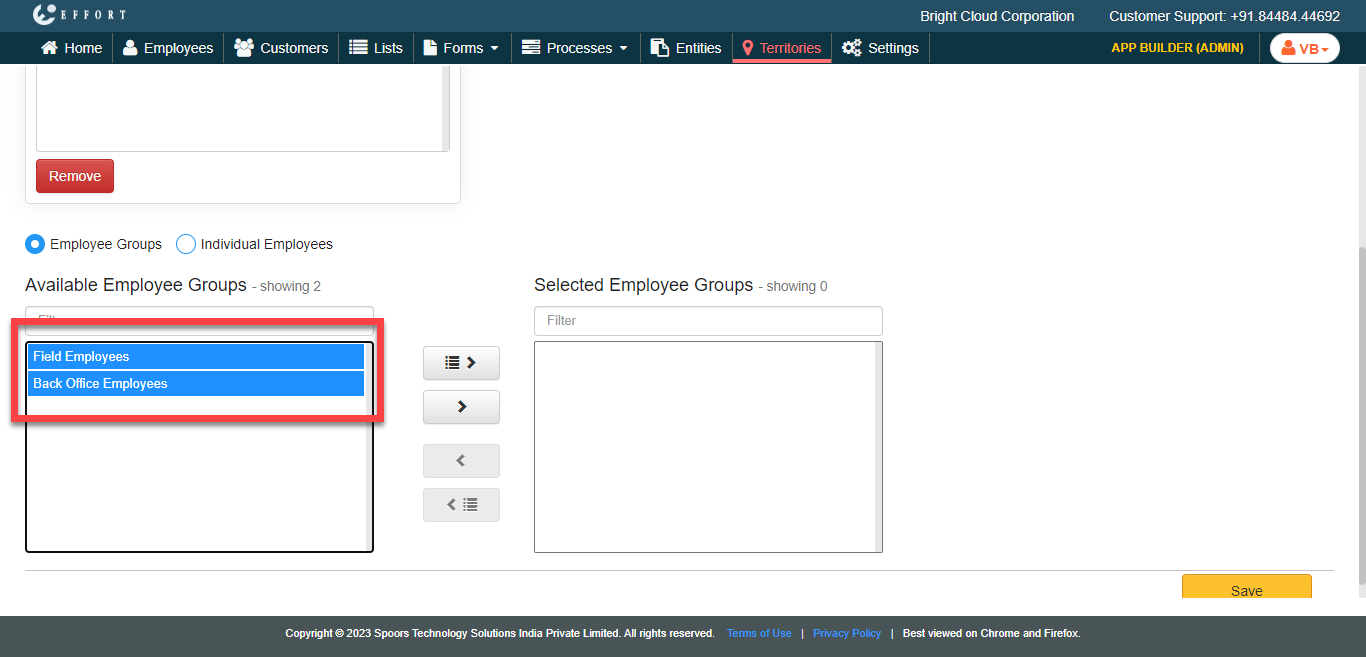
Select employee groups from the Available Employee Group
section and move them to Selected Employees Group section
using the move or move all icons.
- Click Save, or Save & New to create another area group.