

Generate a Time Spent In Territory Report
To generate a time spent in territory report, follow the steps below:
-
Go to .
The Reports page appears.
- Scroll down to the Territory section.
-
Click the Time Spent In Territory Report link or
icon.
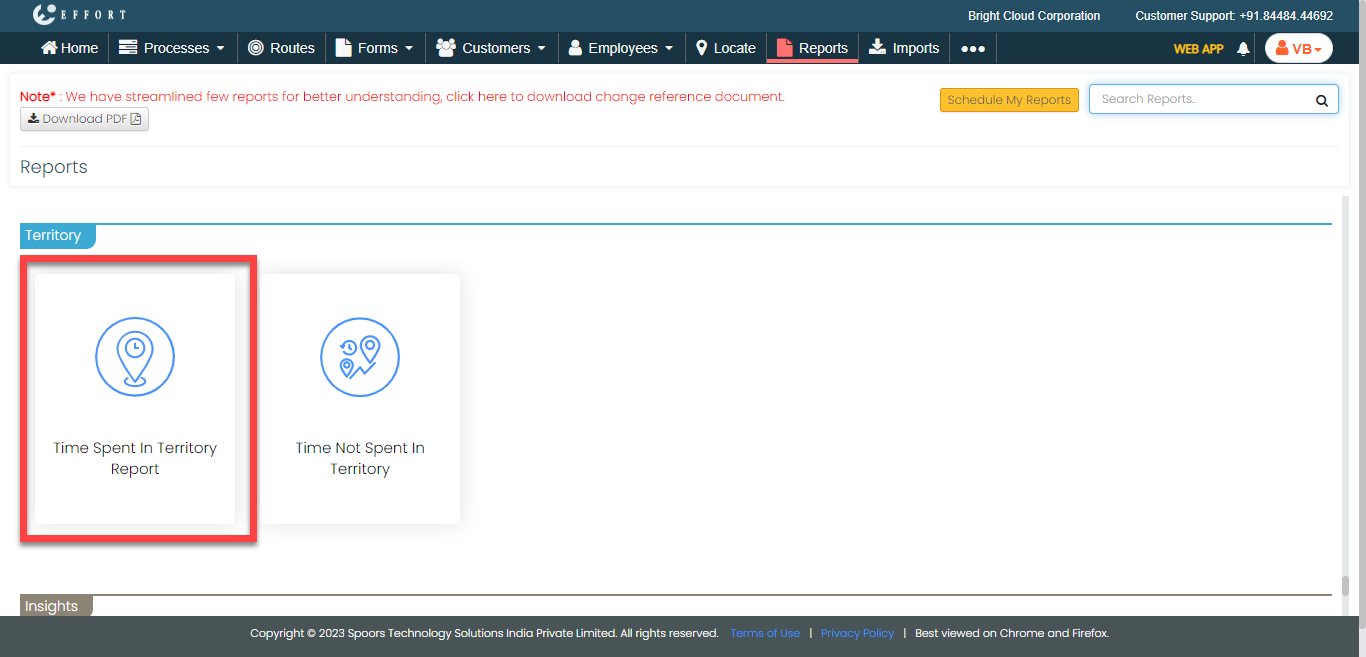
The Time Spent In Territory Report page appears.
-
From the Employee dropdown, select an employee.
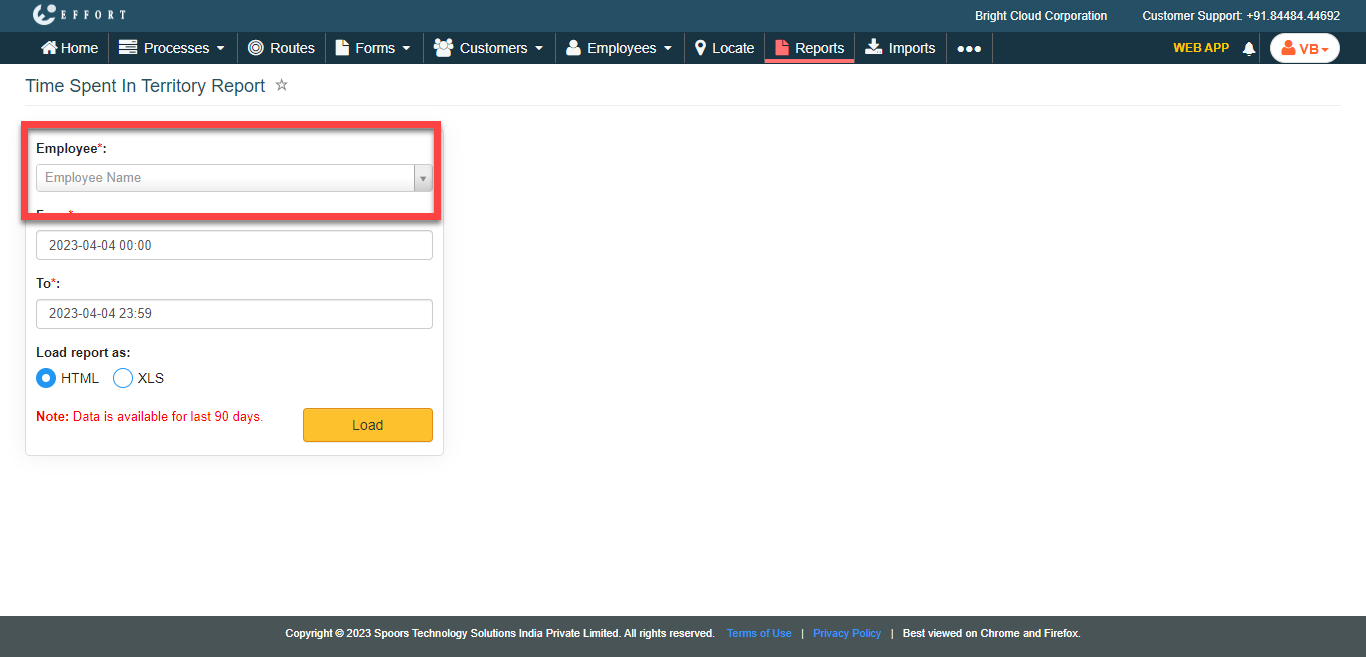
- Optional:
Change From and To dates as per
your requirement.
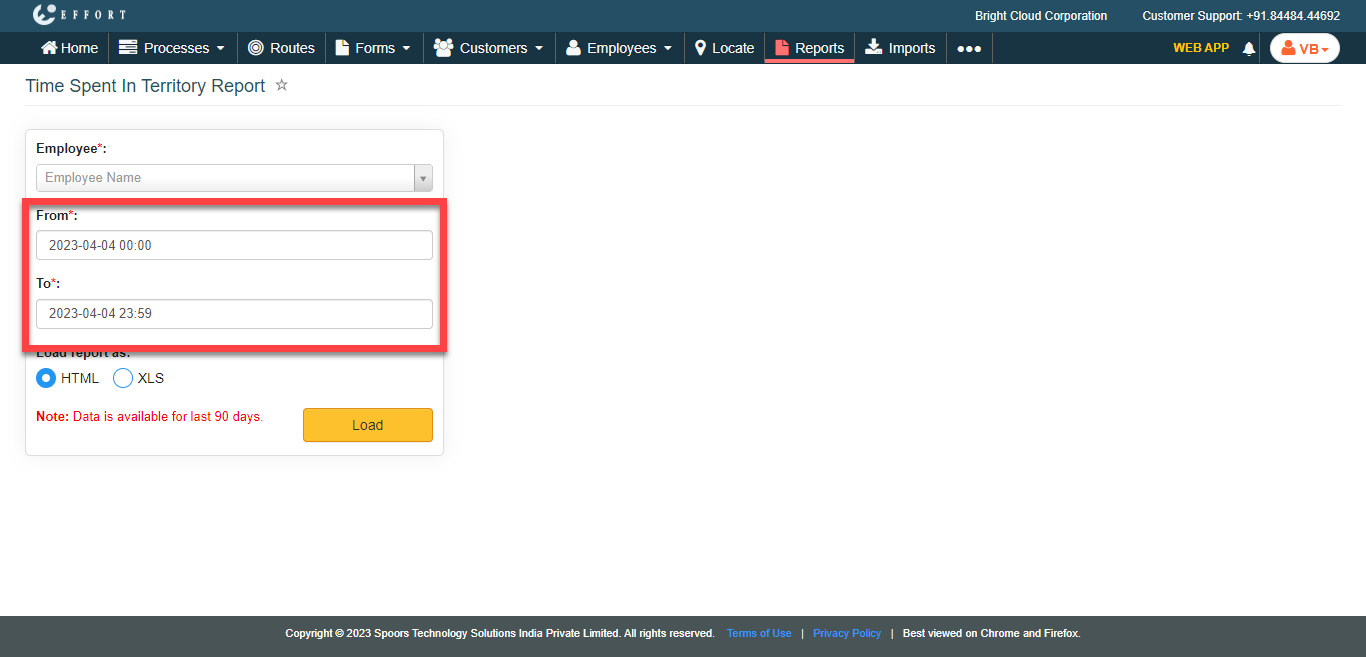
Both From and To default to today. - Optional:
In Load report as, select the output report
format.
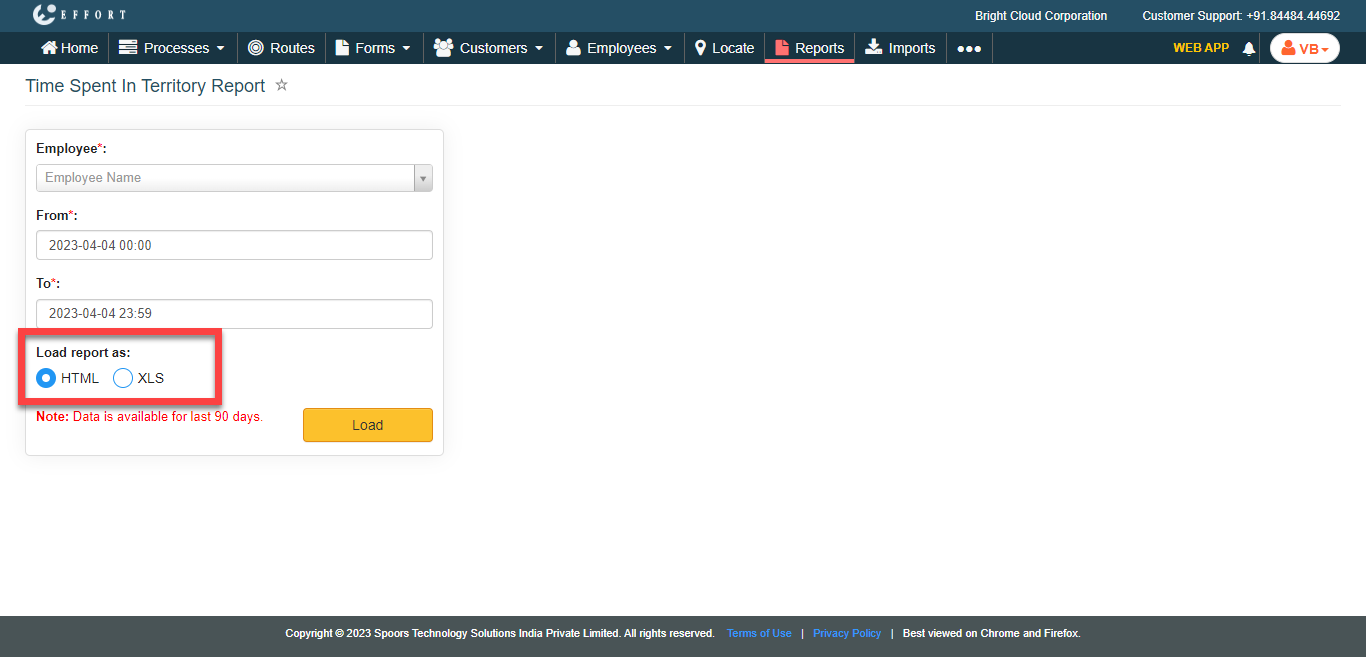
Load report as defaults to HTML. -
Click Load.
The Time Spent In Territory Report is displayed depends on the report format.