

Modify a Territory
To modify a territory, follow the steps below:
-
Go to .
The Territories page appears.
-
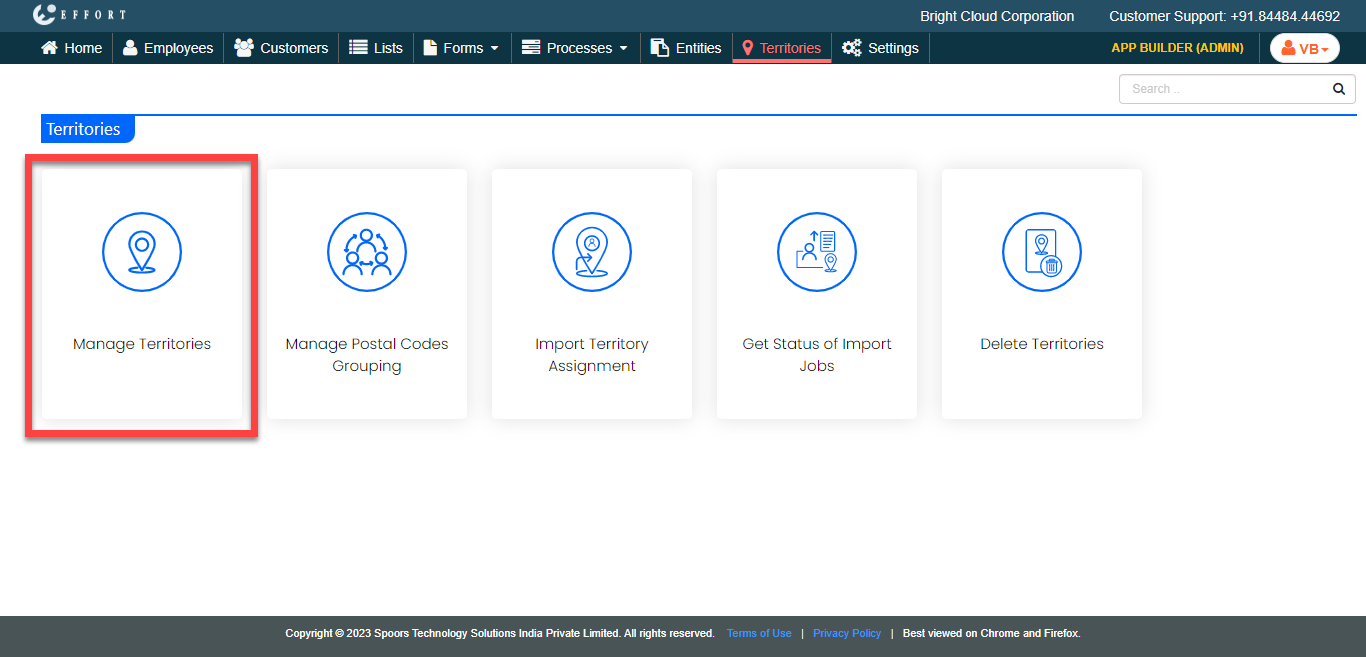
Click the Manage Territories card.
-
Under the Actions column, click the pencil

icon to modify the territory.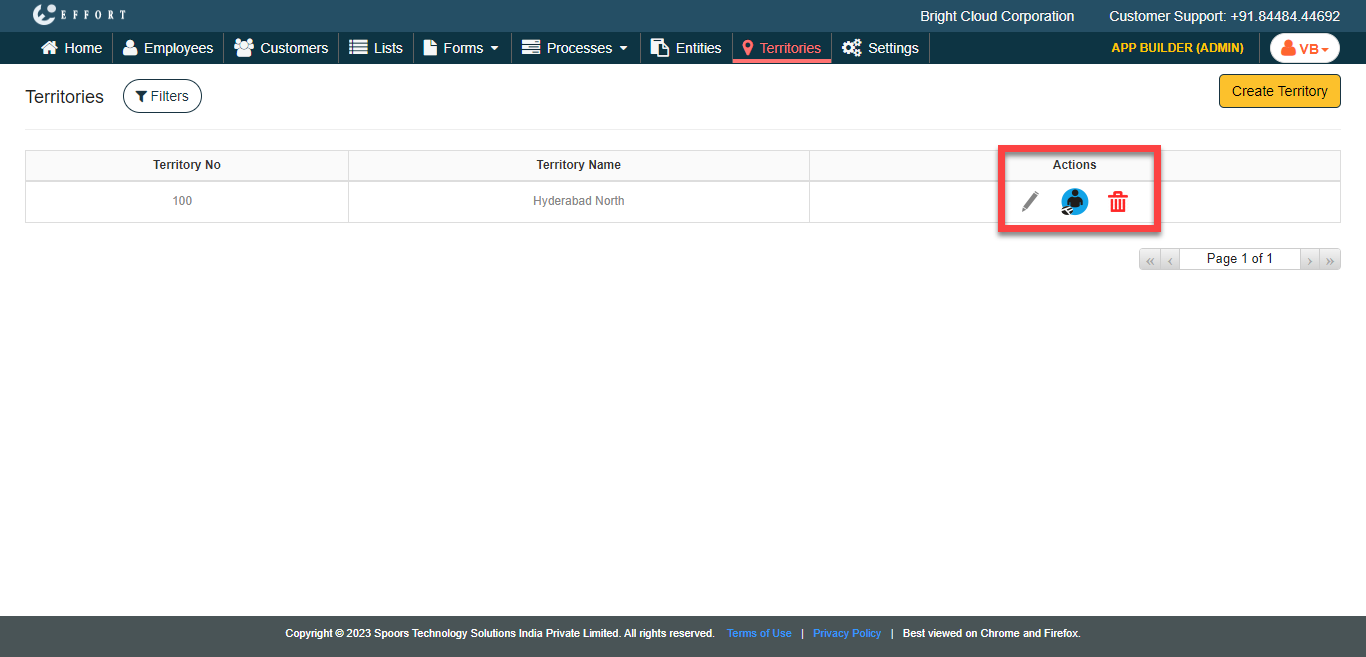
-
Edit the fields as per your requirement.
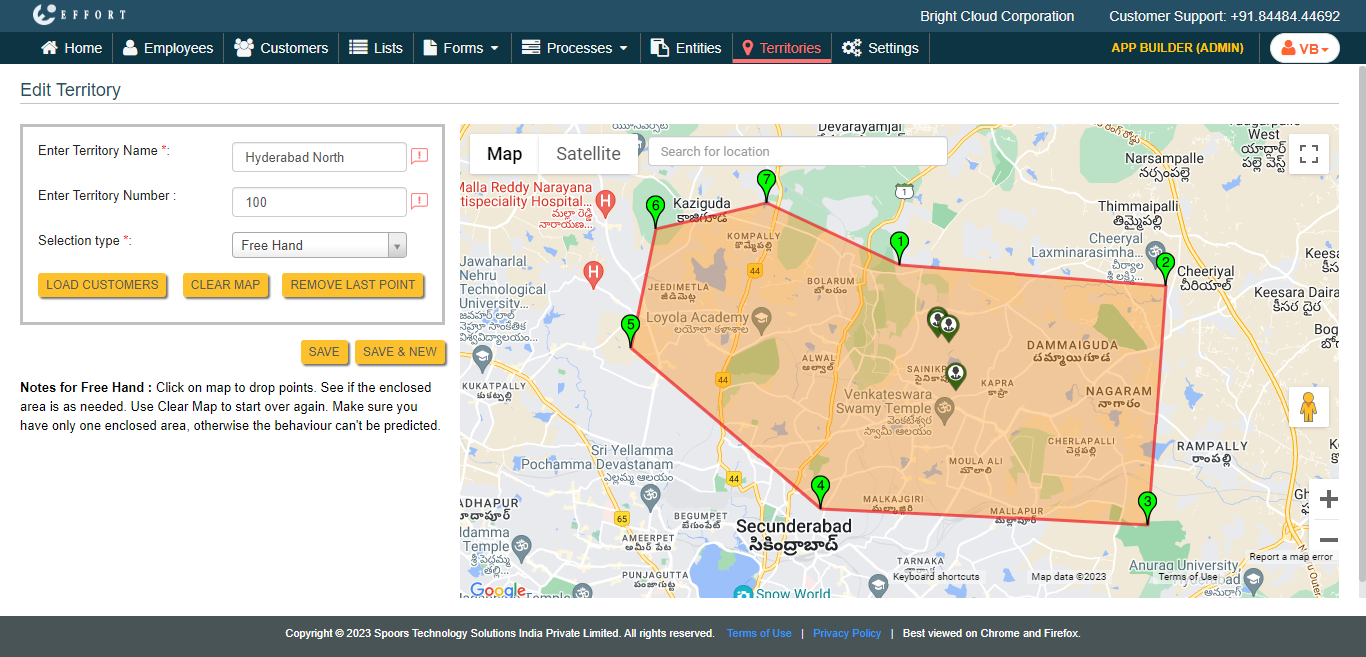
Refer the Create a Territory topic to know more about the configuration fields. - Click Save.