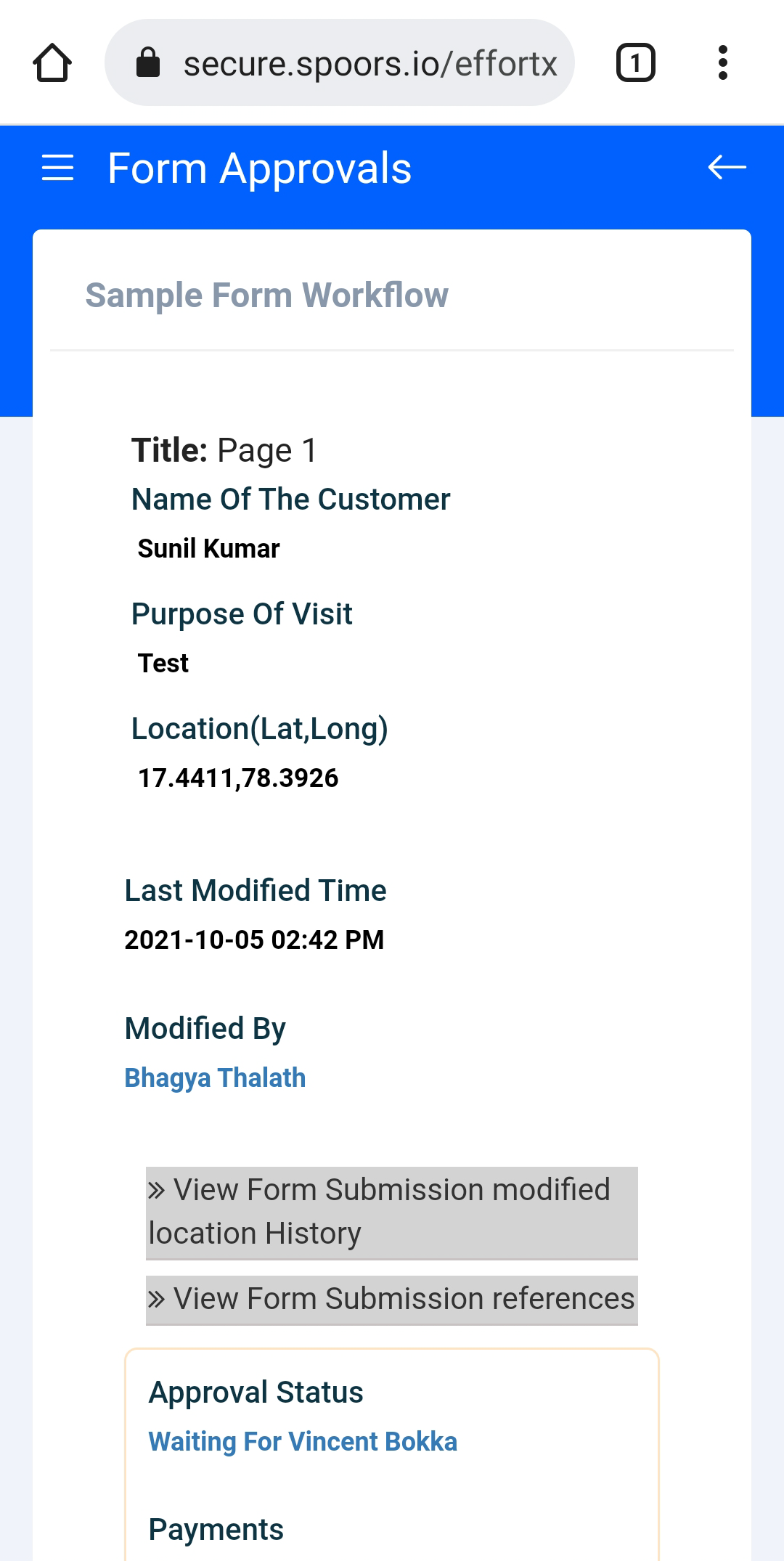
Check Form Approval Status
This topic guides you with the step-by-step procedure to check the form approval status in the Effort Web Lite App. You can follow the below steps to check the form approval status in the Web Lite app.
-
Login to your Effort Web Lite account.
Refer to the Login to Effort Web Lite App topic for the step-by-step procedure to log in to the Web Lite app.
-
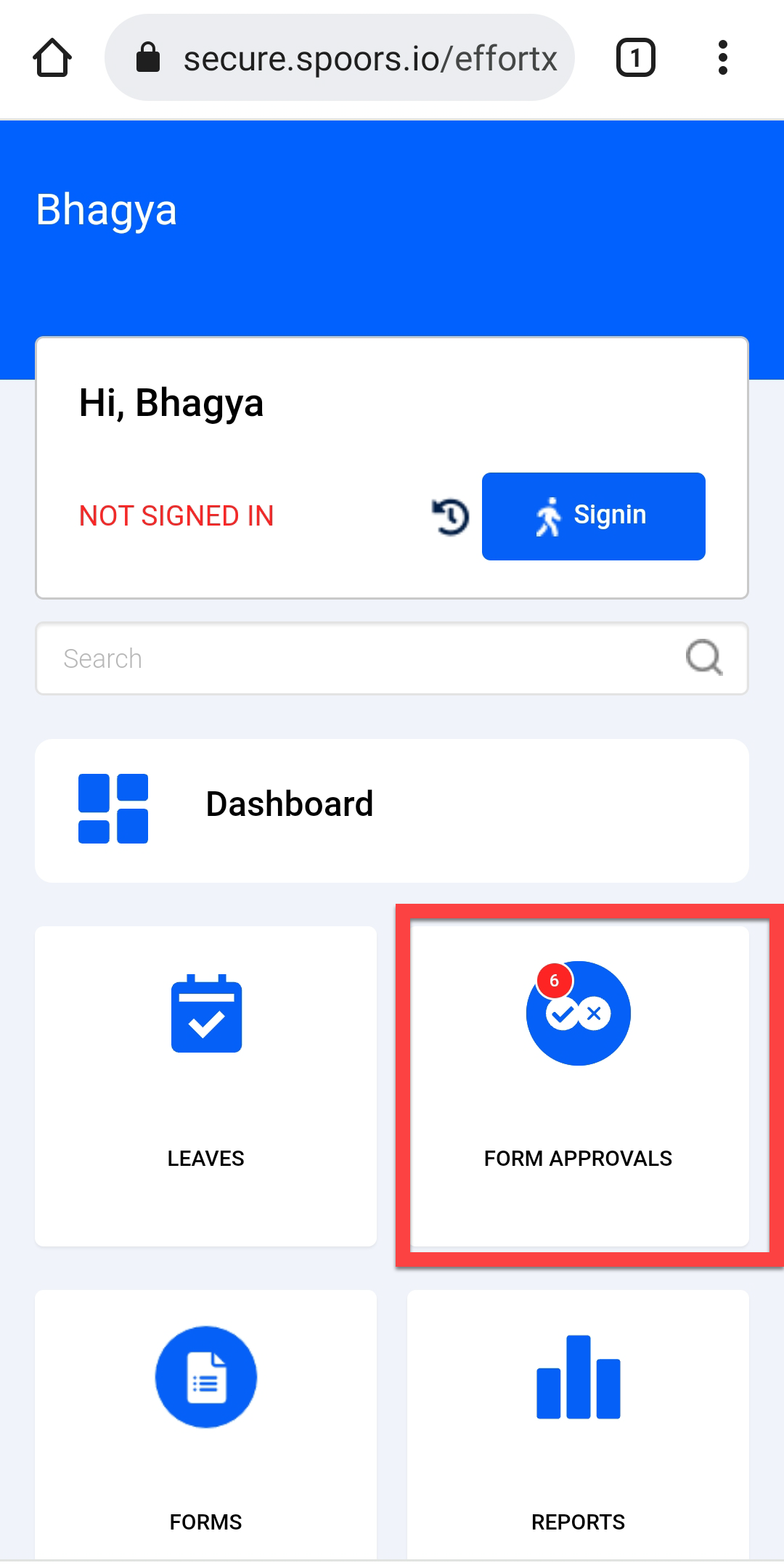
Tap FORM APPROVALS card on the home screen.
-
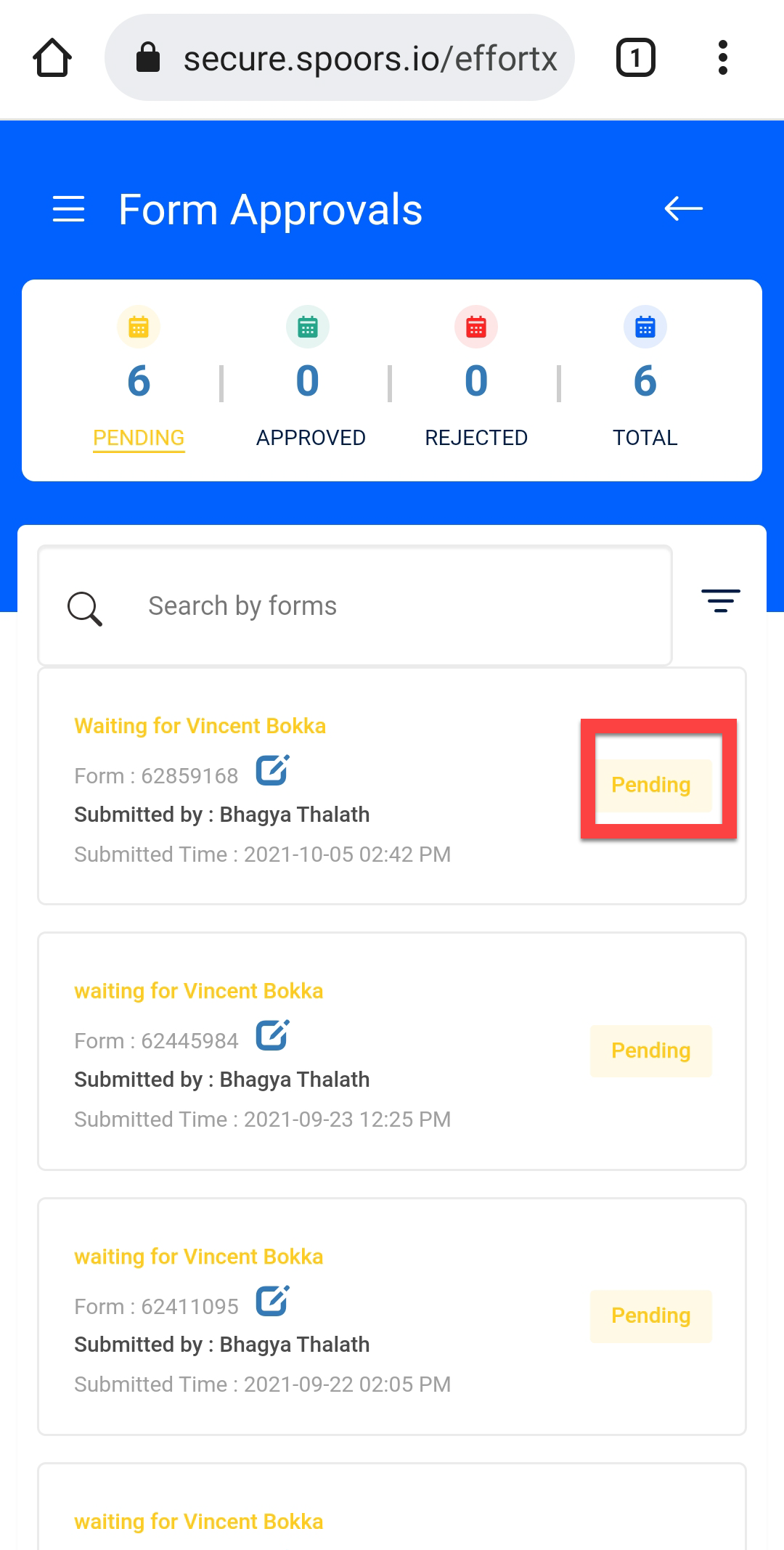
You can see the form status on the form submission card.
-
If you want to view more details, tap on the required form submission.