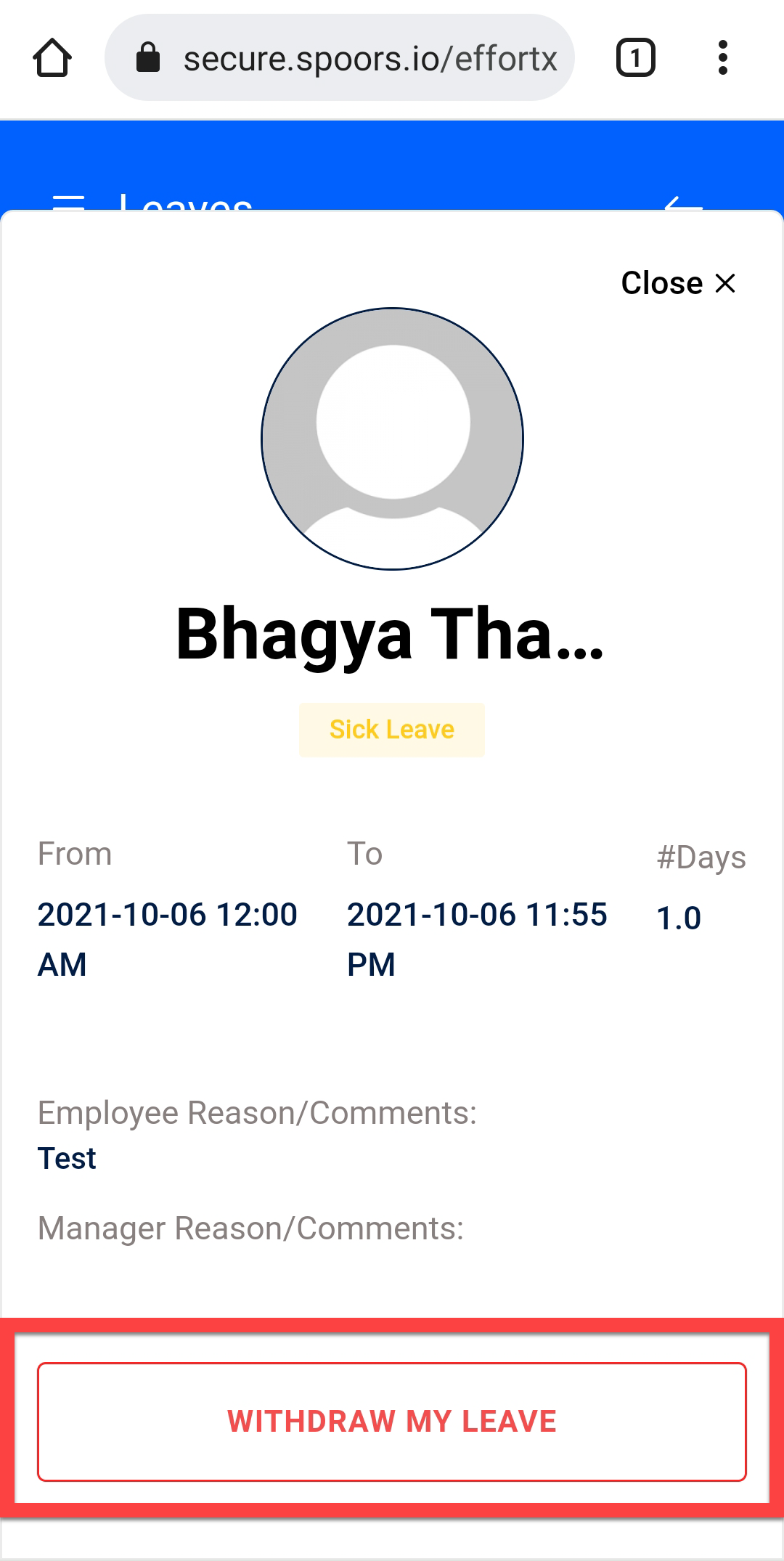
Withdraw An Applied Leave
This topic guides you with the step-by-step procedure to withdraw an already applied leave in the Effort Web Lite App. You can follow the below steps to withdraw an already applied leave in the Web Lite app.
-
Login to your Effort Web Lite account.
Refer to the Login to Effort Web Lite App topic for the step-by-step procedure to log in to the Web Lite app.
-
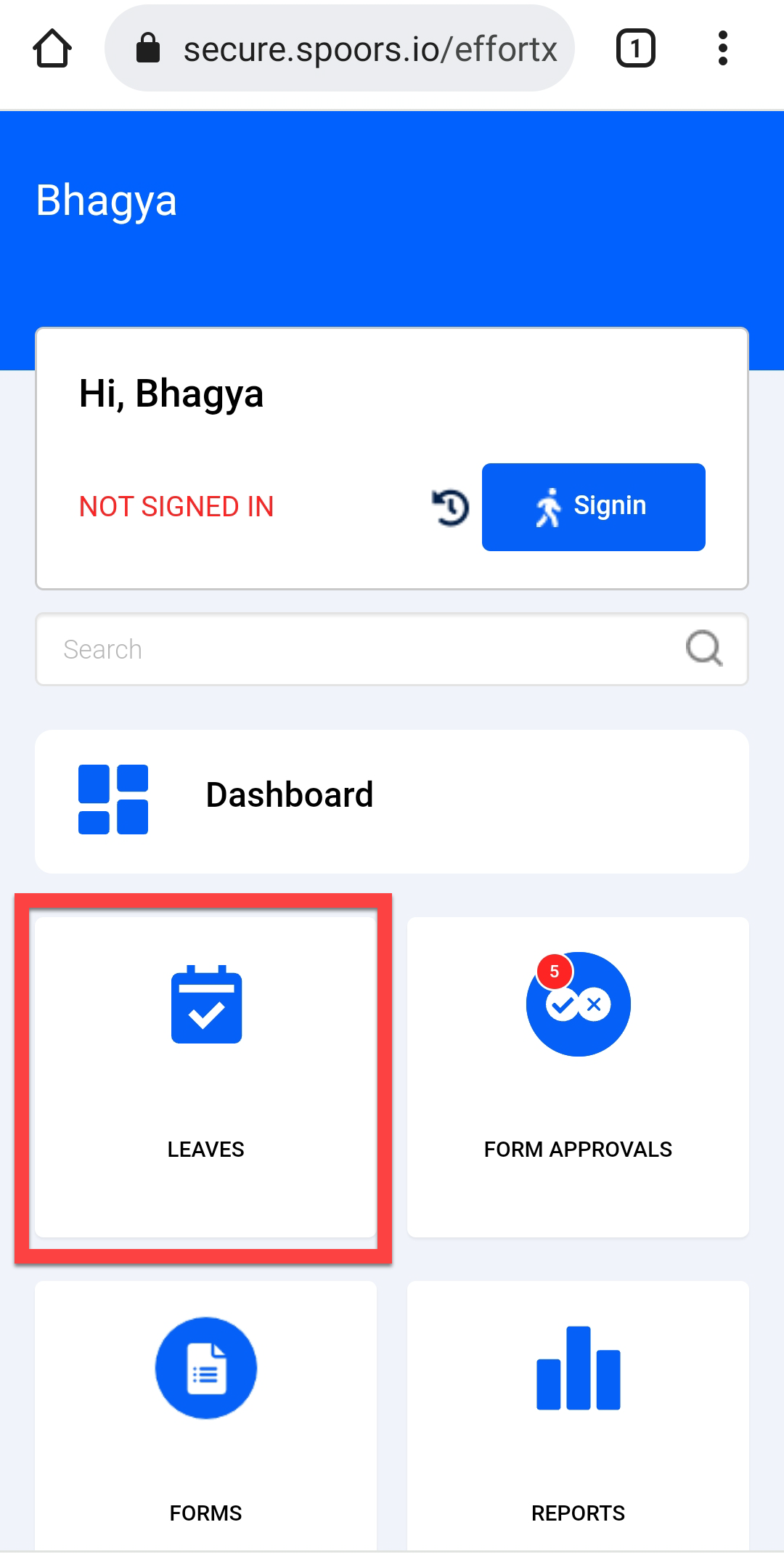
Tap LEAVES card on the home screen.
-
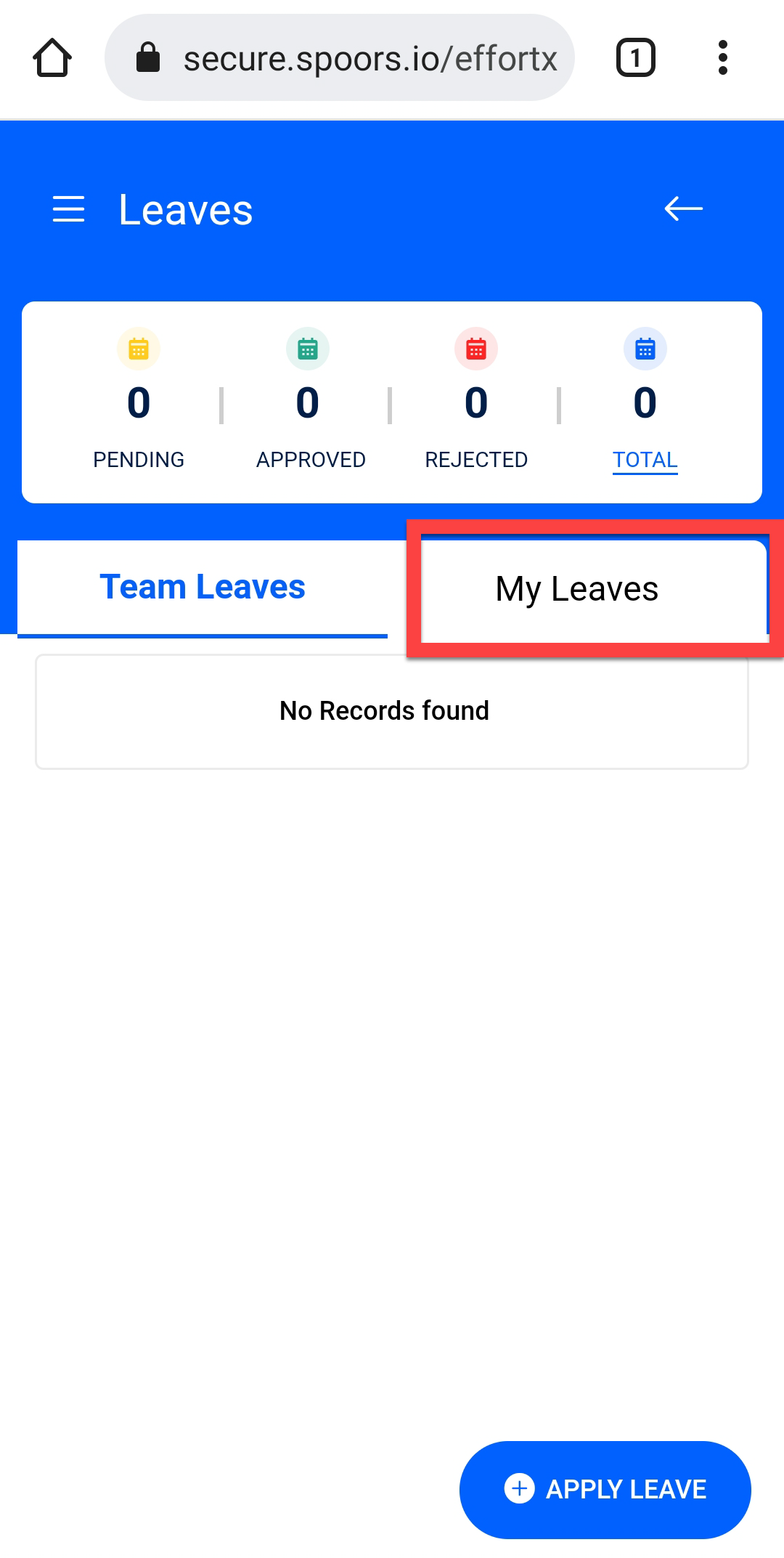
Tap My Leaves to go to your leaves tab.
-
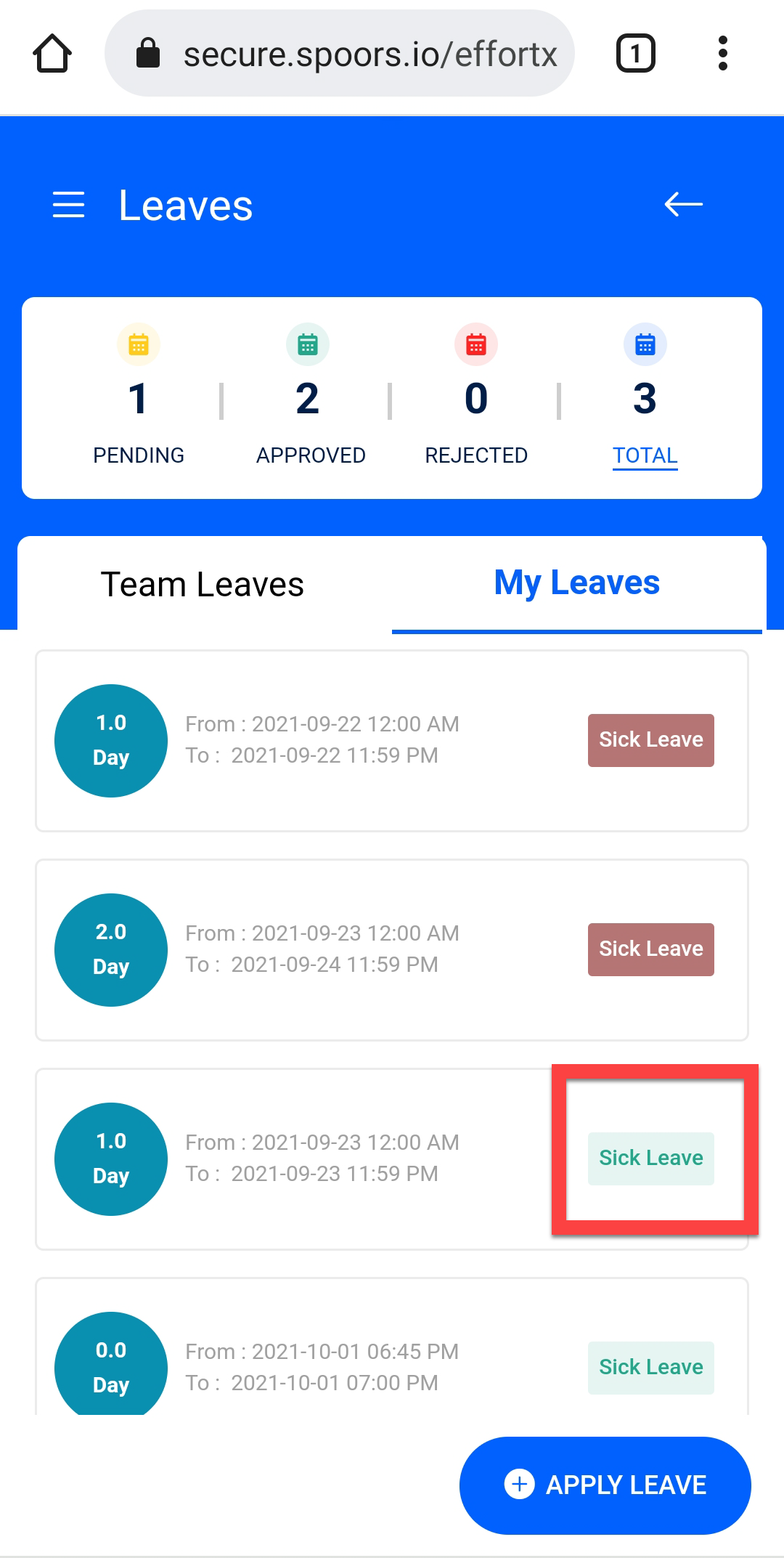
Tap on a leave type given on the leave that you want to withdraw.
-
Tap WITHDRAW MY LEAVE button.