

Login to Effort Web Lite App
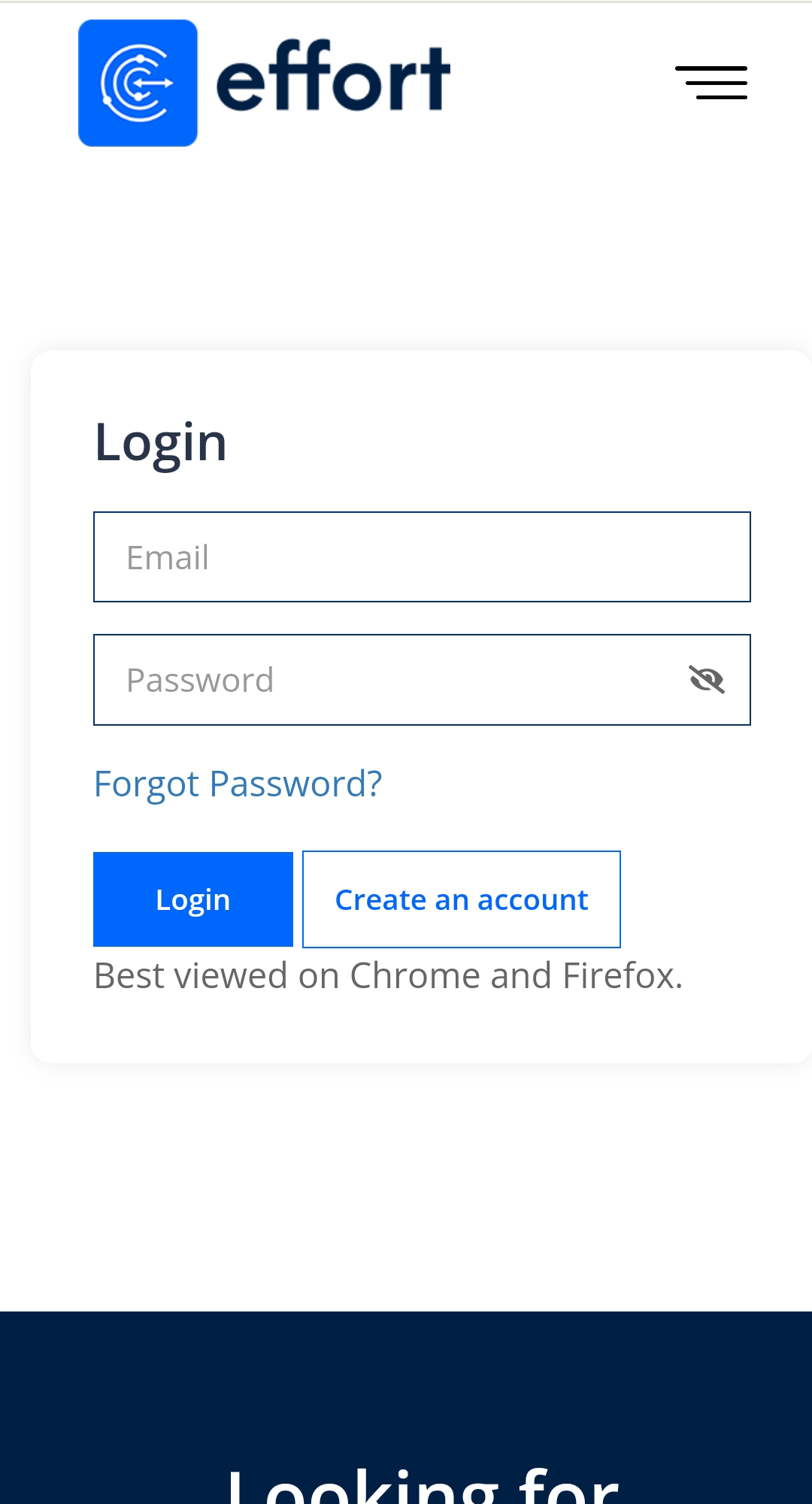
This topic guides you with the step-by-step procedure to log in to the Effort Web Lite App. You can follow the below steps to log in to the Web Lite app.
- Open a web browser (preferably Chrome and Firefox) on your mobile and go to the below link.
-
Enter your registered email ID in the Email field.
-
Enter the password that you received via email.
If you forgot the password, then you can tap the Forgot Password? to reset the password.
- Tap Submit button.