Accept Work Invitations
To accept a work invitation, follow the steps below:
- Open the Effort NXT mobile app on your device.
-
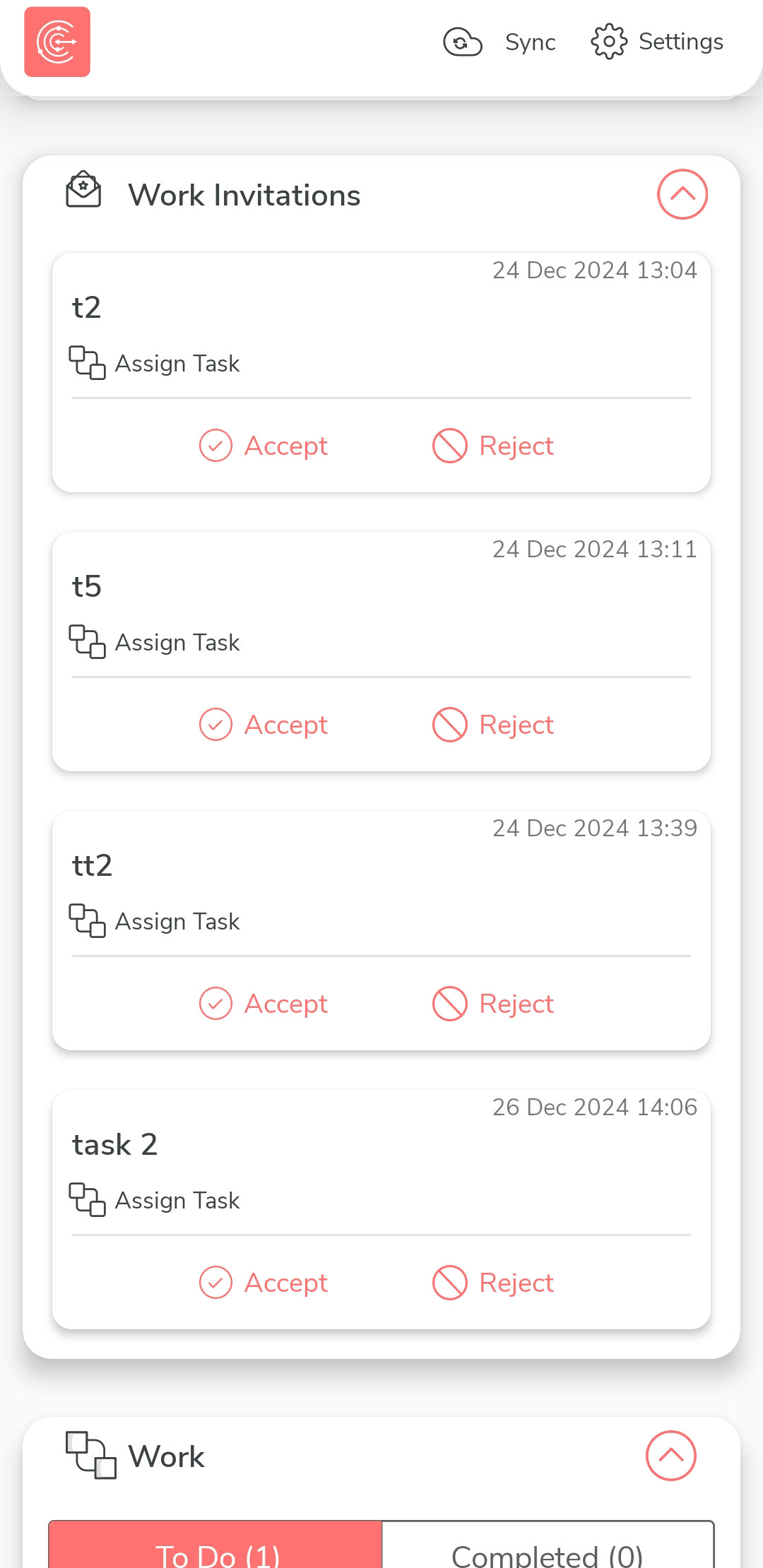
On the home screen, navigate to the Work Invitations section. Here, you
can view all your pending work invitations.
-
To accept a work invitation:
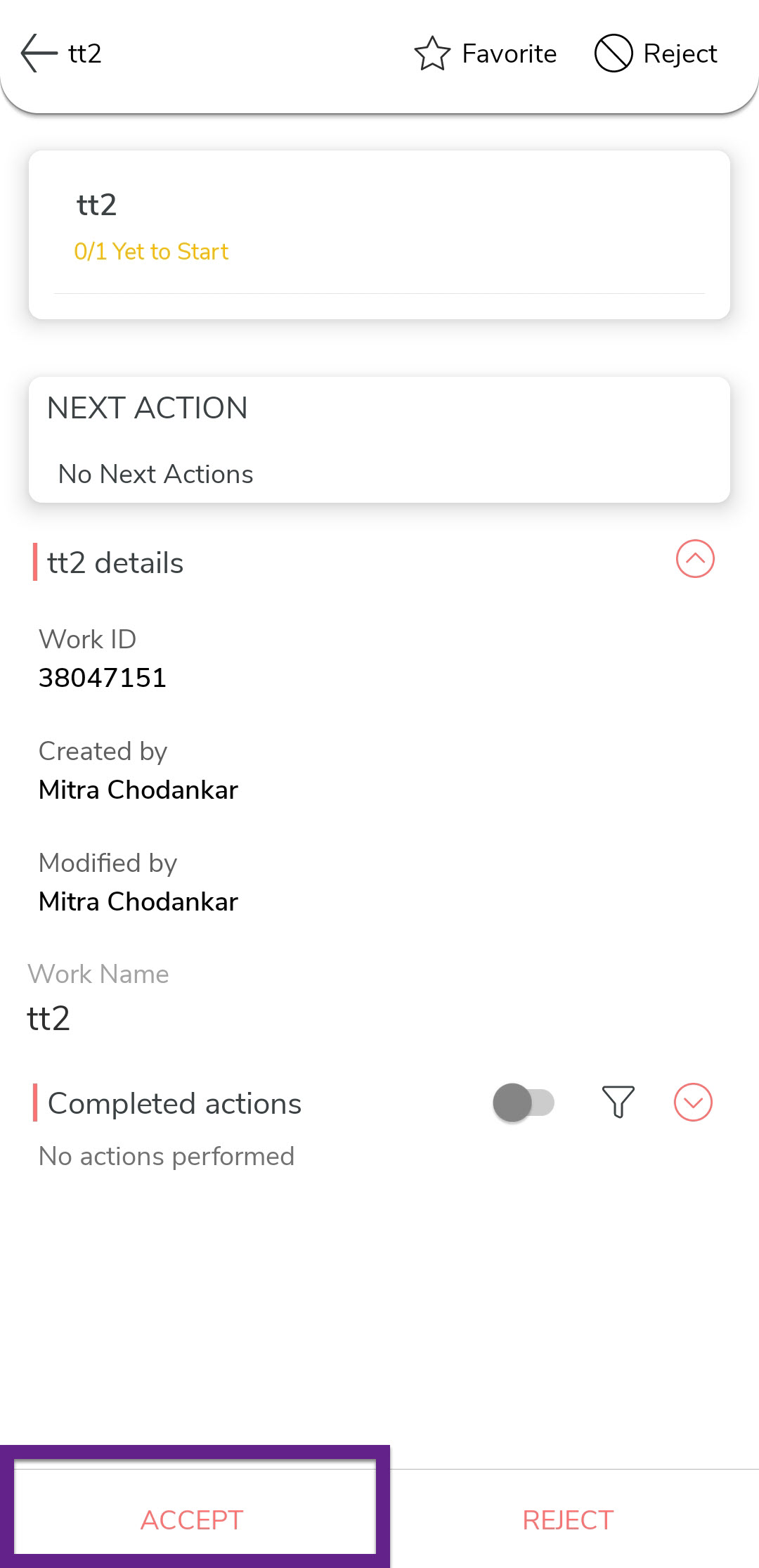
- Option 1: Tap the invitation you want to accept
to view its details. Review the invitation details and then tap
Accept.
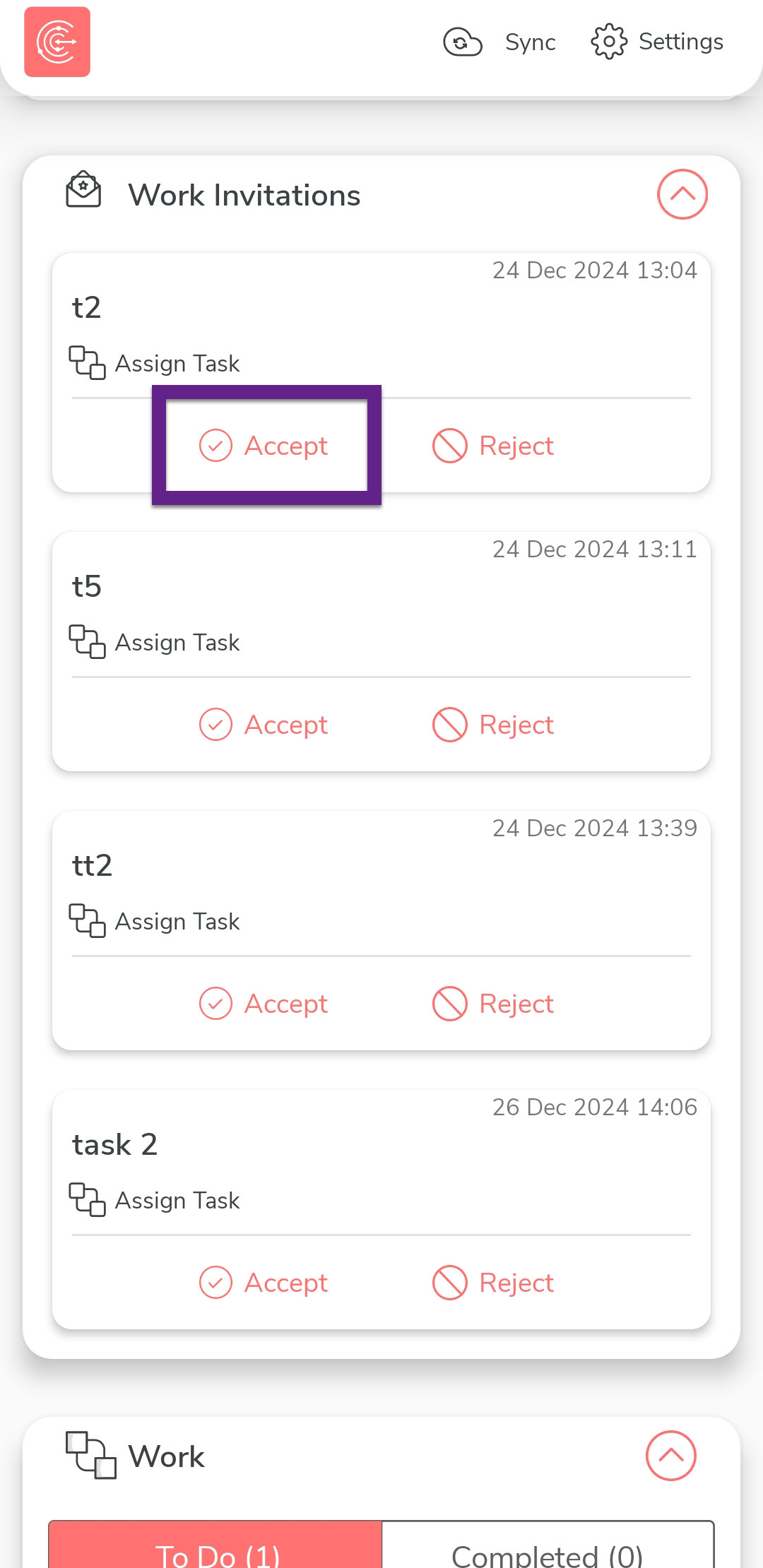
- Tap the Accept option directly next to the invitation in the
list.
- Option 1: Tap the invitation you want to accept
to view its details. Review the invitation details and then tap
Accept.
-
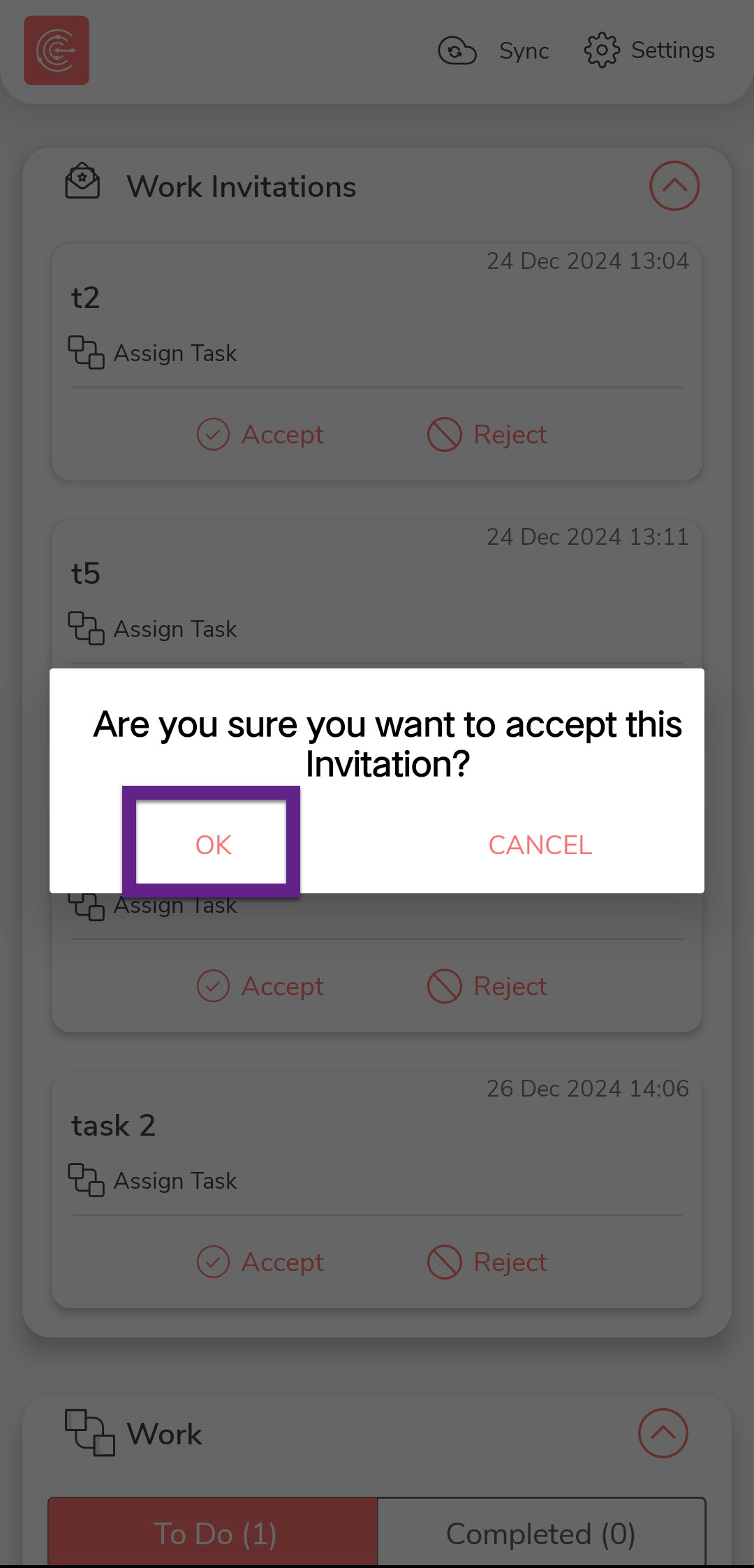
In the confirmation dialog, tap OK to finalize your
action.