Complete Assigned or Accepted Work
To complete assigned or accepted work, follow the steps below:
- Open the Effort NXT mobile app on your device.
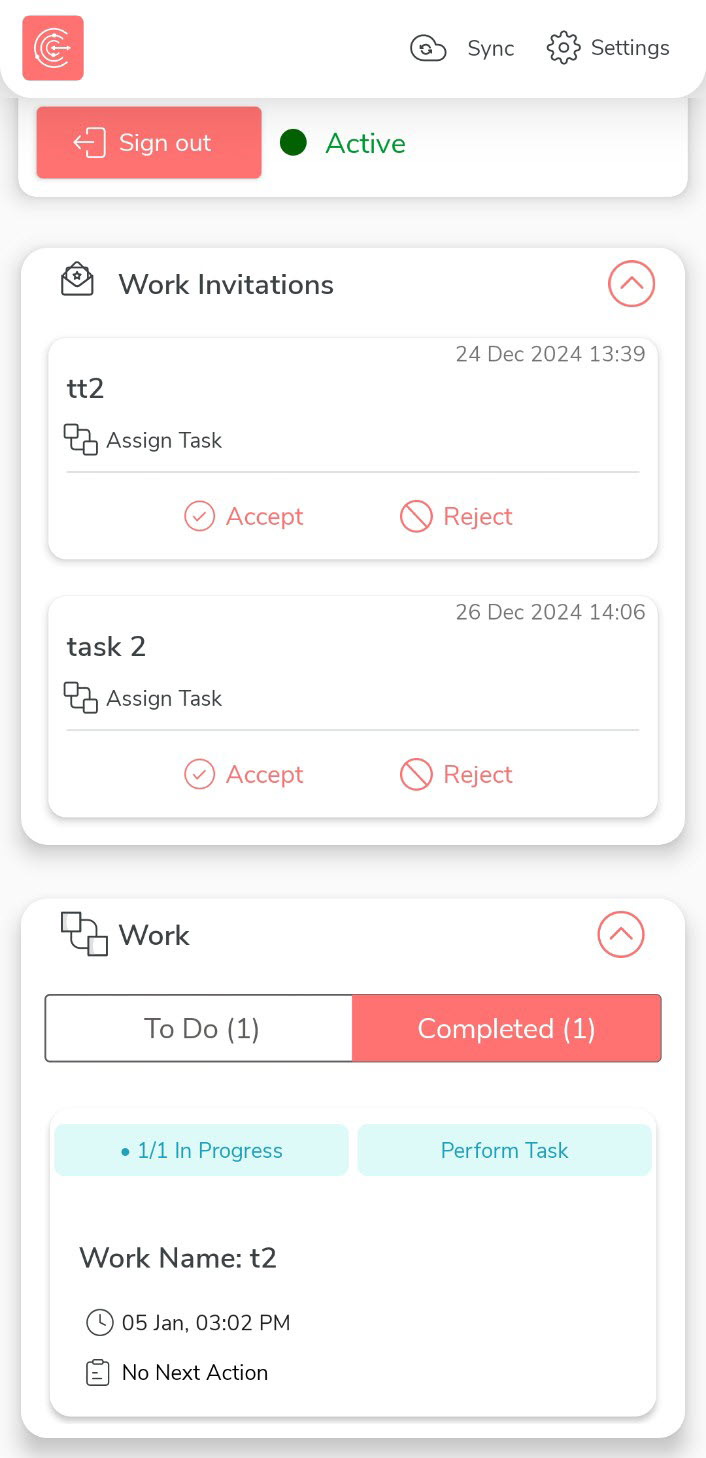
- On the home screen, navigate to the Works section to view all your assigned ot accepted works.
-
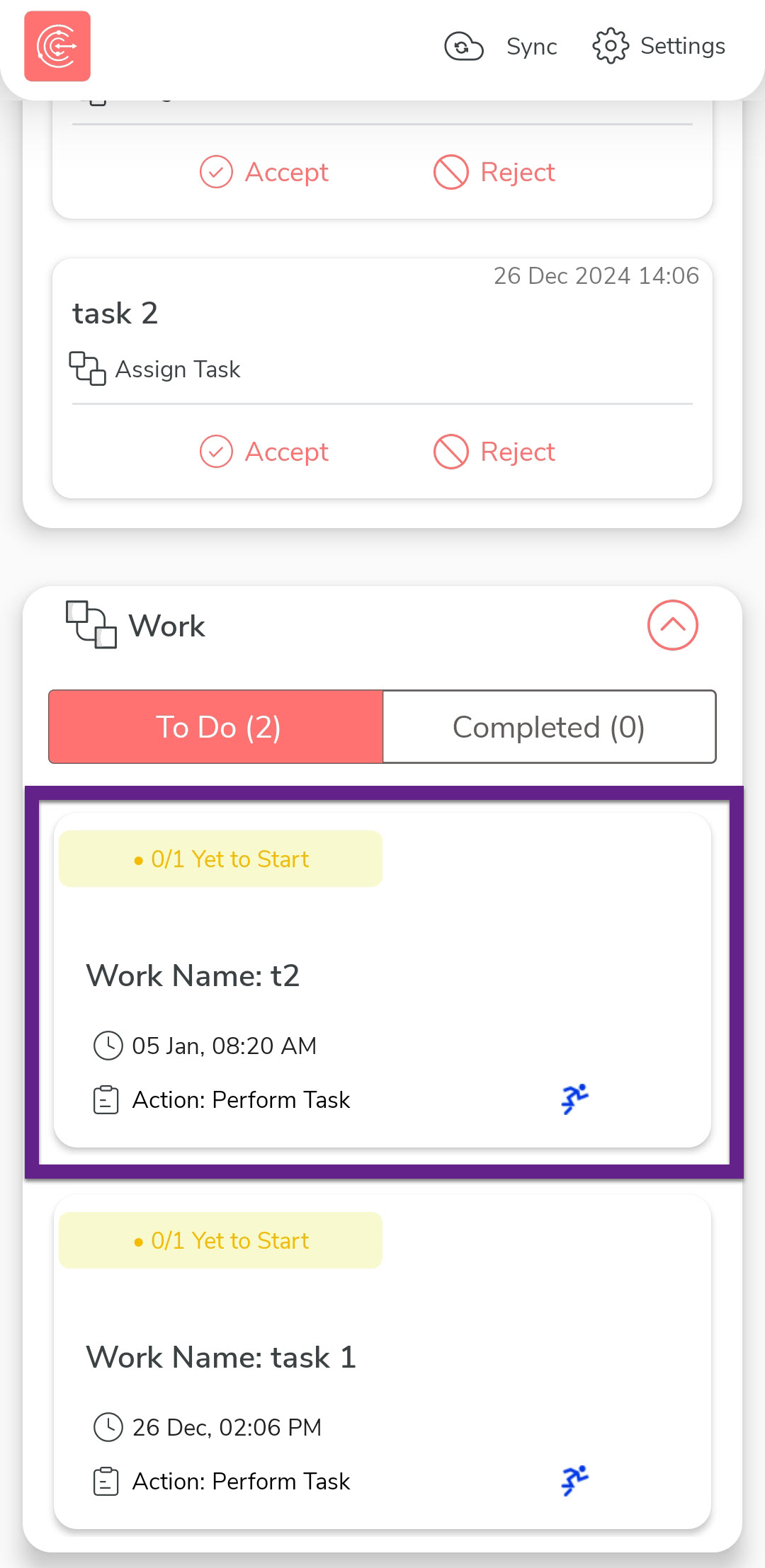
Under the To Do tab, tap the work you want to
complete.
-
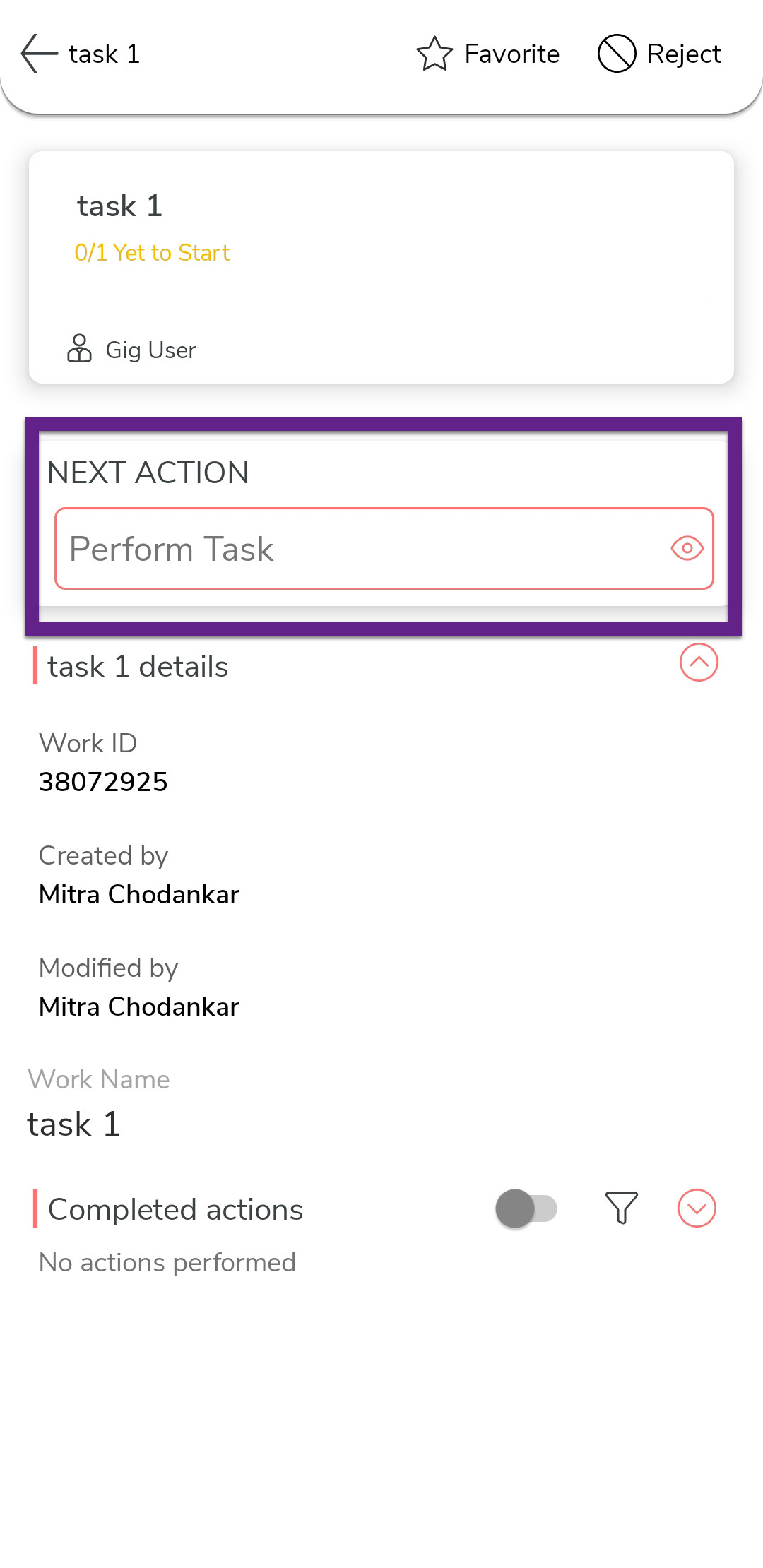
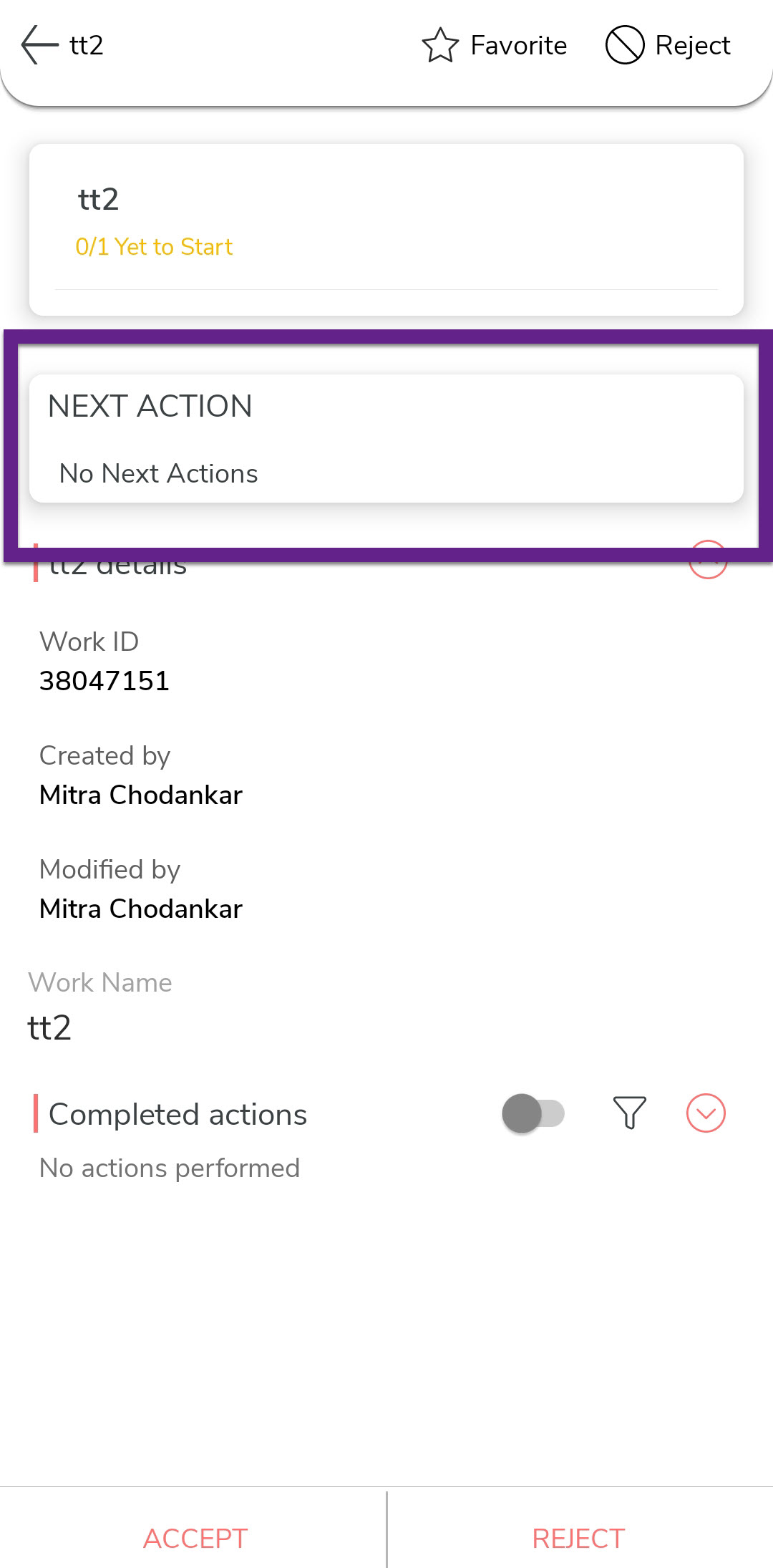
Review the work details and tap the activity name listed under the Next
Action section.
-
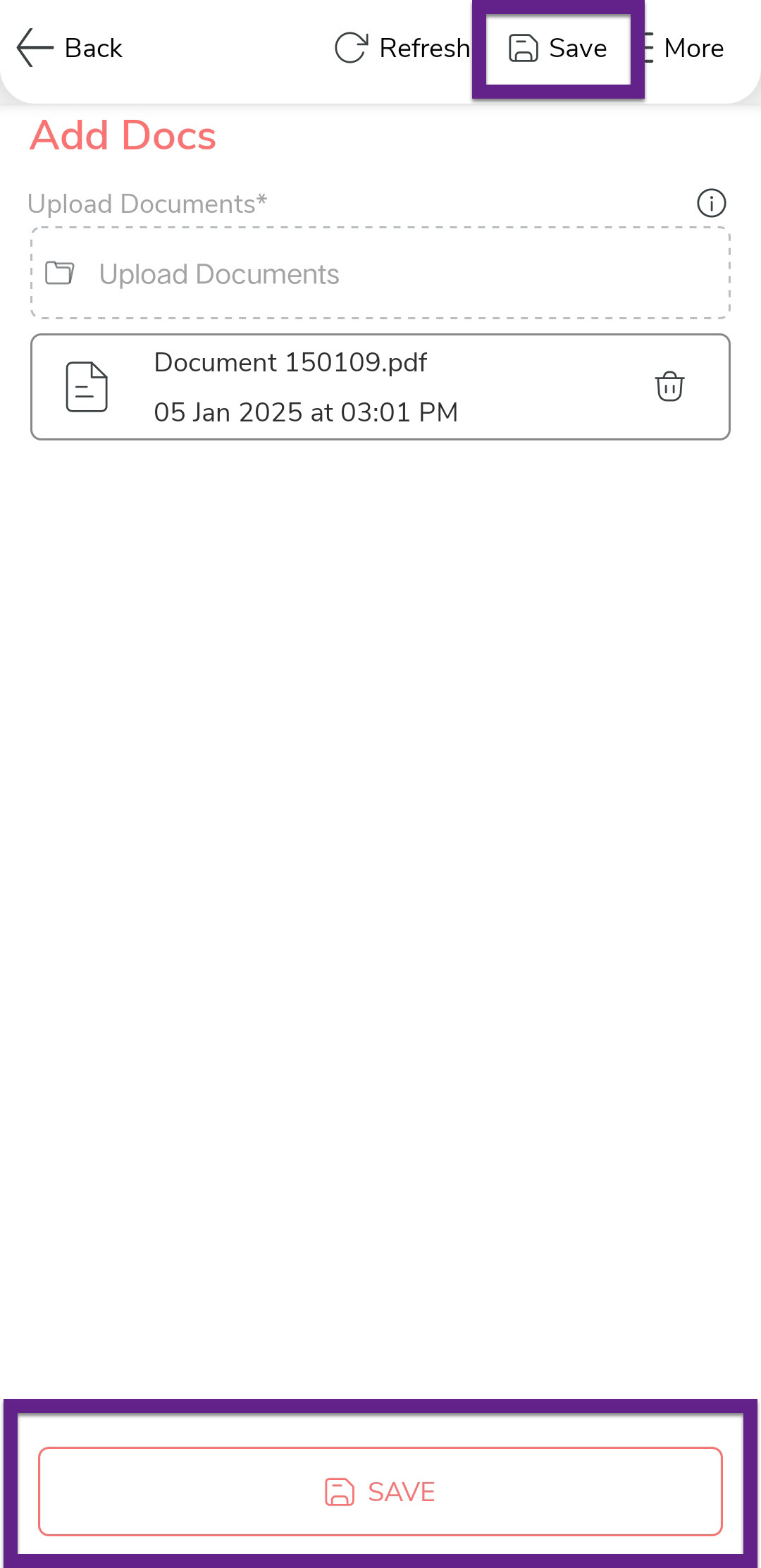
Fill in the required details in the activity form and then tap
Save.
-
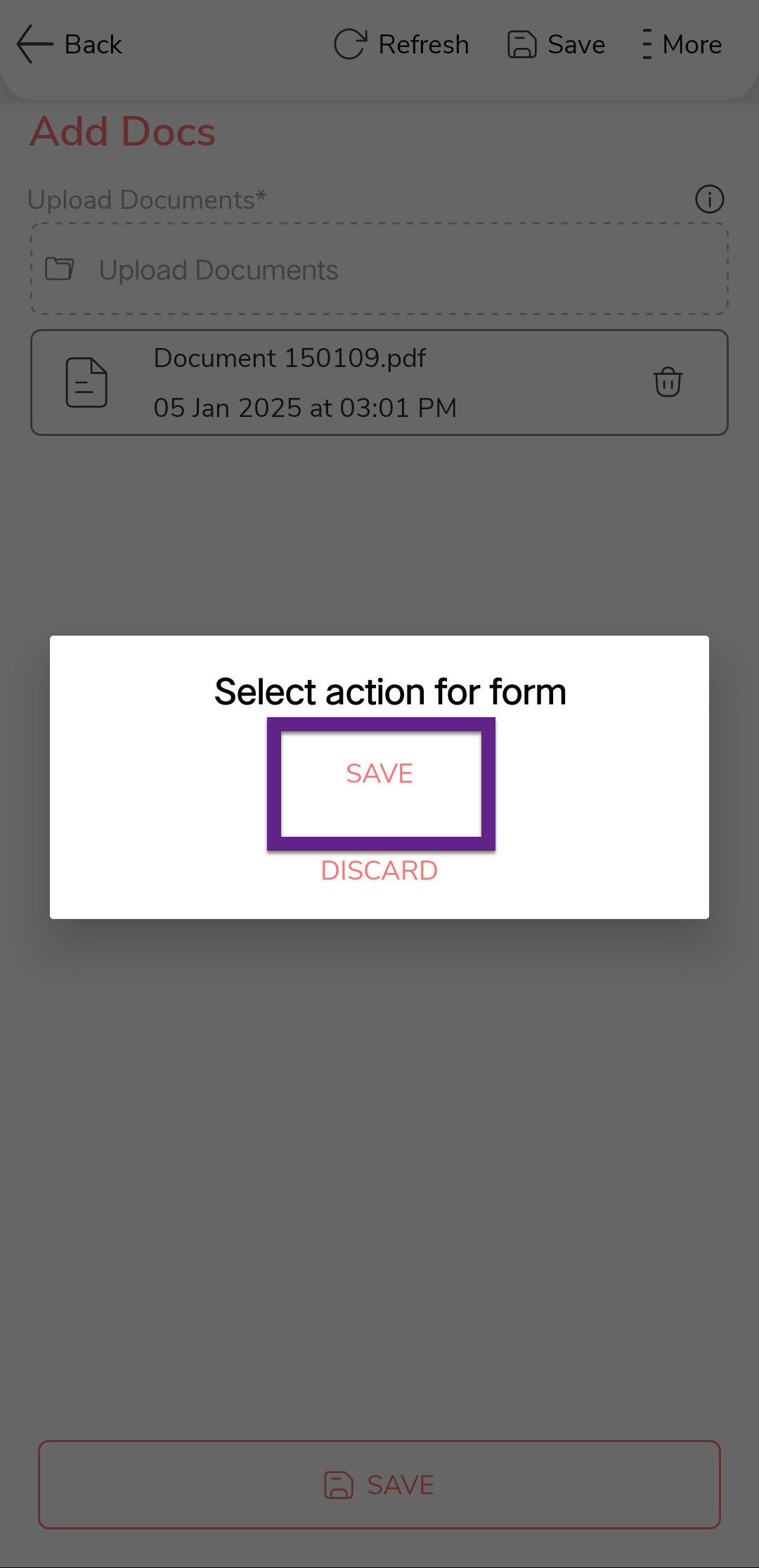
In the confirmation dialog, tap Save to confirm your action.
-
Repeat these steps to complete all activities associated with the work until it
is marked as complete.
-
Once the work is completed, you can view it under the Completed
tab.