Log in to Effort Gig User Mobile App
To log in to the Effort Gig User Mobile App, follow the steps below:
- On your mobile device, open the Effort NXT app.
-
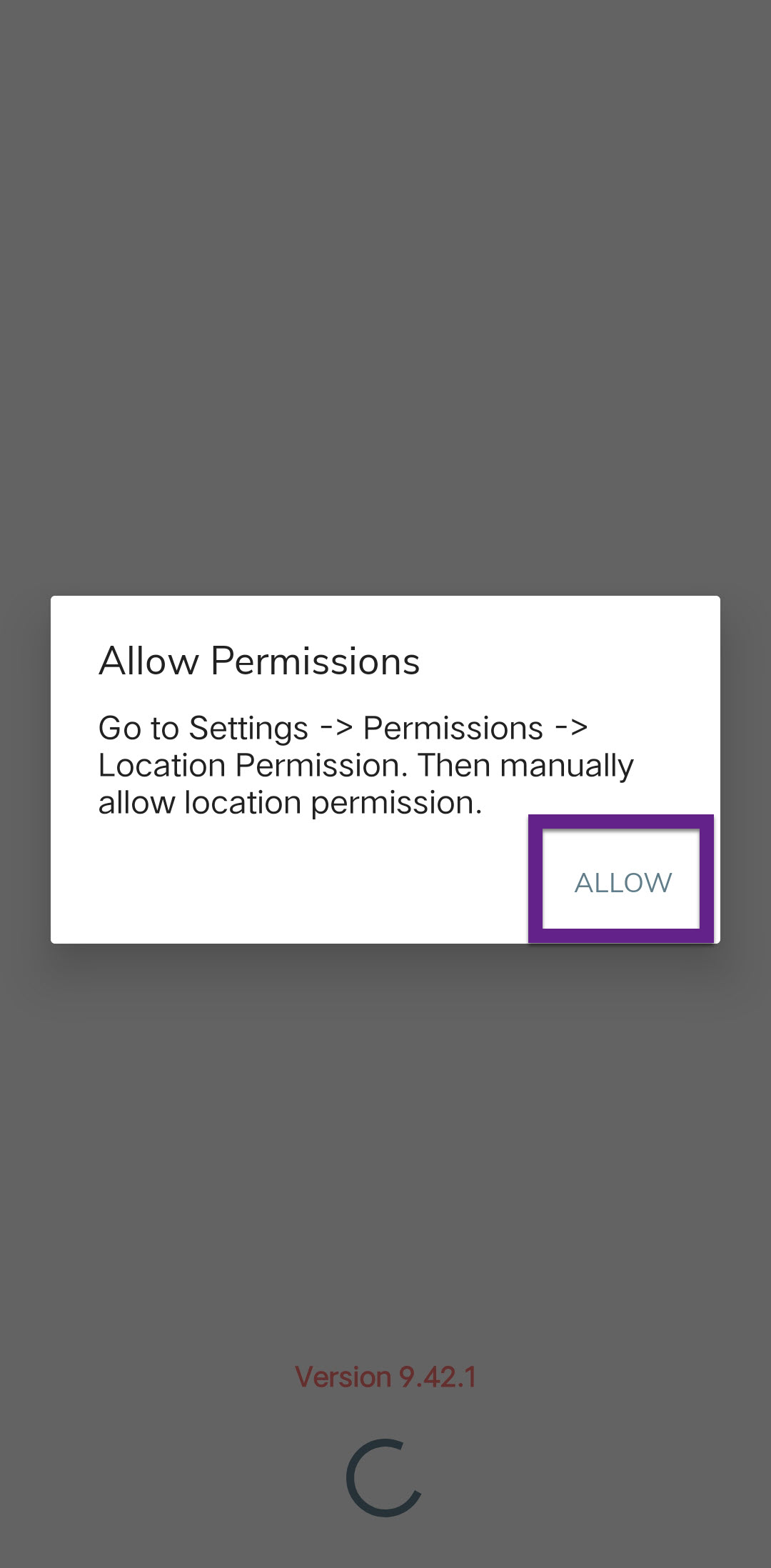
Allow all required permissions:
-
If prompted, the app may redirect you to your mobile's settings
screen.
-
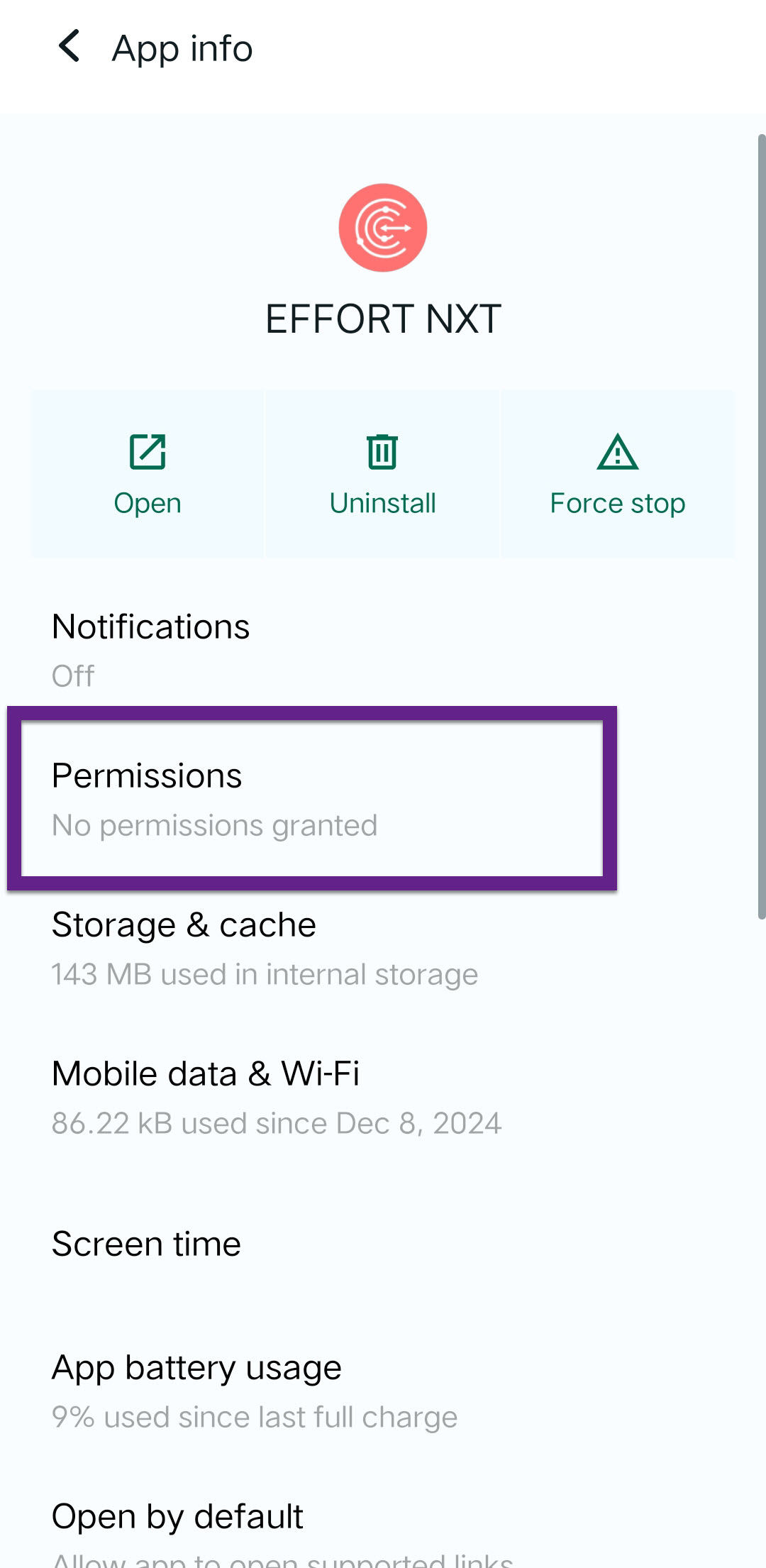
Provide all the necessary permissions by tapping Permissions,
selecting each permission, and then choosing
Allow.
-
If prompted, the app may redirect you to your mobile's settings
screen.
-
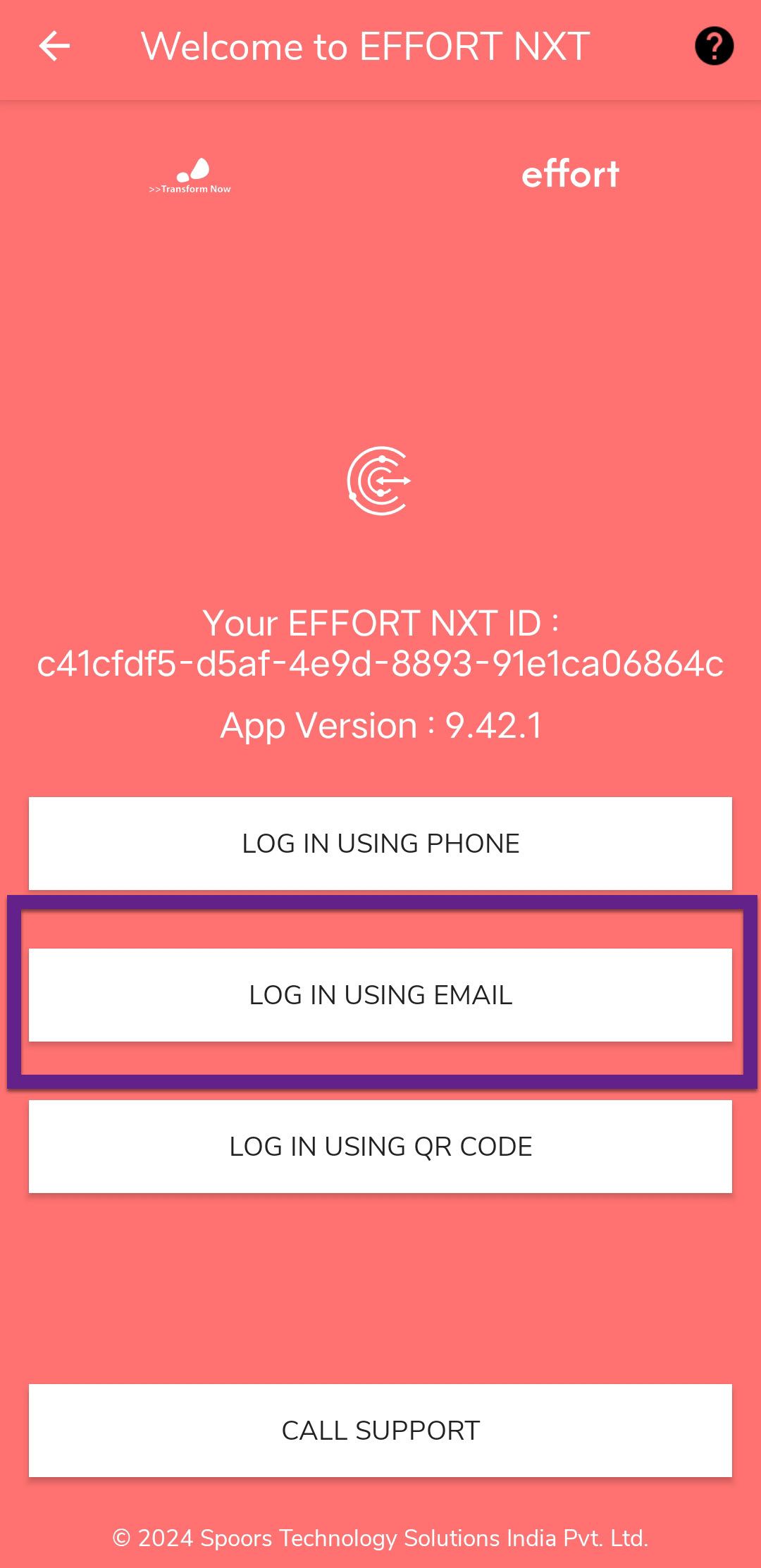
After granting all permissions, you will see different login options. Tap
Log In Using Email.
-
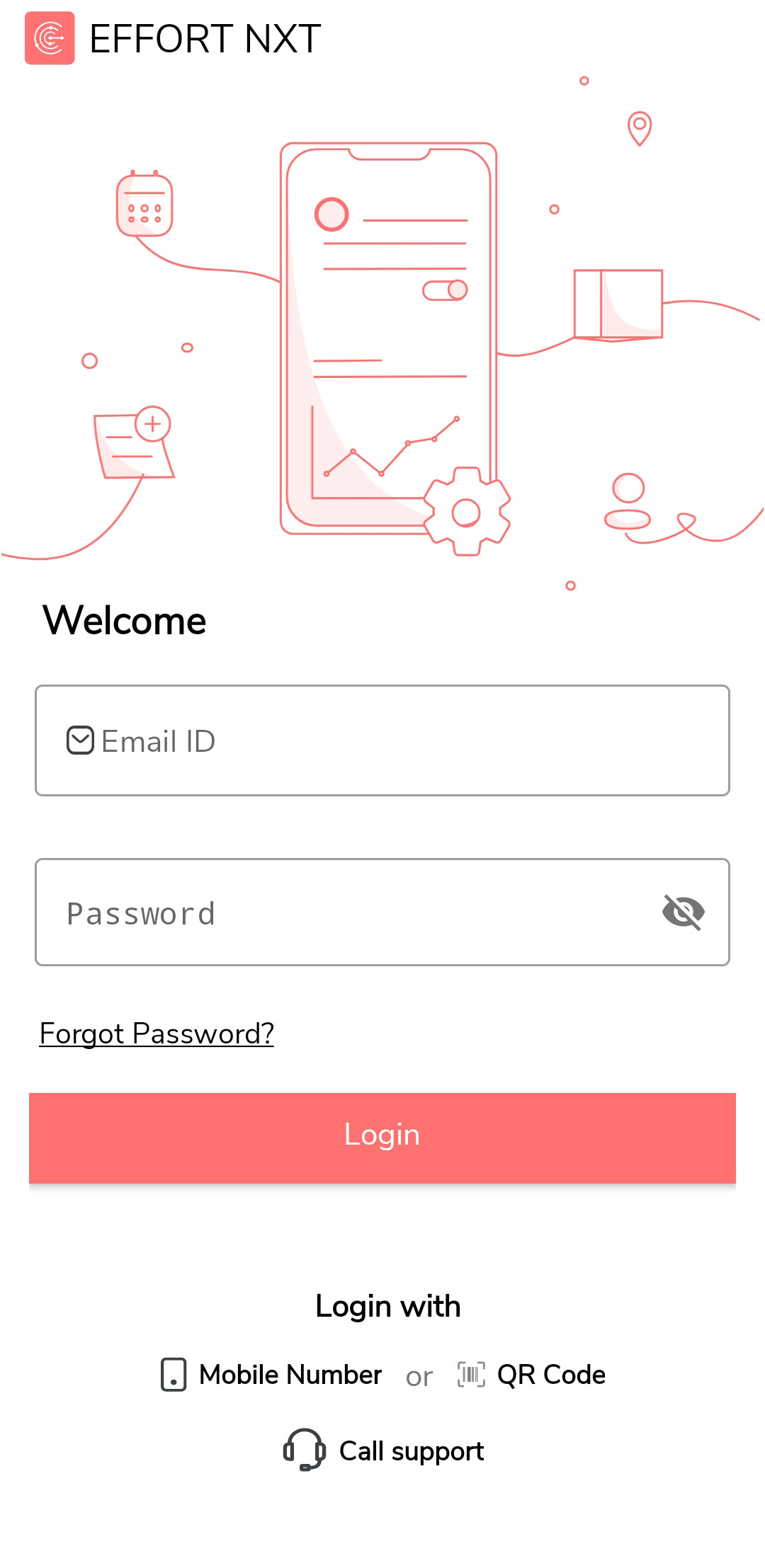
Enter your email ID and password, then tap Login.
-
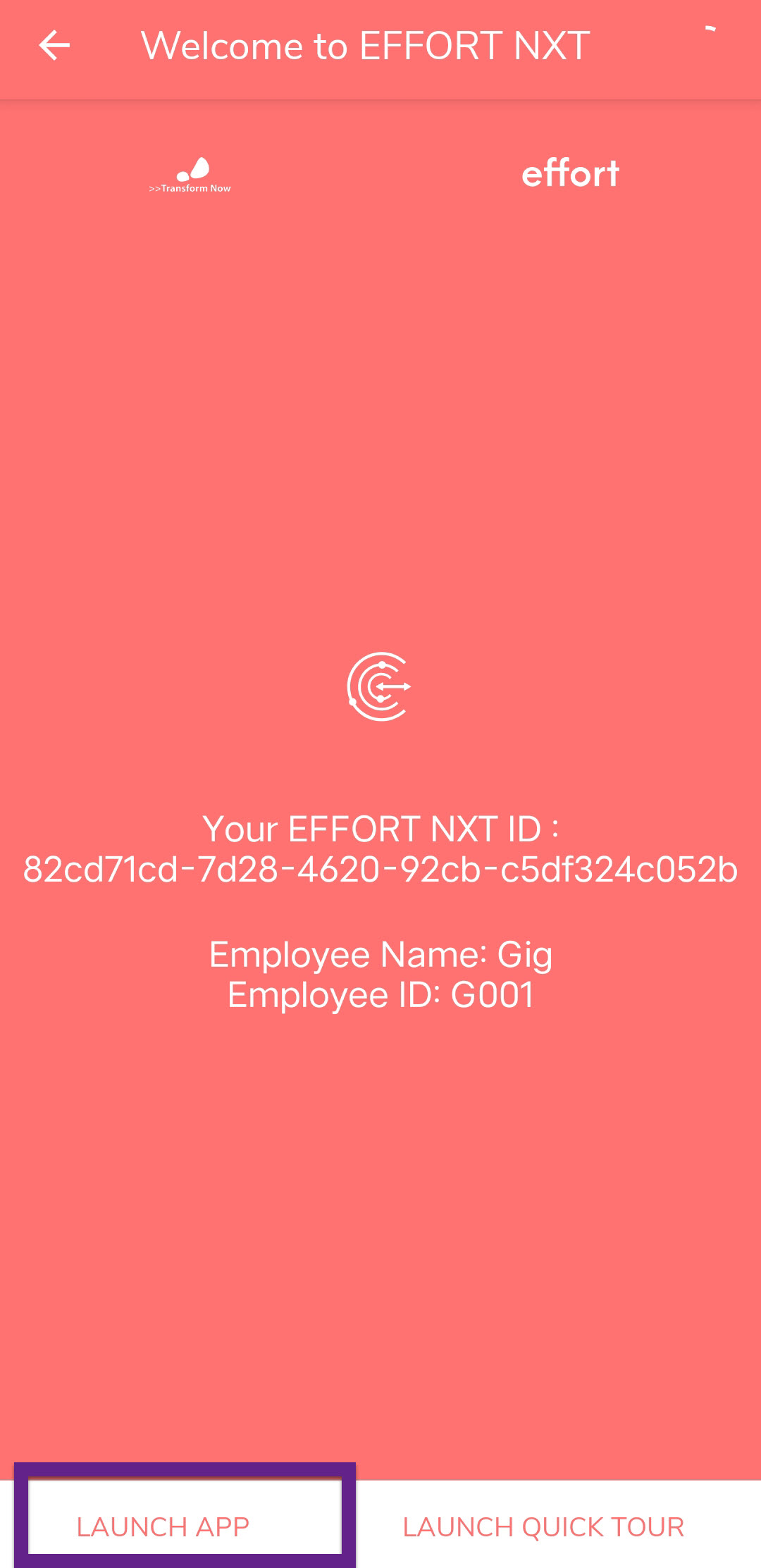
Once logged in, tap Launch App to access the home
screen.