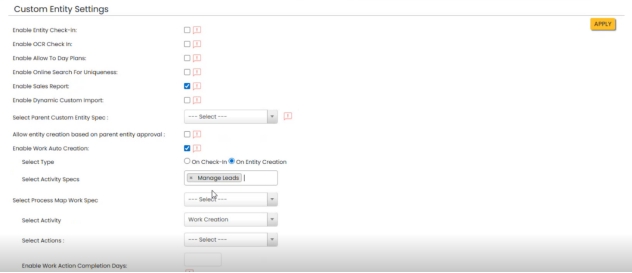
Enable Auto Creation
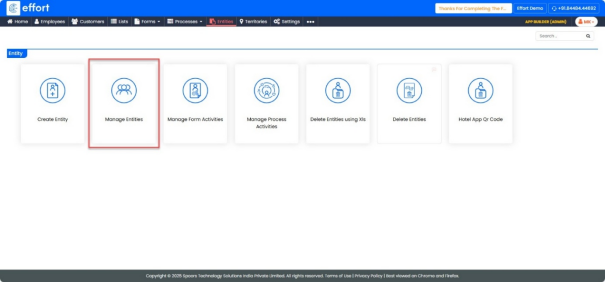
Path: App Builder -> Entities -> Manage Entities
- Click on the “Manage Entities” tab.
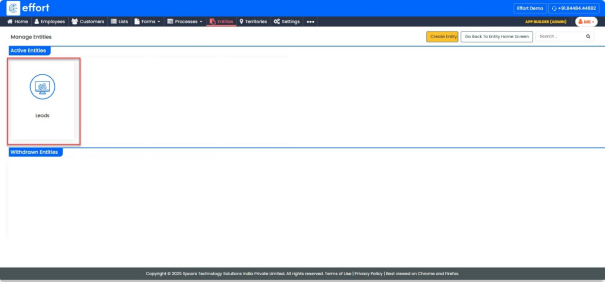
- Click on “Leads” entity.
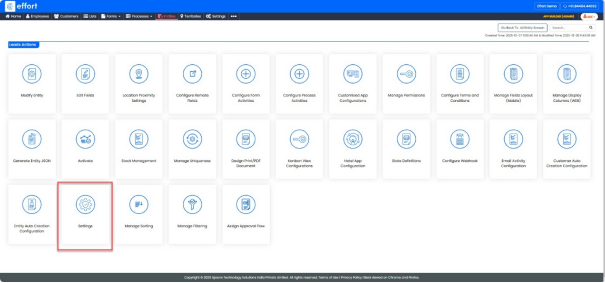
- Click on “Settings”.
- Click the checkbox “Enable Sales Report”.
- Click the checkbox “Enable Auto Work Creation”.
- Select “On Entity Creation” in the Select Type field.
- Enter “Manage Leads” in the Select Activity Specs field.
- Click “Apply”.