

Delete a Fiscal Calendar
To delete a fiscal calendar, follow the steps below:
-
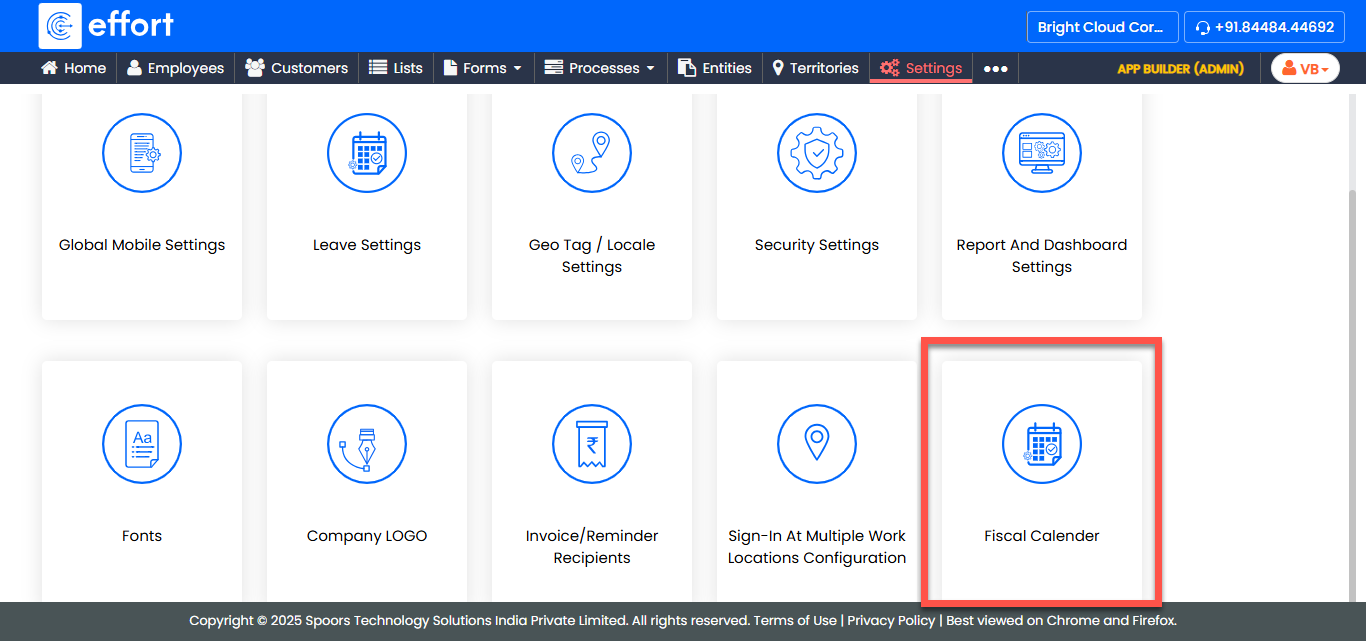
Go to .
-
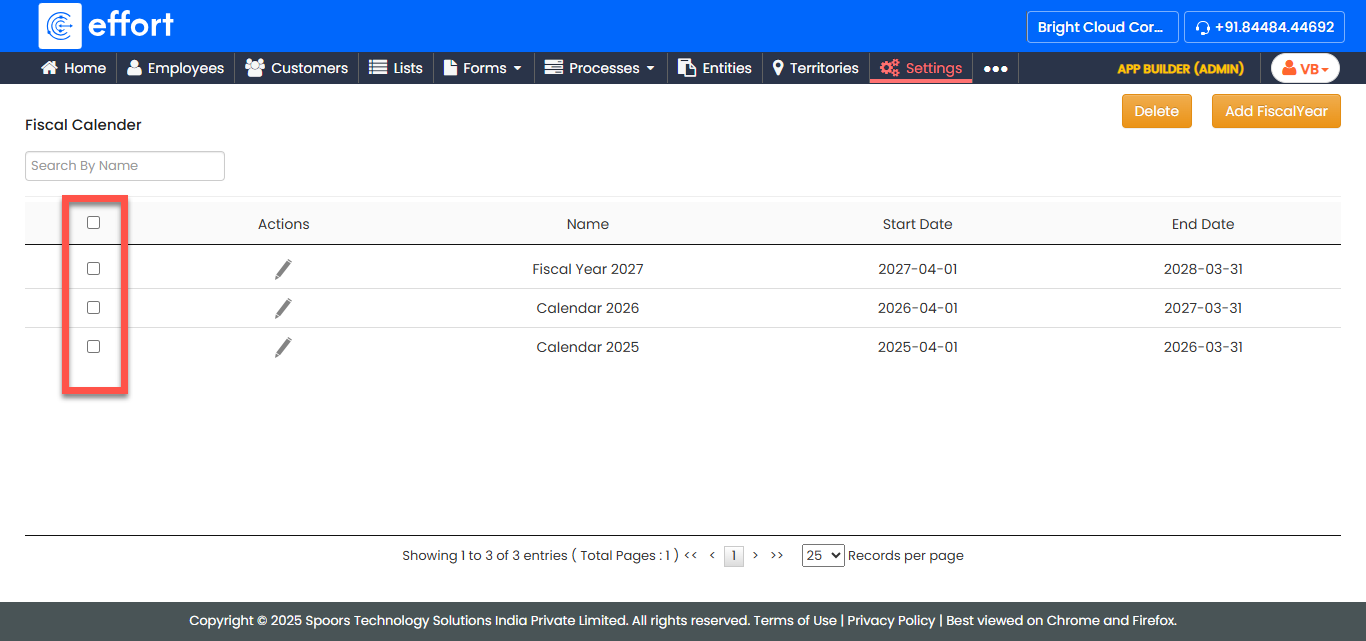
In the Fiscal Calendar page, locate the fiscal calendar you want to
delete and select the checkbox located before it.
-
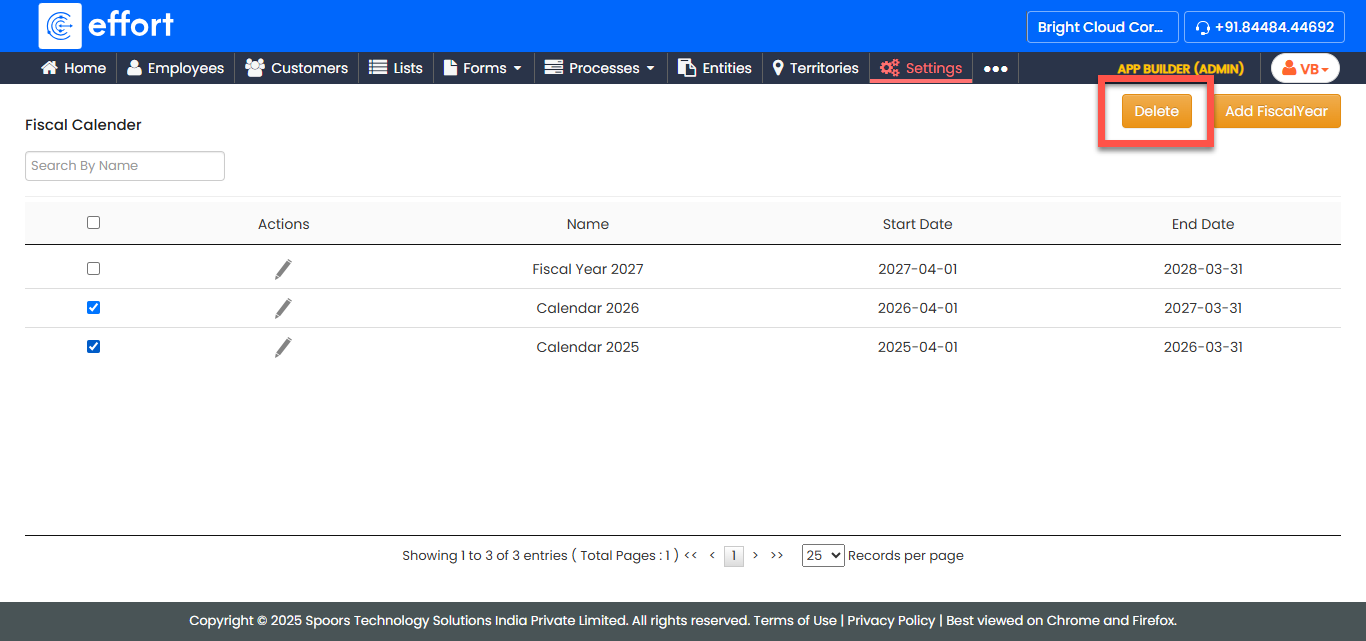
Click the Delete button located at the top of the page.
- In the confirmation dialog, click OK to confirm the deletion.