Customer Mapping Removed Automatically After Editing or Importing the Customer
Issue
This article helps you to find the solution if you have a scenario such as a customer mapping is automatically removed while editing or importing the customer.
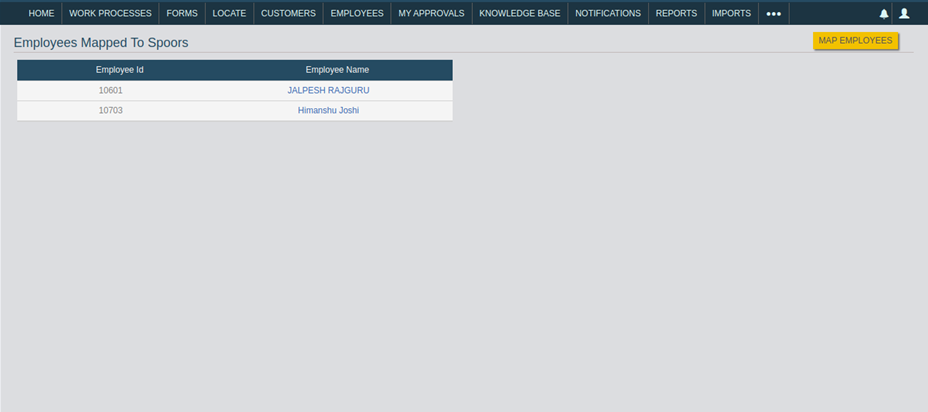
In the below screenshot, you can see the employees mapped to the customer named
Spoors. If you edit or import the customer, then mapped employees get removed
automatically.
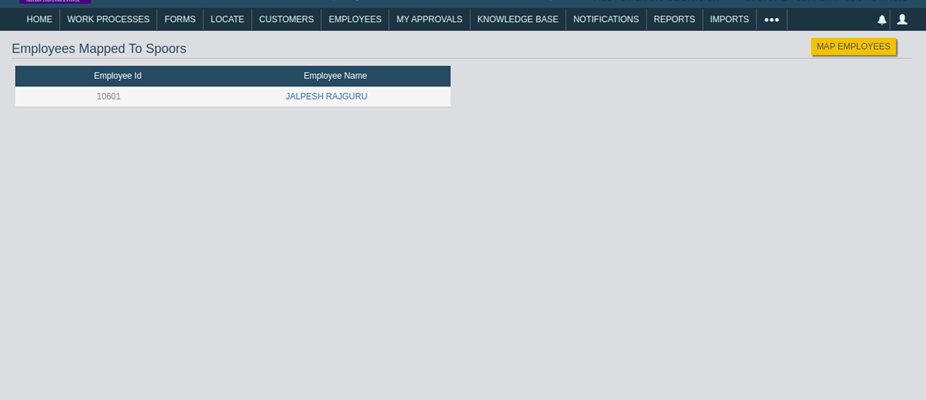
After editing a customer, the employee "Himanshu Joshi" is removed automatically
from the customer Spoors. Refer to the below screenshot for your
reference.
Cause
If the customer has Customer Type and Territory, then the employee mapped to the customer should also have the same Territory and Customer Type.
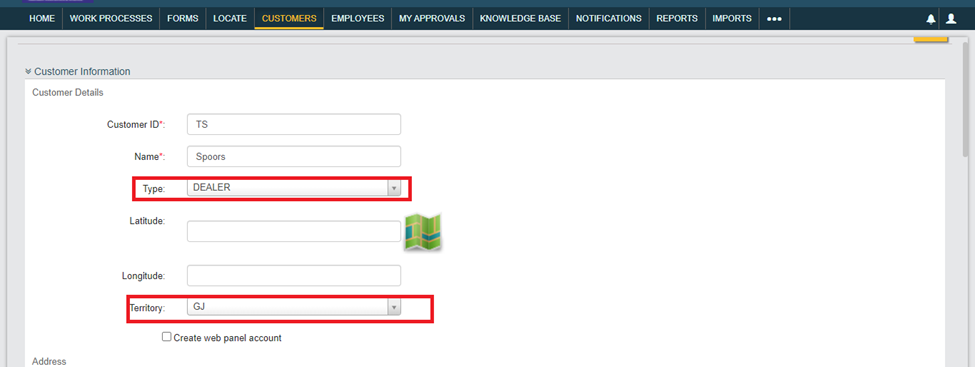
In the below screenshot, the customer "Spoors" has both Customer Type and
Territory. The employee who you are mapping to this customer should also have
the same Customer Type and Territory. Then it avoids the auto removal of the
employees from the customer when you edit or import.
This issue will arise if you don't follow the below instructions.
- The Territory mapping is enabled, but the Customer type is not mapped.
- The Customer type is mapped, but the Territory is not enabled.
Resolution
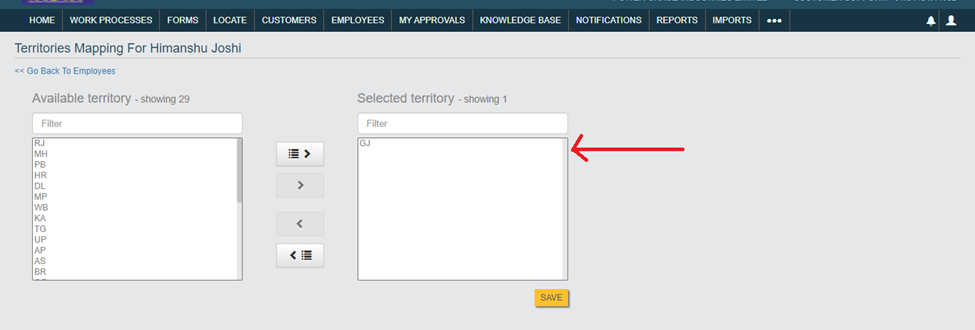
You need to check the Territory and the Customer Type for both the employee and
the customer and make sure they have the same Territory and Customer Types.
Refer to the below image for the Territory mapping.
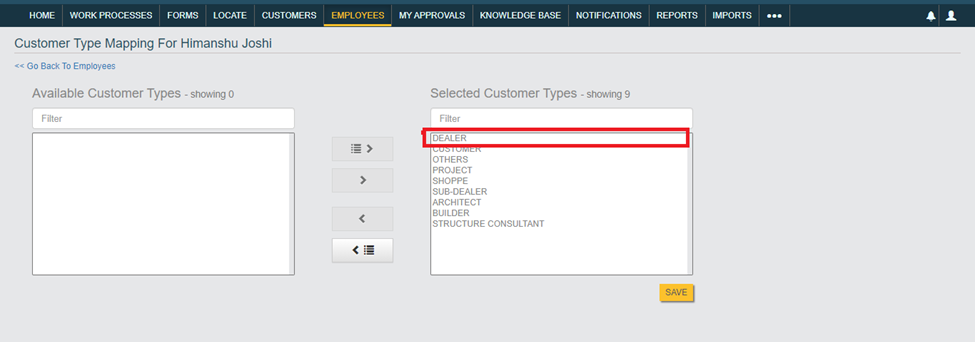
Refer to the below image for the Customer Type mapping.