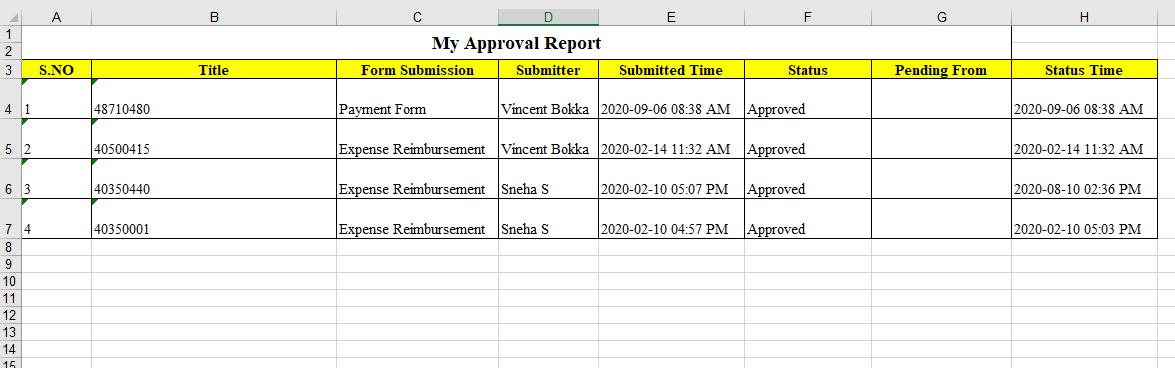
Export Form Submissions
To export form submissions, follow the steps below.
- Go to .
-
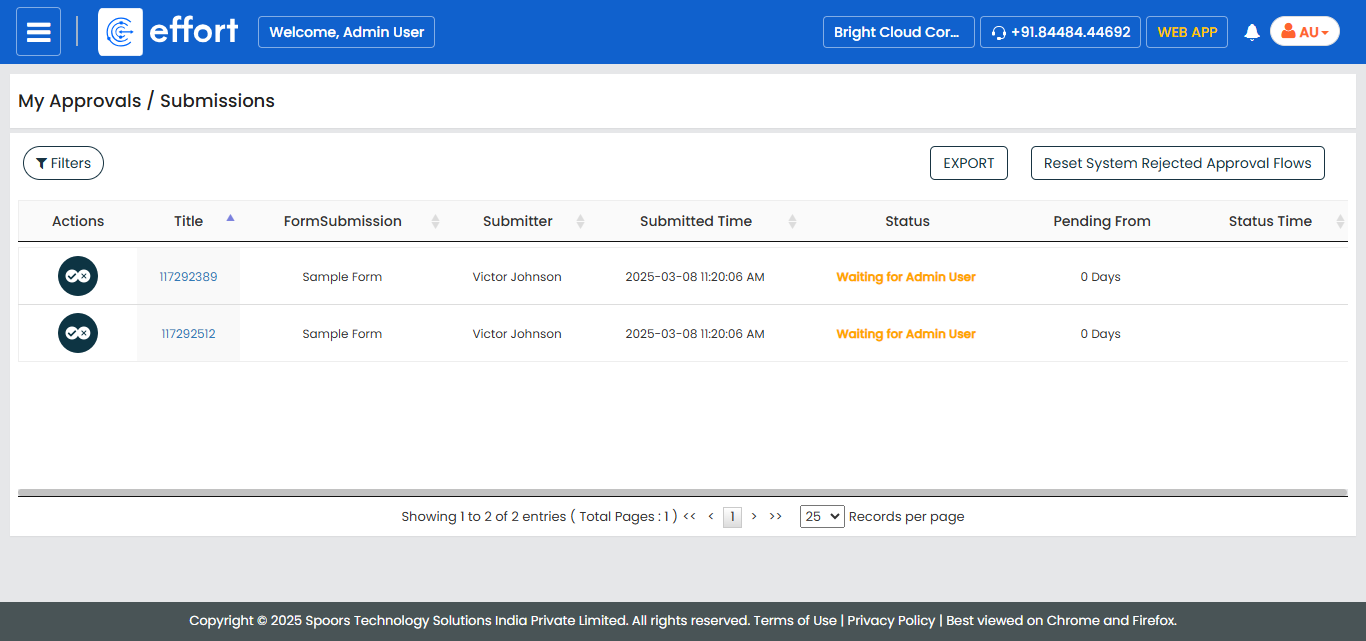
In the My Approvals/Submissions page, click the
Filters button.
-
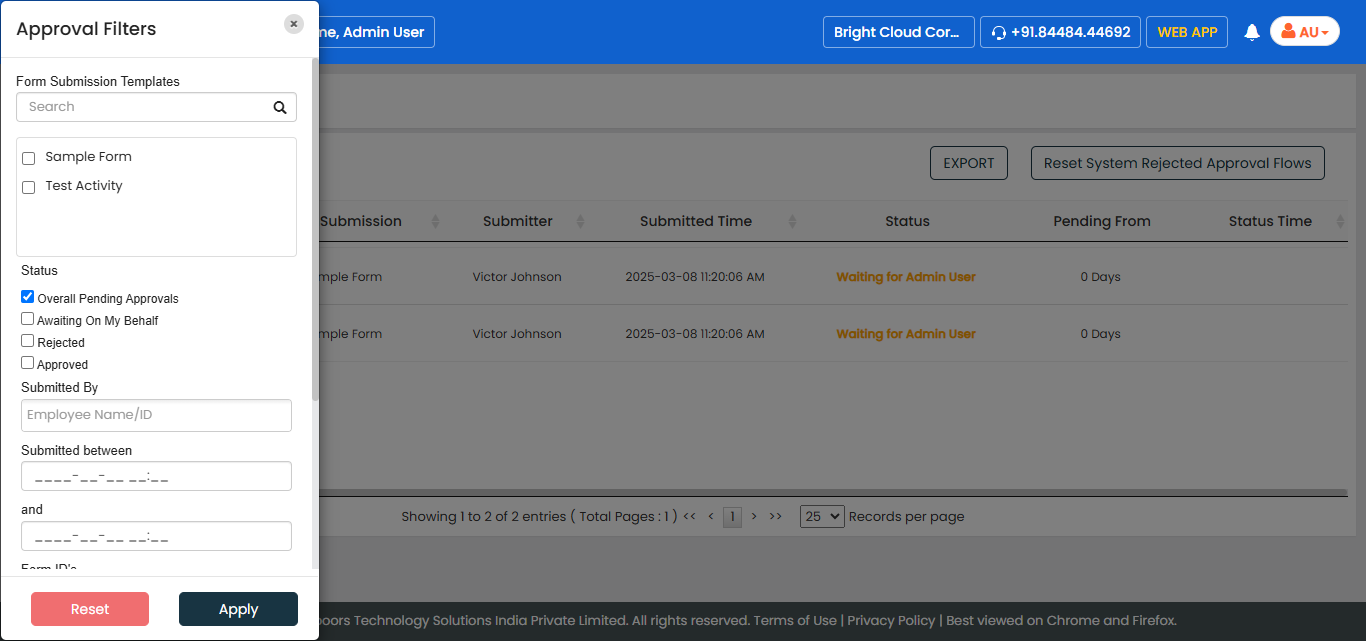
Enter the required details in the filter options, and then click
Apply.
-
Click Export.
The excel sheet is downloaded with the filtered records.