

Reject Leave in Mobile App
-
Tap Leaves on the Home screen or the navigation
drawer.
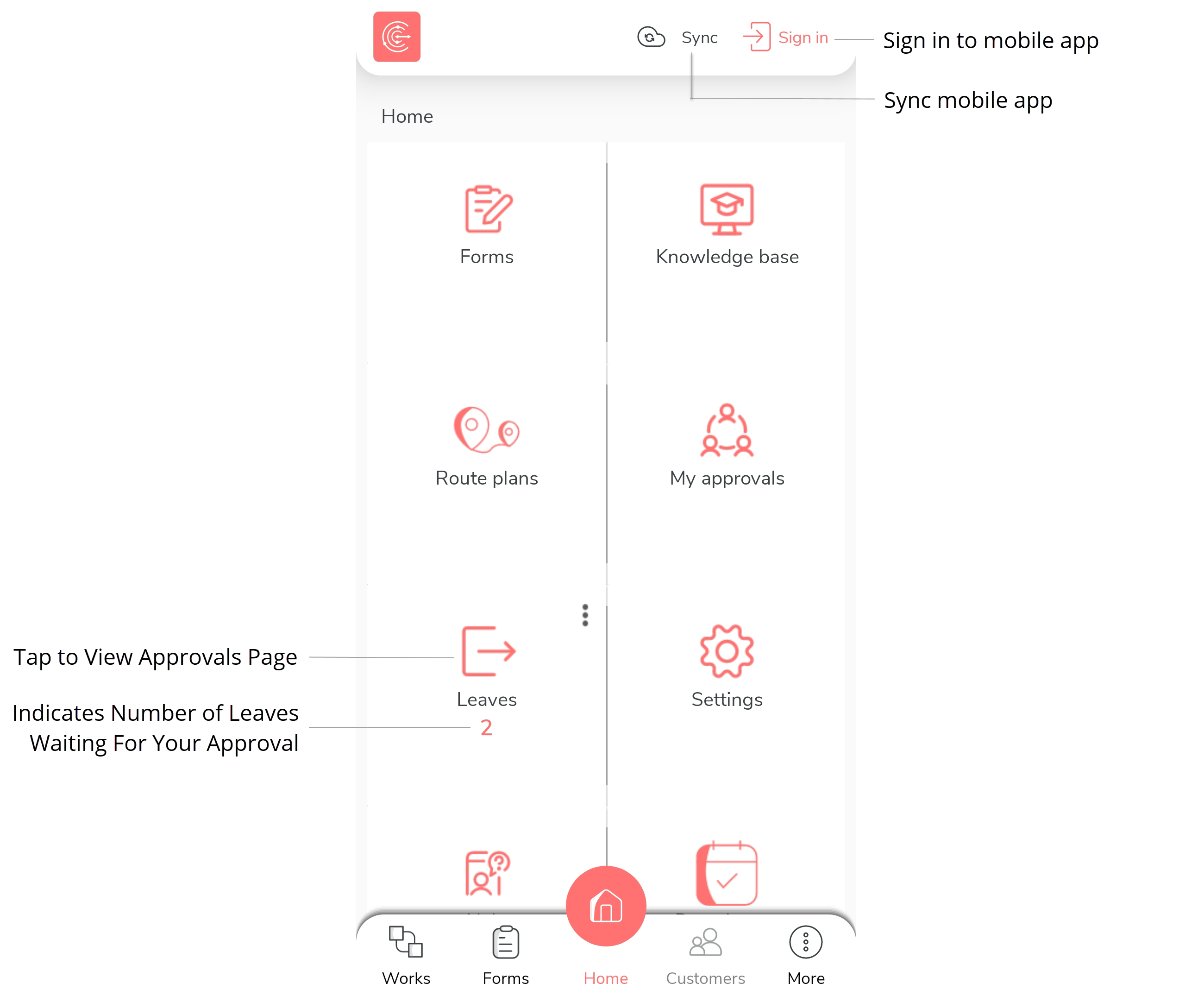
You can also tap the notification displayed on the home page. -
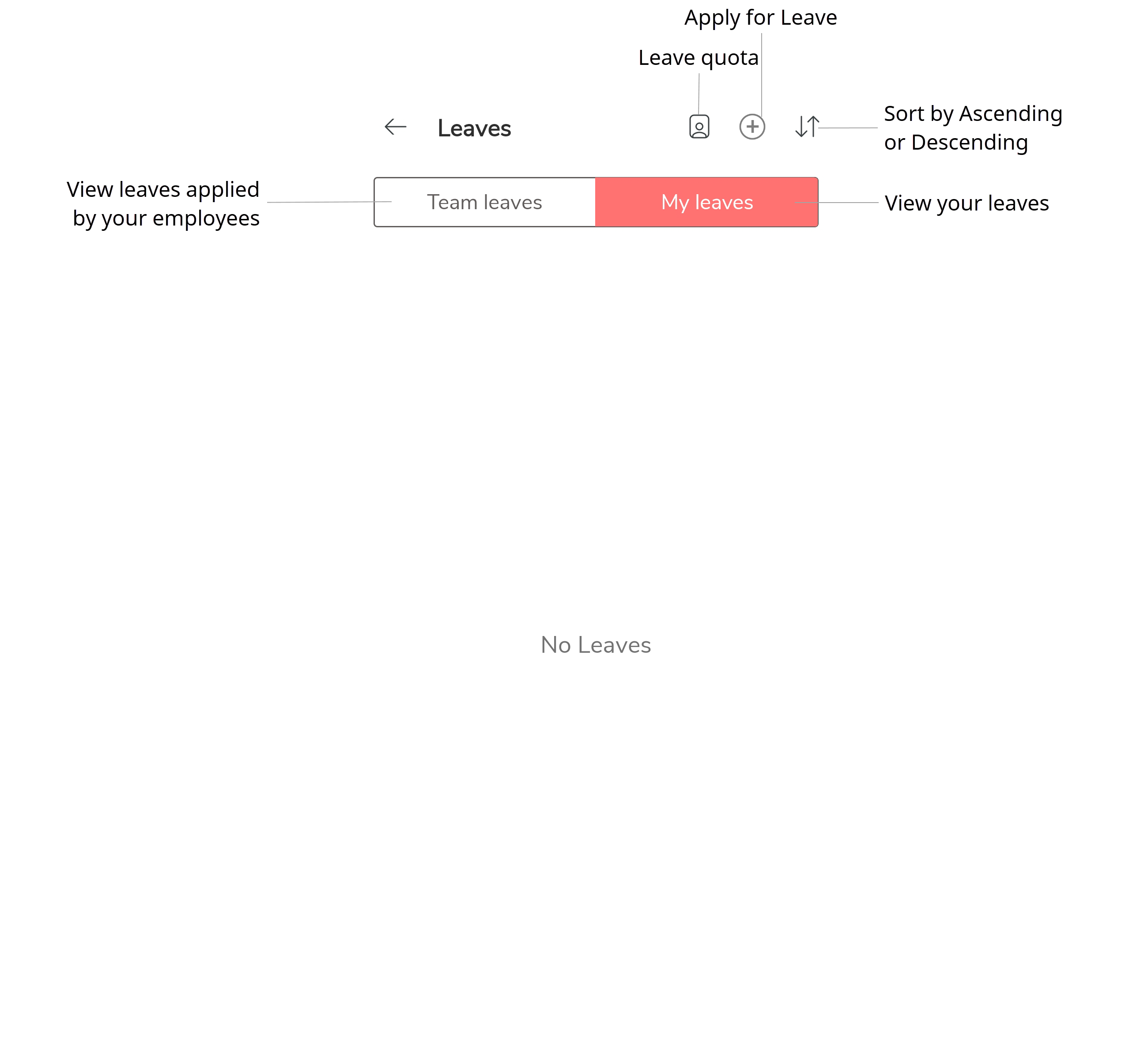
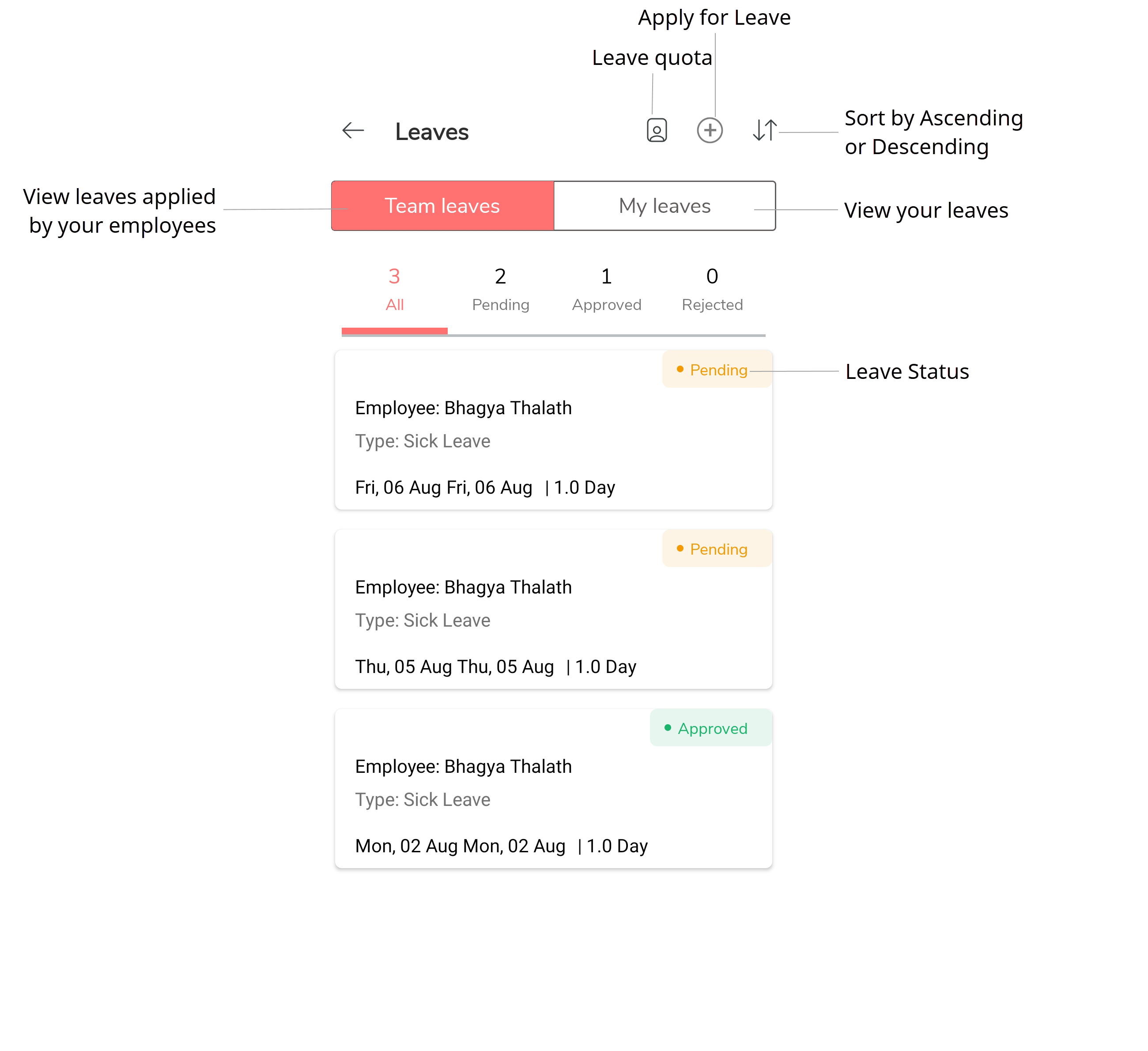
Tap Leaves tab to view all the leaves.
-
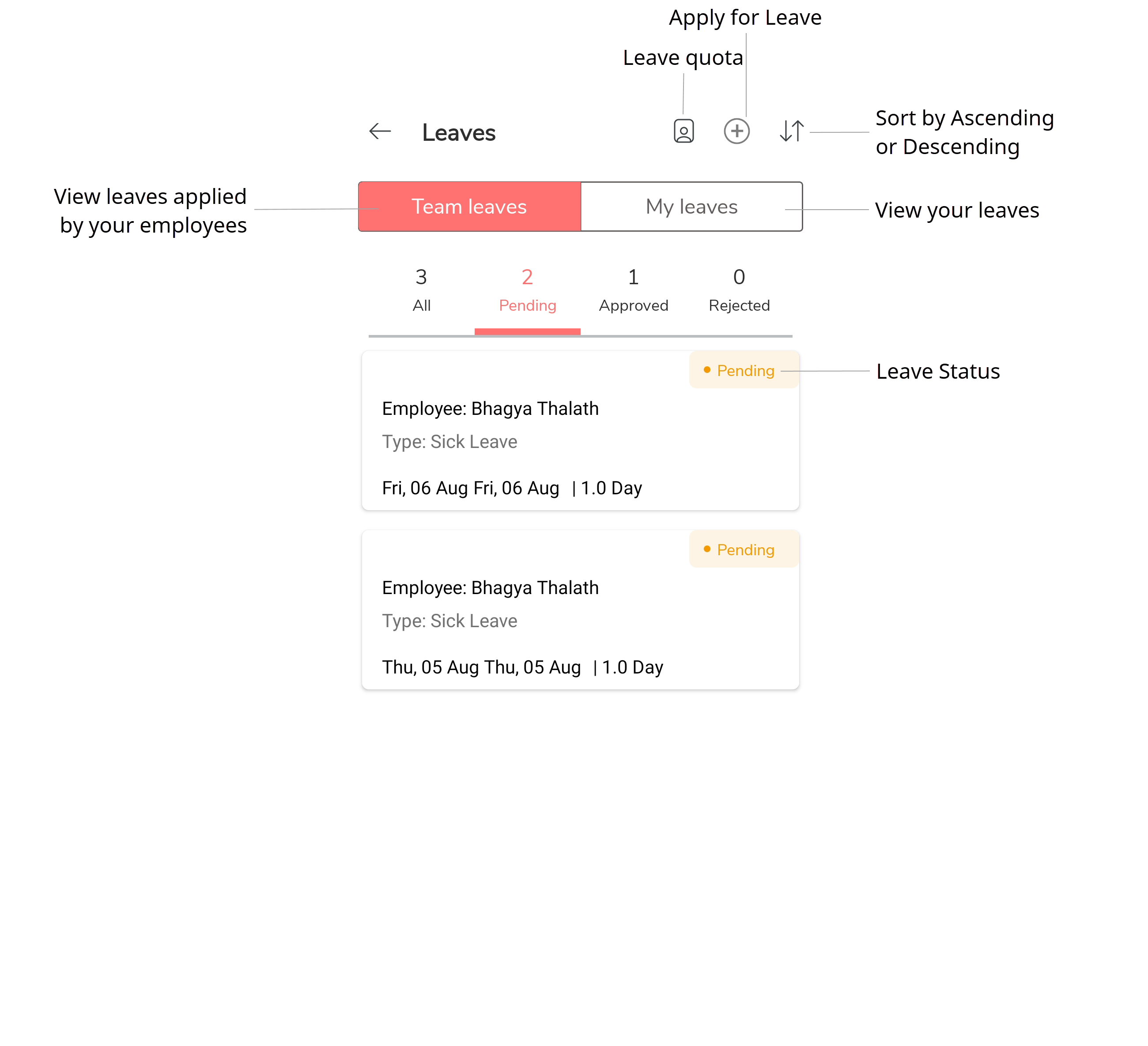
Tap Pending icon to view the applied leaves.
-
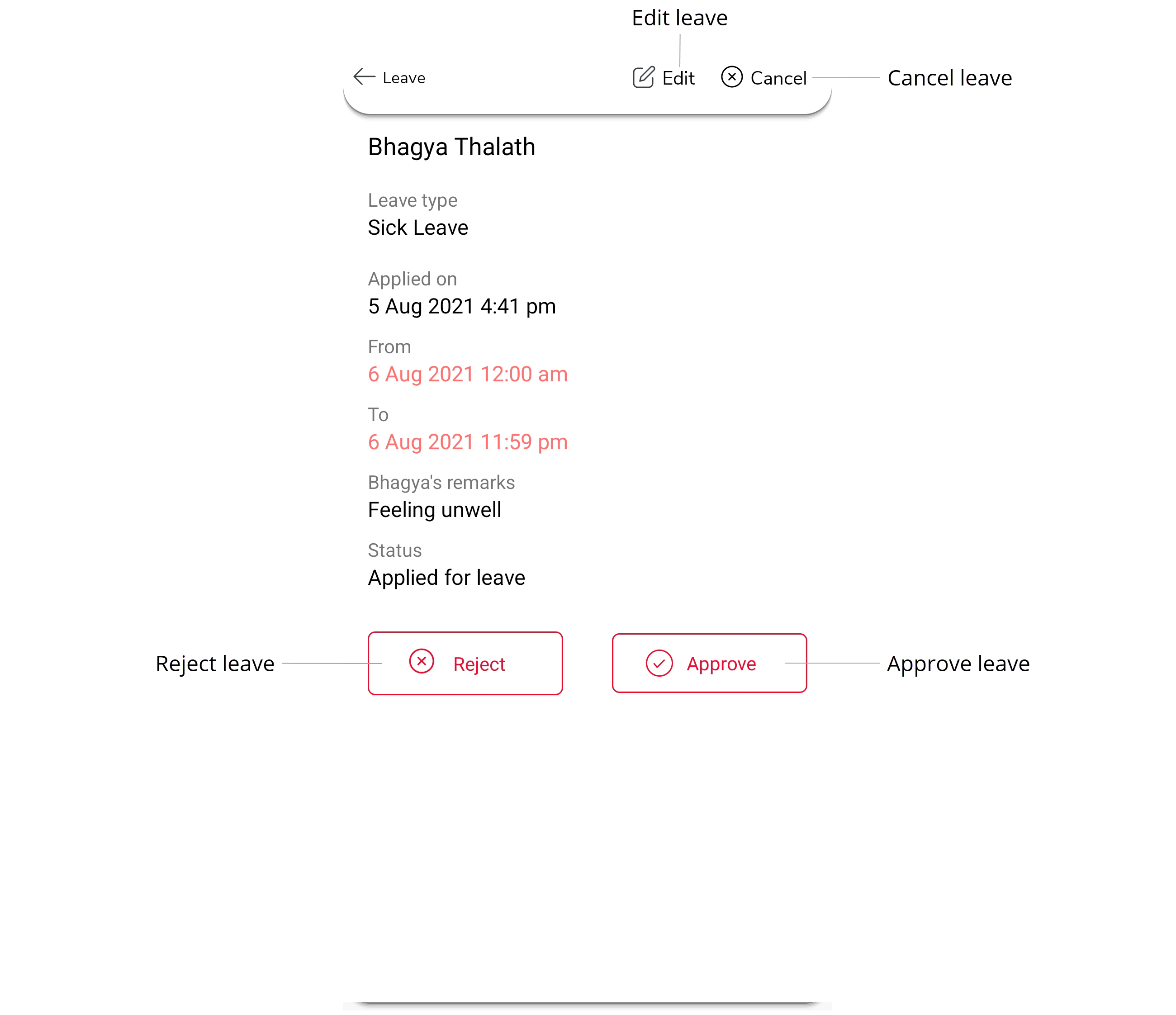
Tap a leave to view leave details.
-
Tap Reject to reject the leave.
-
Enter your remarks in the pop-up text box.
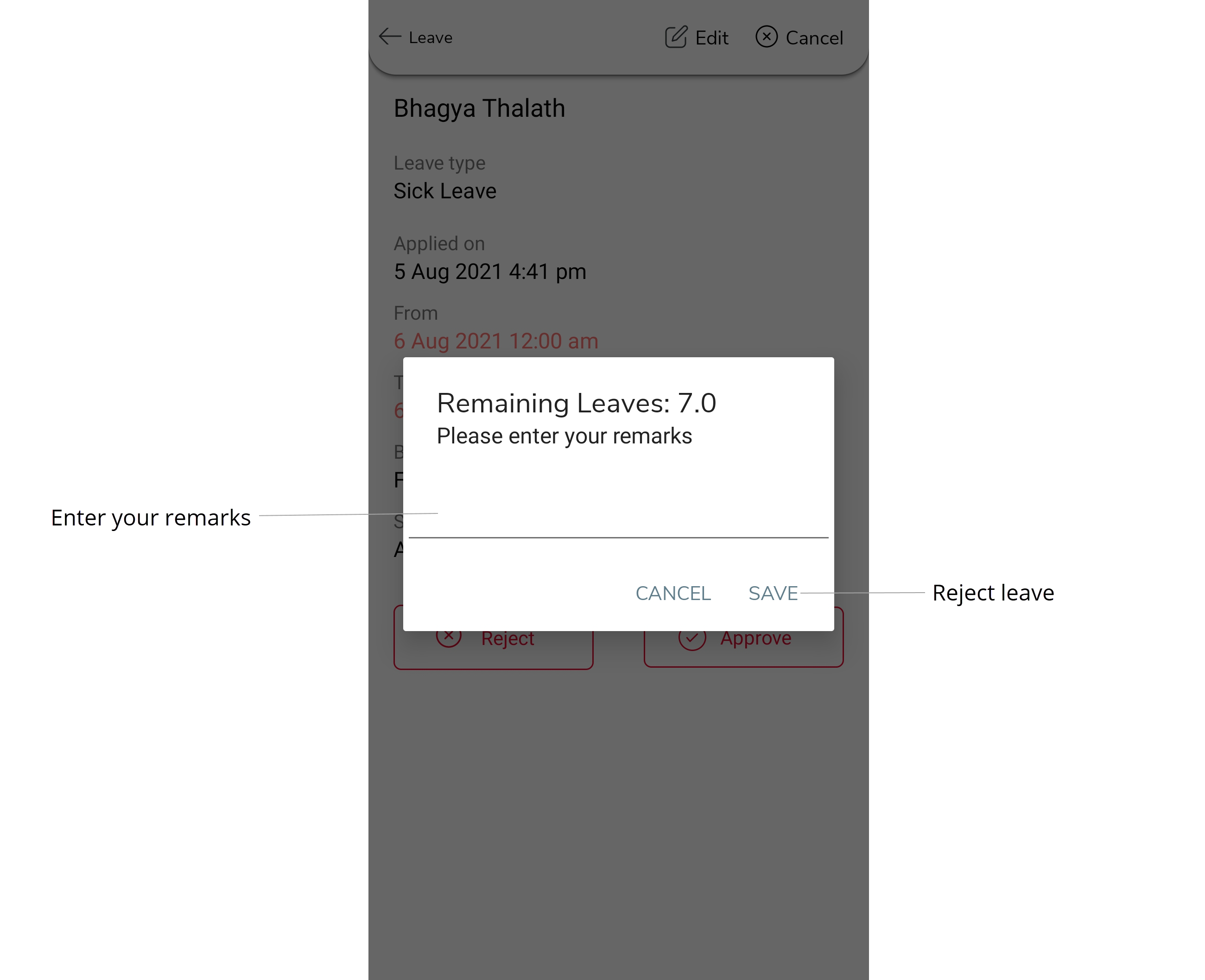
- Tap Save.