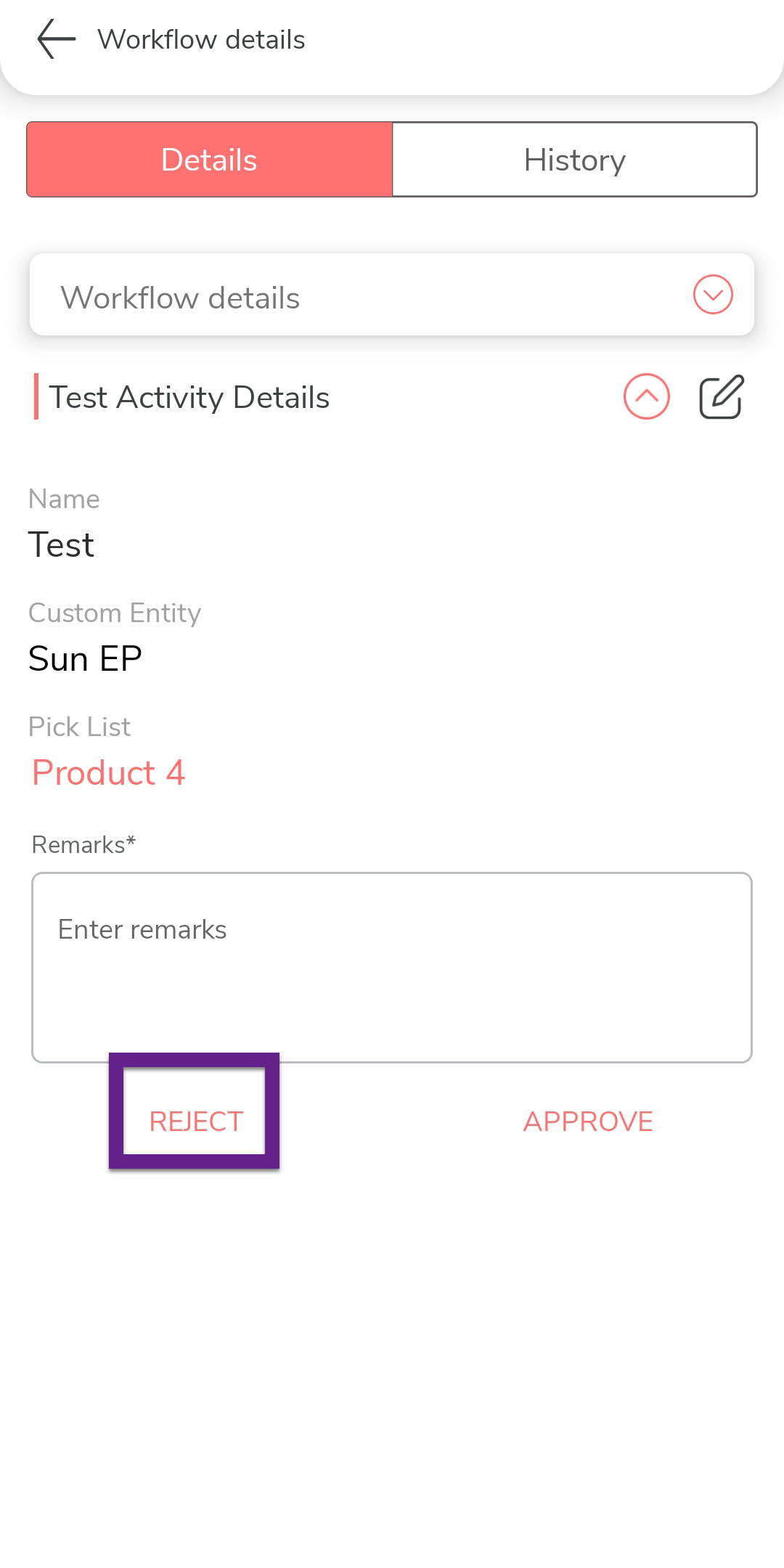
Reject a Form Submission in Mobile App
This topic helps you understand how to reject a submitted form using the mobile app. You can review and take action on forms awaiting your approval through the My Approvals section or directly from notifications.
-
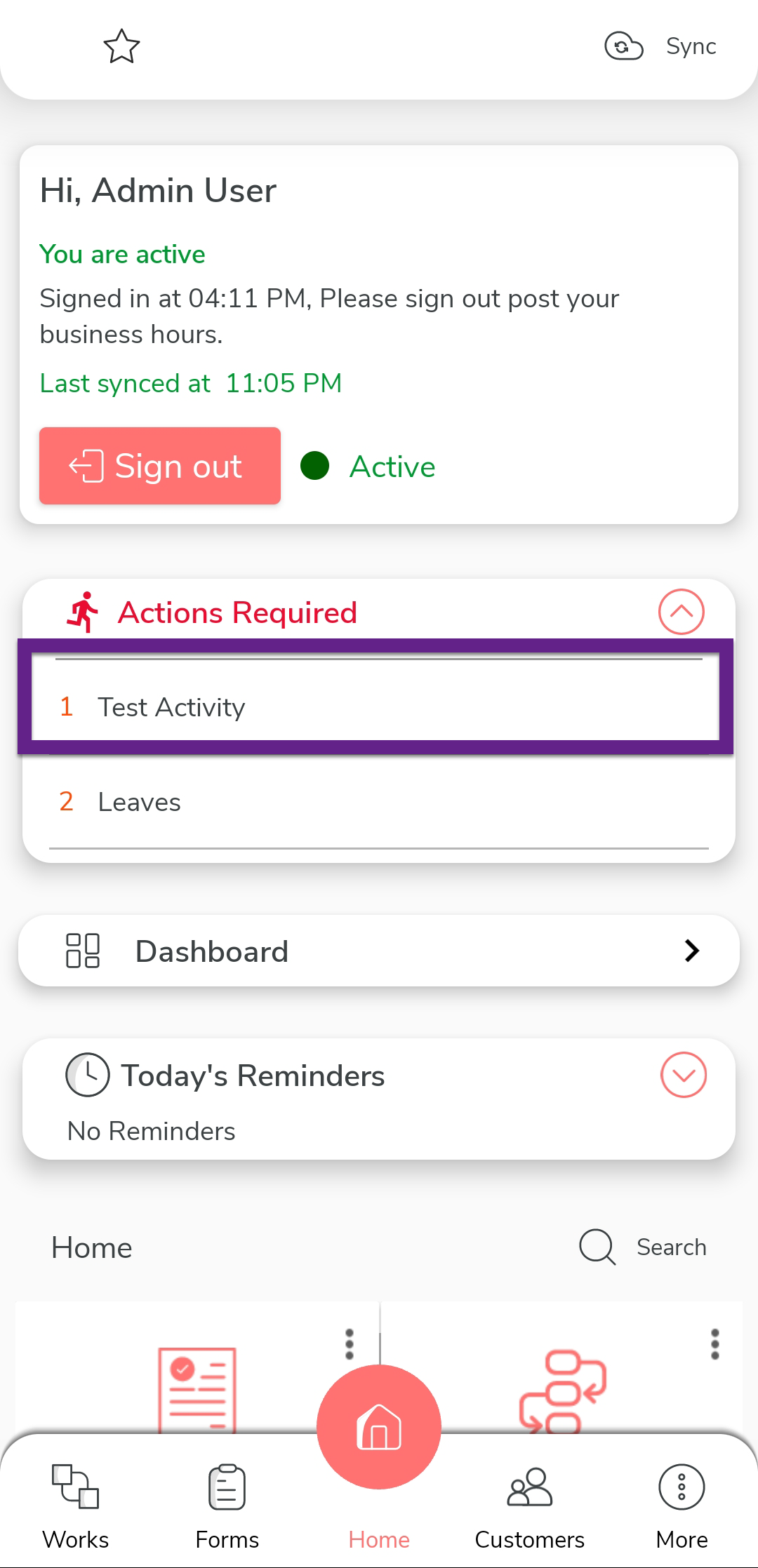
In the home screen, do one of the following:
- Tap the approval notification displayed on the home screen.
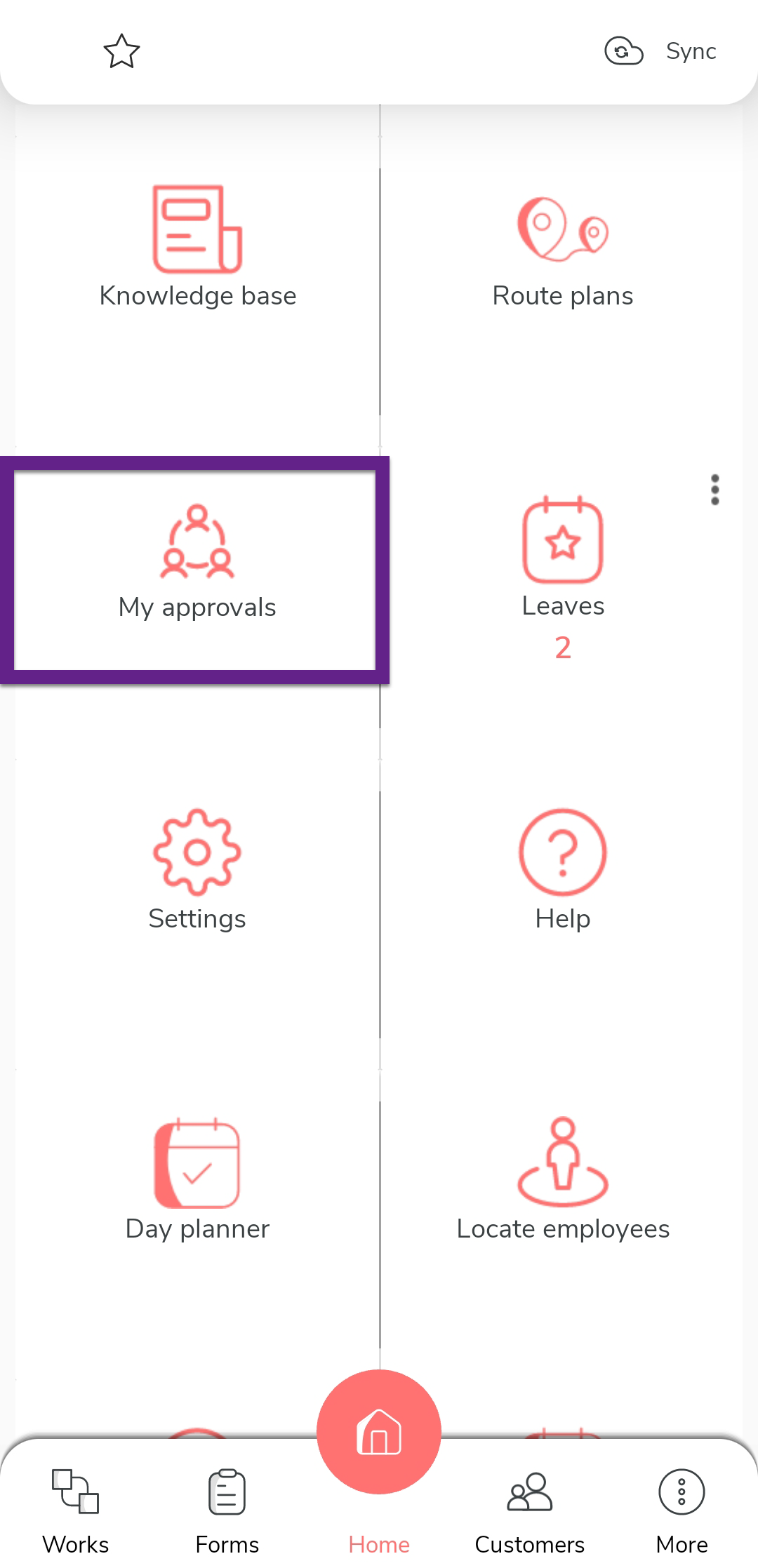
- Tap My Approvals on the home screen.
- Tap the approval notification displayed on the home screen.
-
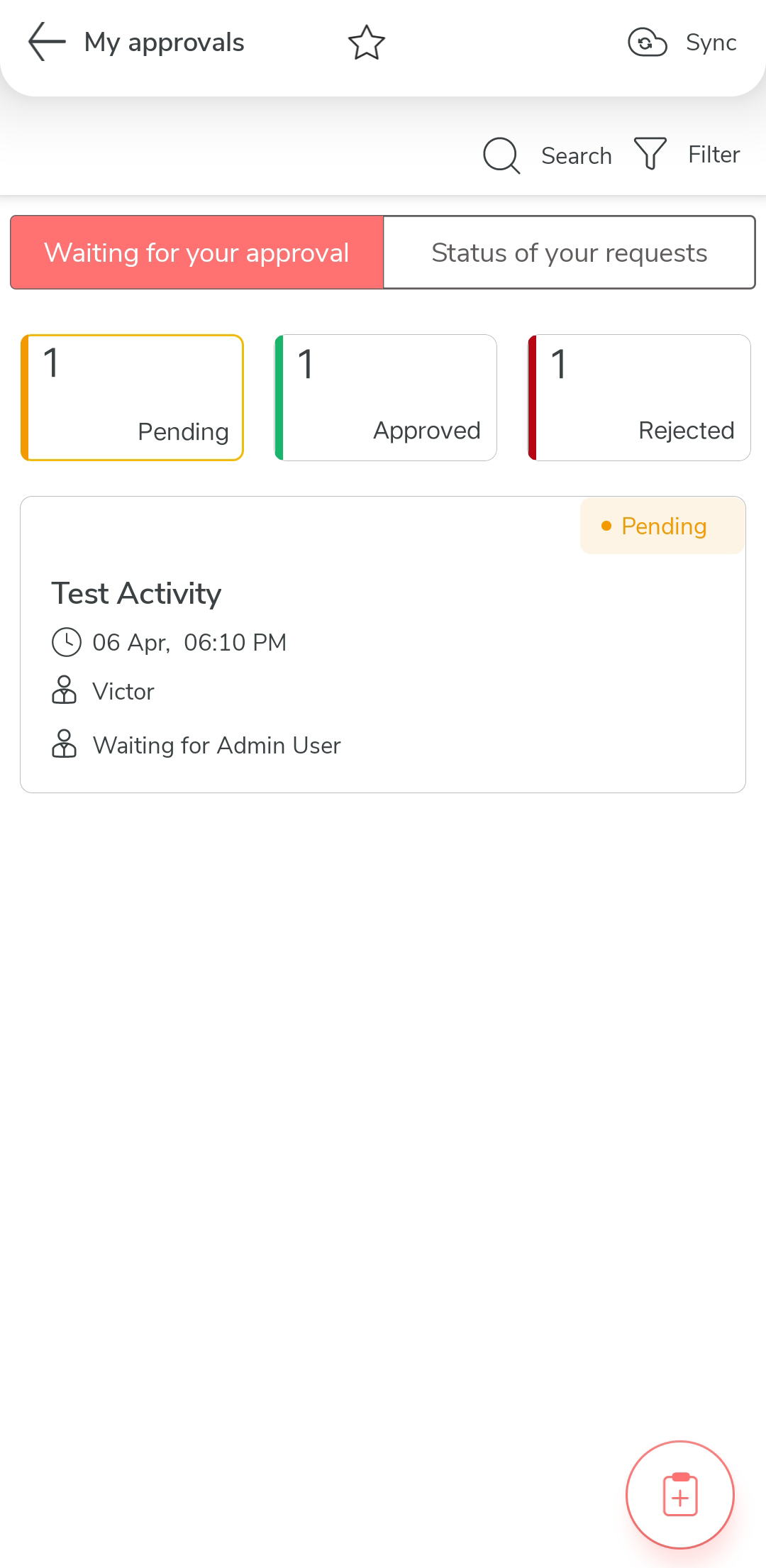
On the My Approvals page, tap the form you want to reject.
-
After reviewing, enter your remarks in the Remarks field, and then tap
the Reject option to reject the form.