

Lead Snapshot
- On the home page, click on the “web App”.
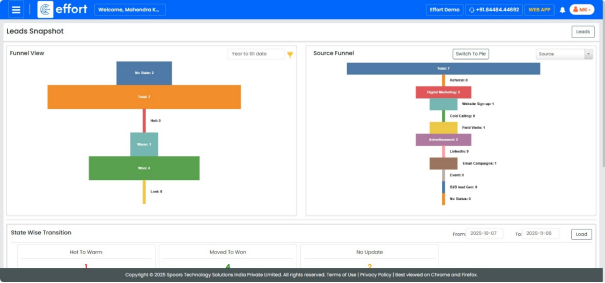
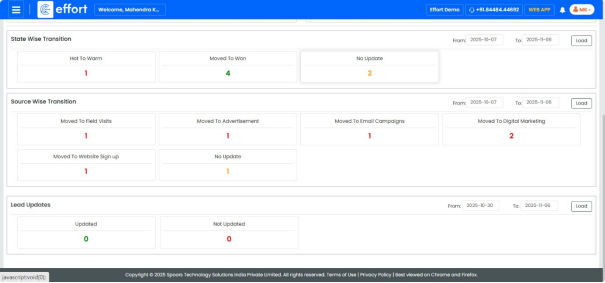
- To view Leads Kanban view, click the “
 ”Main Menu icon located at the top-left
corner of the screen, then select “Leads” dropdown and select
"Snapshot".
”Main Menu icon located at the top-left
corner of the screen, then select “Leads” dropdown and select
"Snapshot".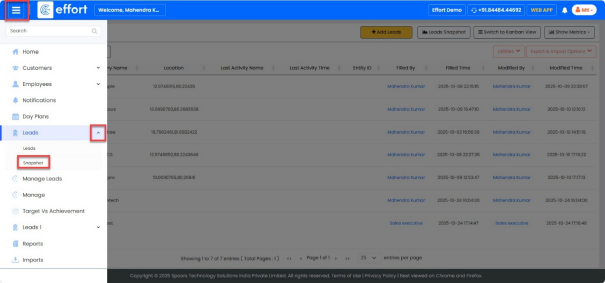
”Main Menu icon located at the top-left
corner of the screen, then select “Leads” dropdown and select
"Snapshot".