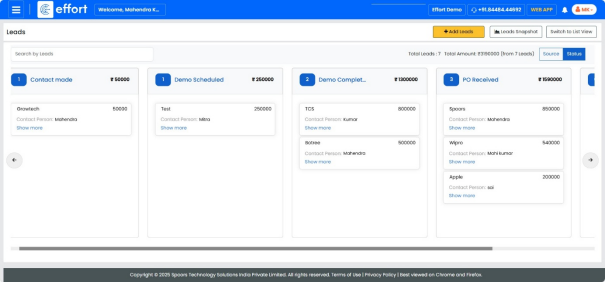
View Leads in Kanban View
To view the Leads Kanban view, follow the steps below:
Path -> Web App
- On the home page, click on the “web App”.
- To view Leads Kanban view, click the “
 ”Main Menu icon located at the
top-left corner of the screen, then select “Leads” dropdown and select
"leads".
”Main Menu icon located at the
top-left corner of the screen, then select “Leads” dropdown and select
"leads".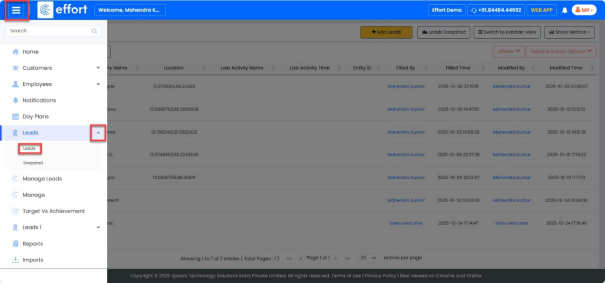
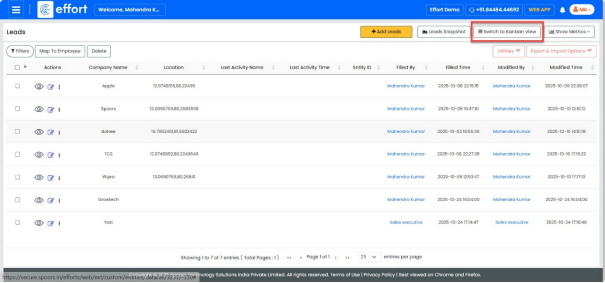
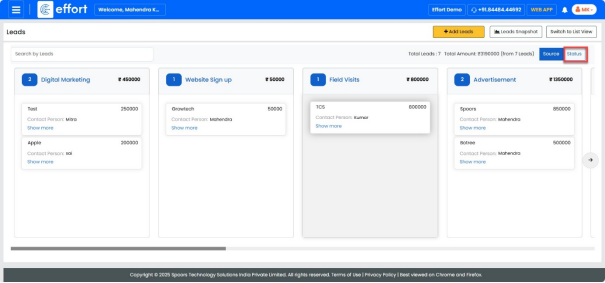
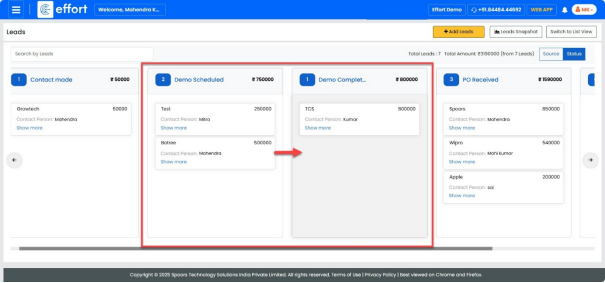
- Click on the Status field. You can change the status directly from here, as shown in
the figure below.
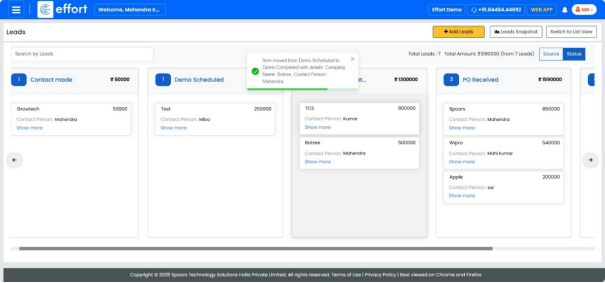
Note: Now you can see that the status has changed from Demo Scheduled to Demo
Completed.