

Configure Day Plans
Find-tune the day plan settings to suit your busines operations.
-
Go to .
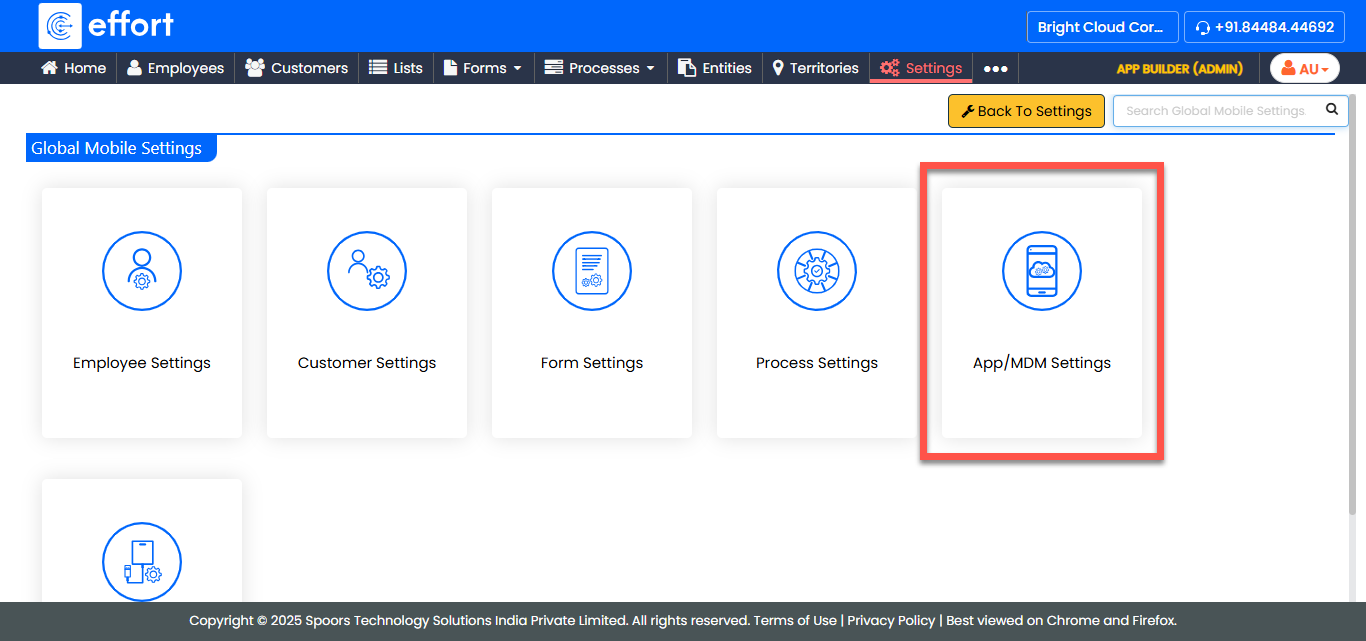
The Global Mobile Settings page appears.
-
Configure settings from App Settings.
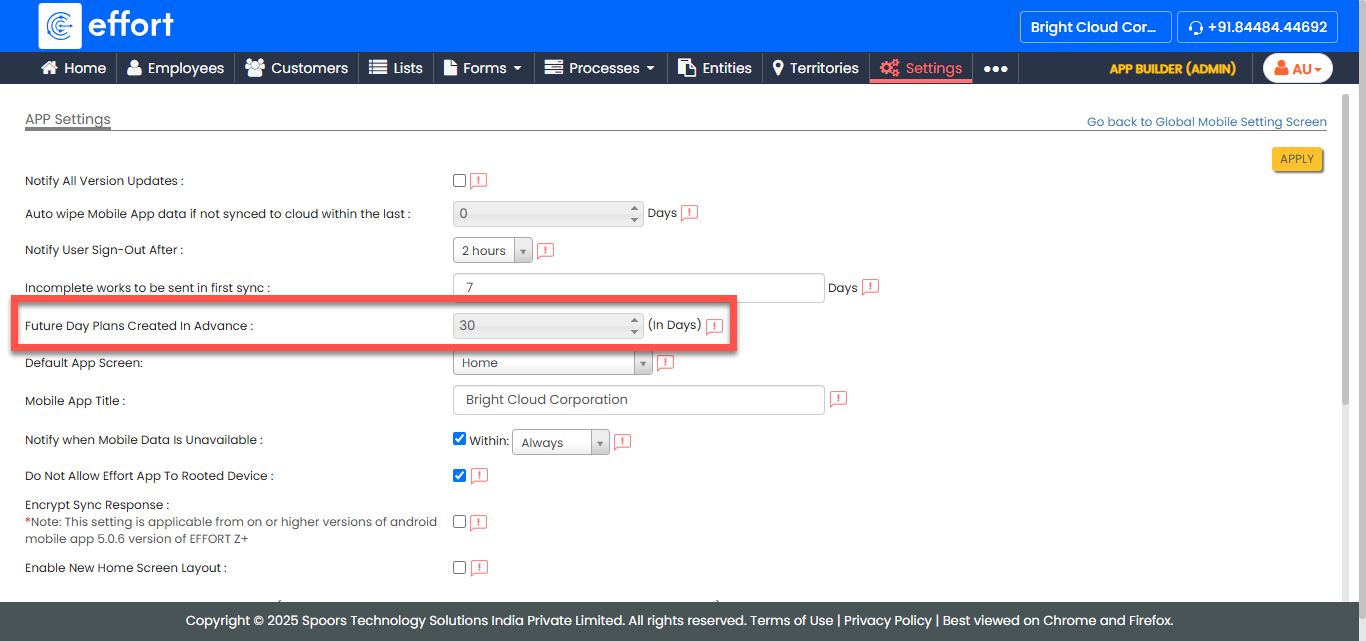
See Day Play Settings, for a detailed explanation of all the available settings. - Click APPLY.