

Optimize a Day Plan
Optimizing a day plan re-orders the customers such that all of them can be visited with minimum amount of travel.
-
Go to .
Based on how the menu is configured by the App Builder, you may find DAY PLANS under more54
 sub-menu.
 -
Navigate to a date using Previous
 , Next
  , and the Calendar
  buttons.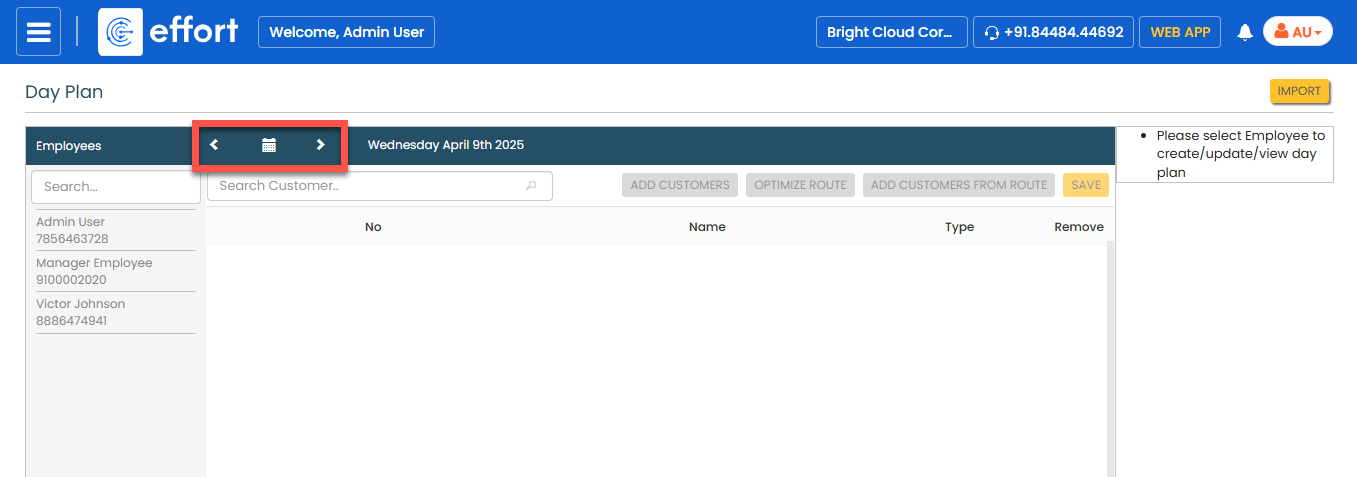
-
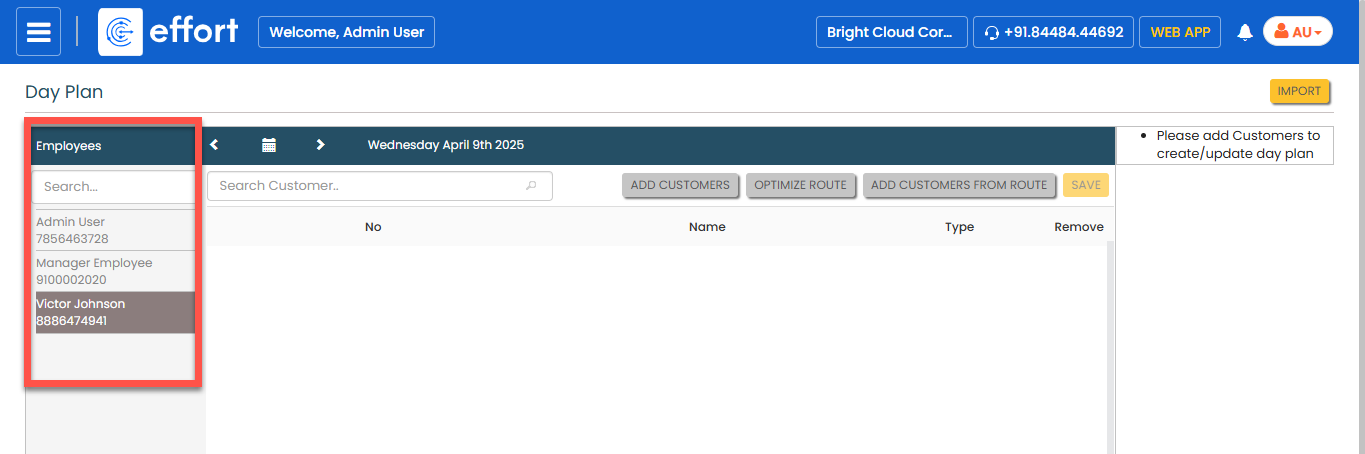
In the left side, select an employee.
-
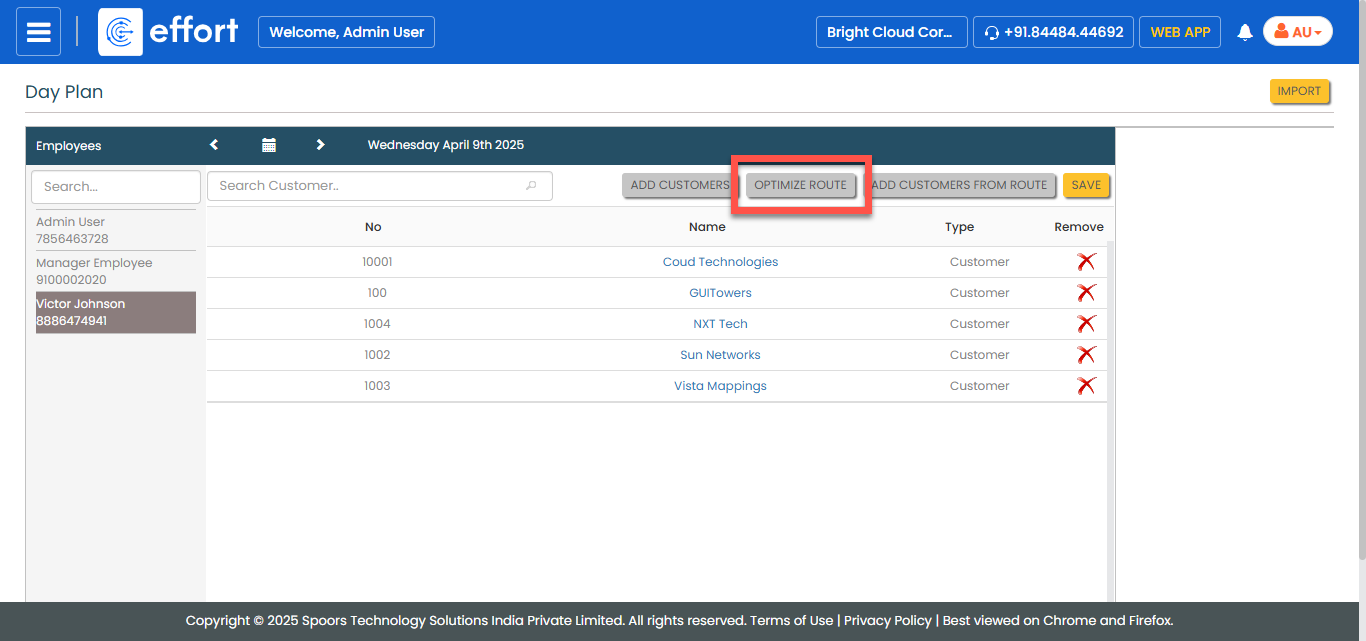
Click the OPTIMIZE ROUTE button.
-
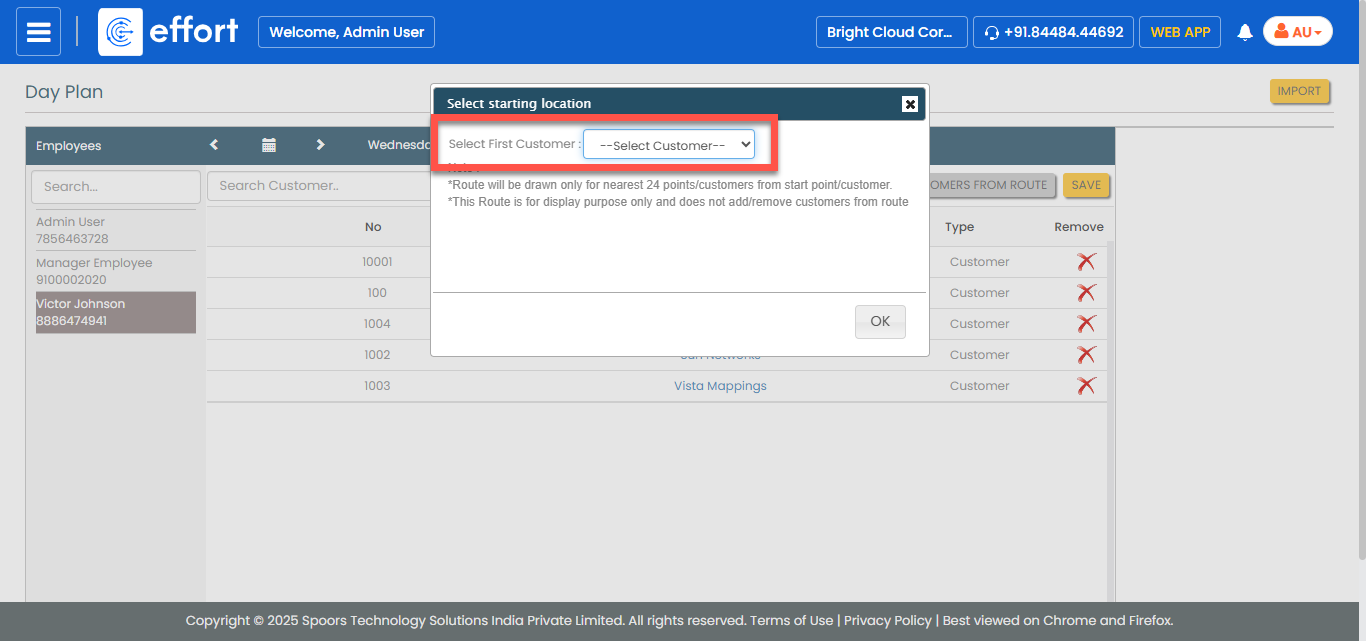
Select the customer you would like to visit first and then click
OK.
- Optional:
Select a different customer from the first customer pop-up menu and click
Change.
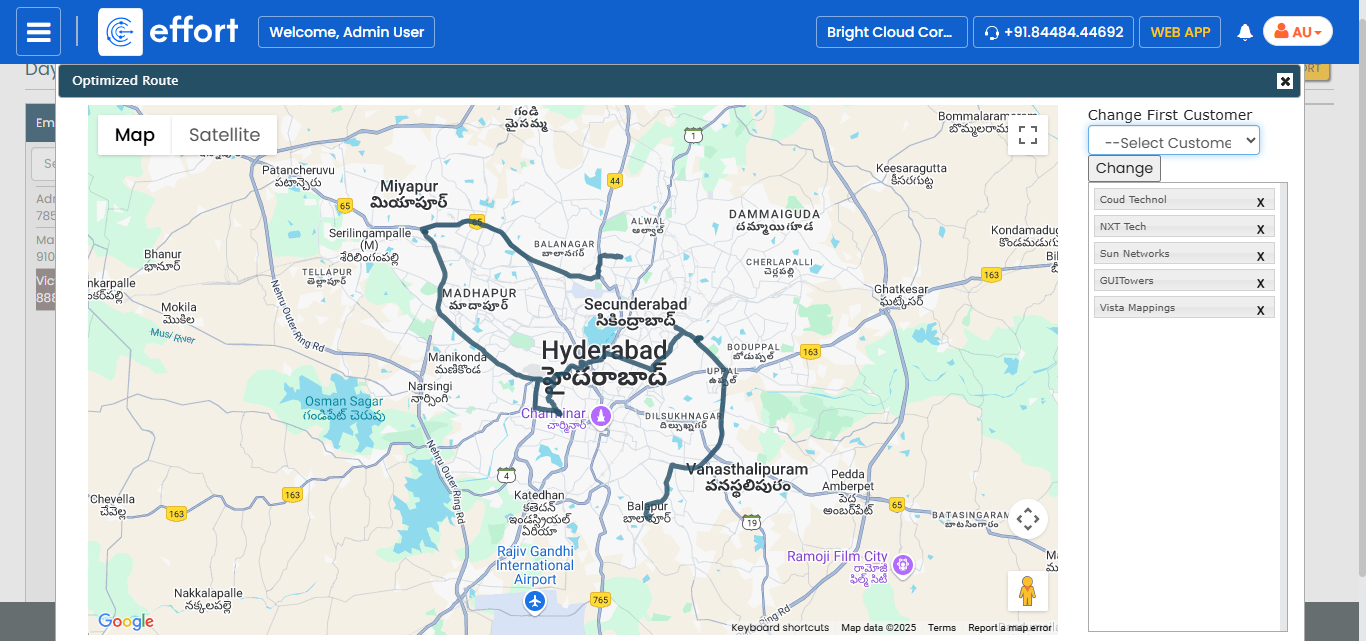
Numbered markers and the order in which the customers are shown in the right panel indicate the order in which customers should be visited. - Click OK to save the optimized route and close the optimization popup.
- Click SAVE.