

Reassign Work Process
To reassign work process, follow the steps below.
-
Go to .
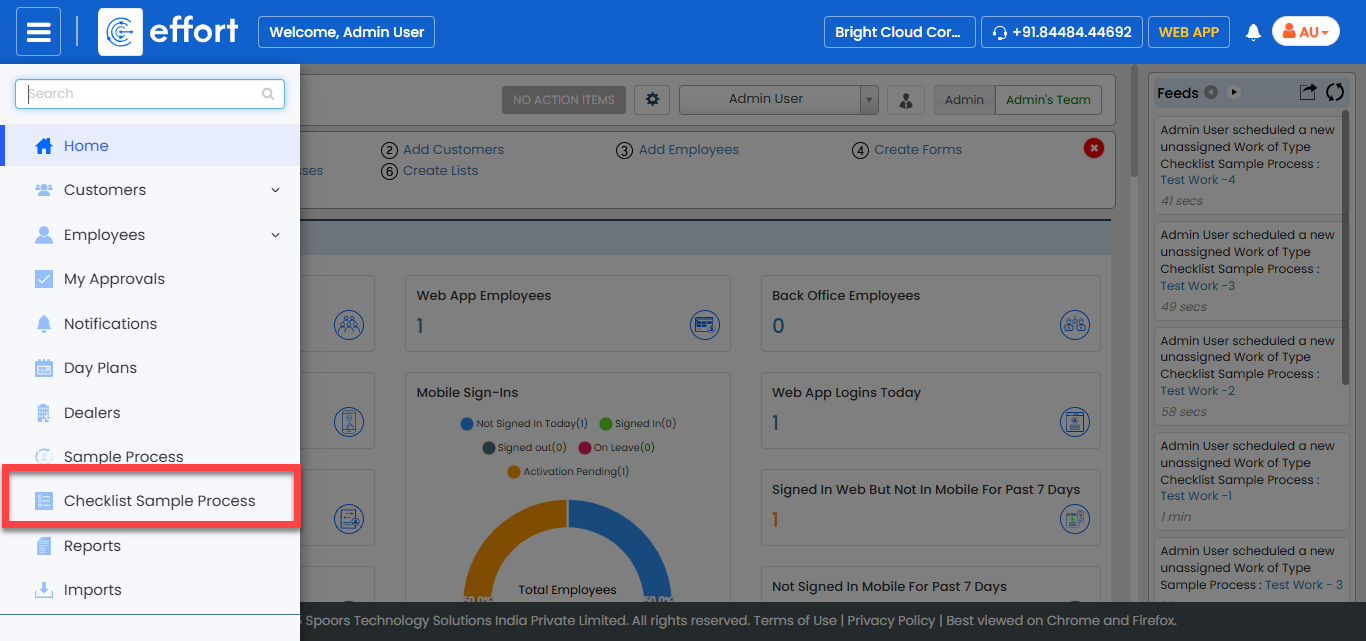
Note:The sample process shown in the screenshot is a test process created for documentation purposes. In your system, you will see your own processes instead. Click on the desired process to proceed.
-
Click the Hide Metrics button.
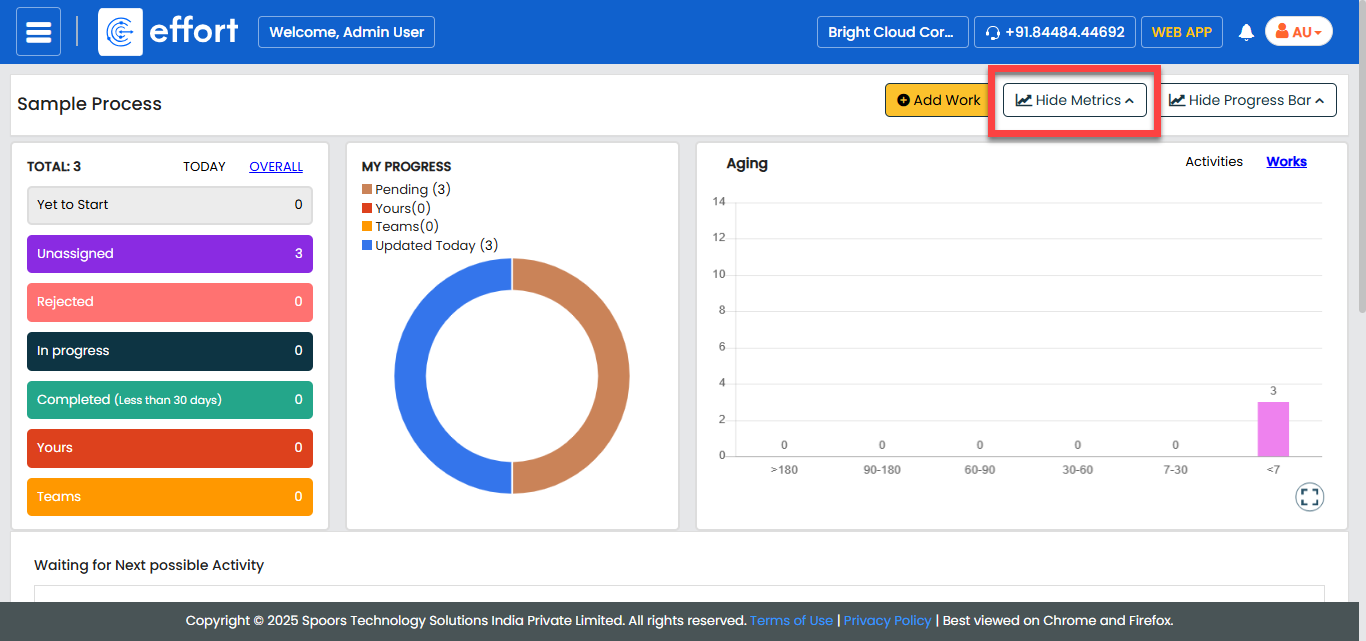
-
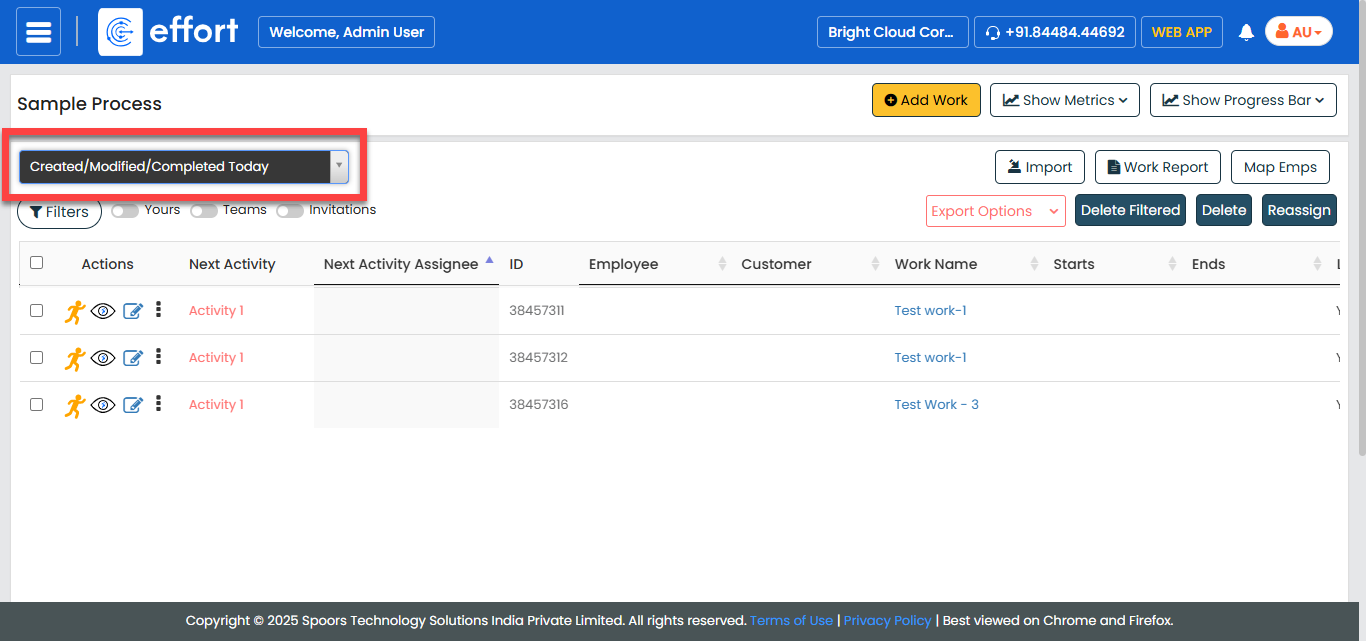
From the Created/Modified/Complete Today dropdown,
select works that you want to reassign.
-
Select the works that you want to reassign.
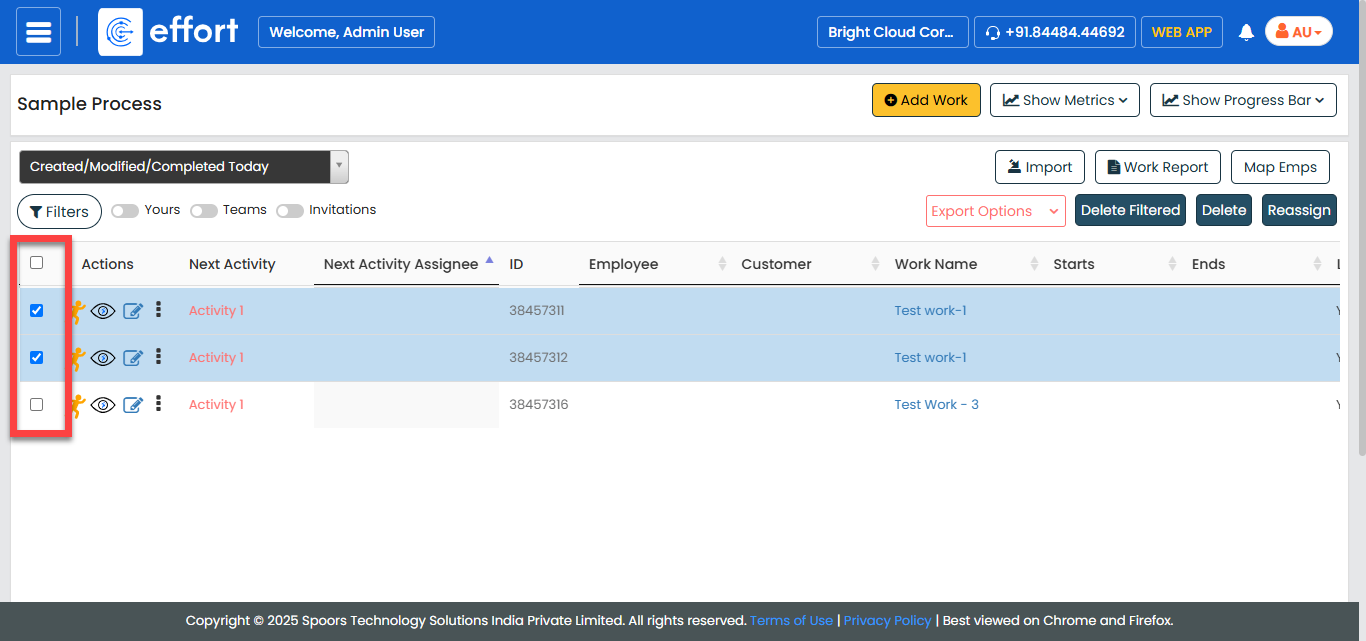
-
Click the Reassign button.
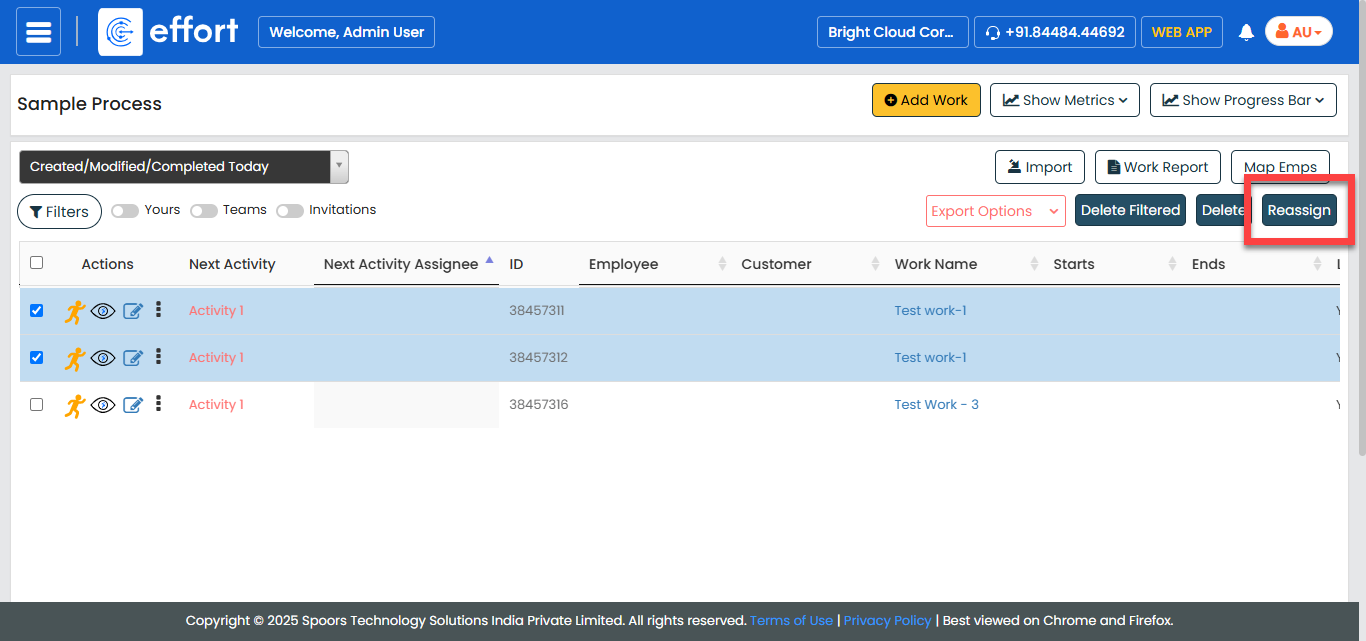
-
Click the Search for Employee dropdown and enter the
employee name.
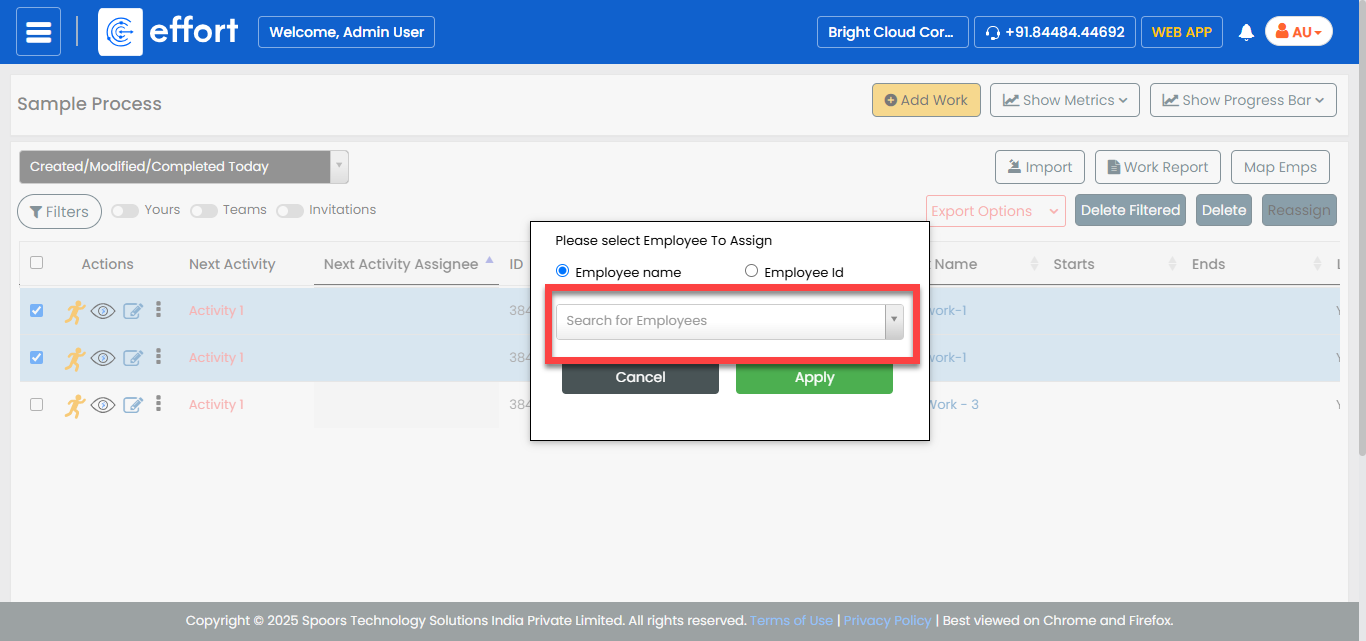
You can click the Employee ID option to search for an employee with ID. - Click Apply.