

Create Application in Dropbox
To create an application in dropbox, follow the steps below.
- Click the below link.
-
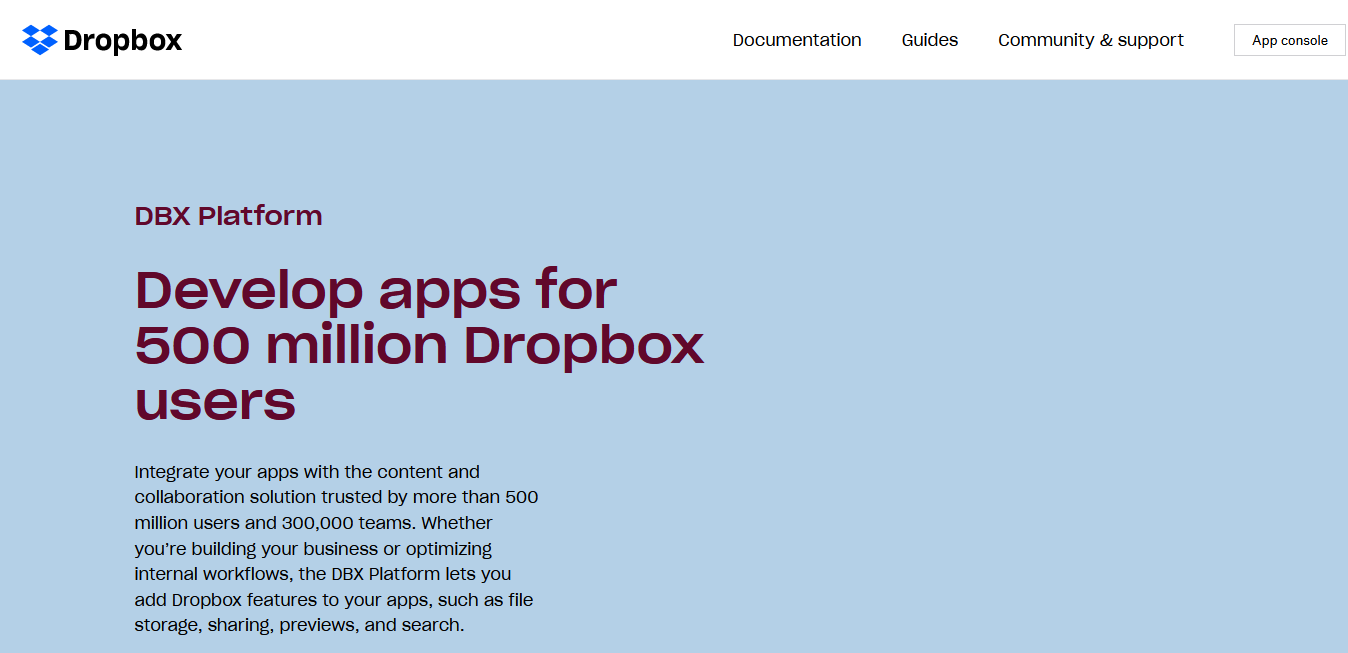
Click App console button located on the top right
corner.
-
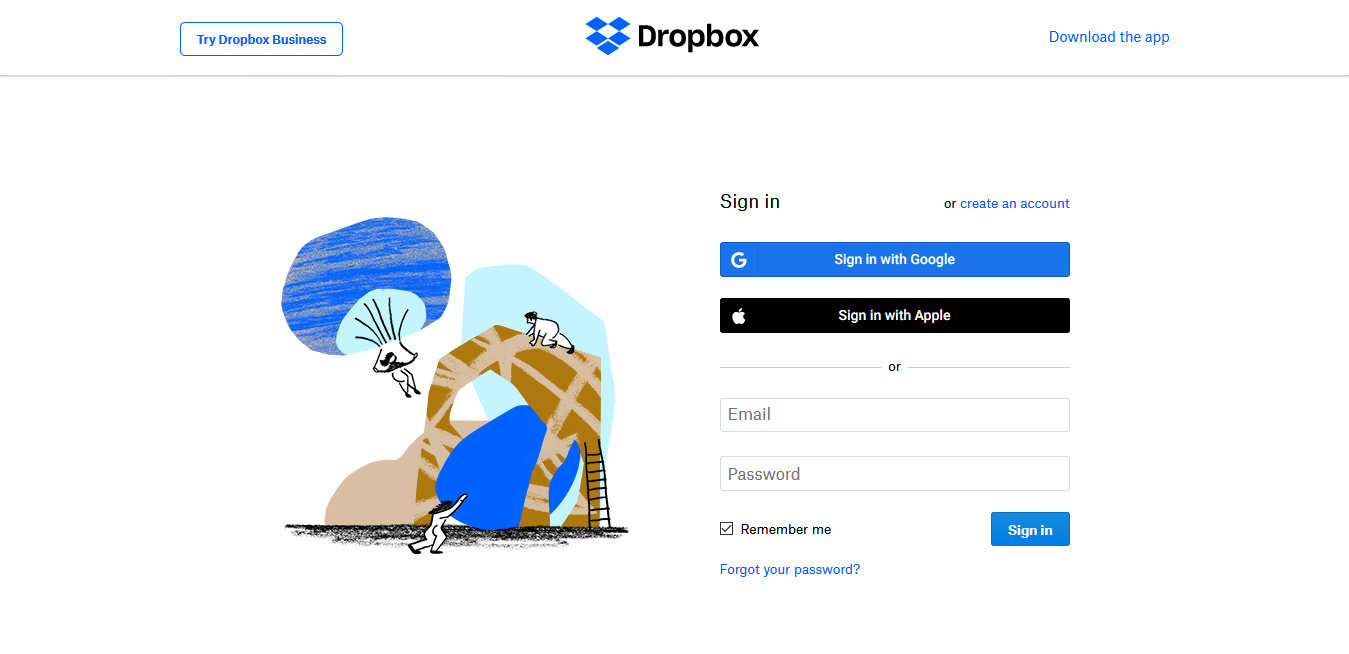
Log in to Dropbox or Register if you don't have an account.
-
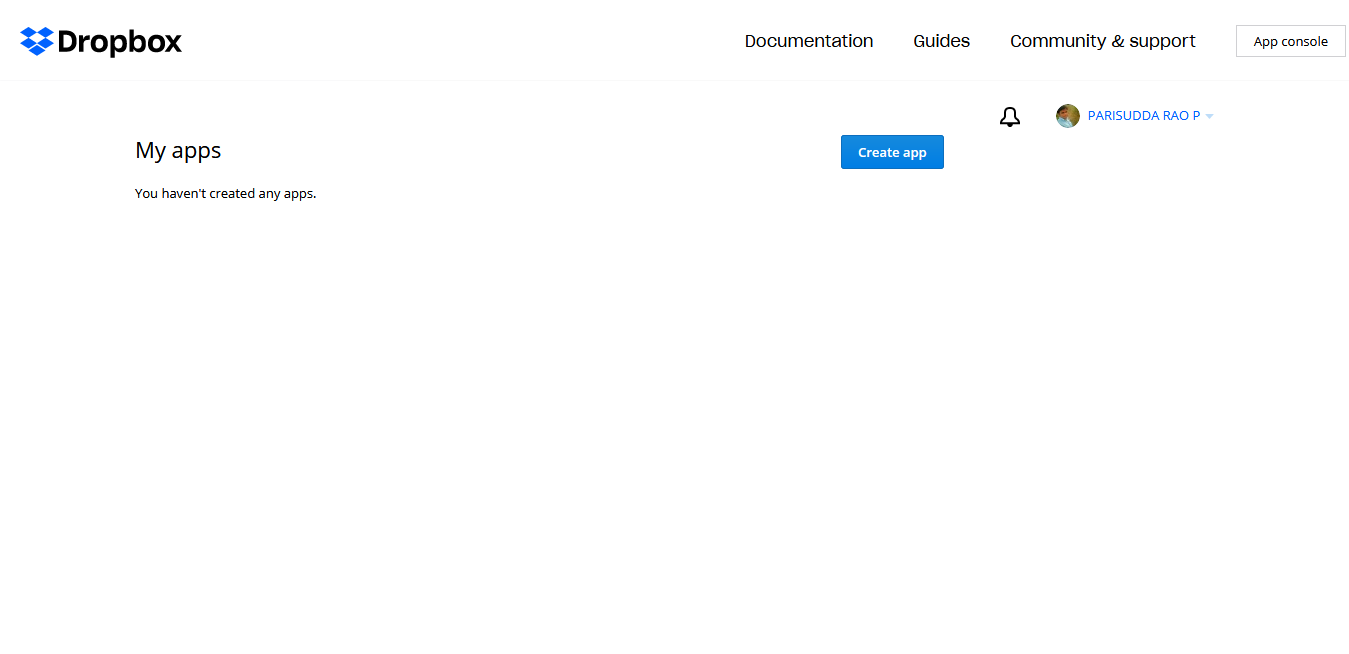
Click Create app button.
-
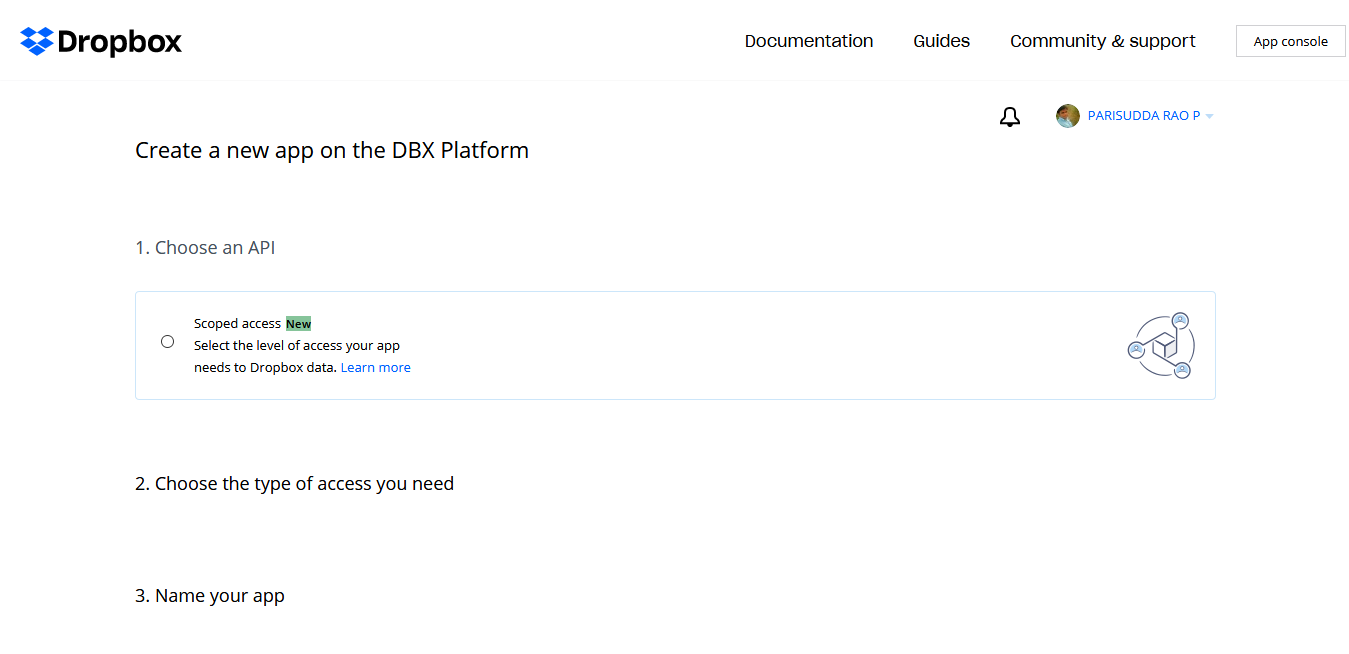
Click Scoped access radio button.
-
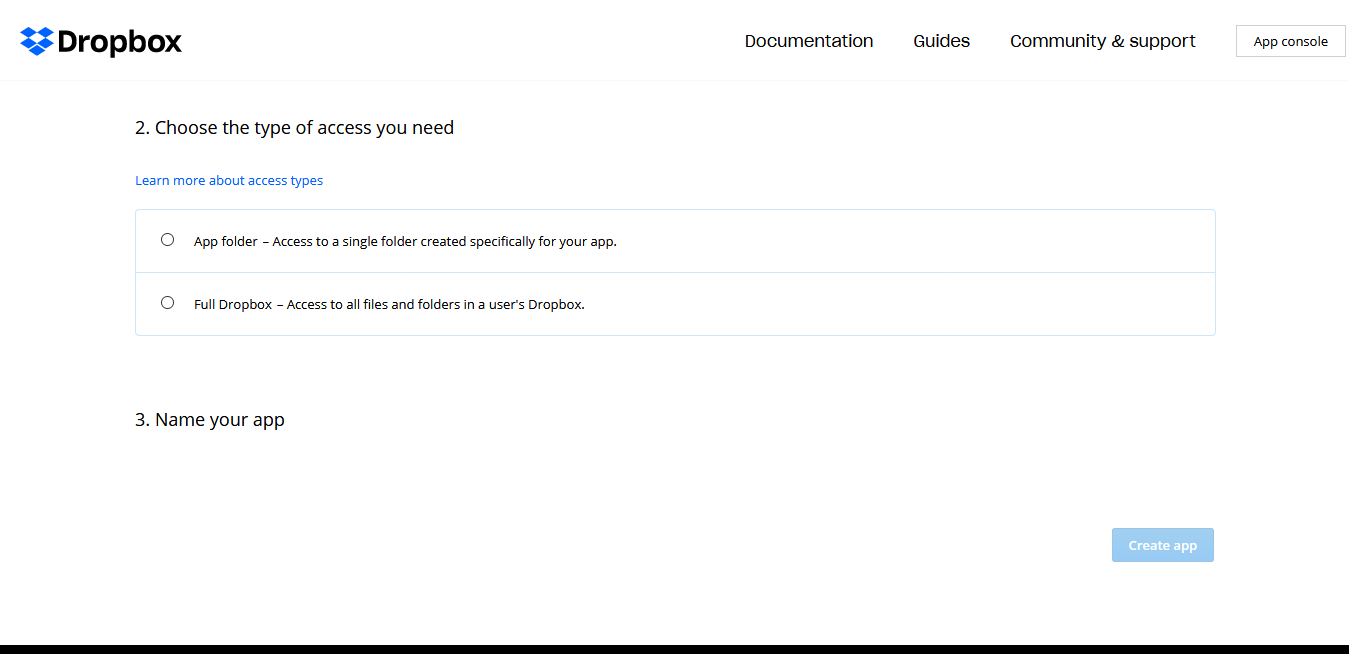
Click Full Dropbox button.
-
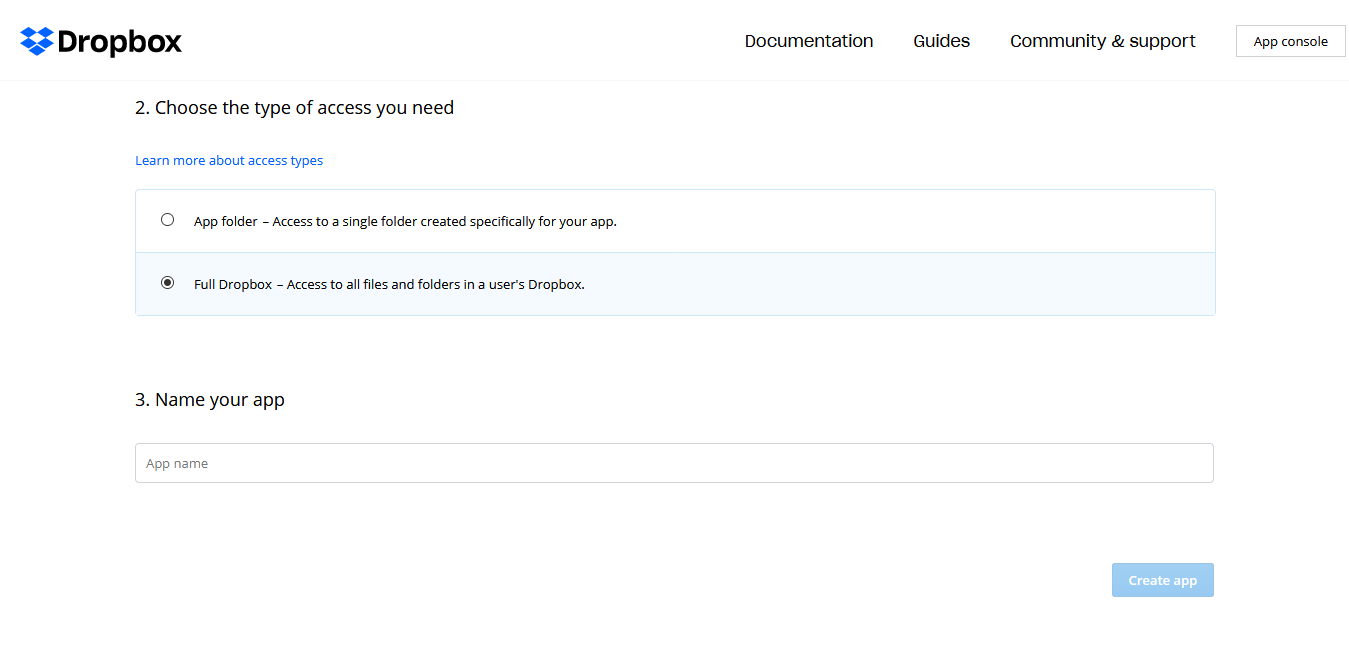
Enter a name for the app in the App name textbox.
-
Click Create app button.
The application configuration page appears.