

Create an Integration Configuration
To create an integration configuration, follow the steps below.
-
Go to .
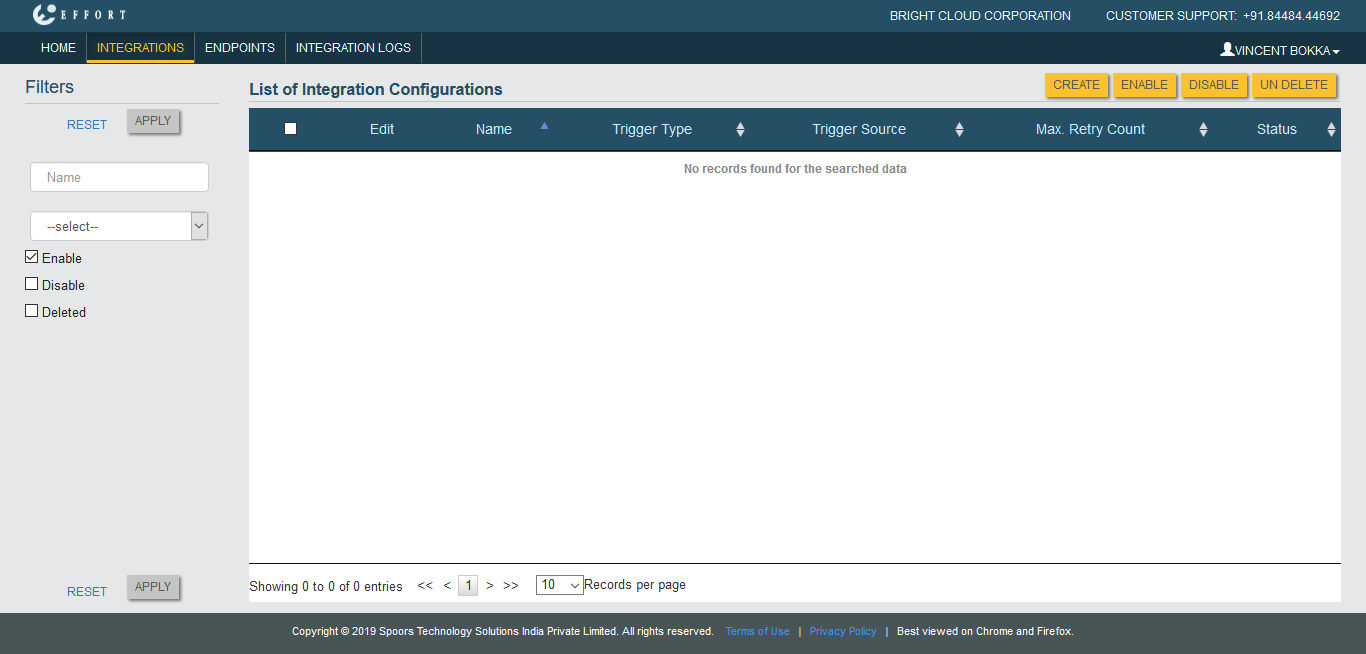
The List of Integration Configurations page appears.
-
Click Create button.
-
Configure the mandatory fields.
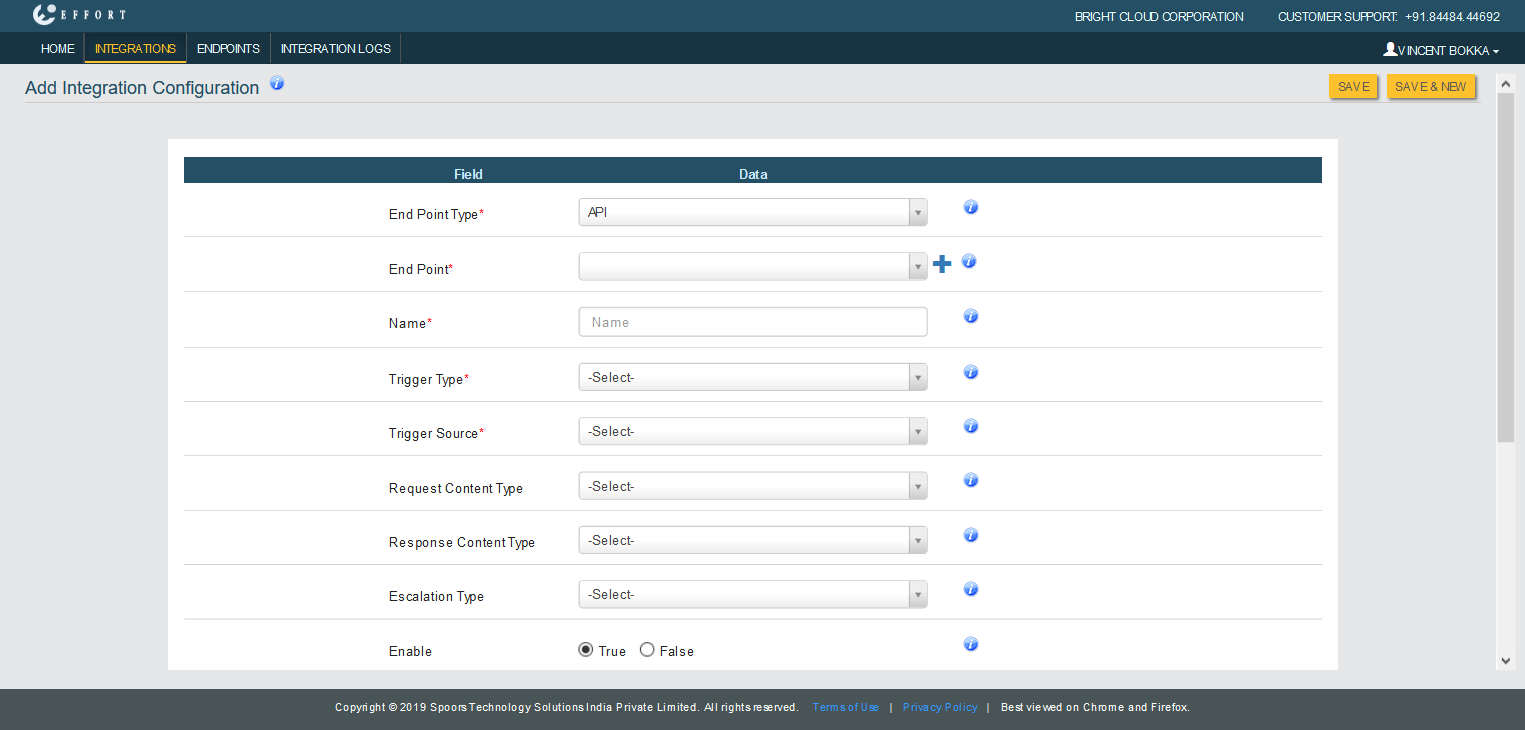
Refer to Related Information provided at the bottom to know more about the configuration fields. - Click Save or Save & New to save and add another configuration.