

Create a Project in Google Developer Console
To create a project in Google developer console, follow the steps below.
- Log in to Google Developer Console with below URL.
-
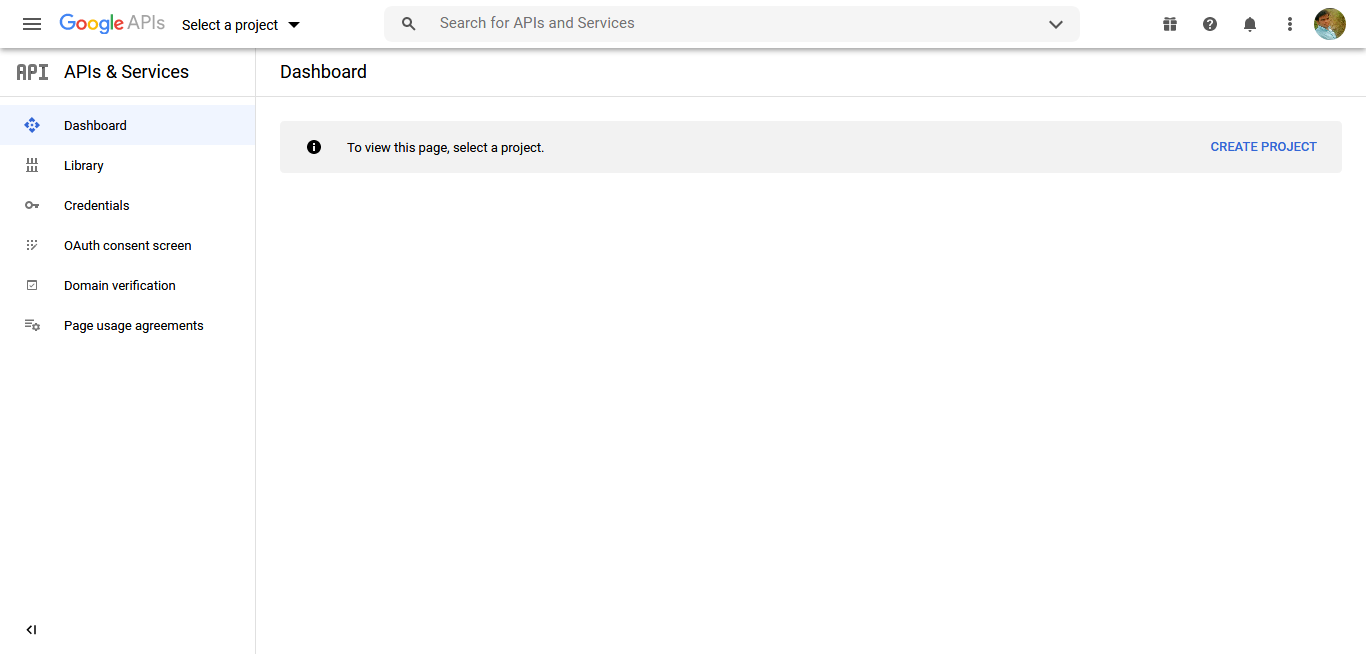
Click Select a project dropdown located on top of the
page.
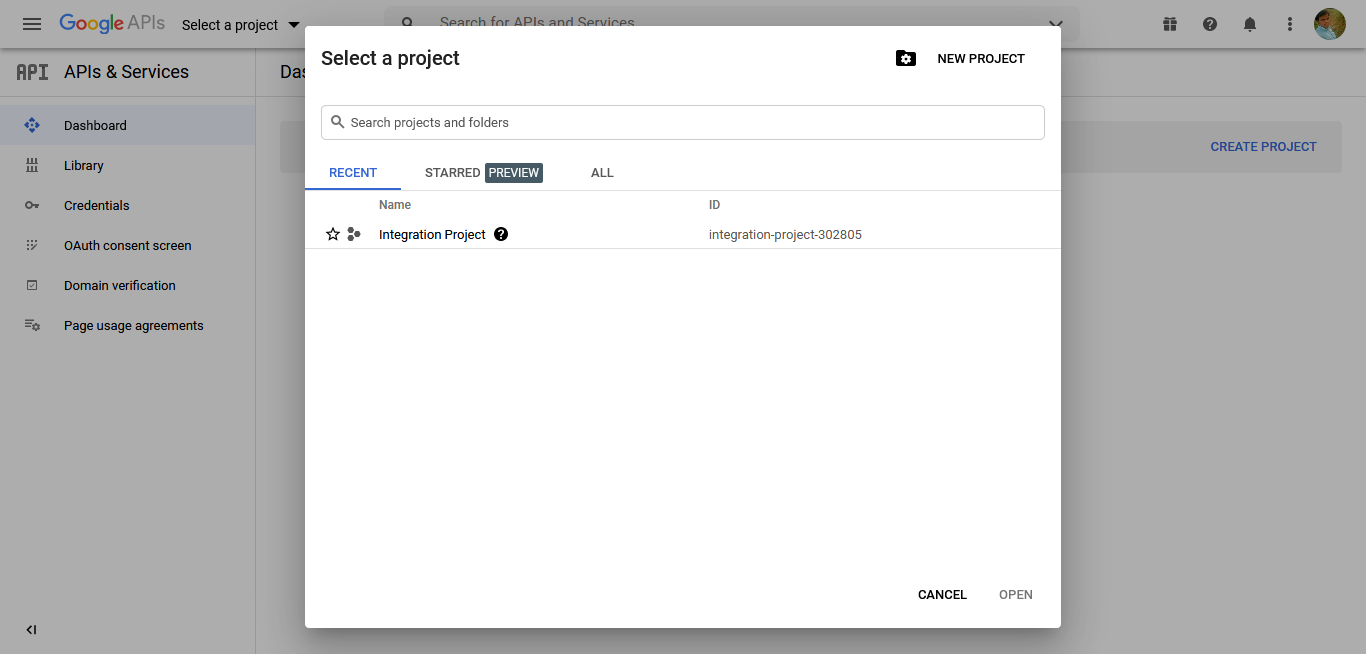
The Select a project pop-up appears.
-
Click New Project button on the pop-up window.
-
Enter a name to the project in the Project name
textbox.
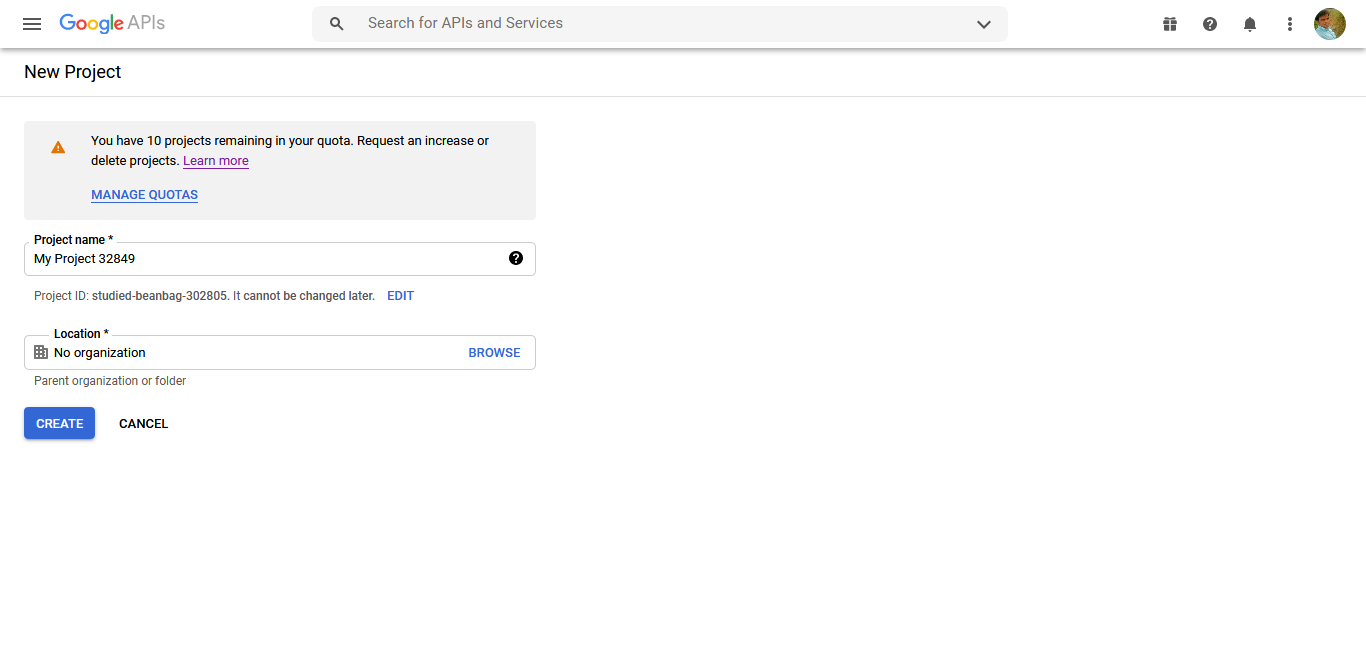
- Click Create button.