

Create an Endpoint for Excel or CSV Integration
To create an endpoint for excel or CSV integration, follow the steps below.
-
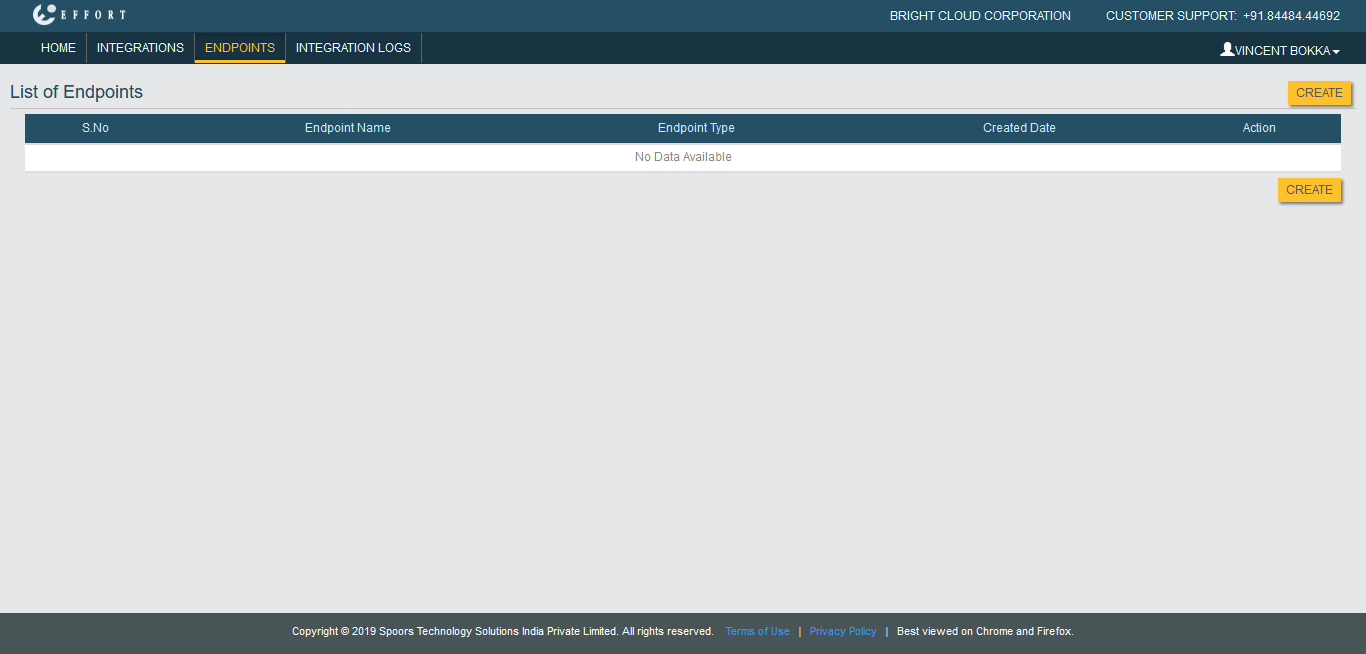
Go to .
The List of Endpoints page appears.
-
Click Create button located on the top right
corner.
-
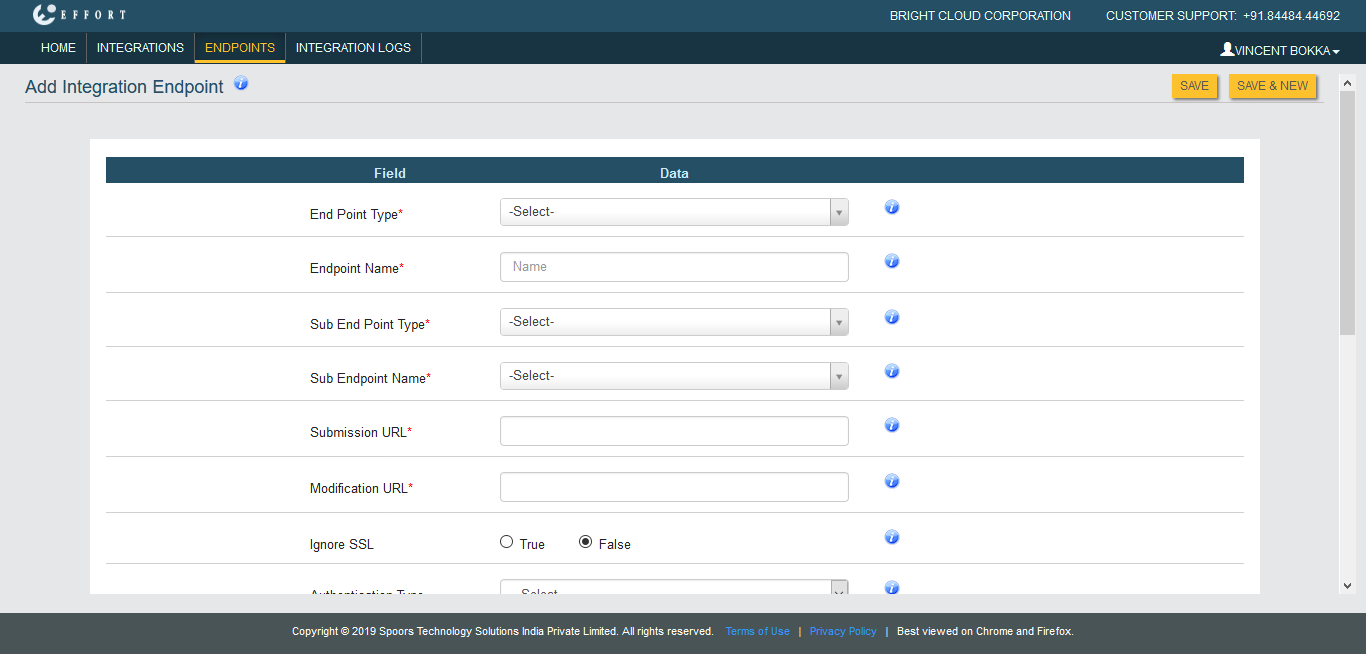
Select Excel or CSV in the
End Point Type dropdown as per your
requirement.
-
Enter the details in the below mandatory fields.
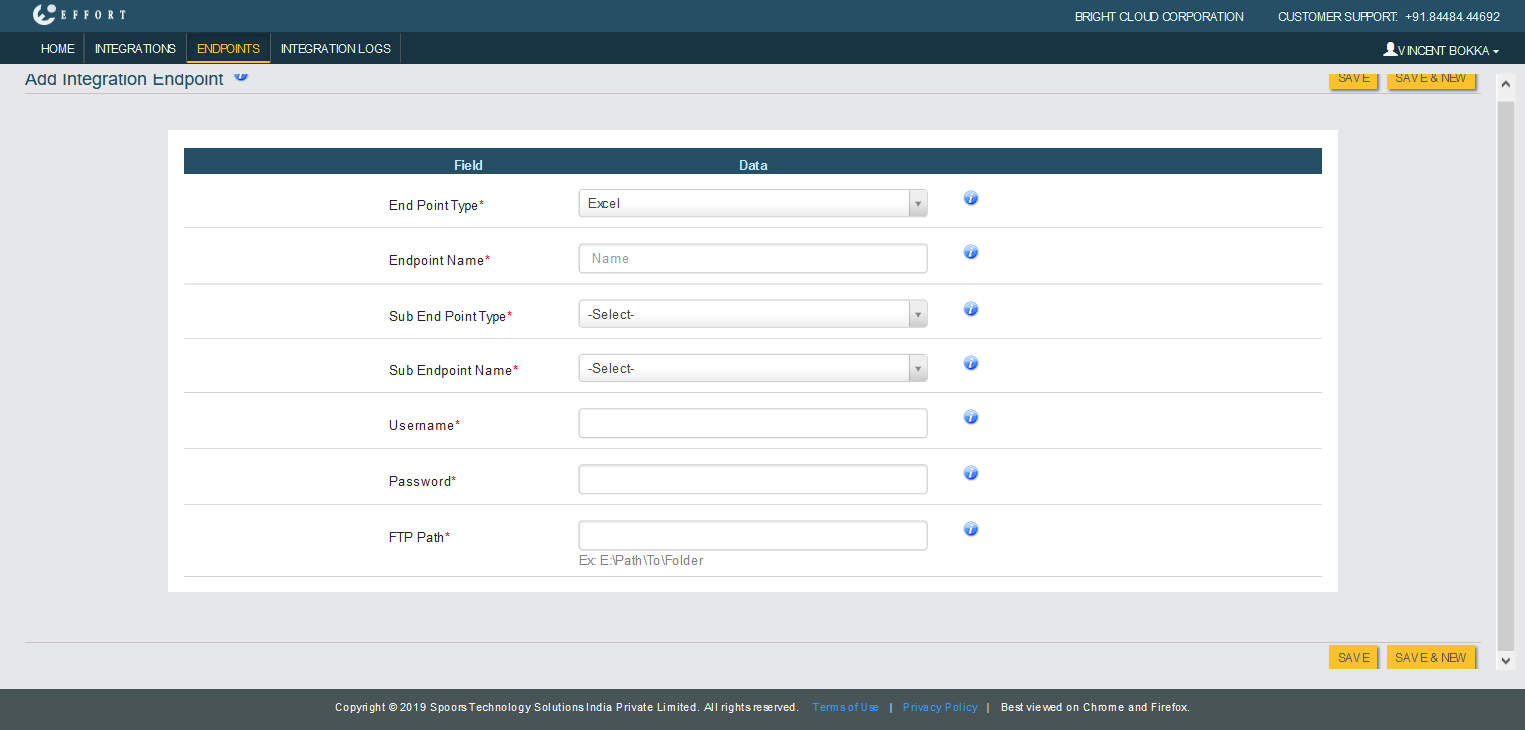
- Endpoint Name
- Sub End Point Type
- Sub Endpoint Name
- Username
- Password
- FTP Path
Refer to Related Information provided at the bottom to know more about the above configuration fields.
- Click Save.